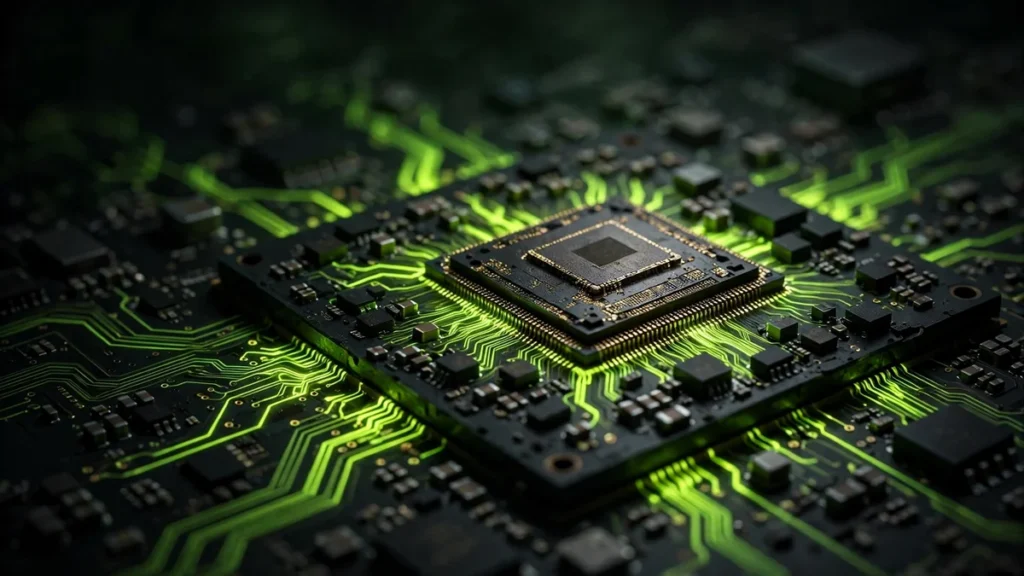
RAM explained in plain terms means random access memory, the fast, short-term memory your computer uses to hold whatever it is working on right now. The central question is why a computer needs two kinds of memory at all, and the short answer is speed: the processor works far too quickly to wait on a disk, so it keeps its current work in RAM, where it can reach any piece of it in nanoseconds.
Think of a desk. The storage drive is the filing cabinet down the corridor, holding everything you own, while RAM is the surface of the desk itself, holding only the papers you are using today. A bigger desk lets you spread out more work at once, but when you switch off the light and go home, the desk is cleared, and tomorrow you start again.
That clearing is the defining feature of RAM: it is volatile, which means it forgets everything the moment the power goes. That sounds like a flaw, but it is a trade-off, and it is what makes RAM so fast. Without the need to remember anything permanently, its circuits can be built for pure speed, and they are.
Key takeaways
- RAM is your computer’s short-term memory, holding whatever it is working on right now.
- It is volatile, so everything in RAM is lost when the power goes off.
- RAM is far faster than storage, which is why the processor uses it as its working space.
- More RAM helps with multitasking and heavy apps; it rarely makes a single simple task faster.
- Most modern computers use DDR4 or DDR5 memory, fitted as sticks called DIMMs.
What RAM is
RAM is the memory a computer uses to hold data and instructions that are in active use. When you open a web browser, edit a document, or play a game, the relevant data is copied from storage into RAM, where the processor can reach it almost instantly. Close the program, and that space is freed for something else.
The memory in almost every computer is DRAM, dynamic random access memory, built from tiny capacitors that store each bit as an electrical charge. Those capacitors leak, so the memory must be refreshed thousands of times a second to keep its contents, which is where the word dynamic comes from. A faster, more expensive cousin called SRAM, static RAM, needs no refreshing and is used in small quantities as cache memory inside the processor itself.
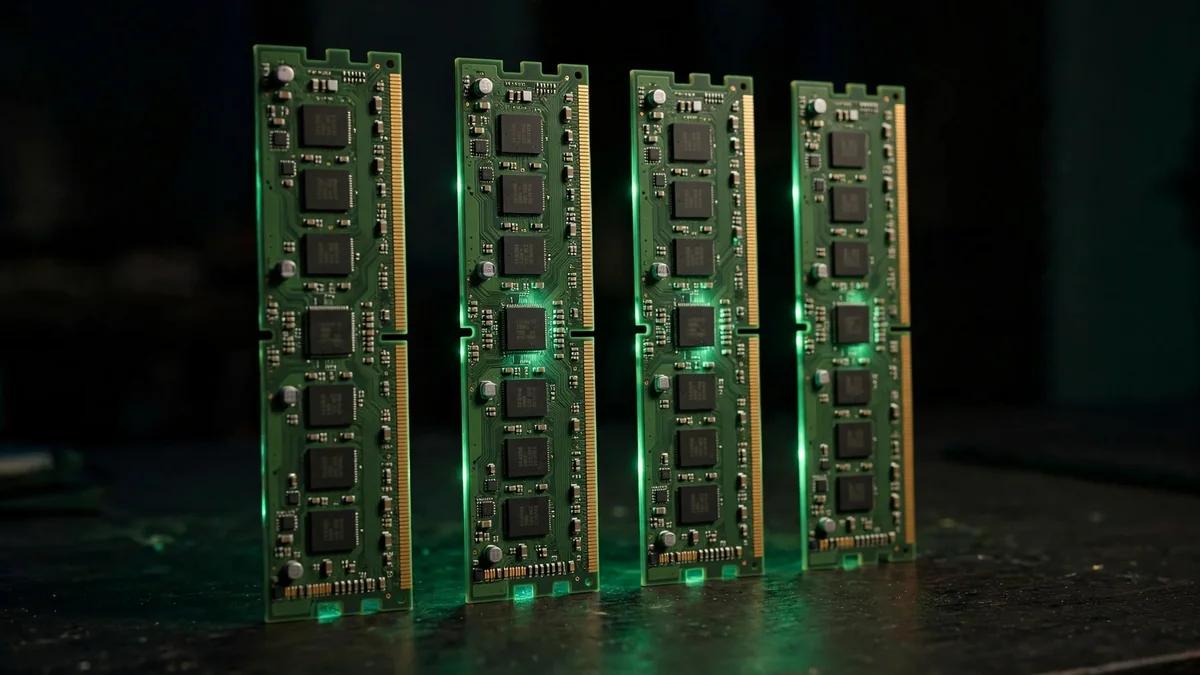
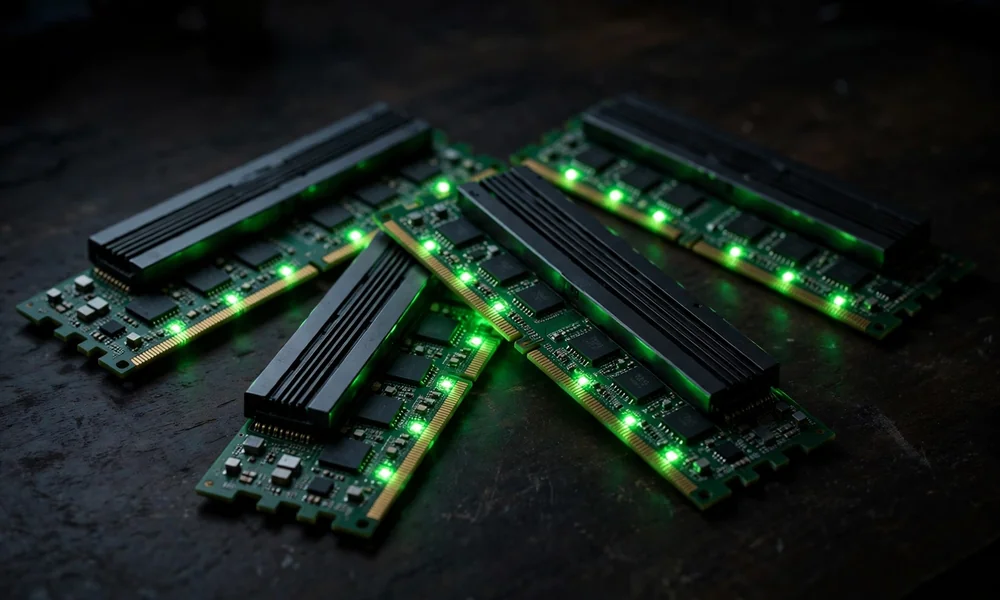
RAM comes as sticks, known as modules, that slot into a motherboard. Desktop computers use full-size DIMMs, while laptops and small machines use shorter SO-DIMMs. Modern modules hold 8, 16, or 32 gigabytes each, and a typical desktop or laptop ships with 16 gigabytes, enough for everyday work, browsing, and light creative tasks. The memory generation matters too: DDR5 is the current standard, succeeding DDR4, and the two are physically different, so a DDR5 stick will not fit in a DDR4 slot. Our guide to SSDs explains the other half of the memory picture, the permanent storage that feeds RAM and catches its work when the power goes off.
How RAM works
When the processor needs a piece of data, it asks for it by address, and RAM delivers it directly, no matter where it sits. That is what random access means: unlike a tape or a disk, where finding data can mean waiting for the right part to rotate into place, every address in RAM is equally quick to reach. That random access is the reason RAM feels instant, and it is the reason it is built the way it is.
Inside, RAM is organised as a grid of rows and columns, and each cell holds one bit. The memory controller, usually built into the processor, sends a row address and then a column address to locate the cell, and the data moves across the memory bus. The bus width and the transfer rate together set how much data can flow each second, which is why memory speed is quoted in megatransfers per second rather than gigahertz alone.
Speed is also shaped by latency, the delay between asking for data and receiving it. Latency is quoted as a series of timings, and lower numbers are better, but for most users the headline figure that matters is the transfer rate. Modern memory can move tens of gigabytes per second, which is why a processor can juggle dozens of open browser tabs and applications without stalling. When RAM does fill up, the operating system starts using part of the storage drive as overflow, called virtual memory, and everything slows down sharply, because even the fastest SSD is far slower than RAM.
Comparing RAM with storage
The most common confusion about memory is the difference between RAM and storage, and it matters, because they do opposite jobs. RAM is fast and forgetful, storage is slow and permanent, and a computer needs both. Knowing which one is full tells you whether to buy more memory or a bigger drive.
| Aspect | RAM | Storage |
|---|---|---|
| Job | Holds active work in progress | Keeps files permanently |
| Speed | Very fast, nanosecond access | Much slower, even on an SSD |
| When power is off | Everything is lost | Everything is kept |
| Capacity | Typically 8 to 64 gigabytes | Typically 256 gigabytes to several terabytes |
| Cost per gigabyte | Far higher | Far lower |
Where RAM is used
Every computer has RAM, from the cheapest laptop to the largest supercomputer, and the amount scales with the job. A basic laptop gets by on 8 gigabytes, a comfortable desktop uses 16, and a machine for video editing, 3D rendering, or scientific work may carry 64 gigabytes or more. Servers go far beyond that, with hundreds of gigabytes or even terabytes, because they serve many users at once.
Phones and tablets have RAM too, though it is soldered to the board rather than fitted as removable sticks, and it is shared between the processor and the graphics. That sharing is why a phone with too little memory starts reloading apps every time you switch between them: there simply is not room to keep them all open. Game consoles work the same way, with a single pool of fast memory shared by everything.
Graphics cards carry their own memory, called VRAM, which is a specialised form of RAM tuned for the enormous, parallel workloads of rendering images. It sits on the card itself, close to the graphics processor, and it is one of the reasons a dedicated graphics card outperforms integrated graphics, which must borrow from the computer’s main RAM. Our guide to GPUs explains how graphics processors use that memory, and why more VRAM matters most at higher resolutions.
Strengths and limits
The greatest strength of RAM is its speed. Nothing else in a computer comes close to its combination of random access and high bandwidth, and it is the reason a computer with enough memory feels responsive: the processor is never left waiting for data it needs right now. Adding RAM is also one of the cheapest and simplest upgrades available, and it can transform an older machine that is constantly running out of memory.
Its limits start with volatility. Because RAM forgets everything when the power goes, it can never replace storage, and any unsaved work lives or dies with it. It is also expensive per gigabyte compared with storage, which is why computers carry far less of it, and why the amount installed is always a compromise between cost and comfort.
Capacity has practical ceilings, too. A motherboard has a limited number of slots, and each slot has a maximum size, so there is a point beyond which no more memory can be added. More RAM also stops helping once the workload fits comfortably: doubling memory on a machine that never fills its existing RAM will change nothing, and the money is better spent elsewhere.
RAM checklist
- Check how much RAM your computer has before assuming it needs more.
- For everyday use, 16 gigabytes is the comfortable amount in 2026.
- Choose 32 gigabytes or more for video editing, 3D work, or heavy multitasking.
- Match the generation to your motherboard: DDR4 and DDR5 sticks are not interchangeable.
- Buy memory in matched pairs to enable dual-channel mode, which doubles bandwidth.
- If your computer slows down with many apps open, low RAM is the first suspect.
- Save your work often: RAM forgets everything when the power goes off.
- Check whether your laptop’s RAM is soldered before planning an upgrade.
- Do not pay for more RAM than your workload can use; the extra will sit idle.
Frequently asked questions
What is RAM?
RAM is random access memory, the fast, temporary memory your computer uses to hold data and programs that are currently in use. It is volatile, so it forgets everything when the power is switched off.
How much RAM do I need?
For everyday browsing, documents, and streaming, 8 gigabytes is workable and 16 gigabytes is comfortable. For video editing, gaming, or running many heavy apps at once, 32 gigabytes is a sensible choice.
Will more RAM make my computer faster?
Only if your computer is currently running out of memory. If it is not, extra RAM will sit unused and change nothing. Check your memory usage during your heaviest work before buying more.
What is the difference between RAM and ROM?
RAM is temporary working memory that forgets everything without power, while ROM is permanent memory that keeps its contents, used to store the small programs that start a computer up. They do opposite jobs and are not interchangeable.
Can I add more RAM to my laptop?
Sometimes. Many laptops have slots for extra memory, but many modern ones have RAM soldered to the motherboard, which cannot be upgraded. Check your model’s specifications before buying anything.
What is dual-channel RAM?
Dual-channel means the memory controller uses two sticks at once, doubling the bandwidth between RAM and the processor. Matched pairs of identical sticks enable it, and it gives a real performance improvement in memory-heavy work.
The bottom line
RAM explained in one line is this: random access memory is your computer’s fast, short-term working space, holding whatever the processor needs right now and forgetting it all when the power goes off.
Get enough of it for the work you actually do, keep it matched and in pairs, and remember that storage, not memory, is where your files live. With that understood, the desk, the filing cabinet, and the whole machine make sense.
This article is general information about how random access memory works, not advice about which memory suits a particular computer.