Linux explained simply is this: Linux is a free, open-source operating system that sits between a computer’s hardware and the programs people run on it, managing memory, files, and the processor so that everything else can work. It began as one student’s personal project in 1991 and grew, through open collaboration, into the system that runs phones, servers, and tiny computers all over the world.
The central question most people ask is whether Linux is a single product you buy and install, and the answer is no. Linux is a kernel, the core of an operating system, and that kernel is combined with other software to make complete systems called distributions, each aimed at a different kind of user. Some distributions are polished desktops for everyday computing, while others are stripped-down systems built to run a web server or a pocket-sized computer.
This guide explains what Linux is, how it works under the surface, where it is used, and what its strengths and limits are. It keeps the technical detail to what a curious reader needs, and it avoids assuming any prior knowledge of programming or system administration.
Key takeaways
- Linux is an open-source operating system kernel, first released by Linus Torvalds in 1991.
- A complete Linux system pairs the kernel with other software to form a distribution, such as Ubuntu, Debian, or Fedora.
- Linux runs on an enormous range of hardware, from tiny single-board computers to large servers.
- Its open licence lets anyone inspect, modify, and share the source code.
- Linux is free to use, but learning its command line takes time for new users.
What Linux is
Linux is the kernel at the heart of an operating system. The kernel is the part that talks directly to the hardware: it decides which program gets processor time, how memory is shared out, and how data moves to and from disks and networks. Without a kernel, applications would have no safe or orderly way to use the machine they run on, so every general-purpose computer needs one, whether it is visible to the user or not.
The name Linux strictly refers to that kernel, although in everyday speech people use it to mean the whole operating system built around it. The kernel was created by Linus Torvalds, a student at the University of Helsinki, who released the first version in 1991 and invited others to help improve it.
Much of the software that surrounds the kernel comes from the GNU project, which had been building free tools for a complete operating system since the 1980s. The combination is released under open licences, most famously the GNU General Public Licence, which guarantees that anyone may study the source code, change it, and pass their version on to others.
A distribution, often shortened to distro, is a ready-made package of the kernel plus GNU tools, a desktop environment, applications, and an installer. Ubuntu, Debian, Fedora, and Arch Linux are well-known examples, and each makes different choices about how new the software should be, how much is set up in advance, and who the system is aimed at. Choosing a distribution is therefore less about choosing Linux itself and more about choosing the flavour of Linux that suits a particular job.
How Linux works
When a Linux computer starts, a small boot program loads the kernel into memory, and the kernel then sets up the hardware, mounts the file system, and starts the first user-space process. From that point on, the kernel stays in charge, switching rapidly between running programs so that several tasks appear to happen at once, even on a machine with a single processor core.
The file system is organised as a single tree starting at the root directory, with system files, user files, configuration, and devices all given places in that tree. Permissions control who can read, write, or run each file, and ordinary users work with limited powers, which helps to contain mistakes and malicious software.
Most administration and automation in Linux happens through the command line, in a program called a shell. Typing a short command can install software, copy thousands of files, or check a server’s health in seconds, and commands can be chained together or saved as scripts for repeated use. Graphical desktops are available for everyday tasks, but the shell remains the fastest route for many technical jobs, which is one reason Linux skills are valued in computing work.
Software on Linux is usually installed through a package manager, which fetches tested programs from a distribution’s repositories and keeps them updated. Rather than downloading installers from scattered websites, a user asks the package manager for a program by name, and it resolves the dependencies that program needs.
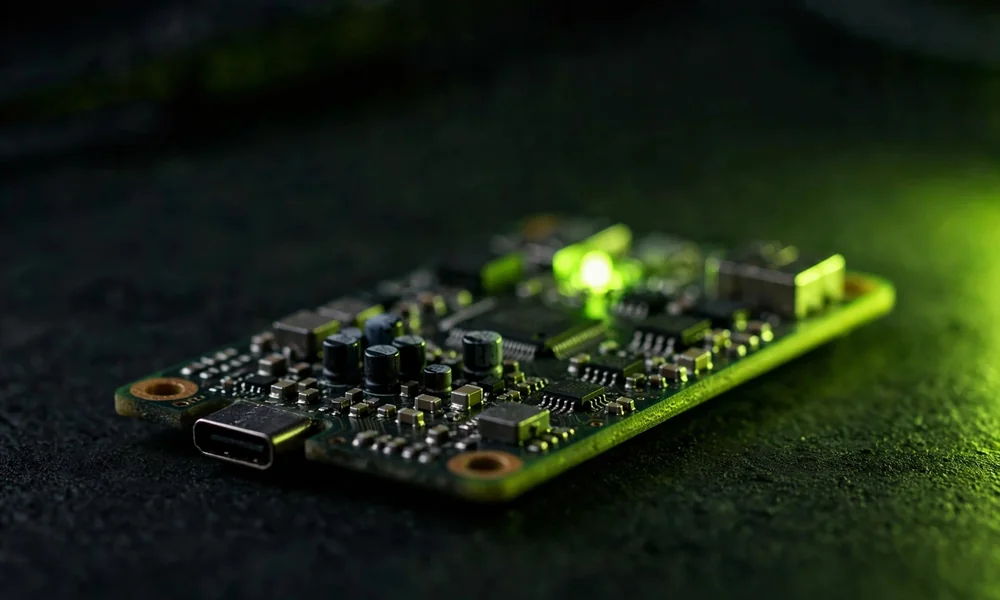
Linux is also built to be customised at a deep level. Because the source code is open, engineers can remove parts they do not need and add parts they do, producing a system that fits hardware as small as a router or as large as a data centre. That flexibility is a large part of why the same kernel can power a smart television, a web server, and a scientific computer, each running a very different set of software on top.
Comparing Linux with other operating systems
The clearest way to understand Linux is to set it beside the systems most people already know, since each makes a different trade between ease of use, cost, control, and the hardware it supports.
| Aspect | Linux | Windows and macOS |
|---|---|---|
| Cost and licence | Free and open source | Paid or tied to hardware |
| Source code | Open for anyone to inspect | Closed and proprietary |
| Hardware range | Very wide, old and new | Narrower, mainly current models |
| Customisation | Deep, down to the kernel | Limited to settings and apps |
| Learning curve | Steeper for beginners | Gentler for everyday users |
Where Linux is used
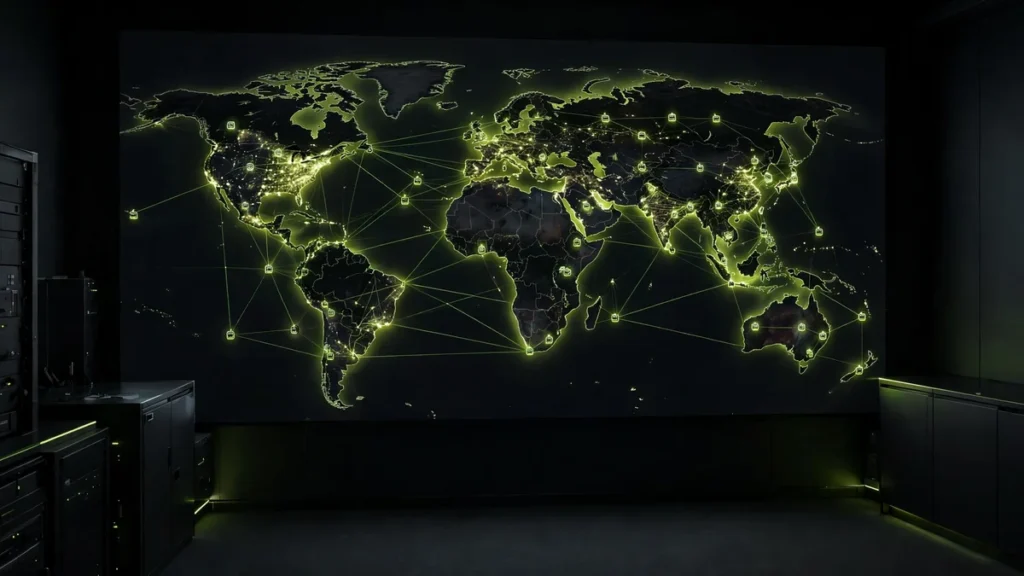
Linux is most visible, paradoxically, where it is least noticed: on servers. The computers that serve websites, store files, and run cloud services very often run Linux, because it is stable, efficient, and easy to automate at scale. When a website answers thousands of requests a second, the system behind it is frequently a Linux server running in a data centre, quietly doing its job with no screen attached.
On the desktop, Linux is a smaller presence, but it has a loyal following among developers, students, and people who want to revive older hardware. A lightweight distribution can make an ageing laptop feel usable again, and the wide choice of desktop environments means users can pick an interface that feels familiar or one that stays out of the way.
Linux also powers a huge number of devices that do not look like computers at all. The Android operating system used by many phones is built on the Linux kernel, and the same core runs smart televisions, routers, and in-car systems. A Raspberry Pi explained guide shows one of the friendliest ways into this world, since these small, low-cost boards run Linux and are widely used for learning, home projects, and prototypes.
Developers rely on Linux for modern software practice in other ways too. Containers explained in a companion guide shows how applications are packaged to run identically on a laptop and a server, and Linux provides the features that make that packaging possible. Likewise, a version control explained guide describes how teams track changes to code, and the most widely used version control tool was created by the same person who created Linux.
Strengths and limits
The greatest strength of Linux is its openness. Because the source code can be read by anyone, faults can be found and fixed by a large community rather than a single company, and users are never locked into one vendor’s decisions.
Stability and efficiency are close behind. Linux systems can run for long periods without a restart, use modest amounts of memory, and keep working well on hardware that other systems have left behind. For servers and embedded devices, where reliability matters more than a polished interface, those qualities are often decisive, and they are a large part of why Linux became the default choice in data centres.
The limits are real, though, and they mostly affect everyday desktop users. Some commercial software and games are not released for Linux, and some specialist hardware needs extra work before its drivers behave properly. A new user who is used to a particular application may find that the Linux alternative works differently, or that a feature they rely on is missing, and that friction is enough to send many people back to a system they already know.
Support is the other trade-off. There is no single company to call when something goes wrong, although paid support is available from several distribution vendors, and community forums and documentation are extensive.
Linux checklist
- Decide what the computer is for before choosing a distribution.
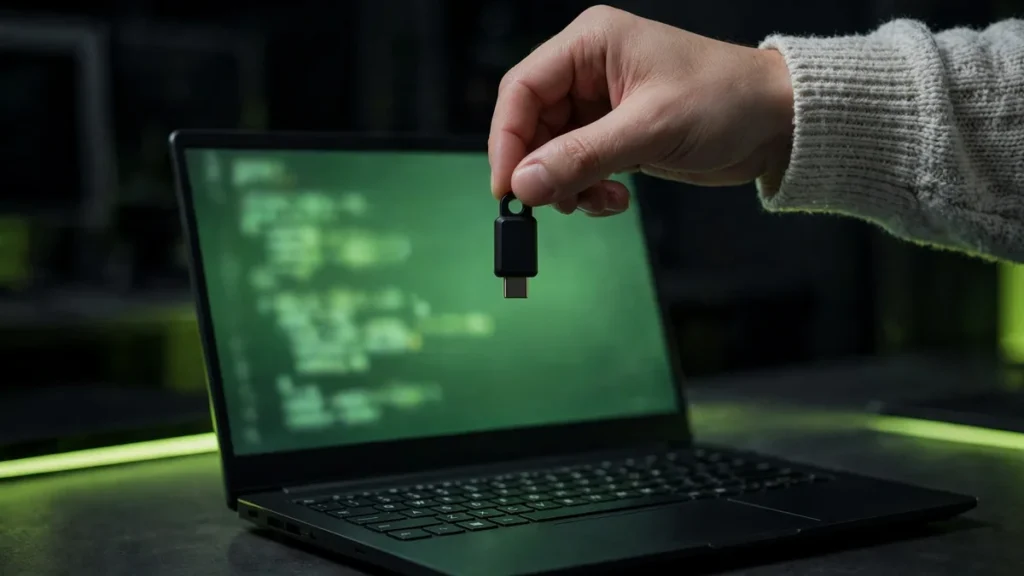
- Try a live version from a USB stick before installing anything.
- Back up personal files before changing an operating system.
- Start with a beginner-friendly distribution such as Ubuntu or Fedora.
- Learn a few shell commands for files, updates, and finding help.
- Use the package manager instead of downloading installers at random.
- Keep the system updated so security fixes arrive promptly.
- Check that printers, Wi-Fi, and other hardware work before committing.
- Ask in community forums with the exact error message when stuck.
Frequently asked questions
Is Linux free to use?
Yes, Linux itself is free to download and use, and most distributions are free as well, although some vendors sell paid support and services alongside the free software.
Is Linux hard to learn?
The basics are not hard, since modern distributions offer familiar desktops, but the command line and the range of choices take time, so new users should expect a learning curve.
Can Linux run the programs I already use?
Many everyday programs have Linux versions or good alternatives, but some commercial software is not released for Linux, so it is worth checking the specific programs you need first.
Is Linux safe from viruses?
No system is fully safe, but Linux is a smaller target for common malware, and its permission model and regular updates help to limit the damage when something goes wrong.
What is the best Linux distribution for a beginner?
Ubuntu and Fedora are popular starting points because they are well documented, widely supported, and come with a polished desktop ready to use.
Can I try Linux without removing my current system?
Yes, most distributions can run from a USB stick or alongside an existing system, so you can try Linux properly before deciding whether to install it.
The bottom line
Linux is an open-source kernel that, together with free software, forms a family of operating systems running everything from pocket-sized boards to the servers behind the web. Its strength lies in openness, stability, and flexibility, and its main weakness is that it asks more of beginners than the commercial systems most people grow up with.
For anyone curious about how computers really work, Linux is an excellent place to start, because it rewards exploration and never hides its workings behind a locked door.
This article is general information about how Linux works, not advice about which operating system you should choose for your own computer or business.