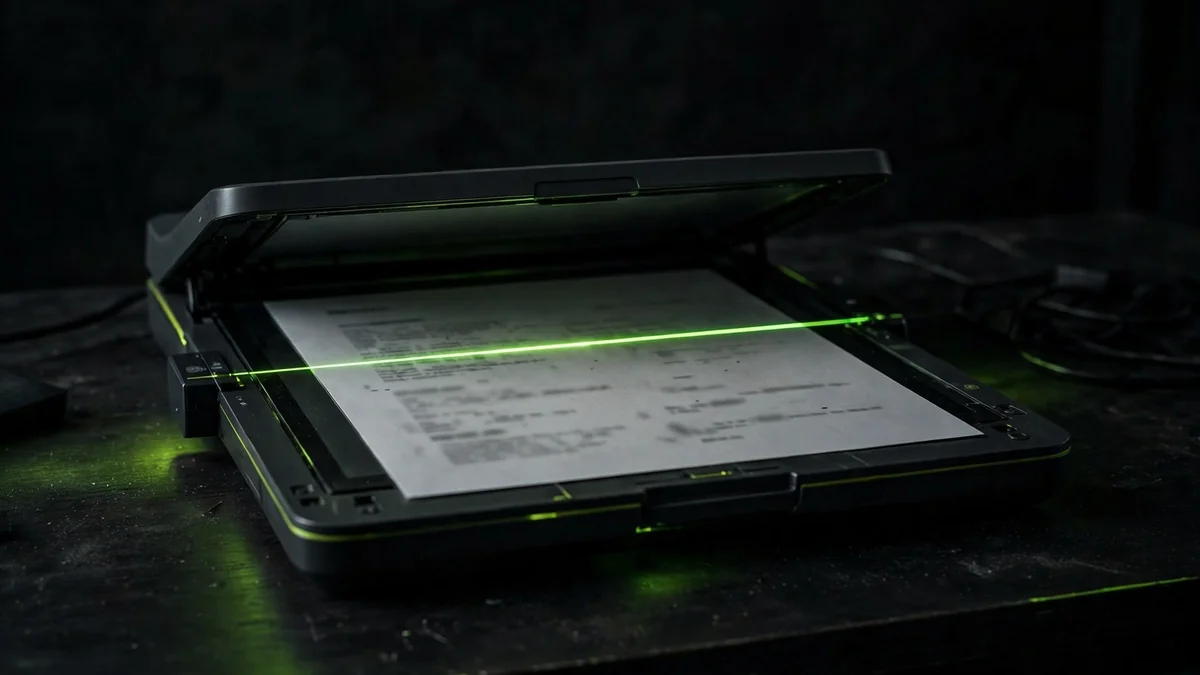
Optical character recognition explained in plain terms means teaching a machine to look at text in an image and turn it into words a computer can read, search, and edit. The central question is how software can make sense of printed pages, handwritten notes, and photographed signs, and the short answer is that it finds the shapes of letters in a picture, works out which character each shape represents, and assembles those characters into digital text.
When a phone scans a receipt, a scanner turns a paper form into an editable document, or a search engine finds words inside a photographed page, optical character recognition is doing the work behind the scenes.
Understanding how it works matters because so much information still begins on paper. Invoices, medical records, historical archives, and legal files often exist only as printed or handwritten documents, and without a way to convert them, that information cannot be searched, analysed, or shared easily.
Key takeaways
- Optical character recognition, usually called OCR, converts text in images into machine-readable digital text.
- Modern OCR works in stages: it cleans up the image, finds lines and words, recognises each character, and then checks the result against language patterns.
- Printed text in a clear font is recognised with very high accuracy, while handwriting and poor-quality images are harder.
- OCR powers everyday tools, from scanning receipts and business cards to digitising libraries and reading number plates.
- The output is rarely perfect, so important documents still need a human check before the text is trusted.
What optical character recognition is
Optical character recognition is a technology that extracts text from images. The input is a picture, perhaps a scanned page, a photograph of a whiteboard, or a screenshot, and the output is a string of characters that a computer can store, search, and edit. The letters in the image stop being mere patterns of light and dark pixels and become real text.
The idea is older than most people expect. Early machines for reading printed characters were built in the first half of the twentieth century, mainly to help blind people read and to automate the sorting of mail. Modern software, by contrast, can handle many fonts, several languages, and even handwriting.
Today, optical character recognition is usually one part of a larger system rather than a standalone product. It sits inside document scanners, phone cameras, email services, and cloud platforms, quietly converting images into text whenever it is needed. Our guide to computer vision describes the wider field of teaching machines to understand images, of which reading text is one of the most useful applications.
It is worth distinguishing OCR from simply taking a picture of a document. A photograph of a page stores the words as pixels, so a computer cannot search for a name inside it or copy a sentence out of it. OCR adds a layer of understanding, producing text that behaves like any other digital text, ready to be searched, translated, or read aloud.
How optical character recognition works
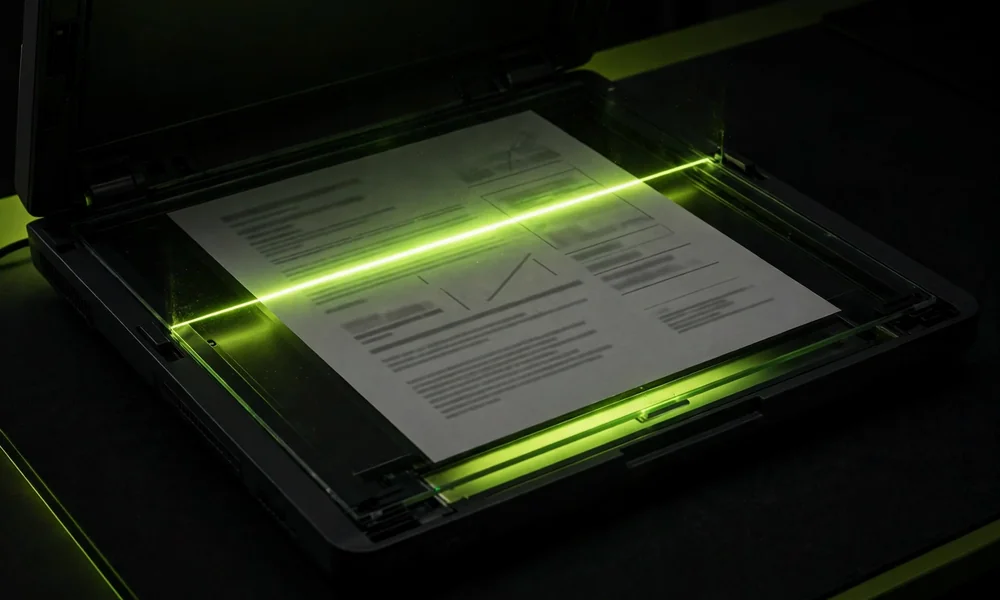
The process begins before any letter is recognised. The software first prepares the image, turning it to black and white, straightening any tilt, and removing specks, shadows, and smudges. This cleaning stage matters, because a faint or crooked page is far harder to read.
Next, the system analyses the layout of the page. It finds blocks of text, separates columns, and identifies individual lines and words. This step is harder than it sounds, because real documents contain headings, tables, pictures, and footnotes, and the software must work out which parts are text and in what order they should be read.
Then comes the core task: recognising characters. Older systems compared each letter shape against a library of stored patterns, a method called template matching, which worked well for a single clean font but failed on anything else. Modern systems use machine learning instead. A neural network trained on millions of examples learns the features that distinguish one character from another, such as curves and the gaps between strokes. Our guide to machine learning explains how such models learn from examples rather than from fixed rules.
Recognition does not stop at single letters. The software also uses context to correct its guesses, much as a human reader does. If it is unsure whether a shape is the letter O or the number 0, the surrounding letters help it decide, and a language model can suggest the most likely word. A string that looks like “he11o” is corrected to “hello” because the second reading is a real word and the first is not.
Finally, the system assembles the recognised characters into text and often records where each word sits on the page. This position information lets a search tool highlight the matching word in the original image and lets a converter rebuild the layout of the page. The result is then checked against a dictionary or a language model, and uncertain words may be flagged for a human to review.
Comparing OCR approaches
Not all optical character recognition works the same way. The earliest methods relied on fixed templates, while modern systems rely on trained neural networks, and each approach suits different kinds of material. The table below compares the main approaches.
| Approach | How it recognises text | Best for |
|---|---|---|
| Template matching | Compares each shape with stored pictures of letters | A single clean font in a controlled setting |
| Feature extraction | Measures lines, curves, and stroke patterns in each character | Several printed fonts with consistent quality |
| Neural networks | Learns letter shapes from millions of training examples | Mixed fonts, varied layouts, and noisy images |
| Handwriting recognition | Models whole words and writing styles, not single letters | Notes, forms, and historical manuscripts |
| Cloud OCR services | Combines neural models with language correction at scale | Large archives and many languages at once |
Where optical character recognition is used
One of the largest uses is in offices and archives, where paper records are converted into searchable digital files. Banks scan cheques and loan applications, hospitals digitise patient records, and libraries scan books and newspapers so that researchers can search centuries of material in seconds.
Everyday life offers smaller examples. A phone camera can scan a receipt for an expenses claim, read a business card into a contacts list, or translate a foreign street sign in real time. Accessibility tools use OCR to read printed text aloud for people with low vision, turning a printed letter into spoken words or a refreshable braille display.
Transport and logistics depend on it too. Automatic number plate recognition reads the plates of passing vehicles for tolls, parking, and traffic enforcement, while parcel depots read labels and postcodes to route millions of packages.
OCR also supports other artificial intelligence systems. It turns printed documents into text that language models can then summarise, translate, or answer questions about, which is why it is often the first step in a longer pipeline. Our guide to natural language processing explains what happens once text has been extracted and a machine begins to work with its meaning.
Strengths and limits
The greatest strength of modern OCR is its accuracy on clean printed text. A well-scanned page in a standard font is now recognised with an error rate of well under one percent, which is good enough for searching and for most everyday purposes. It is also fast, processing a whole page in a fraction of a second, and it works in dozens of languages.
Another strength is scale. Once a system is set up, it can process thousands of pages without tiring, which makes it possible to digitise entire archives that would take human typists years to transcribe.
The limits appear as soon as the input gets messy. Handwriting varies enormously from person to person, and even the best systems struggle with hurried or stylised script. Faded ink, torn pages, unusual fonts, and low-resolution photographs all reduce accuracy, as do tables, maths, and text mixed with diagrams. A single misread digit in a bank account number or a dosage instruction can matter far more than a misread word in a novel.
There are also limits in understanding. OCR reads characters, not meaning, so it cannot tell whether a sentence makes sense or whether a figure looks wrong. It may confuse similar characters, such as a lowercase L and the number 1, without noticing.
Optical character recognition checklist
- Scan at a high resolution, ideally 300 dots per inch or more, so that small letters stay sharp.
- Make sure the page is flat and straight, with even lighting and no shadows across the text.
- Clean the glass of the scanner and remove staples, folds, and sticky notes before scanning.
- Choose the right language setting for the document, so the software can use the correct dictionary.
- Check the output against the original for numbers, names, and dates, which are the most costly errors.
- Use handwriting recognition only for suitable material, and expect a lower accuracy than for print.
- Keep the original images as well as the recognised text, so errors can be checked later.
- Test a small sample of pages before running a whole archive through the system.
- Review privacy rules before scanning documents that contain personal or sensitive information.
Frequently asked questions
What does OCR stand for?
OCR stands for optical character recognition. It is the technology that converts text in an image, such as a scanned page or a photograph, into digital text that a computer can search and edit.
How accurate is optical character recognition?
On clean printed text, modern OCR is very accurate, often recognising more than 99 percent of characters correctly. Accuracy falls with handwriting, poor image quality, unusual fonts, and damaged pages, so important documents should always be checked.
Can OCR read handwriting?
Yes, but with limits. It works reasonably well on neat notes and structured forms, but it struggles with hurried or highly personal handwriting, and it is less reliable than printed-text recognition.
What is the difference between OCR and scanning?
Scanning creates a picture of a page, while OCR goes a step further and extracts the text from that picture. A scanned page alone cannot be searched or edited as text, but after OCR, the words become real digital text.
Which languages can OCR handle?
Most modern OCR systems support dozens of languages, including English, French, Spanish, German, Arabic, Chinese, and Japanese. Accuracy varies by language and script, and the correct language must usually be selected first.
Is OCR the same as artificial intelligence?
Not exactly. OCR is a specific technology, and modern OCR systems use artificial intelligence, in the form of trained neural networks, to recognise characters. It is one application of AI, rather than AI itself.
The bottom line
Optical character recognition explained in one line is this: it turns pictures of text into real text, so that words trapped on paper can be searched, edited, translated, and analysed like any other digital information.
The technology is at its best on clean printed pages and at its weakest on messy handwriting and damaged documents, where a human eye is still needed. Used with a sensible check of the results, it is one of the most quietly useful tools in modern computing.
This article is general information about how optical character recognition works, not advice about choosing software for a particular document or project.