GPU explained in plain terms means a graphics processing unit, a specialised chip designed to do many small jobs at the same time. The central question is why computers need a second processor when they already have a CPU, and the short answer is that some work, from drawing a game world to training an AI model, is made of thousands of similar calculations that are far faster when done in parallel.
Think of a CPU as one brilliant chef working alone, and a GPU as a kitchen of a thousand cooks, each following the same simple recipe. The chef is better at a complicated dish that needs judgement and improvisation. The thousand cooks are better when the job is chopping ten thousand identical onions. Most of what a screen shows, and much of what AI learns, is onion-chopping work.
GPUs began in games, where they drew the pictures on the screen. Then researchers discovered that the same parallel power could run the mathematics of machine learning, and the humble graphics card became one of the most important chips in the world. Its story is a lesson in how a tool built for one job can change another entirely.
Key takeaways
- A GPU is a chip built to run thousands of simple calculations at the same time.
- It was designed for graphics, but its parallel power suits AI training too.
- A CPU handles a few complex tasks quickly; a GPU handles many simple ones together.
- GPUs are used in gaming, video editing, scientific computing, and AI.
- They use more power and produce more heat than a CPU doing the same work.
What a GPU is
A GPU is a processor with a very different design from the CPU at the heart of a computer. Where a CPU has a handful of powerful cores built for varied, complex work, a GPU has thousands of small, simple cores built for doing the same operation on many pieces of data at once. That structure is called parallel processing, and it is the GPU’s defining idea.
Graphics were the original reason for it. A single frame of a modern game contains millions of pixels, and each pixel needs similar mathematics: where it sits, how light falls on it, what colour it should be. A CPU could do that work, but it would be far too slow. A GPU spreads the work across its many cores and finishes the frame in a fraction of a second.
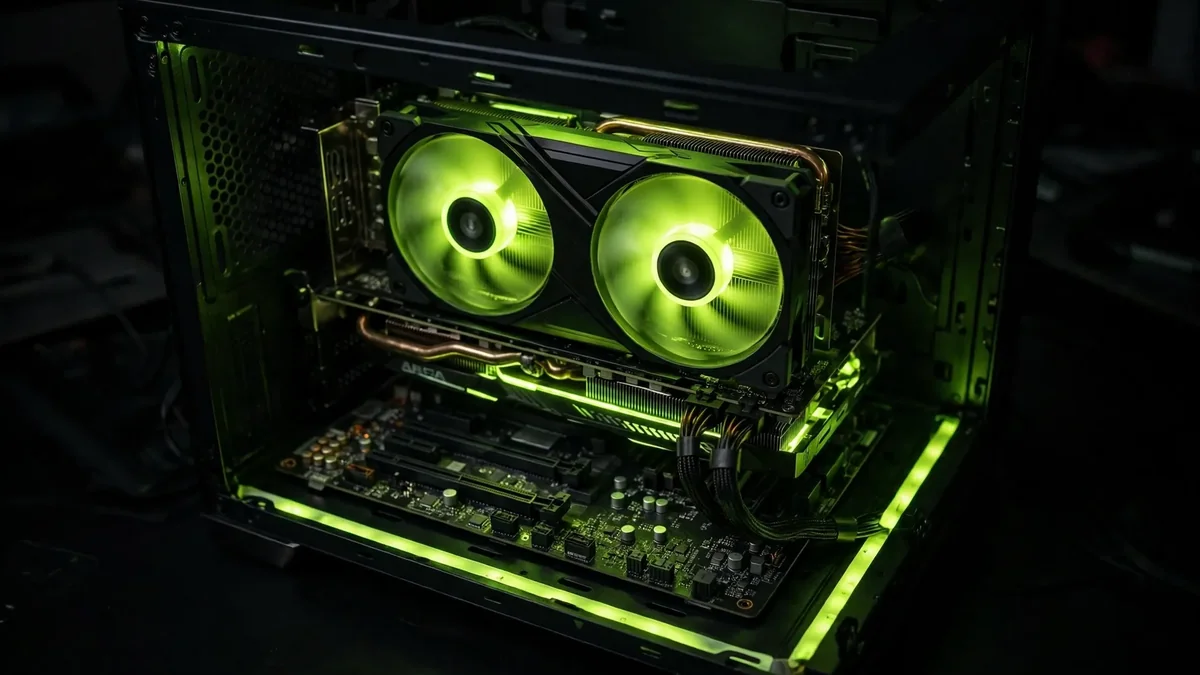
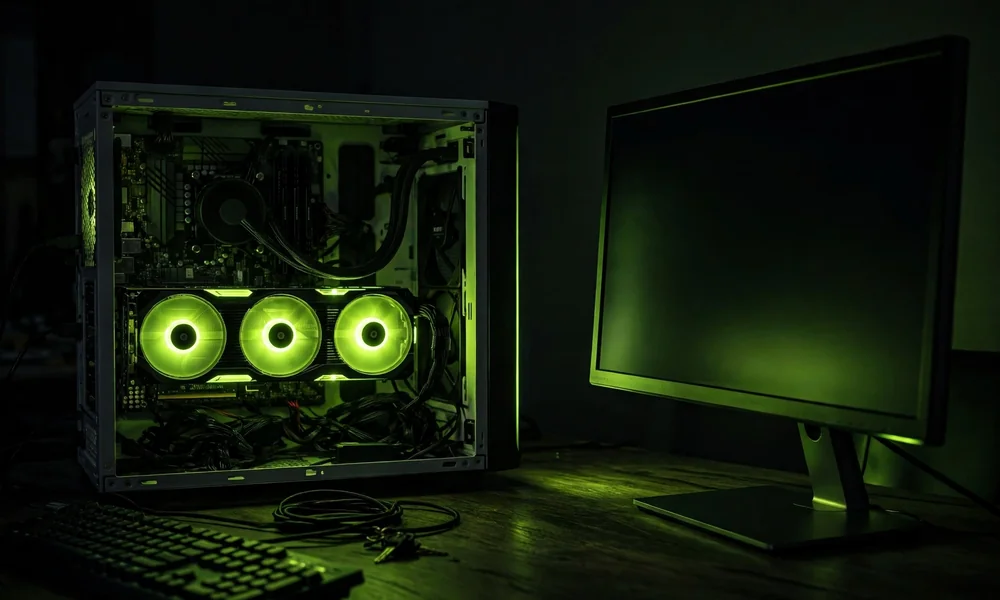
Modern GPUs are large, complex chips, with their own memory and cooling. The biggest ones contain tens of billions of transistors and need substantial power supplies and fans. They sit in desktop computers, laptops, and data centres, and they also appear in phones and game consoles, where smaller versions do the same job at a smaller scale.
How a GPU works
When software needs the GPU, it sends it a job made of many identical operations, such as applying the same calculation to every pixel in an image or every number in a large table. The GPU divides the job into tiny pieces and hands one to each of its cores, which all work at once. The results are then combined and returned.
That division of labour is what makes a GPU fast at parallel work and slow at sequential work. A task that must be done step by step, where each step depends on the last, gains nothing from thousands of cores, because only one core can work at a time. Our guide to machine learning explains why training AI models is the opposite kind of task: the same calculation repeated across enormous amounts of data, which suits a GPU perfectly.
GPUs also have their own memory, called VRAM, which is designed to feed data to the cores very quickly. The CPU and GPU pass work back and forth over a connection, and keeping the GPU supplied with data is one of the hard parts of using it well. A GPU starved of data sits idle, however powerful it is.
Comparing a GPU with a CPU
| Aspect | CPU | GPU |
|---|---|---|
| Number of cores | A handful of powerful cores | Thousands of small cores |
| Best at | Complex, varied, step-by-step work | Simple, repeated, parallel work |
| Typical job | Running the operating system | Drawing graphics, training AI |
| Memory | General system memory | Fast dedicated video memory |
| Power use | Moderate | High, with more heat to remove |
Where GPUs are used
Gaming remains the best-known use. A graphics card turns the geometry of a game world into the picture you see, dozens of times a second, and the quality of that picture depends directly on the GPU’s power. Video editing, 3D design, and animation rely on the same ability to process images quickly.
AI is now the largest driver of GPU demand. Training a large language model means repeating the same calculations billions of times, and data centres full of GPUs do that work around the clock. Our guide to neural networks explains the models that run on those chips.
Scientists use GPUs for weather forecasting, drug discovery, and simulating physics, all of which involve large amounts of similar mathematics. Video streaming services use them to encode video, and cryptocurrency mining once consumed enormous quantities of them, though that market has faded. The common thread is always the same: a huge job made of many small, similar pieces.
Strengths and limits
The greatest strength of a GPU is raw parallel throughput. For the right kind of problem, it can be tens or hundreds of times faster than a CPU, which is why it has become essential for AI and graphics. It also scales well: adding more GPUs to a data centre adds more power in a fairly predictable way.
But a GPU is a specialist, not a generalist. It cannot run an operating system or handle the varied, branching work a CPU does every second. It needs a CPU to organise its work, feed it data, and handle everything else. A computer with a GPU and no CPU would do nothing at all.
GPUs are also expensive, power-hungry, and hot. A top-end card can draw more power than an entire laptop, and data centres full of them need serious cooling and electricity. Their supply is limited too, which is why demand from AI has made them costly and, at times, hard to buy.
Finally, using a GPU well takes skill. Software must be written to split work into parallel pieces and to move data efficiently, which is harder than writing ordinary sequential code. A program that ignores the GPU’s strengths may run no faster than it would on a CPU.
GPU checklist
- Match the GPU to the job: graphics, video, AI, or scientific work.
- Check that your software actually uses the GPU before buying one.
- Make sure the power supply and cooling can handle the card.
- Remember that a fast GPU still needs a capable CPU to feed it.
- Buy enough video memory for the largest job you plan to run.
- Keep drivers updated, since they carry large performance fixes.
- Watch temperatures under load, and clean dust from fans regularly.
- Compare real benchmarks for your workload, not just headline speeds.
- Consider cloud GPUs for occasional heavy work instead of buying.
Frequently asked questions
What is a GPU?
A GPU, or graphics processing unit, is a chip designed to carry out thousands of simple calculations at the same time. It was built for drawing graphics, but the same parallel design makes it ideal for AI training and scientific computing.
What is the difference between a GPU and a CPU?
A CPU has a few powerful cores for varied, complex, step-by-step work, such as running an operating system. A GPU has thousands of small cores for simple, repeated work done in parallel, such as drawing pixels or training a model. A computer needs both.
Why are GPUs used for AI?
Training AI models involves repeating the same mathematical operations across huge amounts of data. That is exactly the kind of parallel work a GPU excels at, so training that would take months on a CPU can take days on a set of GPUs.
Do I need a dedicated GPU?
It depends on what you do. Everyday browsing and office work run fine on the graphics built into a modern CPU. Gaming, video editing, 3D work, and AI development are the reasons to buy a dedicated card.
Why are GPUs so expensive?
They are large, complex chips to manufacture, and demand from AI data centres has outstripped supply. High-end cards also need substantial memory, power delivery, and cooling, all of which add to the cost.
Can a GPU replace a CPU?
No. A GPU cannot run an operating system or handle the general, branching work a CPU does. It is an accelerator that works alongside a CPU, taking on the parallel jobs it is built for.
The bottom line
GPU explained in one line is this: a chip with thousands of small cores that does the same calculation on many pieces of data at once.
It began as a way to draw better games, and it ended up powering the AI revolution, because the mathematics of learning turned out to be the mathematics of graphics. Buy one for the work it is built for, and let the CPU handle the rest.