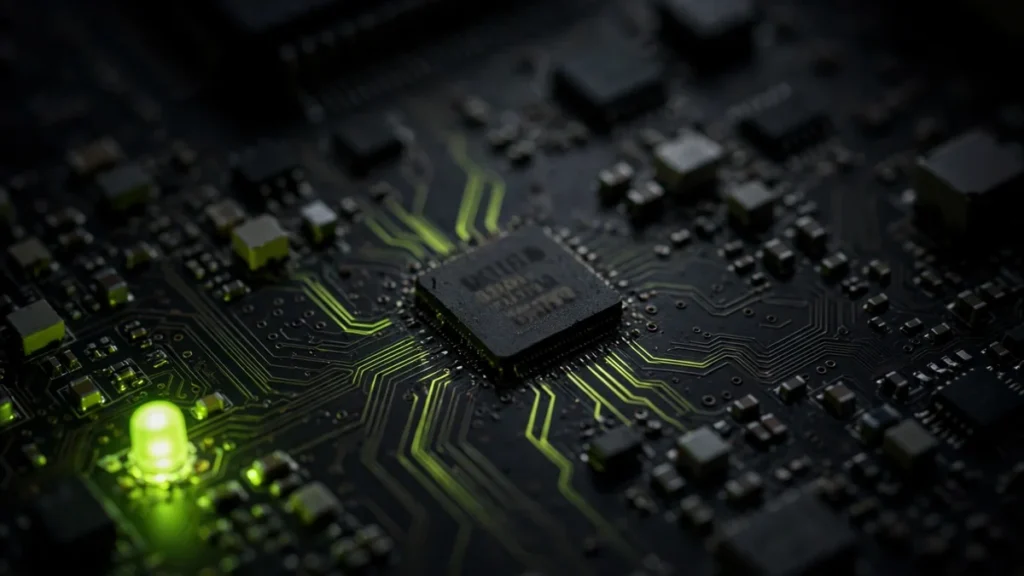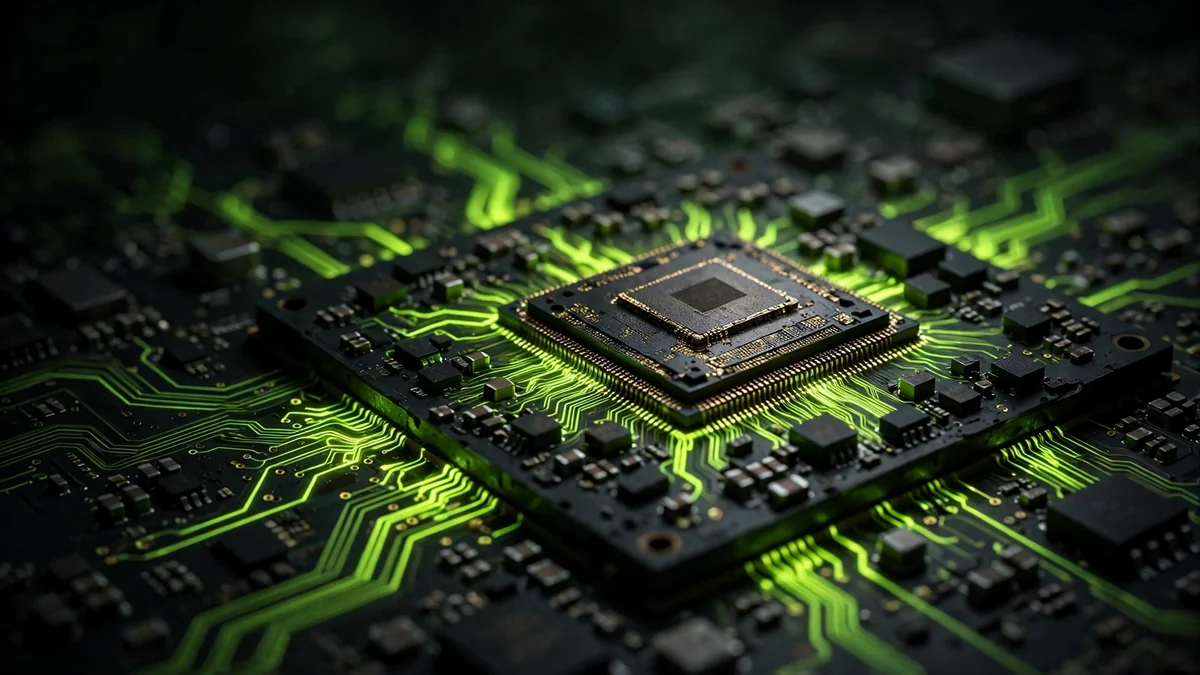
Chiplets explained in plain terms means building one large processor from several smaller pieces of silicon, called dies, instead of carving the whole processor from a single large piece. The central question is why chip makers would split a processor apart when a single chip sounds simpler, and the short answer is that smaller dies are easier to make without faults, cheaper to produce in large numbers, and easier to mix and match for different jobs.
Almost every modern computer depends on this idea in some form. When you open a laptop, play a game, or ask a phone to recognise your face, the processor inside may be made from several chiplets working together, each handling a different part of the work while appearing to the software as one processor.
Understanding chiplets matters because they are changing how processors are designed, priced, and repaired. They explain why recent processors can pack in more cores and memory, why some chips are cheaper to make than their size suggests, and why the inside of a computer looks increasingly like a small team of specialists rather than a single worker.
Key takeaways
- A chiplet is a small, self-contained piece of silicon that performs one part of a processor’s work.
- Several chiplets are joined on a shared base, called a substrate or interposer, so they act as one processor.
- Smaller dies are less likely to contain a manufacturing fault, which raises the number of usable chips from each wafer.
- Designers can combine chiplets made with different processes, so each part can use the method that suits it best.
- Chiplets bring extra design work, because the separate pieces must communicate quickly and stay cool together.
What chiplets are
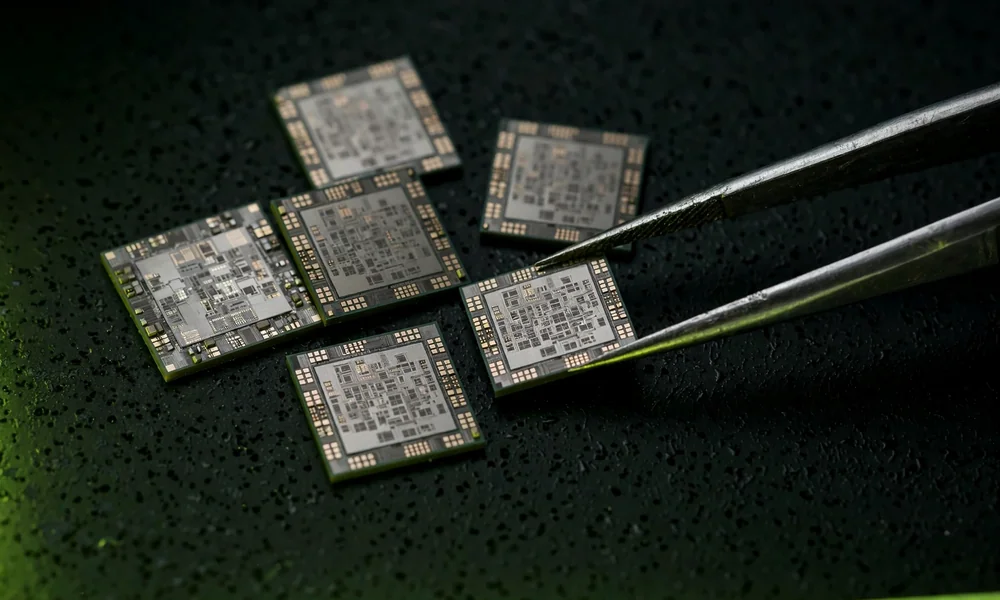
A chiplet is a small die, a thin slice of silicon carrying transistors and wiring, that has been designed to work as part of a larger package. On its own it cannot run a computer, because it covers only one function, such as processing, memory control, or input and output. Joined with other chiplets, it becomes part of a complete processor that software sees as a single chip.
The traditional alternative is a monolithic die, where every part of the processor sits on one large piece of silicon. That approach worked well for decades, because a single die needs no links between separate pieces and every part can talk to every other part across very short distances. As processors grew larger and more complex, however, a single fault anywhere on that large die could ruin the whole chip.
Chiplets solve that problem by splitting the design into manageable pieces. If one small die has a fault, only that die is discarded, and the rest can still be used. The finished processor is assembled from working dies, much as a machine is assembled from working parts, rather than being cut from one piece that must be perfect from edge to edge.
The idea is not entirely new. Chip makers have packaged several dies together for many years, for example by placing a processor and its memory side by side. What has changed is how closely the chiplets are linked, how fast data moves between them, and how far the approach has spread, from desktop processors and graphics cards to the servers that run large online services.
How chiplets work
The starting point is the package, the flat base on which the chiplets sit. This base, often called a substrate or an interposer, carries the fine wiring that links the chiplets to each other and to the pins that connect the processor to the rest of the computer. Data travels along these links instead of across one large die, so the quality and speed of the links matter a great deal.
Each chiplet has a clear job. One might hold the processor cores that run programs, another might manage memory, and a third might handle connections to storage and other devices. When a program runs, work is divided between the chiplets, and results pass between them over the package wiring, just as departments in one office pass work between desks.
Keeping the chiplets in step is the hardest part of the design. Signals travelling between dies take longer than signals travelling inside one die, and they use more energy, so designers must place the chiplets carefully and keep the most urgent conversations on the fastest links. The processor also needs a way to make sure that data held in one chiplet agrees with copies held elsewhere, which adds extra traffic of its own.
Manufacturing also changes. Because each chiplet is small, it can be made on the process that suits it best, and older, cheaper processes can be used for parts that do not need the latest technology. Our guide to the motherboard explains the board that carries the finished processor and links it to memory and storage, and the processor package itself works in a similar way on a smaller scale.
Cooling is another shared concern. Several chiplets packed close together can create hot spots, especially when the cores work hard at the same time. Designers spread the heat by choosing where each chiplet sits, by thinning the silicon, and by relying on the cooler and the case airflow to carry heat away from the package as a whole.
Comparing chiplets and monolithic chips
The difference between one large die and several small ones shapes cost, performance, and flexibility. A monolithic chip is simpler to design and faster inside, while a chiplet design trades some of that simplicity for better manufacturing results and more freedom to mix parts.
The table below sets out the main contrasts.
| Aspect | Monolithic chip | Chiplet design |
|---|---|---|
| Die size | One large die holds the whole processor | Several small dies share the work |
| Faults | One fault can ruin the entire chip | A faulty die is replaced, and the rest are used |
| Cost | Large dies waste more silicon when faults appear | More usable dies per wafer, so costs can fall |
| Flexibility | Every part uses the same process | Each part can use the process that suits it best |
| Communication | Very fast, over short distances inside one die | Slower between dies, so link design matters more |
Where chiplets are used
Desktop and laptop processors are the most familiar example. Many recent processors combine chiplets that hold the cores with a separate chiplet that manages memory and input and output, and makers can offer different models by changing how many core chiplets they include. That makes it easier to build a whole range of processors from the same basic parts.
Graphics cards use the same thinking. Our guide to the GPU explains how graphics processors handle thousands of small tasks at once, and chiplet designs let makers split that work across several dies while keeping the card acting as one graphics processor. Memory and display connections sit on their own chiplets, close to the parts that need them most.
Servers in data centres are another major home for chiplets. A server processor may hold many cores, large amounts of cache memory, and several memory controllers, and splitting those across chiplets makes it practical to build very large processors without throwing away most of each silicon wafer. Cloud providers benefit because they can buy processors matched closely to the work they run.
Smaller devices use chiplets too, though often in simpler forms. A phone or a game console may combine a processor, graphics, and memory control in one package, and the chiplet approach lets designers update one part without redesigning the rest. As the links between chiplets improve, the approach is likely to spread further into everyday electronics.
Strengths and limits
The greatest strength of chiplets is manufacturing yield, the share of dies from a wafer that work correctly. Small dies are far less likely to contain a random fault than large ones, so more of each wafer becomes a saleable product. That effect grows as transistors shrink, because faults become harder to avoid on a very large die.
Flexibility is the second strength. A maker can reuse a proven chiplet across several products, combine a new core design with an older memory controller, or offer a cheaper model by leaving out one chiplet. This reuse shortens design time and spreads the cost of developing each part across more products.
The main limit is the connection between chiplets. Data crossing from one die to another travels further, takes longer, and uses more energy than data moving inside a single die, and that can slow some tasks. Designers reduce the cost with faster links and clever placement, but the gap never disappears entirely.
There is also a design and testing cost. Each chiplet must be tested on its own, then tested again once assembled, and the package must be designed so that heat, power, and signals all behave well together. A chiplet processor is therefore a more complex engineering project than a single die, even if each piece is simpler on its own.
Chiplets checklist
- Check whether the processor uses chiplets or a single die, and what each chiplet does.
- Look at how the chiplets are linked, since slow links can limit real-world speed.
- Compare core counts and cache sizes rather than judging a processor by its die layout alone.
- Consider cooling, because closely packed chiplets can create local hot spots under load.
- Check memory support, since the memory controller may sit on its own chiplet.
- Look for reviews that test real programs, not only the headline specifications.
- Think about upgrade paths, as a chiplet range may offer more models at different prices.
- Remember that a chiplet design does not guarantee better performance for every task.
- Ask what the processor will actually run, and choose the design that suits that work best.
Frequently asked questions
What is a chiplet in simple terms?
A chiplet is a small piece of silicon that does one part of a processor’s job, and several chiplets are joined together in one package so they work as a single processor.
Why are chip makers switching to chiplets?
They switch because small dies are less likely to be ruined by a manufacturing fault, which makes more usable chips from each wafer, and because chiplets can be mixed and reused across different products.
Are chiplet processors faster than monolithic ones?
Not always. Chiplet processors can hold more cores and more cache, which helps many tasks, but data moving between chiplets is slower than data moving inside one die, so some tasks may not benefit.
Do chiplets make processors cheaper?
They can help, because better manufacturing yield wastes less silicon, but the extra design, testing, and packaging work adds cost, so the saving depends on the product and how many are made.
Can you see the chiplets inside a processor?
Not in normal use, because the chiplets sit under a metal lid or heat spreader on the processor package. Specialist photos of a processor with its lid removed can show the separate dies underneath.
Are chiplets used in phones as well as computers?
Yes, in a simpler form. Many phones package a processor, graphics, and memory control together, and the same idea of combining specialised dies in one package appears across phones, consoles, and other compact devices.
The bottom line
Chiplets explained in one line is this: a processor built from several small, specialised dies joined in one package, so it can be made more reliably, scaled more easily, and adapted more cheaply than a single large chip.
The trade is clear. You gain better manufacturing results and design flexibility, and you pay for them with slower links between dies and more complex engineering, and that balance explains why chiplets now sit at the heart of so many modern processors.
This article is general information about how chiplets work, not advice about choosing a processor for a particular computer or task.