Trusted platform module explained in plain terms starts with a small chip on your computer’s motherboard that guards its most important secrets. The central question is how a computer can prove it has not been tampered with and keep its encryption keys safe even if the whole machine is stolen, and the short answer is that the TPM stores keys in hardware that software cannot read, then checks the boot process before it hands any of them over.
Most people never see the TPM at work, yet it is involved every time a modern laptop starts up. It sits quietly beside the processor, holding the keys that unlock an encrypted drive, checking that the firmware and bootloader have not been changed, and refusing to cooperate if something looks wrong.
Its importance grew sharply when Microsoft made a TPM a requirement for Windows 11. Millions of owners discovered the chip for the first time, often in a BIOS setting, and many asked what it does and whether it can be trusted with the keys to their files.
Key takeaways
- The TPM is a small security chip on the motherboard that stores encryption keys in hardware, where software cannot read them.
- It checks the boot process step by step, and refuses to release keys if the firmware or bootloader has been tampered with.
- It powers full-disk encryption, secure sign-in, and remote attestation, which proves a machine’s identity to a server.
- Keys created inside the TPM never leave it, so stealing the drive or the chip alone does not expose the data.
- A TPM is not a magic shield: it cannot stop a thief who knows your password, or protect data once you have unlocked the machine.
What the trusted platform module is
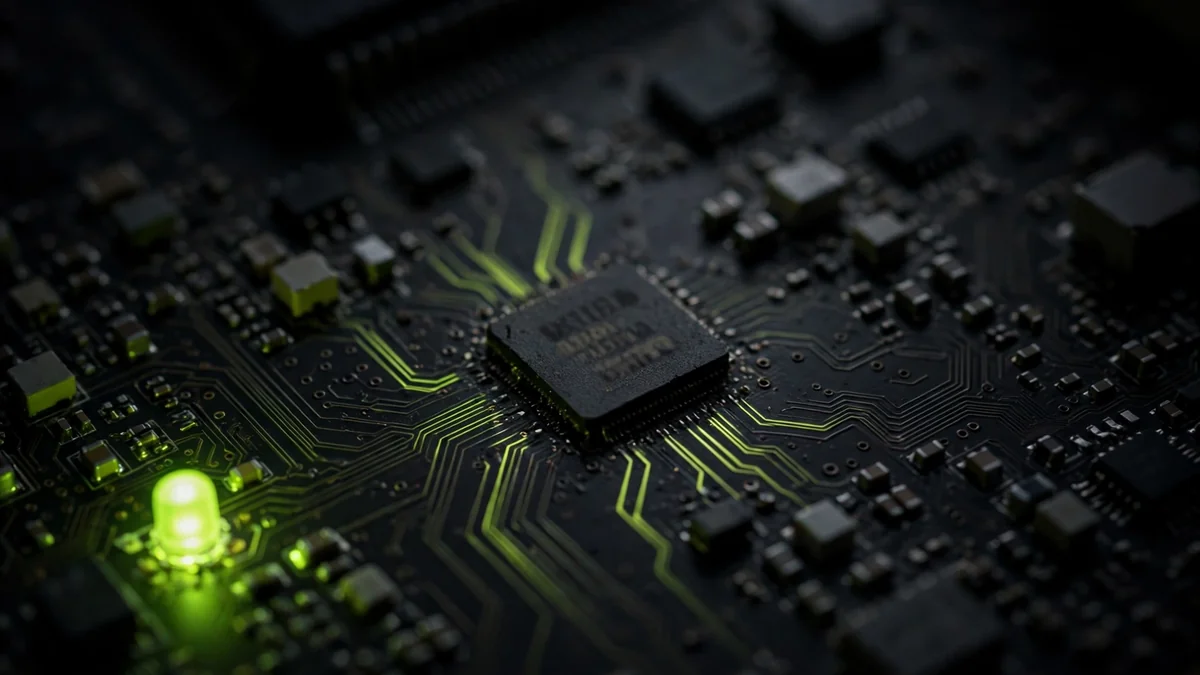
The trusted platform module, usually shortened to TPM, is a dedicated security chip built to a standard published by the Trusted Computing Group. It is a small processor of its own, with its own storage and its own random number generator, and it is designed to do a few cryptographic jobs very well rather than to run general software.
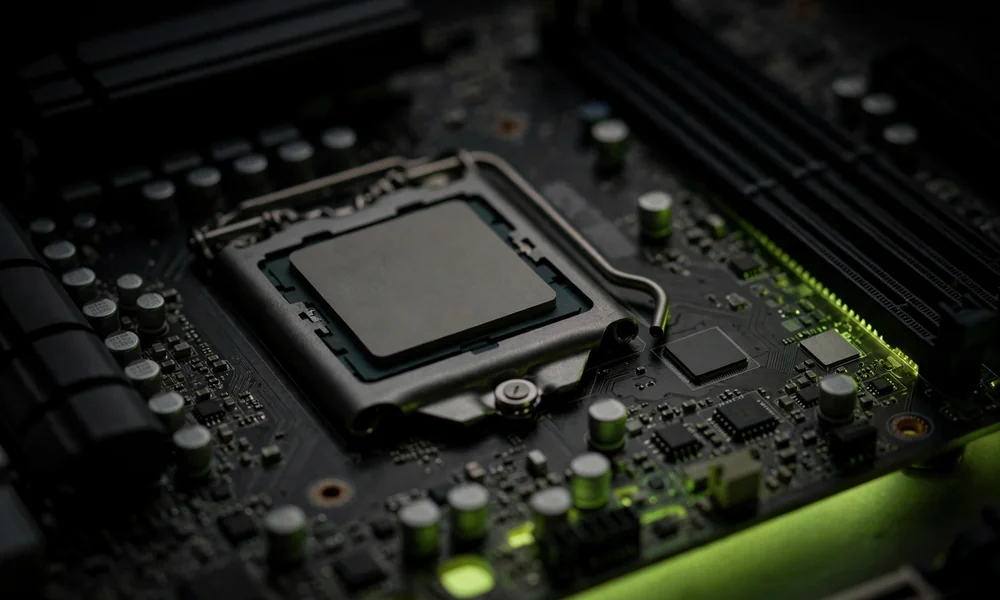
Most modern computers carry one. It may be a separate chip soldered to the motherboard, or firmware running inside the main processor, which Intel calls Platform Trust Technology and AMD calls firmware TPM. Both forms do the same job, and the operating system treats them in the same way.
The chip’s main task is to hold secrets that should never be exposed. When a disk is encrypted, the key that unlocks it is sealed inside the TPM, bound to the exact state of the machine. The key is only released when the measurements taken during start-up match the values recorded when the disk was first encrypted.
Those measurements are the second half of the TPM’s job. As the computer starts, each stage of the boot process is hashed, which means reduced to a short fingerprint, and the fingerprint is stored in registers inside the chip. If malware changes the bootloader, the fingerprint changes too, and the TPM notices the mismatch. Our guide to cryptography explains the hashing and encryption at the heart of this check.
How the trusted platform module works
The process begins the moment the power button is pressed. The firmware measures itself and passes the result to the TPM, which stores it in a platform configuration register. The bootloader is measured next, then the operating system kernel, with each stage adding its fingerprint to the registers before the next one runs.
Once the machine has booted, software that needs a key asks the TPM for it. The chip compares the current register values with the ones recorded when the key was sealed, and only releases the key if they match. A rootkit that alters the bootloader would change the measurements, so the key stays locked and the encrypted drive stays unreadable.
The TPM can also create keys of its own. A key generated inside the chip is born there and never leaves: the chip will use it to sign or decrypt data, but it will not hand out a copy. This matters because a key that never leaves hardware cannot be copied by malware, however deeply the malware has burrowed into the operating system.
A third function is attestation, in which the TPM signs a report of the machine’s boot measurements so a remote server can verify them. A company can use this to check that an employee’s laptop has not been modified before it is allowed onto the corporate network, and a bank can use it to confirm a device before approving a transaction.
Comparing the TPM with other ways to store keys
The TPM is one of several places a device can keep its secrets, and each option trades security for convenience. Software storage is flexible but exposed, a phone’s secure enclave is strong but tied to one device, and a smart card is portable but easy to lose.
| Aspect | TPM chip | Secure enclave | Software key store |
|---|---|---|---|
| Where keys live | Dedicated chip or firmware | Isolated part of the processor | Files on the disk |
| Keys can be copied out | No, they never leave | No, they never leave | Yes, by malware or theft |
| Checks boot integrity | Yes, step by step | Yes, on Apple devices | No |
| Main home | Windows PCs and servers | iPhones and Macs | Older apps and systems |
| Main weakness | Bound to one machine | Bound to one device | Exposed to malware |
The table shows why the TPM became the standard for business computers: it combines hardware protection with boot checking, and it works with the encryption already built into the operating system.
Where the trusted platform module is used
The best-known use is full-disk encryption. On Windows, BitLocker seals the drive’s key in the TPM, so the disk unlocks automatically when the machine boots cleanly and stays locked if the drive is removed and plugged into another computer. A stolen laptop therefore yields no files, even if the thief can read the raw disk.
Secure sign-in is a second use. Windows Hello can store the credentials for a fingerprint or face scan in the TPM, so the biometric data never leaves the chip. The operating system asks the TPM to confirm a match, and the chip answers yes or no without revealing the stored template to any software.
Businesses use the TPM to manage fleets of laptops. An IT department can check each machine’s attestation report before allowing it onto the network, push encryption policies that require a TPM, and revoke access for a device whose boot measurements have changed. This turns the chip into a gatekeeper for the whole organisation.
Beyond the office, TPMs appear in servers, cash machines, and industrial controllers, anywhere a machine must prove it is genuine before it is trusted. Our guide to TLS explains how the encrypted connections these machines rely on are established, and the TPM can hold the private keys those connections depend on.
Strengths and limits
The TPM’s greatest strength is that it moves trust from software into hardware. Malware can rewrite an operating system, but it cannot rewrite a chip’s registers or extract a key the chip refuses to release, so the secrets stay safe even on a compromised machine. That hardware root of trust is the foundation every other security feature on the computer builds on.
The limits are worth understanding before relying on it. A TPM protects data at rest, not data in use: once you have unlocked the machine and typed your password, a thief who grabs the running laptop can read its files. It also binds keys to one machine, so a failed motherboard can mean a lost key unless a recovery key was saved somewhere safe.
There are also older concerns about who controls the chip. Early critics worried that TPMs could be used to lock owners out of their own machines, and some early versions had flaws that researchers found and manufacturers patched. Modern TPMs are a mature, standardised part of the computer, but the recovery key remains essential: without it, a legitimate owner can be locked out just as firmly as a thief.
Trusted platform module checklist
- Check whether your computer has a TPM before buying, especially if you plan to run Windows 11.
- Turn on full-disk encryption and let the TPM hold the key, so a stolen drive stays unreadable.
- Save the recovery key somewhere safe, such as a printed copy or a password manager, before you need it.
- Keep the motherboard firmware updated, since TPM fixes often arrive as firmware updates.
- Do not clear the TPM without a backup of the recovery key, or the encrypted drive may become unreadable.
- Use Windows Hello or a similar feature, so sign-in credentials stay inside the chip.
- Check the TPM status in the operating system’s security settings after any major hardware change.
- Remember that the TPM does not replace a strong password or a screen lock on a running machine.
- Back up important files separately, because a failed motherboard can strand keys sealed in its TPM.
Frequently asked questions
Does my computer have a TPM?
Most computers sold since about 2016 do. On Windows, the TPM management tool shows whether one is present and which version it is. If it is a firmware TPM, it may need to be switched on in the BIOS or UEFI settings first.
What is the difference between TPM 1.2 and TPM 2.0?
TPM 2.0 is the current standard, with support for newer cryptographic algorithms and more flexible policies. TPM 1.2 is older, less flexible, and no longer meets the requirements for Windows 11, which is why many older machines cannot upgrade.
Can a TPM be hacked?
Researchers have found flaws in specific TPMs, and sophisticated attackers with physical access have extracted keys in laboratory conditions. For ordinary theft and malware, however, the TPM remains a strong barrier, and manufacturers patch known flaws through firmware updates.
Does the TPM slow down my computer?
No, not in any way you would notice. The chip handles only key operations and boot measurements, while the processor does the heavy work of encryption. Day-to-day performance is unaffected by having a TPM active.
What happens if I clear the TPM?
Clearing the TPM erases its keys and measurements, returning it to a factory state. Any disk encrypted with a key sealed in it becomes unreadable unless you have the recovery key, so clear it only when you mean to start over.
Can I move a TPM to another computer?
No. A separate TPM chip is soldered to its motherboard, and a firmware TPM lives inside its own processor. Keys sealed in one machine cannot be carried to another, which is exactly what makes the protection work.
The bottom line
Trusted platform module explained in one line is this: a small chip that holds your computer’s keys in hardware and checks the boot process before it hands them over. It is the reason a stolen laptop can be useless to a thief, and the reason a business can trust a machine it has never seen.
Switch it on, encrypt the drive, and save the recovery key. Those three steps turn a chip most owners never notice into the strongest lock on the machine.
This article is general information about how the trusted platform module works, not advice about securing a particular computer, device, or set of files.