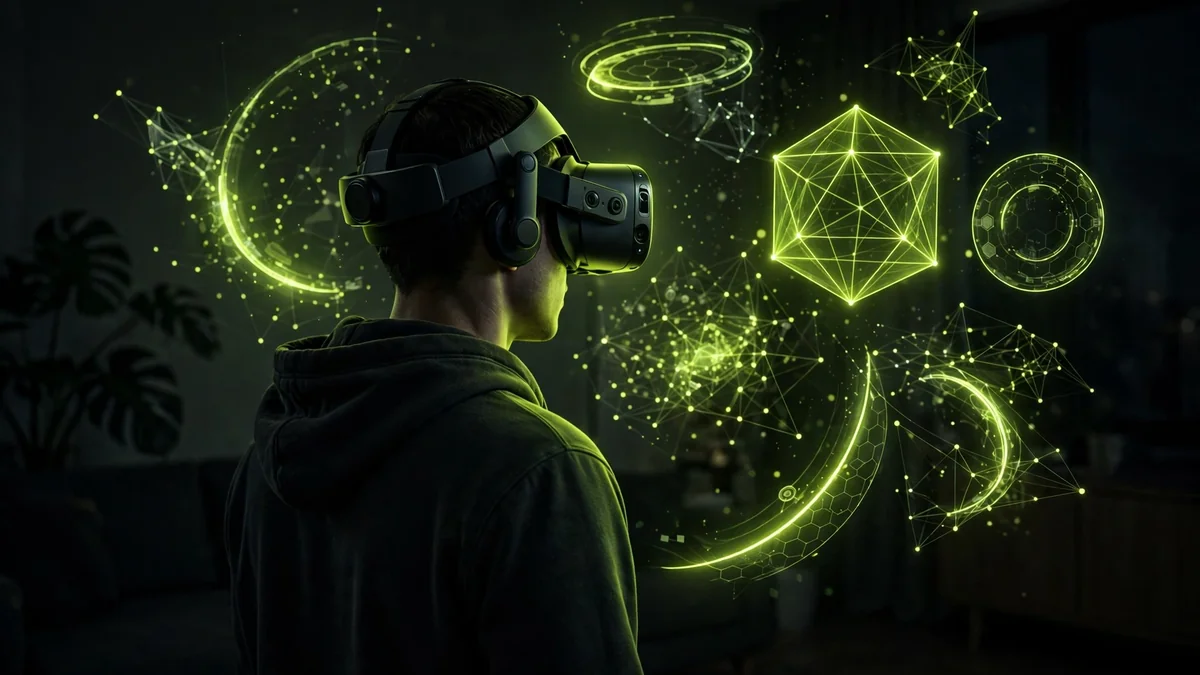
Mixed reality explained in plain terms means a headset that lets digital objects share the room with you, anchored to real tables, walls, and floors as if they belonged there. The central question is how a computer-made object can sit on your actual desk and stay put when you walk around it, and the short answer is that the headset watches the room with cameras and sensors, builds a live map of it, and then draws digital objects into that map so they behave like physical things.
Imagine opening a repair manual that floats beside the machine you are fixing, with each step pointing at the exact screw to turn. Or picture an architect’s model of a new building standing on the table in front of a client, who can walk around it and peer through its windows. Those are the kinds of experiences mixed reality makes possible.
The idea sits between two better-known technologies. Virtual reality replaces the world entirely, while augmented reality adds a thin layer of information on top of it. Mixed reality goes further than either: the digital objects it shows understand the room they are in.
Key takeaways
- Mixed reality blends digital objects with the real world, anchoring them to real surfaces so they stay put as you move.
- Headsets map the room with cameras and depth sensors, then track your hands, eyes, and position within that map.
- Unlike virtual reality, you can still see the room around you; unlike simple augmented reality, digital objects can hide behind real ones.
- Common uses include design, training, repair work, remote help, and medical planning.
- The main limits are cost, weight, a narrow field of view, and battery life.
What mixed reality is
Mixed reality, often shortened to MR, is a technology in which computer-generated objects are placed into a live view of the real world and made to interact with it. A virtual chair can sit on your real floor, a digital screen can hang on your real wall, and a holographic engine part can be taken apart on your real workbench. The objects are not simply pasted over the scene; they are positioned in three-dimensional space and respond when you move or reach out.
The term is sometimes used loosely, but the stricter meaning is about interaction. A phone that shows a furniture model on your floor is closer to augmented reality, because the model does not truly understand the room. A mixed reality headset, by contrast, knows where the floor, walls, and your hands are, so the model can rest on the floor, disappear behind the sofa, and be grabbed and turned around.
Most mixed reality today is delivered through a headset with transparent lenses or cameras that pass the real world through to your eyes, adding a digital layer aligned so precisely that the boundary between them becomes hard to notice. Our guide to augmented reality explains the simpler overlay approach that mixed reality builds on, and our guide to computer vision explains the techniques that let a headset understand the room it is looking at.
How mixed reality works
A mixed reality headset begins by mapping its surroundings. Cameras and depth sensors scan the room many times a second, measuring distances to walls, furniture, and floors to build a three-dimensional model of the space. This process, called spatial mapping, is what lets a digital object sit on a real table rather than floating in mid-air.
At the same time, the headset tracks its own position in the room, so the digital objects stay anchored as you walk around. If you place a virtual lamp on a shelf and step to the other side of the room, the lamp is still on the shelf, seen from its far side. That stability is the difference between an object that feels present and a picture that merely follows your head.
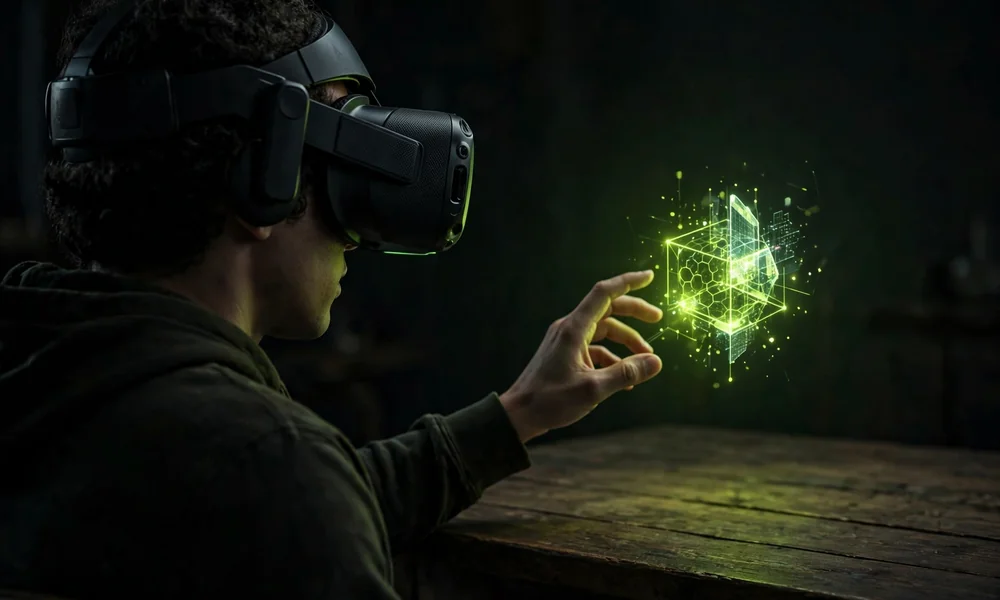
Your hands are tracked too, either by cameras watching your fingers or by controllers you hold. When you reach out to a virtual object, you can drag it across the room, resize it, or take it apart. Some headsets also track your eyes, so a menu can open when you look at it.
All of this takes serious computing power, and any lag between your movement and the image breaks the illusion, so the scene is redrawn dozens of times a second. That demand on the battery is one reason standalone headsets usually last only a couple of hours before they need charging.
Comparing mixed reality with virtual and augmented reality
Mixed, virtual, and augmented reality are often confused, because they share hardware and vocabulary, but they treat the real world very differently. Virtual reality replaces it, augmented reality annotates it, and mixed reality merges digital objects into it.
The table below sets out the main contrasts.
| Aspect | Mixed reality | Virtual reality | Augmented reality |
|---|---|---|---|
| What you see | Real world with interactive digital objects in it | A fully computer-generated environment | Real world with digital information added |
| Do digital objects know the room? | Yes, they are anchored and can hide behind real things | Not relevant, the room is replaced | Usually not, they float over the view |
| Typical device | Headset with see-through lenses or cameras | Enclosed headset | Phone, tablet, or glasses |
| Can you touch digital objects? | Yes, with hand tracking | Yes, with controllers | Rarely, usually taps on a screen |
| Best for | Design, repair, training, remote help | Simulation and immersive games | Navigation, information, trying things in place |
The simplest way to tell them apart is to ask what happens to a real chair. In virtual reality the chair is gone, replaced by a digital scene. In augmented reality the chair is still there with a label floating beside it. In mixed reality a digital cat could be asleep on the chair, hidden when you stand behind it.
Where mixed reality is used
Design and engineering are the most established uses. An architect can place a full-scale model of a building on the site where it will stand and walk through it with a client, checking sightlines and proportions before a single brick is laid. A car designer can sit inside a digital prototype and reach for the controls, finding problems with the layout months before a physical model is built.
Repair and maintenance work is another natural fit. A technician fixing a complex machine can see step-by-step instructions floating beside the part in question, with arrows pointing at the bolts to remove. An expert hundreds of miles away can watch the same view and draw a circle around the component that needs attention, as if they were standing beside the technician.
Training benefits in a similar way. Medical students can practise on a digital patient lying on a real examination table, learning anatomy and procedures without risk. Factory workers can rehearse assembling a new product before the parts arrive, and soldiers can train in realistic scenarios overlaid on a real training ground.
There are quieter everyday uses too. Shops let customers see how a sofa would look in their own living room at full size, and museums add digital reconstructions to ruins and artefacts. As headsets get lighter and cheaper, these uses are likely to spread from specialists to ordinary buyers.
Strengths and limits
The greatest strength of mixed reality is that it keeps you in the real world while adding to it. You can talk to the people beside you, see where you are walking, and use your real hands, all while digital objects share the space. That makes it far more practical for work than virtual reality, where the world disappears entirely, and far more powerful than a phone screen, where the digital layer is small and flat.
It is also remarkably flexible. The same headset can be a design studio in the morning and a training room in the afternoon, with the software doing all the changing. For organisations that would otherwise need physical models or travel, that flexibility can save real money.
The limits are still substantial. Good headsets cost far more than most people will pay for a gadget, and they are heavy enough to tire the wearer after an hour or so. The field of view is narrow, so digital objects vanish at the edges of your vision. Battery life is short, the picture can struggle in bright sunlight, and some people find long sessions uncomfortable. Until those problems ease, mixed reality will remain a specialist tool rather than an everyday one.
Mixed reality checklist
- Decide what you want mixed reality for before choosing a headset, since devices differ widely in price and capability.
- Try a headset in person first, and check the field of view and comfort for yourself.
- Clear a safe space before you put the headset on, and keep the floor free of obstacles.
- Start with short sessions of fifteen to twenty minutes, especially if you are new to headsets.
- Check that the software you need exists for the headset you are considering.
- Make sure the room has enough light and texture for the headset to map it reliably.
- Keep the lenses clean and store the headset away from direct sunlight.
- Supervise children using headsets and follow the manufacturer’s age guidance.
- Remember that digital objects are a tool for work and learning, not a replacement for the real thing.
Frequently asked questions
What is mixed reality in simple terms?
Mixed reality is a headset technology that places digital objects into the real world around you, anchored to real surfaces so they stay put and can be picked up, moved, and hidden behind real furniture.
What is the difference between mixed reality and augmented reality?
Augmented reality adds a layer of information over the real world, usually on a phone screen. Mixed reality goes further: its digital objects understand the room, sit on real surfaces, and can be handled as if they were physical.
Do I need a headset for mixed reality?
Proper mixed reality needs a headset, because the headset’s cameras and sensors map the room and track your hands. Some phone apps offer a simpler version, but they cannot anchor objects as reliably or let you handle them with your hands.
Can mixed reality objects hide behind real objects?
Yes, that is one of its defining features. Because the headset maps the room in three dimensions, a digital object behind a real sofa is hidden from view until you move, just as a real object would be.
Why is mixed reality so expensive?
The headset needs cameras, depth sensors, hand tracking, eye tracking, and a powerful processor, all packed into something light enough to wear. Those parts are costly, and production volumes are still small compared with phones.
Where is mixed reality headed?
The direction is towards lighter, cheaper headsets with a wider field of view and longer battery life. As the hardware improves, mixed reality is likely to spread from design studios and factories into offices, classrooms, and homes.
The bottom line
Mixed reality explained in one line is this: a headset that maps the room around you and places digital objects into it, anchored to real surfaces and ready to be handled like physical things.
The technology is already useful far beyond games, from building design to machine repair, and its limits are mostly about hardware that keeps improving. For most people the sensible way in is to try a headset first and wait for the price and weight to come down before buying one.
This article is general information about how mixed reality works, not advice about buying a headset or choosing a mixed reality system for a particular project.