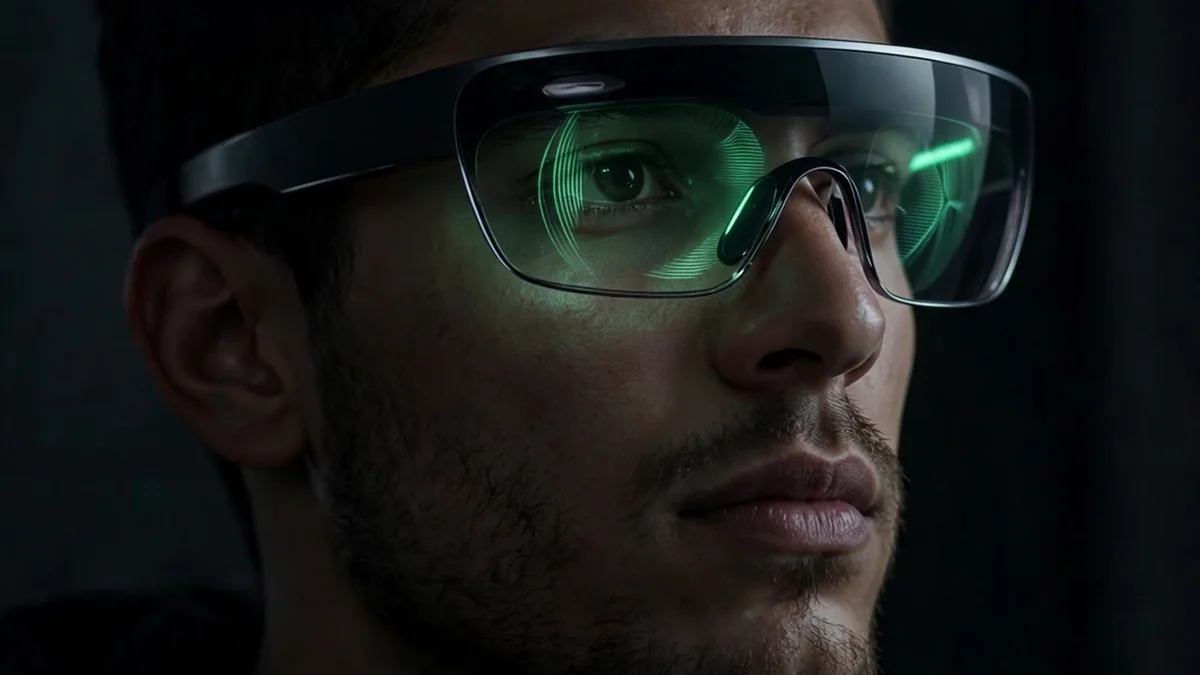
Augmented reality explained in plain terms means digital images, text, and three-dimensional objects laid over the real world, seen through a phone, tablet, or headset so that the two appear to share the same space. The central question is how a device can place a virtual sofa in your living room or a direction arrow on a real road, and the short answer is that cameras and sensors map the scene in front of you, software works out exactly where each digital object belongs in that space, and the screen shows them blended together in real time.
Most people have already met this technology without noticing its name. A phone filter that adds ears to a face, a furniture app that shows a chair in the corner of a room, and a navigation app that paints arrows onto a live view of the street are all forms of augmented reality, usually shortened to AR.
What makes AR different from other screen technology is that it never replaces the world around you. The real scene stays visible and the digital layer adds to it, which is why the technology suits tasks where context matters: repairing a machine, learning how something fits together, finding your way through a station, or trying a product before buying it.
Key takeaways
- Augmented reality overlays digital images, text, and three-dimensional objects onto the real world, seen through a phone, tablet, or headset.
- Cameras and sensors map the surroundings and track the device’s position, so digital objects stay fixed in place as you move.
- AR adds to reality rather than replacing it, which separates it from virtual reality and its fully enclosed worlds.
- Common uses include navigation, retail, education, training, gaming, and industrial maintenance.
- The main limits are battery life, field of view, bright light, and the cost of comfortable headsets.
What augmented reality is
Augmented reality is a technology that blends computer-generated content with a live view of the physical world. The user looks at a real scene through a screen or a transparent display, and the software adds extra information on top: a label naming a building, a diagram showing where a pipe runs inside a wall, or a virtual character standing on the pavement.
The idea is older than the smartphones that made it common. Researchers were experimenting with head-mounted displays that overlaid simple graphics onto the real world in the 1960s, and the term augmented reality was coined in the early 1990s for a system that helped factory workers with wiring diagrams. What changed was the hardware in our pockets: modern phones carry the cameras, motion sensors, processors, and bright screens that AR needs, so a technology that once required specialised equipment now runs on a device most people already own.
There are two broad kinds of AR display. Handheld AR uses a phone or tablet screen, showing the camera feed with digital objects drawn over it. Head-worn AR uses glasses or a headset with transparent lenses or small displays, leaving both hands free and the real world directly visible. Handheld AR is far more common today, while headsets are used mainly in workplaces, training, and design.
How augmented reality works
Every AR experience begins with the device understanding its surroundings. The camera records the scene, while motion sensors track how the device tilts and moves. More advanced devices add depth sensors that measure how far away surfaces are, building a three-dimensional map of the room or street in front of them.
Once that map exists, the software chooses where each digital object should sit. A process called tracking keeps the object anchored to that spot, recalculating its position many times a second as the user moves. If the tracking works well, a virtual chair stays put when you walk around it, and a label stays attached to the building it describes.
Rendering is the final step. The device draws the digital object from the correct angle, adjusts its size with distance, and blends its lighting and shadows with the real scene so that it looks as though it belongs there. This has to happen quickly, because even a small delay between moving the phone and the image catching up makes the illusion break. Our guide to computer vision explains the techniques that let a machine recognise objects and surfaces in a camera feed, which is the foundation of this whole process.
Good AR also needs to hide objects that should be behind real things. If a virtual character walks behind a real table, the table should block the view of its legs. Depth sensors and careful software make this possible, and the effect, called occlusion, is one of the clearest signs of a well-built AR experience. Our guide to graphics processing units explains the hardware that does the fast calculations behind rendering and tracking.
Comparing augmented reality with virtual reality
Augmented reality and virtual reality are often mentioned together, and both use similar sensors and graphics hardware, but they do opposite things with the real world. AR keeps the world visible and adds to it, while virtual reality replaces it entirely with a computer-made environment.
The table below sets out the main contrasts.
| Aspect | Augmented reality | Virtual reality |
|---|---|---|
| What you see | The real world with digital objects added | A fully computer-generated environment |
| Typical device | Phone, tablet, or transparent glasses | Enclosed headset that blocks the real world |
| Awareness of surroundings | Full, you can see where you are | None, the headset covers your eyes |
| Hands free | Only with a headset, not with a phone | Usually, with hand controllers |
| Best for | Guidance, information, and trying things in place | Simulation, training, and immersive games |
Where augmented reality is used
Retail was one of the first places AR reached ordinary shoppers. Furniture retailers let customers place a virtual sofa in their own room to check the size and colour before ordering, and beauty brands let people try shades of lipstick on their own face through a phone camera. The point is to remove guesswork from a purchase that would otherwise need a trip to a shop.
Navigation is another everyday use. Some mapping apps switch to a camera view at a junction and paint a large arrow onto the live picture of the road, which is easier to follow than a small map when the streets are unfamiliar. Museums and galleries use AR to add information beside exhibits, so a visitor can point a phone at a painting and see notes about the artist, or at a skeleton and see the animal as it would have looked alive.
In industry, AR headsets guide engineers through repairs. A technician looking at a machine can see a highlighted bolt, a warning label, or the next step in a procedure floating beside the part itself, while an expert elsewhere watches the same view and draws instructions onto it. Hospitals use similar tools in training, letting students practise procedures on models that show anatomy in three dimensions, and schools use AR to make subjects such as biology and astronomy easier to picture.
Gaming brought AR to a mass audience. Location-based games place characters and objects in real streets and parks, and millions of players have chased them with phones in hand. Social media filters are a quieter form of the same idea, tracking faces in real time and adding effects that follow every movement.
Strengths and limits
The greatest strength of augmented reality is context. Because the digital information sits on top of the real thing it describes, the user does not have to translate between a manual and a machine, or between a map and a street. Instructions appear where they are needed, which makes them faster to follow and easier to remember.
AR is also comparatively easy to start with. Most experiences need nothing more than a phone, and the learning curve is short because the user is still looking at the familiar world rather than learning to move through a virtual one. That makes it useful in places where virtual reality would be impractical, such as a busy factory floor or a public street.
The limits are real, though. Holding a phone up for more than a few minutes is tiring, and headsets are still expensive, heavy, and short on battery life. Bright sunlight can wash out a display, and tracking can struggle in a dark room or a space with few visible features, such as a plain white wall. Privacy is another concern: a device that constantly scans its surroundings records information about people and places, and the rules for handling that data are still catching up with the technology.
Augmented reality checklist
- Decide what problem AR solves for you before choosing any device or app.
- Try a phone-based experience first, since it needs no extra hardware.
- Check that your phone supports the AR features the app requires.
- Use AR in good light, since tracking works best when the camera can see clear detail.
- Keep sessions short on a phone to avoid arm strain and battery drain.
- Test any headset for comfort and fit before committing to long sessions.
- Check what data an AR app collects about your surroundings before you use it.
- Compare the virtual preview with real measurements before making a purchase.
- Remember that AR adds information to the world; it does not replace checking the real thing.
Frequently asked questions
What is augmented reality in simple terms?
Augmented reality is digital content layered over the real world, seen through a phone, tablet, or headset. You still see your surroundings, and the software adds images, labels, or three-dimensional objects on top of them.
What is the difference between AR and VR?
Augmented reality adds digital objects to the real world, while virtual reality replaces the real world with a fully computer-generated environment. AR keeps you aware of your surroundings; VR blocks them out with an enclosed headset.
Do I need a headset to use augmented reality?
No. Most augmented reality today runs on a smartphone or tablet, using the camera and screen you already have. Headsets offer a hands-free experience, but they are mainly used in workplaces, training, and design.
What are examples of augmented reality?
Common examples include furniture apps that show a chair in your room, navigation apps that paint arrows onto a live view of the street, museum guides that add notes beside exhibits, and social media filters that track your face in real time.
Is augmented reality safe to use?
It is generally safe, but it deserves care. Stay aware of your surroundings while using a phone for AR, avoid walking into traffic or obstacles, and check what data an app collects about the places and people it scans.
Where is augmented reality headed?
The direction is towards lighter, cheaper glasses that can be worn all day, with wider fields of view and longer battery life. As the hardware improves, AR is likely to become a normal way of getting information about the world around you, rather than something you switch on for a specific task.
The bottom line
Augmented reality explained in one line is this: digital layers added to the real world, in the right place and at the right time, so that information meets you where you are looking.
The technology is already useful in shops, classrooms, workshops, and hospitals, and its limits are mostly about hardware that is still improving. For most people the sensible way in is a phone, which already carries everything AR needs.
This article is general information about how augmented reality works, not advice about buying a device or choosing an AR system for a particular project.