The OSI model explained in plain terms is a framework that divides networking into seven layers, each with a clear job. The central question is how a message sent from one computer reaches another across the world, and the short answer is that it passes down through the layers on the sending side, travels across the network, and then passes back up through the layers on the receiving side.
Anyone who has studied networking has met this model early on. It appears in textbooks, training courses, and job interviews, often as a diagram of seven stacked boxes with unfamiliar names.
That gap is a pity, because the model is genuinely useful. It gives engineers a shared language for describing where a problem sits, so one person can say the fault is at the network layer while another checks the physical cable. This article explains each layer in turn, shows how data moves through them, and compares the model with the TCP/IP model used in practice.
Key takeaways
- The OSI model divides networking into seven layers, from the physical cable up to the application.
- Each layer handles one job and passes its work to the layer above or below it.
- Data travels down the layers on the sending device and back up them on the receiving device.
- The model is a teaching and troubleshooting framework, not a set of rules every network follows exactly.
- Real networks mostly use the simpler TCP/IP model, but still describe problems in OSI terms.
What the OSI model is
OSI stands for Open Systems Interconnection, and the model was developed by the International Organization for Standardization as a reference for how computers communicate. It does not describe one particular piece of software or one brand of equipment. Instead, it offers a standard way to break the whole job of networking into smaller, separate parts that can be understood and improved one at a time.
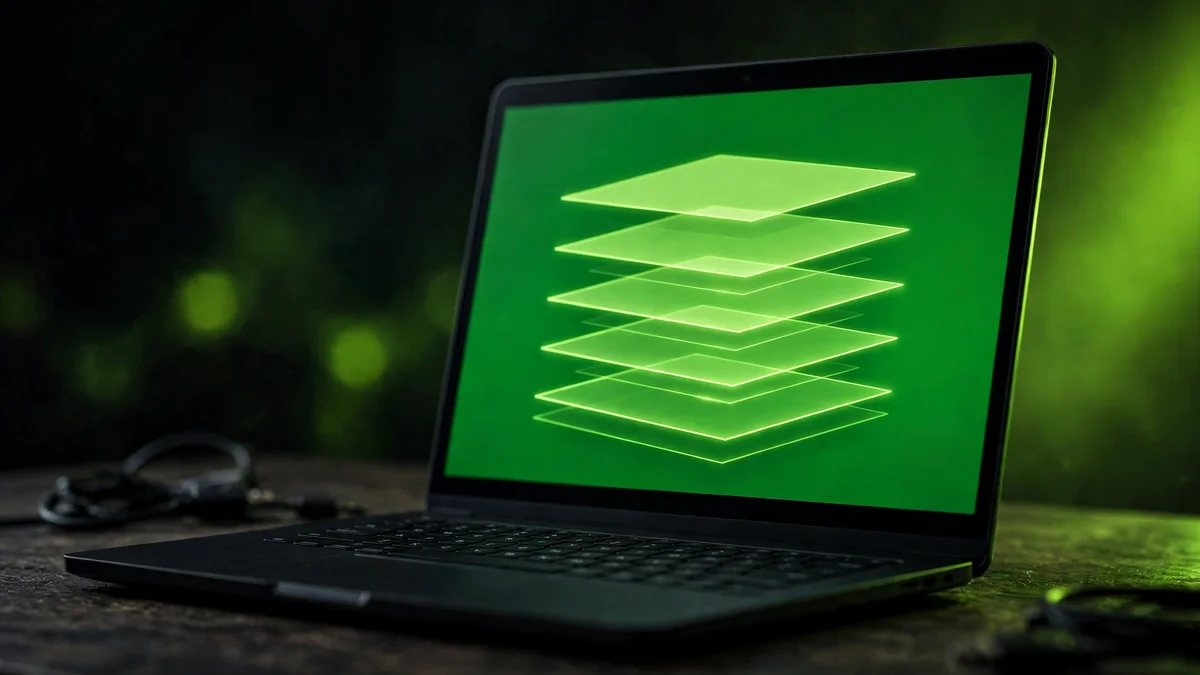
The seven layers, from the bottom to the top, are the physical layer, the data link layer, the network layer, the transport layer, the session layer, the presentation layer, and the application layer. The physical layer deals with cables, radio signals, and the raw bits that travel over them. The data link layer moves data between devices on the same local network, the network layer routes it between networks, and the transport layer makes sure it arrives reliably and in order.
The top three layers handle the conversation itself. The session layer starts and manages the exchange between two devices, the presentation layer deals with how data is formatted and encoded, and the application layer is where the software you actually use, such as a browser or an email client, makes its request. Our guide to TCP/IP explains the simpler four-layer model that real networks use day to day, and our guide to HTTP explains the protocol that runs at the application layer when you load a web page.
How the OSI model works
When you send a message, it starts at the top and works its way down. Your application hands the message to the presentation layer, which formats it, and the session layer, which manages the connection. The transport layer then splits the message into smaller pieces, adds information so they can be reassembled in order, and hands them to the network layer, which chooses the route they should take.
Each layer adds its own information as the data passes through, a process often called encapsulation. The network layer adds the addresses of the sender and the receiver, the data link layer adds the address of the next device on the local network, and the physical layer turns the whole package into signals on a cable or radio waves in the air. By the time the message leaves your device, it carries a set of instructions added layer by layer.
On the journey across the network, the lower layers do most of the work. Routers read the network-layer address to decide where each piece should go next, and switches use the data link layer to deliver it to the right device on a local network. The pieces may take different routes and arrive out of order, and none of that matters to the upper layers, because the transport layer on the receiving device puts them back together.
When the data arrives, the process runs in reverse. The physical layer turns the signals back into bits, the data link and network layers strip away their own information and check the addresses, and the transport layer reassembles the pieces in order. The session and presentation layers then restore the original format, and the application layer hands the finished message to the software waiting for it, giving engineers a clear starting point if anything goes wrong.

Comparing the OSI model with the TCP/IP model
The OSI model and the TCP/IP model describe the same job, but they divide it differently. TCP/IP is the model behind the real internet, and it has four layers rather than seven. It is simpler, and it grew out of the protocols that were actually built and used, rather than from a standard written first.
The table below sets out the main contrasts between the two models.
| Aspect | OSI model | TCP/IP model |
|---|---|---|
| Number of layers | Seven layers | Four layers |
| Origin | A standard written by an international body | Grew from the protocols of the early internet |
| Upper layers | Session, presentation, and application kept separate | All three combined into one application layer |
| Use in practice | Mainly teaching and troubleshooting | Describes how real networks actually work |
| Flexibility | Strict separation between layers | Layers are looser and often overlap |
The practical point is that the two models are not rivals. Engineers use TCP/IP to describe what a network does, and OSI language to describe where a problem sits. Saying a fault is at the transport layer means the same thing whichever model you prefer, and that shared vocabulary is the OSI model’s lasting value.
Where the OSI model is used
Training is the most common place to meet the OSI model. Almost every networking course starts with it, because it gives beginners a map before they meet the details of real protocols. Once learners understand that routing sits at one layer and reliable delivery at another, the rest of networking becomes much easier to follow.
Troubleshooting is where the model earns its keep in daily work. When a connection fails, an engineer can work through the layers from the bottom up: is the cable connected, is the local network working, can the device reach the router, and does the application respond. This layered approach stops people from guessing and gives each check a clear order.
Equipment makers and standards bodies also use the model as a common reference. A company that makes network switches can describe its product as working at the data link layer, and everyone in the industry understands what that means. A firewall maker can say its product inspects traffic at the network and transport layers, and buyers know exactly which job it does.
Network design relies on the same thinking. When a large organisation plans a new network, its architects think in layers: the physical cables and wireless coverage first, then the local networks, then the routing between sites, and finally the applications that staff will use.
Strengths and limits
The greatest strength of the OSI model is clarity. By separating networking into seven distinct jobs, it turns a complicated system into parts that can be learned, tested, and fixed one at a time. It also gives the whole industry a shared vocabulary, so an engineer in one country and a technician in another can describe the same fault in the same words.
The model is also useful because it is neutral. It does not favour one company’s equipment or one protocol over another, so it can describe almost any network, old or new. New technologies can be placed on the map without redrawing it: a new wireless standard sits at the physical layer, and a new messaging protocol sits at the application layer.
The limits are real, though. No major network was ever built to follow the OSI model exactly, and its strict separation between layers does not match how real protocols behave, since many of them do jobs that span several layers. The session and presentation layers, in particular, have no clear equivalent in everyday networking, which is why the simpler TCP/IP model won out in practice.
OSI model checklist
- Learn the seven layers in order, from physical at the bottom to application at the top.
- Remember what each layer does, not just its name, starting with routing at the network layer.
- Trace a message down the layers on the sending device and up them on the receiving device.
- When a connection fails, check the layers from the bottom up, starting with the cable.
- Use the layer names to describe a fault precisely when asking someone else for help.
- Notice which layer a protocol belongs to before deciding how to configure it.
- Keep the OSI model and the TCP/IP model separate in your mind, and use each where it fits.
- Expect real protocols to span more than one layer, and do not force them into a single box.
- Revisit the model whenever you learn a new protocol, and place it on the map.
Frequently asked questions
What is the OSI model in simple terms?
The OSI model is a framework that divides networking into seven layers, each responsible for one part of getting data from one computer to another. It helps people learn, describe, and fix networks by keeping each job separate.
What are the seven layers of the OSI model?
From the bottom to the top, they are the physical, data link, network, transport, session, presentation, and application layers. The physical layer handles cables and signals, while the application layer is where the software you use makes its request.
Is the OSI model still used today?
Yes, mainly as a teaching and troubleshooting tool. Real networks run on TCP/IP, but engineers still describe faults and equipment in OSI terms, because the layer names give everyone a shared vocabulary.
What is the difference between the OSI model and TCP/IP?
The OSI model has seven layers and was written as a standard, while TCP/IP has four layers and grew from the protocols that built the internet. TCP/IP combines the top three OSI layers into a single application layer.
Which layer is a router?
A router mainly works at the network layer, because it reads network addresses to decide where data should go next. Some routers also work at other layers, but routing between networks is their defining job.
Why does data travel down the layers and back up again?
Because each layer adds information the next part of the journey needs, such as addresses and ordering details. The receiving device strips that information away layer by layer until the original message is restored.
The bottom line
The OSI model explained in one line is this: a seven-layer map of networking, from the physical cable at the bottom to the application at the top, that shows how data travels between computers.
It is not a set of rules that networks must follow, and no real network implements it exactly. Its value is as a shared language: it lets learners understand networking, engineers find faults faster, and the whole industry describe equipment and protocols in the same terms.
This article is general information about how the OSI model works, not technical advice for designing or configuring a particular network.