Arduino explained in plain terms means a small, inexpensive circuit board that can read the world through sensors and act on it through lights, motors, and displays. The central question is how a board no bigger than a credit card can run a weather station, a robot, or a greenhouse watering system, and the short answer is that it runs one simple program in a loop, reading inputs, making decisions, and switching outputs on and off.
Arduino began as a teaching tool for design students who wanted to build interactive objects without first becoming electronics engineers. It has since grown into one of the most widely used platforms in hobby electronics, classrooms, and prototyping labs, with millions of boards in use around the world. Its appeal is that the hardware is simple, the software is free, and the first working project can be a blinking light built in an afternoon.
What makes Arduino interesting is not raw power. Its strength is focus: it does one job, it does it the moment it is switched on, and it keeps doing it reliably for as long as it has power. That simplicity is exactly what makes it the right choice for so many small machines.
Key takeaways
- Arduino is a small open-source microcontroller board that runs one program in a continuous loop.
- It reads sensors through its pins and controls lights, motors, buzzers, and displays in response.
- Programs are written in a simplified form of C and C++, using free software called the Arduino IDE.
- The board starts its program instantly when powered and needs no operating system or screen.
- Arduino suits simple, dedicated tasks, while a full computer suits work that needs a screen or the internet.
What Arduino is
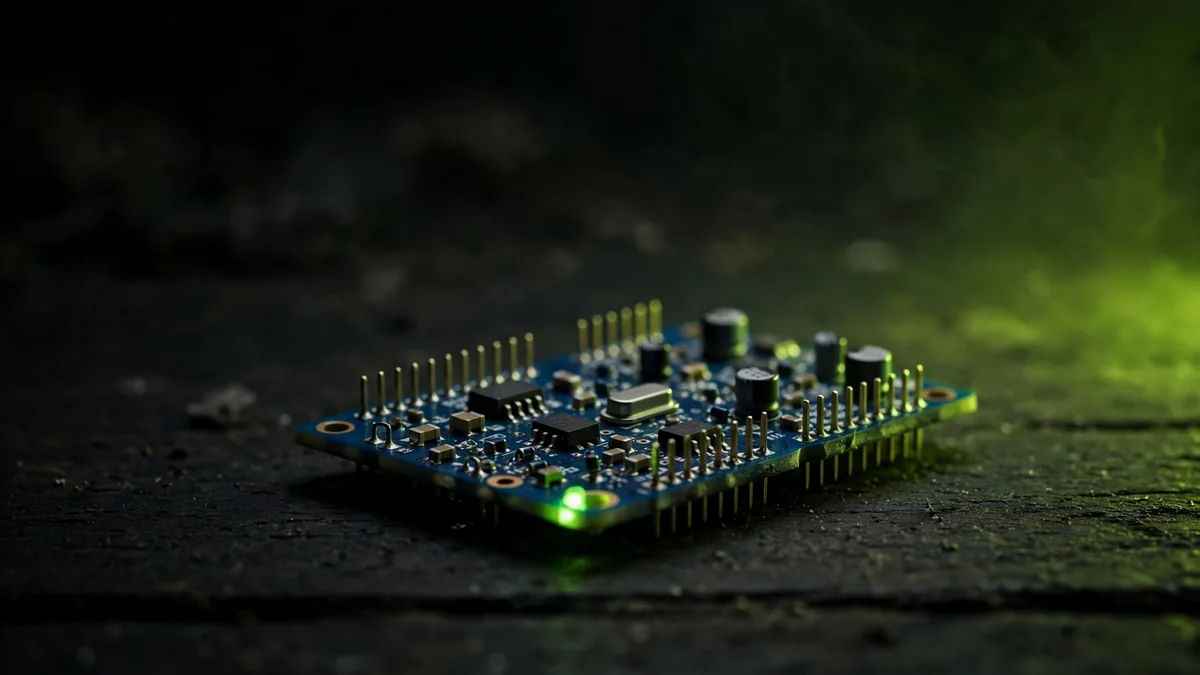
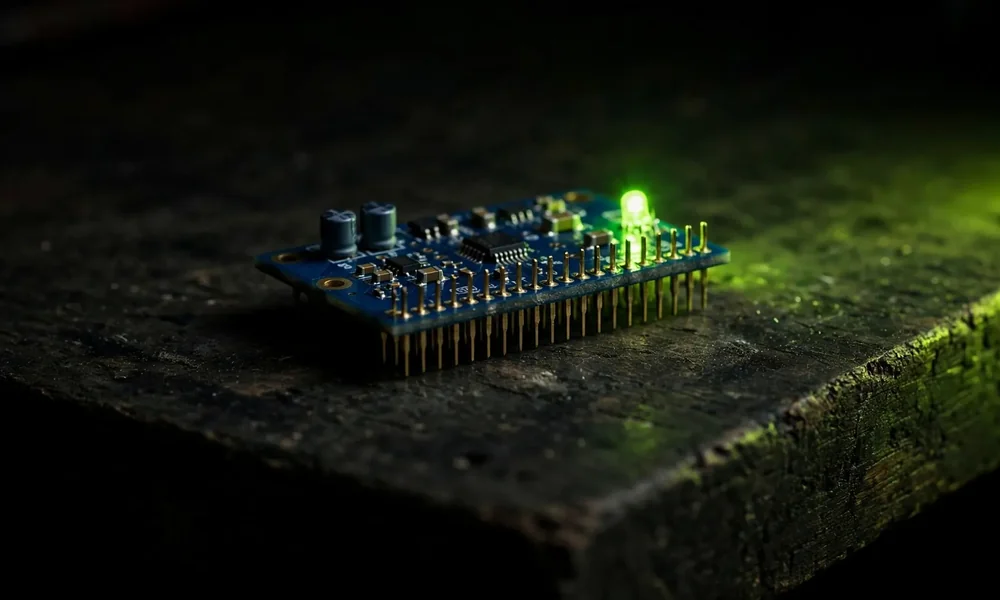
Arduino is both a piece of hardware and a software ecosystem. The hardware is a microcontroller board: a small printed circuit board carrying a microcontroller chip, a USB socket, a power socket, and rows of pins for connecting other components. The software is the Arduino IDE, a free program for writing code, checking it, and sending it to the board over a USB cable.
The microcontroller at the heart of the board is a tiny computer on a single chip, with a processor, a small amount of memory, and storage for one program. It has no screen, no keyboard, and no operating system, and it cannot run more than one program at a time.
Arduino belongs to a wider family of small computing hardware, and two relatives help to place it. Our guide to Raspberry Pi explains a full single-board computer that runs an operating system and can drive a screen, while our guide to the motherboard explains the large circuit board that ties together the processor, memory, and storage inside a desktop computer. Arduino is far simpler than either: it is a controller for one dedicated job, not a general-purpose computer.
How Arduino works
An Arduino program, called a sketch, has two main parts: a setup part that runs once when the board is switched on, preparing the pins and starting any connected parts. The loop part then runs again and again, for as long as the board has power, reading inputs, deciding what to do, and setting outputs. That endless loop is the whole rhythm of Arduino: check, decide, act, and repeat.
The pins are how the board touches the outside world. Digital pins read simple on-or-off signals, such as a button press, and switch things on or off, such as a light or a relay. Analogue pins read varying voltages, such as the output of a temperature sensor or a light sensor, and convert them into numbers the program can work with.
Sensors and actuators connect to those pins, often through a breadboard, a plastic board that lets components be plugged in and rearranged without soldering. A temperature sensor reports the warmth of a room, a motion sensor reports movement, and a moisture sensor reports whether soil is dry.
Power and timing are deliberately simple. The board can run from a USB cable or a battery, and it starts its program within a fraction of a second of being switched on, with no boot screen and no login. Because there is no operating system getting in the way, the timing of the loop is predictable, which matters when a board must react to a sensor quickly or pulse a motor at a steady rate.
Comparing Arduino with Raspberry Pi
Arduino and Raspberry Pi are often mentioned together, and beginners sometimes treat them as rivals, but they are really tools for different jobs. Arduino is a microcontroller that runs one program in a loop, while Raspberry Pi is a complete computer that runs an operating system and can handle many programs at once. The right choice depends on what the project needs to do.
The table below sets out the main contrasts.
| Aspect | Arduino | Raspberry Pi |
|---|---|---|
| What it is | A microcontroller board for one dedicated task | A single-board computer with an operating system |
| Starts up | Instantly, running its program at once | Takes time to boot, like a small desktop computer |
| Reading sensors | Built-in analogue pins read sensors directly | Usually needs extra hardware for analogue sensors |
| Screen and internet | No screen, and no built-in networking on basic boards | Drives a screen and connects to Wi-Fi and networks |
| Power use | Very low, so it can run for a long time on batteries | Much higher, and normally needs mains power |
| Best for | Simple, reliable, always-on control tasks | Projects that need a screen, camera, or the internet |
The practical rule is simple. If the project senses something and switches something in response, and it must keep doing that job reliably for weeks or months, Arduino is usually the better fit. If the project needs a display, a camera, a web page, or heavy data processing, a Raspberry Pi is the better choice, and the two can even work together, with Arduino handling sensors and the Pi handling the display.
Where Arduino is used
Classrooms and workshops are where most people first meet Arduino. Teachers use it to show how code connects to the physical world, because a student can write a few lines and watch a real light respond, which makes abstract ideas concrete in a way a screen alone cannot.
Hobbyists use Arduino for home projects of every kind. A board can water plants when the soil dries out, open curtains at sunrise, feed a pet at set times, or monitor a home-made greenhouse.
Artists and designers use Arduino to build interactive installations. A sculpture that lights up when someone approaches, a musical instrument played by waving a hand, or a display that changes with the weather all need a controller that reads sensors and drives outputs in real time. Arduino’s simplicity lets designers focus on the experience rather than on the electronics.
Engineers use Arduino for prototyping, building a quick working model of a product before committing to custom hardware. A team designing a new sensor or a small control unit can test the idea on an Arduino board in days, find the flaws, and then design the final product with confidence. Many commercial products began life as an Arduino prototype on a workbench.
Strengths and limits
The greatest strength of Arduino is its accessibility. The boards are inexpensive, the software is free, the programming language is a simplified form of C and C++, and there is a huge community sharing example projects, libraries, and advice.
Reliability is another real advantage. With no operating system to crash, no updates to install, and no background programs competing for attention, an Arduino board does the same job the same way every time it is switched on. That predictability matters in a greenhouse controller or a safety device, where a frozen computer would be more than an inconvenience.
The limits follow from the same simplicity. Arduino has little memory and modest processing power, so it cannot run a web browser, process video, or handle large amounts of data. It has no screen of its own, and basic boards have no built-in Wi-Fi, so projects that need the internet or a display need extra parts, and it is a controller for one job, so asking it to be a general-purpose computer will only end in frustration.
Arduino checklist
- Start with a starter kit, which includes a board, a breadboard, and the common sensors and parts.
- Install the free Arduino IDE and check that the board is recognised before writing any code.
- Begin with the blinking light example, since it confirms the board, cable, and software all work.
- Wire circuits with the power off, then check the connections before switching the board on.
- Use a resistor with every LED, because connecting one directly can damage both the LED and the board.
- Test each sensor on its own before combining several parts into one larger project.
- Save the sketch often and keep a copy of each working version before making big changes.
- Read the sensor’s documentation for its voltage and pin layout, rather than guessing from its shape.
- Ask the Arduino community for help when stuck, and share the code and a photo of the wiring.
Frequently asked questions
What is Arduino used for?
Arduino is used to build small electronic devices that read sensors and control outputs, such as weather stations, plant waterers, robots, interactive art, and product prototypes. It suits simple, dedicated tasks that must run reliably for a long time.
Do I need to know programming to use Arduino?
Some programming helps, but beginners can start with very little. The Arduino language is a simplified form of C and C++, and the software includes many example programs that can be adapted, so most people learn by changing small parts of working code.
Which Arduino board should a beginner buy?
Most beginners start with the Uno, the standard board used in most tutorials and starter kits, because it has enough pins for early projects and the largest amount of shared advice. Other boards suit smaller projects or more demanding work once the basics are understood.
Can Arduino connect to the internet?
Basic Arduino boards cannot, but boards with built-in Wi-Fi or add-on shields can send data online and receive commands. For projects that need heavy internet work, a small computer such as a Raspberry Pi is usually a better fit.
How much does an Arduino board cost?
Official boards and compatible versions are inexpensive compared with a computer, and starter kits that include sensors and parts cost more but still far less than a laptop. Prices vary by board, seller, and region, so it is worth comparing a few shops before buying.
Is Arduino suitable for a commercial product?
Arduino is widely used for prototyping, and some small products are built around Arduino-compatible hardware. For large-scale production, makers usually design custom circuit boards, but the Arduino prototype is often the first step that proves the idea works.
The bottom line
Arduino explained in one line is this: a small, inexpensive board that runs one simple program in a loop, reading sensors and switching outputs to make real objects respond to the world.
It will not replace a computer, and it was never meant to.
This article is general information about how Arduino works, not advice about choosing electronics or building a device for a particular purpose.