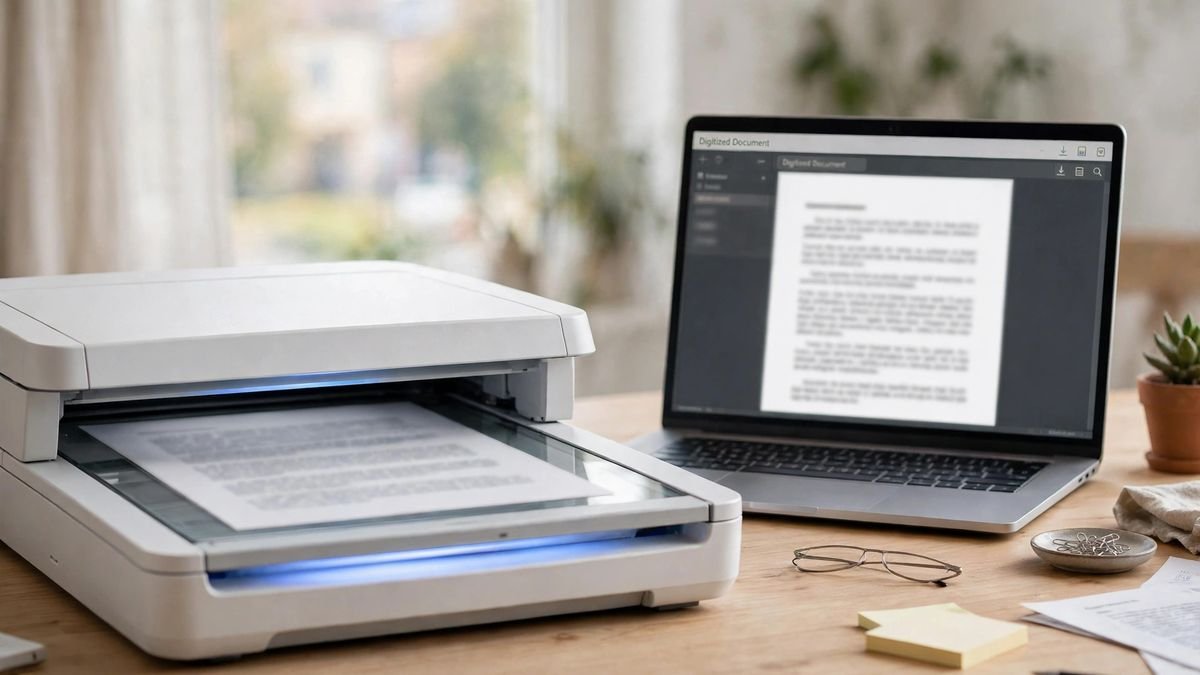
OCR technology explained in plain terms: optical character recognition is software that reads text from images — a scanned page, a photograph of a receipt, a screenshot — and turns it into editable, searchable text. How does it work? The system finds where the text is, cuts it into lines and characters, recognises each one with a trained model, and assembles the results into words, lines and pages.
OCR sits behind document digitisation, invoice processing, passport scanning, licence plate reading and accessibility tools. It is also a key step in retrieval systems that need to search inside scanned documents. This guide explains how OCR works, how the main engines compare, and how to build a pipeline that produces reliable text.
Key takeaways
- OCR turns text in images into editable, searchable digital text in three stages: detection, recognition and layout analysis.
- Tesseract is the mature default for clean printed scans; PaddleOCR leads on tables, layout and multilingual documents.
- EasyOCR is the fastest to set up, while newer engines such as docTR and Surya add layout and reading-order analysis.
- Image quality matters more than the engine: a clean, high-resolution scan beats a clever model on a blurry photo.
- OCR output always needs validation: confidence scores, field checks and human review for low-confidence results.
What is OCR?
Optical character recognition is the task of converting text in an image into machine-readable text. The input can be a scanned document, a photograph of a sign, a screenshot or a frame from a video. The output is text with positions: each word or line comes with coordinates saying where it was found on the page.
OCR is older than deep learning. The first systems appeared in the 1970s, and Tesseract began life at Hewlett-Packard in the 1980s before Google open-sourced it in 2005. Early OCR used hand-written rules and template matching, which worked for clean printed text in one font and failed on almost everything else.
The difference matters for expectations. OCR is not reading in the human sense: it does not understand the document, and it cannot fix a badly photographed page by reasoning about it. It is pattern recognition applied to text, and its accuracy follows directly from the quality of the image and the training of the model.
How OCR works
A modern OCR pipeline has three stages. First, text detection finds where the text is, drawing boxes around words or lines. Second, text recognition reads the characters inside each box, usually with a neural network trained on images of text. Third, layout analysis works out the structure: paragraphs, columns, tables, headings and reading order.
Detection and recognition use different models. Detection models are trained to find text regions regardless of what the text says, and they handle rotated, curved or perspective-distorted text. Recognition models read the cropped text region and output characters, often with a sequence model that uses context from neighbouring characters to resolve ambiguous shapes.
Pre-processing sits before both stages. The image is converted to greyscale, contrast is adjusted, skew is corrected, and noise is reduced. These steps sound minor, but they often make a bigger difference to accuracy than the choice of engine. A straight, high-contrast image of a printed page is easy for any engine; a tilted, shadowed photograph of the same page is hard for all of them.
Tesseract: the mature default
Tesseract is the oldest and most widely deployed open-source OCR engine, now on version 5 with an LSTM-based recognition model. It reads more than 100 languages, runs without a deep learning framework, and produces searchable PDFs, hOCR, ALTO and TSV output natively. It is maintained under the Apache 2.0 licence and ships as a pre-built binary on most operating systems.
Its strength is clean printed text. On a well-scanned document in a supported language, Tesseract is fast and accurate, and its small footprint makes it easy to deploy. Its weaknesses show on degraded inputs: rotated text, handwriting, low-resolution photos and complex layouts all reduce accuracy, and it has no built-in layout analysis beyond line and block detection.
Best for: searchable PDFs from clean scans, archival digitisation and any project that needs a small, dependency-free engine.
PaddleOCR: layout, tables and multilingual text
PaddleOCR, built by Baidu on the PaddlePaddle framework, is the strongest open-source option for structured documents. Its current 3.x line ships PP-OCRv6 models that cover 50 languages in a single unified model, and the PP-Structure module adds layout analysis, table recognition and formula recognition on top of text recognition.
That makes PaddleOCR the better choice when documents are complex. Invoices, forms and reports with tables need more than raw text: they need to know which cell belongs to which row, and which paragraph comes first. PaddleOCR answers those questions out of the box, where Tesseract would need custom code around it.
Best for: invoices, forms and multilingual documents where tables, layout and reading order matter as much as the text itself.
The trade-off is complexity. PaddleOCR needs its framework installed, and the full pipeline is heavier than Tesseract. RapidOCR offers the same models converted to ONNX, which runs in lighter runtimes such as ONNX Runtime, OpenVINO and TensorRT, if you want the models without the framework.
EasyOCR and other modern engines
EasyOCR is a PyTorch-based engine that pairs CRAFT text detection with a deep learning recognition network. It supports more than 80 languages and is famously easy to start with: a single package install gives you a working engine. Its footprint is large, around 500 MB with PyTorch, and it is slower than Tesseract, so it suits batch processing more than real-time use.
Best for: quick prototypes and projects where ease of setup matters more than speed or footprint.
Several newer engines fill specific niches. DocTR combines detection and recognition in a clean Python API and is a good fit for document pipelines that feed retrieval systems. Surya adds layout analysis, reading order and table recognition with strong accuracy on modern documents, though its model weights carry a modified licence that restricts commercial use for larger companies. Docling, an MIT-licensed document ingestion toolkit, uses RapidOCR by default and is designed for feeding documents into RAG systems.
Best for: document ingestion pipelines where OCR is one step among many, and where layout and reading order feed a downstream system.
OCR engines compared
The table below compares the main open-source engines on the factors that decide a project. Versions are current as of late 2026 and change regularly, so check the project repositories before committing.
| Engine | Version | Languages | Main strength | Main weakness |
|---|---|---|---|---|
| Tesseract | 5.x | 100+ | Fast, small, no deep learning framework | No layout analysis, weak on photos |
| PaddleOCR | 3.x | 100+ | Tables, layout, multilingual models | Heavier install, framework dependency |
| EasyOCR | 1.7.2 | 80+ | Easiest to start, good on degraded text | Slow, large footprint, older release |
| RapidOCR | 3.x | 100+ | PaddleOCR models in a light ONNX runtime | No document pipeline of its own |
| docTR | 1.x | Many | Clean API, good for document pipelines | Smaller community than Tesseract |
| Surya | Recent | 91 | Layout, reading order, tables | Weights licence restricts large companies |
No engine wins on every row. Tesseract is the safe default for clean text, PaddleOCR for structured documents, EasyOCR for quick starts, and Surya or Docling for modern document pipelines. Check the licence before commercial use: most are Apache 2.0, but Surya’s weights carry extra terms.
Building a reliable OCR pipeline
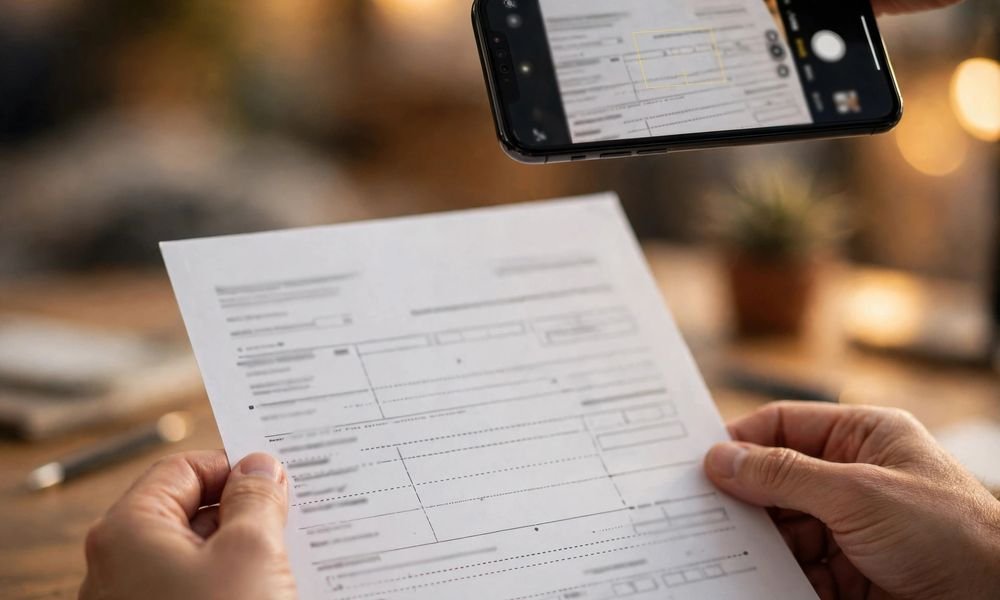
Start with the image. Scan at 300 DPI or higher, keep pages flat and straight, and use even lighting. For photographs, fill the frame with the page, avoid shadows and glare, and hold the camera steady. These steps cost nothing and improve accuracy more than any engine swap.
Next, add pre-processing. Deskew tilted pages, increase contrast, and remove noise before the image reaches the engine. Most engines accept an image and do their own pre-processing, but doing it yourself gives you control and makes results reproducible.
Then validate the output. Use the engine’s confidence scores to flag uncertain words, check extracted fields against expected formats such as dates and totals, and route low-confidence documents to a human. OCR is a probabilistic process, and a pipeline without validation will silently pass errors downstream.
Finally, measure on your own documents. Accuracy on a public benchmark says little about your invoices, forms or handwriting. Build a small test set of real documents with known correct text, run each candidate engine on it, and compare character-level accuracy and field-level accuracy. Our guide to the RAG OCR pipeline explains how OCR output feeds retrieval systems, and our guide to multimodal RAG systems shows how scanned documents fit into a wider AI system.
OCR pipeline checklist
Use this checklist before putting an OCR pipeline into production.
- Image quality: resolution, lighting and skew are checked at capture, not after OCR fails.
- Engine chosen: the engine matches the document type: clean scans, tables, handwriting or multilingual text.
- Test set built: real documents with known correct text, covering the full range of layouts and quality.
- Accuracy measured: character and field accuracy are measured per document type, not as one overall number.
- Confidence used: low-confidence words and fields are flagged and routed to review.
- Field validation: extracted values are checked against formats, ranges and cross-field rules.
- Human review: a review step exists for uncertain documents, and corrections feed back into tuning.
- Licences checked: engine and model licences are confirmed for your commercial use.
Common OCR problems
Handwriting is the hardest common case. Printed text follows consistent shapes, but handwriting varies by person, and most OCR engines are trained mainly on print. Dedicated handwriting models exist, but accuracy is lower, and human review is usually needed for important fields.
Tables are the second hard case. A table is a two-dimensional structure, and reading it as a flat stream of text loses the row and column relationships. Engines with table recognition, such as PaddleOCR, handle this far better than plain text engines, which is why the engine choice matters most for tabular documents.
Low-quality images are the third. Faxed pages, photographed receipts and low-resolution screenshots all reduce accuracy sharply. When the image is the problem, no engine can fully compensate: improving capture is cheaper than tuning the model.
Frequently asked questions
What is the difference between OCR and ICR?
OCR reads printed text, while ICR, intelligent character recognition, reads handwriting. The terms are often used interchangeably, but handwriting recognition is a harder problem and usually needs a different model trained on handwritten samples.
Is OCR accurate enough for legal or financial documents?
It can be, with the right setup: high-quality scans, a suitable engine, field validation and human review of low-confidence results. Accuracy on clean printed documents is high, but no OCR pipeline should feed a legal or financial system without validation and review.
Can OCR read handwriting?
Some engines handle neat handwriting reasonably well, but accuracy is well below printed text, and cursive or messy writing is often unreliable. For handwritten forms, dedicated handwriting models or human transcription are usually the safer choice.
What is the best free OCR engine?
There is no single best engine. Tesseract is the best free choice for clean printed scans, PaddleOCR for tables and multilingual documents, and EasyOCR for the fastest start. Test the candidates on your own documents before deciding.
Does OCR work on photos taken with a phone?
Yes, and modern engines handle phone photos well when the page is flat, well lit and fills the frame. Shadows, glare, skew and low light reduce accuracy, so good capture habits matter more than the engine for phone-based OCR.
How does OCR fit into AI and RAG systems?
OCR converts scanned documents into text that can be embedded, indexed and retrieved like any other document. It is the first step in a document ingestion pipeline, and its accuracy sets a ceiling on everything downstream: errors in OCR become errors in retrieval and in the answers built on it.