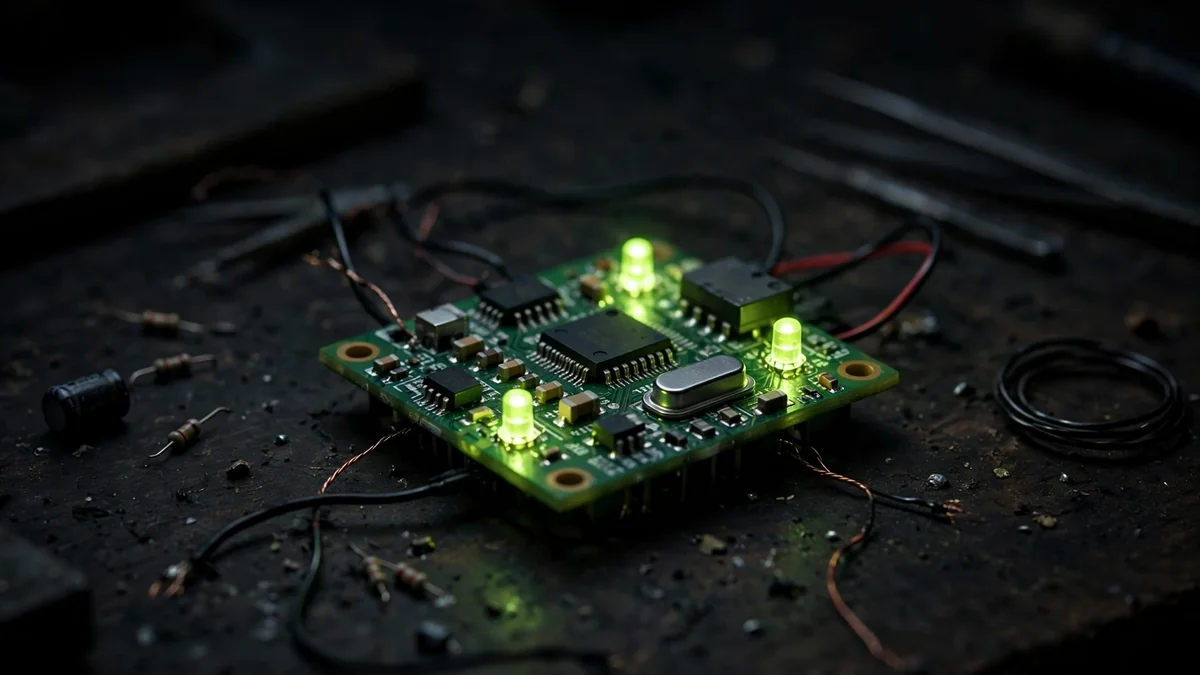
Raspberry Pi explained in plain terms means a complete computer, small enough to hold in your hand and cheap enough for a school to buy by the classroom, that runs a full operating system and can do almost anything a desktop can. The central question is how a machine this small became one of the most important computers ever made, and the short answer is that it removed every barrier: price, size, and fear of breaking something expensive.
Think of a bicycle with training wheels that can also win races. A beginner can ride it without fear, and an expert can still take it anywhere. The Raspberry Pi is that bicycle: gentle enough for a child’s first program, powerful enough to run a home server, a robot, or a weather station.
The Raspberry Pi was launched in 2012 by the Raspberry Pi Foundation, a British charity, to get more young people learning to program. It has since sold tens of millions of units, and it is used in classrooms, factories, farms, and space stations, far beyond anything its creators imagined.
Key takeaways
- A Raspberry Pi is a complete, credit-card-sized computer that costs very little.
- It runs Linux, usually Raspberry Pi OS, and supports many programming languages.
- Its GPIO pins let it sense and control the physical world: lights, motors, sensors.
- It teaches computing because it is cheap enough to experiment with freely.
- It powers real projects, from home servers to industrial monitoring.
What a Raspberry Pi is
A Raspberry Pi is a single-board computer: every part of a computer, processor, memory, graphics, and connections, is built onto one small circuit board about the size of a credit card. There is no case, no keyboard, and no screen included, because the point is that you add what you need, and the board itself costs less than a textbook.
The current models run on ARM processors, the same family of chips that powers most phones, with up to 8GB of memory, USB ports, HDMI output, Wi-Fi, Bluetooth, and an Ethernet port. It is not as fast as a modern laptop, but it is fast enough for a remarkable range of work, and it uses only a few watts of power, so it can run all day on a phone charger.
It runs Linux, usually the Foundation’s own Raspberry Pi OS, which comes with a desktop, a web browser, office software, and programming tools already installed. A beginner can plug it into a television, attach a keyboard, and be writing their first program within minutes of opening the box.
The feature that makes it special is a row of pins along one edge, called GPIO, which stands for general-purpose input/output. These pins let the Pi talk to the physical world: reading a temperature sensor, switching on a light, or driving a motor. A normal computer is sealed away from the world; a Pi is built to touch it. Our guide to GPUs explains the very different kind of chip that handles graphics in a desktop computer, and why the Pi’s modest graphics are enough for its size.
How a Raspberry Pi works
It begins with an SD card. The operating system lives on a microSD card that slots into the board, so changing the Pi’s job can be as simple as swapping the card: one card makes it a media centre, another makes it a web server. That swap-ability is part of its charm, and it makes experimenting safe, because a mistake costs a card, not a computer.
When it powers on, the Pi boots like any computer, loading the operating system and presenting a desktop. Programs run as they would on a larger Linux machine, and the same languages work: Python is the usual first choice, and it is the language most Pi tutorials use, though C, Java, JavaScript, and many others run perfectly well.
The GPIO pins are controlled from software. A program can set a pin high or low, which switches a connected circuit on or off, or read a pin to see whether a button is pressed or a sensor has triggered. Libraries make this simple: a few lines of Python can blink an LED, and a few more can read a thermometer and log the result.
Because it is a real Linux computer, a Pi can also do everything a server can: run a website, store files, block advertisements for a whole home network, or act as a security camera recorder. It connects to the network over Wi-Fi or Ethernet, and it can be reached remotely, so a Pi tucked in a cupboard can quietly run a home’s services for years. Our guide to SSDs explains the fast storage that many Pi projects add, since an SD card is the slowest and least reliable part of the setup.
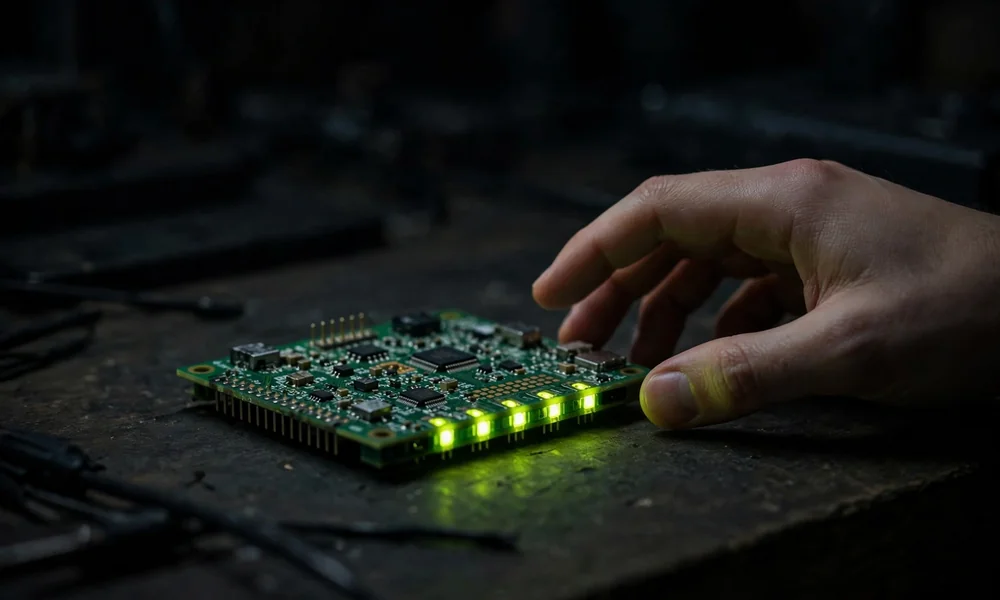
Comparing a Raspberry Pi with a desktop computer
| Aspect | Desktop computer | Raspberry Pi |
|---|---|---|
| Size | A box under a desk | A credit card |
| Cost | Hundreds of pounds | Tens of pounds |
| Power use | 50 to 300 watts | 2 to 8 watts |
| Physical world | Sealed away, no pins | GPIO pins for sensors and motors |
| Best for | Heavy work and gaming | Learning, projects, and always-on jobs |
Where Raspberry Pi is used
Education is where it began, and it remains its heart. Schools use Pis to teach programming, because every student can have a real computer to break and fix without fear, and the GPIO pins make abstract ideas concrete: a program that lights a bulb is more memorable than one that prints a number.
Home projects are the most visible use among enthusiasts. A Pi can be a media centre, a file server, a retro games console, a smart mirror, or a controller for a 3D printer. The community has documented thousands of projects, and most can be built in an evening from parts that cost very little.
Industry uses it more quietly, and in larger numbers. Factories use Pis to monitor machines, farms use them to watch soil and weather, and shops use them to drive displays. Its low cost and low power make it practical to put a computer where a full PC would be absurd, and its reliability keeps it running for years.
It has even been to space. Raspberry Pis have flown on the International Space Station as part of the Astro Pi programme, where schoolchildren’s programs run experiments in orbit. A computer designed for classrooms now works in the most demanding environment of all, which says something about how far a simple idea can travel.
Strengths and limits
The greatest strength of the Raspberry Pi is that it makes computing fearless. Because it is cheap, a beginner can try things, break things, and start again, which is how real learning happens. Expensive computers teach caution; a Pi teaches curiosity, and that difference has brought millions of people into computing who might never have started.
Its versatility is the second strength. One board can be a teaching tool, a server, a robot brain, or a sensor station, and the community around it means that almost any project has already been tried by someone willing to share how. The documentation and forums are as much a part of the product as the hardware.
Its limits are performance and storage. A Pi is not a fast computer, and heavy work, such as video editing or large compilations, is slow or impractical. Its reliance on SD cards is the weakest point: cards wear out, corrupt, and are far slower than the solid-state storage in a laptop.
It is also a board, not a finished product. It needs a case, a power supply, a card, and peripherals, and those extras add cost and complexity. For someone who simply needs a computer, a second-hand laptop is often better value; the Pi earns its place where small size, low power, or physical pins matter.
Raspberry Pi checklist
- Start with a kit: board, power supply, case, and a good-quality SD card.
- Use Raspberry Pi OS first; it is the best supported and best documented.
- Learn Python: it is the language most Pi projects and tutorials use.
- Back up your SD card before a big change, or keep a spare ready.
- Consider an SSD or USB drive for projects that write data constantly.
- Protect GPIO pins: never connect 5 volts to a pin, and use resistors with LEDs.
- Keep the Pi cool under heavy load; a small heatsink or fan helps.
- Update the system regularly for security fixes.
- Join the community: forums and project sites will answer almost any question.
Frequently asked questions
What is a Raspberry Pi?
A Raspberry Pi is a complete, credit-card-sized computer on a single board, built by a British charity to teach programming. It runs Linux, costs very little, and has pins that let it sense and control the physical world.
What can you do with a Raspberry Pi?
Almost anything a small computer can do: learn to code, run a home server, build a media centre, control a robot, monitor sensors, or drive a display. Its low cost and GPIO pins make it suited to projects a normal computer cannot do.
Do I need a screen and keyboard?
To set it up, yes, though many people then run it headless, controlling it over the network from another computer. A television works as a screen, and any USB keyboard and mouse will do.
What is GPIO?
GPIO stands for general-purpose input/output: a row of pins that let the Pi interact with electronics. Software can switch pins on and off to control lights and motors, or read them to sense buttons and sensors.
Is a Raspberry Pi powerful enough as a desktop?
For browsing, documents, and learning, yes. For heavy work such as video editing or modern gaming, no. It is a small, efficient computer, and it is best where size, cost, and power matter more than speed.
Why is it so cheap?
Because it was designed for education, built in large numbers, and sold by a charity rather than for profit. The board has no case or peripherals, which keeps the price down, and its ARM chip is inexpensive and uses little power.
The bottom line
Raspberry Pi explained in one line is this: a whole computer, small and cheap enough to experiment with freely, that puts programming and electronics within reach of anyone.
Buy a kit, follow one project, break something, fix it, and you will understand computing in a way no textbook can teach. That is what it was made for, and it is why it changed the field.
This article is general information about the Raspberry Pi, not buying advice about which model suits a particular project.