IPv6 explained in plain terms means the newer system for giving every device on the internet its own address, replacing the older IPv4 system that simply ran out of numbers. The central question is why the internet needed a whole new address book when the old one worked so well, and the short answer is arithmetic: IPv4 has about 4.3 billion addresses, and the world now has far more connected devices than that.
Think of a city that planned for a few thousand houses and then discovered millions of people wanted to live there. At first it coped by sharing: several households behind one street number, with the postman sorting out who got what. IPv6 is the new city plan, with room for every device to have an address of its own.
IPv6 stands for Internet Protocol version 6, and it is the successor to IPv4, the version that has carried the internet since the early 1980s. The expansion from 32 bits to 128 bits sounds modest, but it raises the number of possible addresses from billions to a figure so large that every grain of sand on Earth could have its own.
Key takeaways
- IPv6 uses 128-bit addresses, giving the internet a practically unlimited supply.
- IPv4 has only about 4.3 billion addresses, and the last blocks were allocated in 2011.
- IPv6 addresses are written in hexadecimal, separated by colons, such as 2001:db8::1.
- Devices can configure their own IPv6 addresses automatically, without a server.
- IPv4 and IPv6 run side by side, and the transition will take many more years.
What IPv6 is
IPv6 is the sixth version of the Internet Protocol, the set of rules that defines how data is addressed and routed across networks. Every device that connects to the internet needs an IP address, a unique number that identifies it so that data sent to it can find its way there. IPv6 is the addressing system designed to replace IPv4.
The difference is one of size. An IPv4 address is 32 bits long, written as four decimal numbers separated by dots, such as 192.0.2.1, which gives about 4.3 billion possible addresses. An IPv6 address is 128 bits long, written as eight groups of four hexadecimal digits separated by colons, such as 2001:0db8:0000:0000:0000:0000:0000:0001.
IPv6 is more than a longer address. It was designed with the lessons of forty years of IPv4 in mind, so it simplifies the packet header, removes the need for routers to fragment packets in transit, and builds in support for automatic configuration and for security features that were bolted onto IPv4 after the fact.
Our guide to DNS explains how the domain name system translates the names you type into IP addresses, and DNS has supported IPv6 addresses, in records called AAAA records, since the new protocol was standardised.
How IPv6 works
It starts with the address itself. Because the address is so long, IPv6 has shorthand rules to keep it readable: leading zeros in each group can be dropped, and one run of consecutive all-zero groups can be replaced with a double colon. So 2001:0db8:0000:0000:0000:0000:0000:0001 becomes 2001:db8::1, which is the form you will usually see.
An IPv6 address is divided into two halves: the first 64 bits identify the network, and the last 64 bits identify the device on that network. When a device joins a network, it can build its own address automatically, combining the network prefix it hears from the router with an identifier derived from its own hardware address.
That automatic configuration is called stateless address autoconfiguration, and it is one of IPv6’s most practical improvements. In IPv6, the router simply announces the network prefix, and each device configures itself, which makes large networks, such as a university campus or a factory floor full of sensors, far easier to manage.
Routing works on the same principles as IPv4, but the header is simpler. The IPv6 header is a fixed 40 bytes, with fewer fields than IPv4, because features such as the header checksum and in-transit fragmentation were removed as unnecessary or better handled elsewhere. Our guide to the Internet of Things explains why this matters: billions of small sensors and devices need addresses and simple, efficient networking, and IPv6 was designed with exactly that world in mind.
Comparing IPv6 with IPv4
| Aspect | IPv4 | IPv6 |
|---|---|---|
| Address length | 32 bits, about 4.3 billion addresses | 128 bits, about 340 undecillion addresses |
| Address format | Four decimal numbers, such as 192.0.2.1 | Eight hexadecimal groups, such as 2001:db8::1 |
| Configuration | Usually needs a DHCP server | Devices can configure themselves automatically |
| Header | Variable, at least 20 bytes, with a checksum | Fixed 40 bytes, simpler, no checksum |
| Broadcast | Yes, messages can be sent to a whole network | No, replaced by multicast to interested devices |
Where IPv6 is used
Mobile networks were among the earliest large adopters, because they connect hundreds of millions of devices that each need an address. Many mobile operators now give every phone an IPv6 address by default, and a large share of the traffic from those phones already travels over IPv6 without the user ever knowing.
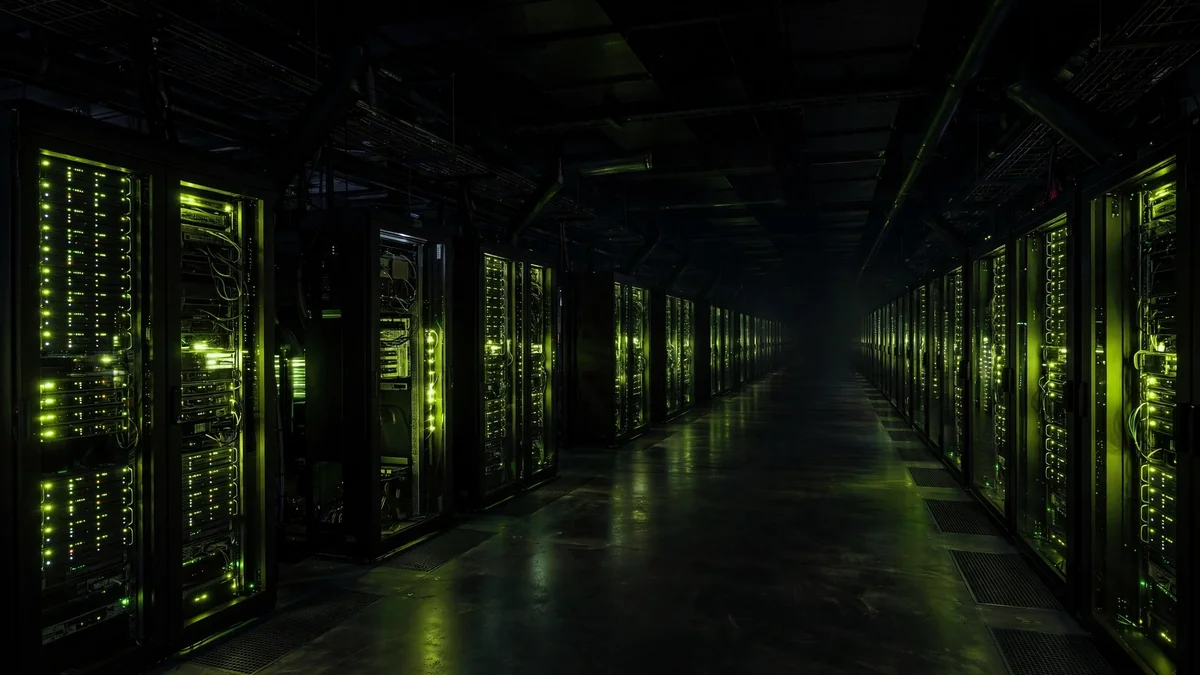
Large internet companies have adopted it too. The major search engines, social networks, and content delivery networks all serve traffic over IPv6, and many of them have run it for more than a decade.
Whole countries have moved faster than others. India, where mobile internet grew explosively, has one of the highest rates of IPv6 adoption in the world, with the majority of traffic from its large operators running over the new protocol.
At home, adoption is quieter but real. Many modern routers and internet providers now supply IPv6 alongside IPv4, and most new devices support it out of the box.
Strengths and limits
The greatest strength of IPv6 is the obvious one: the address space. With 340 undecillion addresses, there is no need for the sharing tricks that IPv4 depends on, such as network address translation, which hides many devices behind a single public address. Every device can have its own globally unique address, which simplifies peer-to-peer connections, gaming, video calls, and any application where devices need to reach each other directly.
It is also more efficient in ways that matter at scale. Automatic configuration removes a whole layer of administration, the simpler header lets routers forward packets faster, and built-in support for security, through the IPsec framework, means encryption and authentication were part of the design rather than an afterthought.
Its limits are mostly about the transition, not the protocol itself. IPv4 and IPv6 are not directly compatible: a device that only speaks one cannot talk to a device that only speaks the other, so the two must run side by side, in what is called dual-stack operation, until IPv4 can finally be switched off. That means networks must be configured, tested, and secured twice, which is real work and real cost.
That dual running also creates security risks of its own. An IPv6 path that nobody configured or monitors can become an unguarded door into a network, and older equipment and software may handle IPv6 poorly or not at all.
IPv6 checklist
- Check whether your internet provider and router already support IPv6.
- Run IPv4 and IPv6 together in dual-stack mode during the transition.
- Make sure your firewall and monitoring cover IPv6 traffic, not just IPv4.
- Learn the address shorthand rules, so you can read an IPv6 address confidently.
- Use automatic configuration where it fits, and DHCPv6 where you need central control.
- Test your website and services over IPv6 before announcing support for it.
- Keep DNS records in step: AAAA records for IPv6, alongside the A records for IPv4.
- Plan for devices that only speak IPv4, with translation where it is still needed.
- Train your team on IPv6 addressing and security, before the transition forces the issue.
Frequently asked questions
What is IPv6?
IPv6, Internet Protocol version 6, is the successor to IPv4 and the newer system for addressing devices on the internet. It uses 128-bit addresses, giving a practically unlimited supply, and it adds automatic configuration and a simpler packet header.
Why did we run out of IPv4 addresses?
IPv4 has only about 4.3 billion addresses, and the growth of phones, laptops, and connected devices outpaced that supply. The last blocks of new IPv4 addresses were allocated by the global registry in 2011, and since then networks have coped by sharing addresses through network address translation.
What does an IPv6 address look like?
It is eight groups of hexadecimal digits separated by colons, such as 2001:db8::1, where the double colon stands for a run of zero groups. Hexadecimal uses the digits 0 to 9 and the letters a to f, which is why IPv6 addresses contain letters as well as numbers.
Do I need to do anything to use IPv6?
Probably not. Most modern devices, routers, and internet providers support it already, and your devices will prefer IPv6 automatically when it is available. If your provider does not offer it yet, everything still works over IPv4, and the change will reach you when your provider enables it.
Is IPv6 faster than IPv4?
It can be slightly faster, because the simpler header gives routers less work per packet and there is no address translation in the way. In practice the difference is small, and the main benefit of IPv6 is the abundance of addresses, not raw speed.
Will IPv4 be switched off?
Not any time soon. IPv4 and IPv6 will run side by side for many years, because so much equipment and software still depends on IPv4. The transition is gradual, and the end of IPv4 will come only when the last services that need it have moved over.
The bottom line
IPv6 explained in one line is this: the same job as IPv4, addressing devices so data can find them, with 128-bit addresses that will never run out, automatic configuration, and a simpler design built on forty years of lessons.
The change is already happening quietly around you, on your phone and in the data centres that serve your searches and videos.
This article is general information about how IPv6 works, not advice about which technology suits a particular project.