HDD explained in plain terms means a hard disk drive, the storage device that keeps your files, photos, and operating system safe on spinning metal platters inside a sealed metal case. The central question is how a spinning disk stores data at all, and the short answer is magnetism: tiny regions on the platter surface are magnetised in one direction or the other, and those directions are read back as ones and zeroes.
Think of a record player, but one that writes as well as reads, and whose needle never touches the record. The platter spins thousands of times a minute, a mechanical arm hovers a few nanometres above it, and the head on that arm flips magnetic patterns to write data or senses them to read it back. It is a piece of precision engineering that has survived seven decades of computing.
The first hard disk, IBM’s RAMAC, appeared in 1956 and stored five megabytes on fifty platters, each two feet across, in a cabinet the size of a wardrobe. A modern drive holds millions of times more data in a box smaller than a paperback, yet the principle is unchanged: a spinning magnetic surface, and a head that flies above it.
Key takeaways
- A hard disk drive stores data as magnetic patterns on spinning platters.
- A read-write head flies a few nanometres above the platter and never touches it.
- HDDs are far cheaper per terabyte than SSDs, which makes them the standard for bulk storage.
- They are slower than SSDs, especially at random reads, because every request waits on moving parts.
- They suit archives, backups, media libraries, and data centres more than boot drives.
What a hard disk drive is
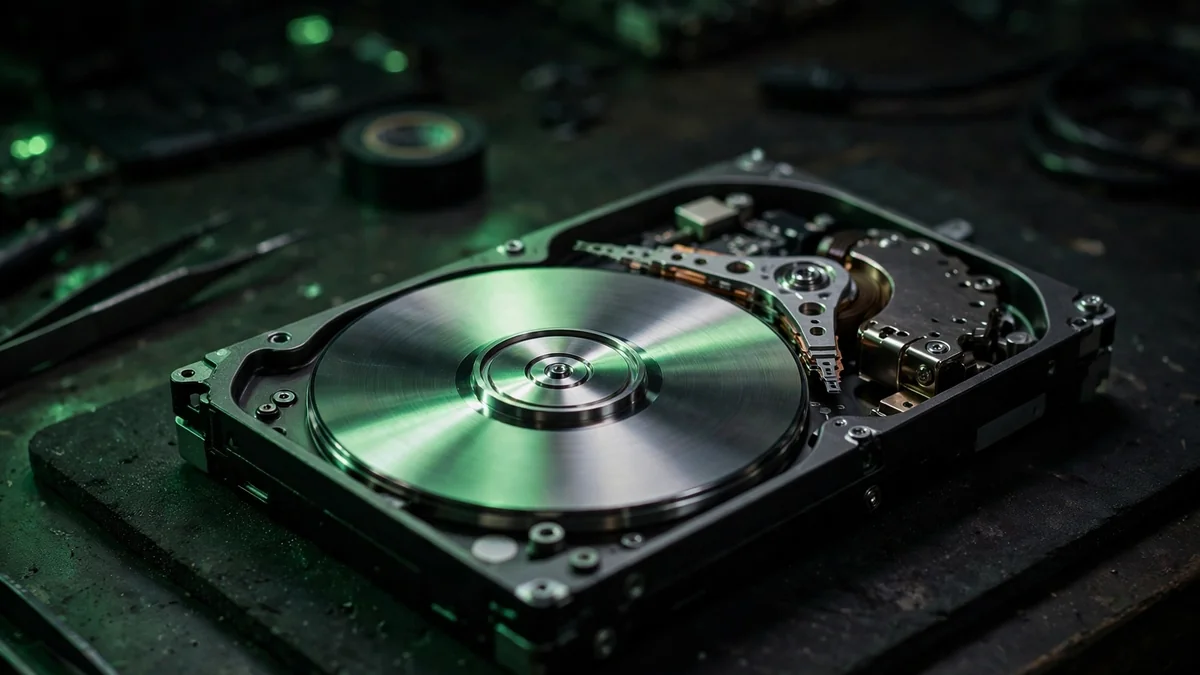
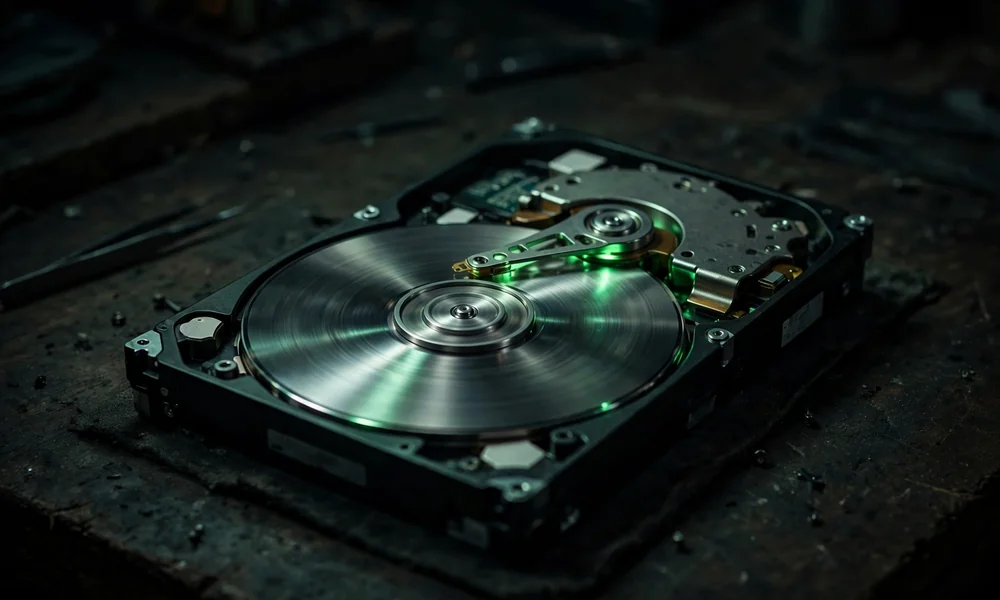
A hard disk drive is a non-volatile storage device, which means it keeps its data when the power is off, unlike memory, which forgets everything. It is built from one or more rigid platters coated in a thin magnetic film, sealed inside a metal case with the motor, the actuator arm, and the read-write heads. The seal matters: a speck of dust on a platter can be larger than the gap the head flies across, so the inside of a drive is assembled in a clean room and never meant to be opened.
Most desktop drives use 3.5-inch platters and spin at 7,200 revolutions per minute, while laptop drives use smaller 2.5-inch platters and usually spin at 5,400. Faster enterprise drives once spun at 10,000 or 15,000 revolutions per minute, but those have largely given way to SSDs for speed-critical work. Capacity is measured in terabytes, and a single modern consumer drive can hold twenty terabytes or more, enough for years of photographs, video, and documents.
The drive connects to a computer through an interface, usually SATA in desktops and laptops, or SAS in servers. That connection carries both the data and the commands that tell the drive which sectors to read or write, and it sets a ceiling on how fast data can move. A SATA connection tops out around 600 megabytes per second in theory, but a spinning disk rarely reaches half of that in practice, because the mechanics, not the cable, are the bottleneck. Our guide to SSDs explains the solid-state alternative, and why the interface matters far more once the moving parts are gone.
How a hard disk drive works
Writing begins with the platter spinning up to speed, held steady by a spindle motor. The actuator arm swings the read-write head to the right track, a concentric circle on the platter surface, and the head then waits for the right sector to rotate underneath it. The head changes the magnetic orientation of tiny regions as they pass, encoding each bit as one of two directions, and that pattern stays put until it is deliberately rewritten.
Reading is the same journey in reverse. The head senses the magnetic field of each region as it passes beneath, converts those fields into electrical signals, and the drive’s electronics turn the signals back into data. Because the head floats on a cushion of air dragged around by the spinning platter, it can position itself with extraordinary precision, following tracks that are only tens of nanometres wide.
Every read or write therefore involves three delays: seek time, while the arm moves to the right track; rotational latency, while the platter turns to bring the sector under the head; and transfer time, while the data actually moves. That is why a hard disk feels fast when reading one long file in sequence and slow when jumping between many small ones scattered across the platter. Data is also written in sectors, typically 512 bytes or 4 kilobytes each, and the drive’s firmware keeps track of which sectors hold which files, remapping around any that develop faults.
Comparing HDDs with SSDs
The natural comparison for a hard disk is the solid-state drive, which stores data in flash memory chips instead of on magnetic platters. Both are non-volatile, both plug into the same computers, and both hold the same files, but they differ in almost every other respect, and the right choice depends on what matters most: price, speed, or capacity.
| Aspect | Hard disk drive | Solid-state drive |
|---|---|---|
| Storage method | Magnetic patterns on spinning platters | Electrical charges in flash memory chips |
| Speed | Slower, limited by moving parts | Much faster, especially random reads |
| Cost per terabyte | Low, the cheapest bulk storage | Several times higher |
| Durability | Vulnerable to knocks and drops | No moving parts, far more shock resistant |
| Best use | Archives, backups, media libraries | Boot drives, apps, and fast working storage |
Where hard disk drives are used
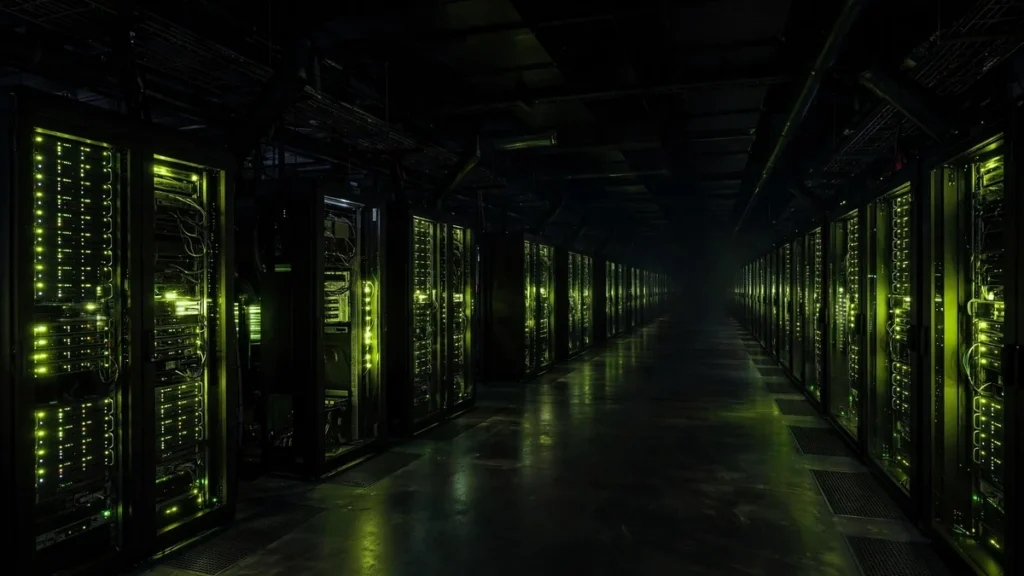
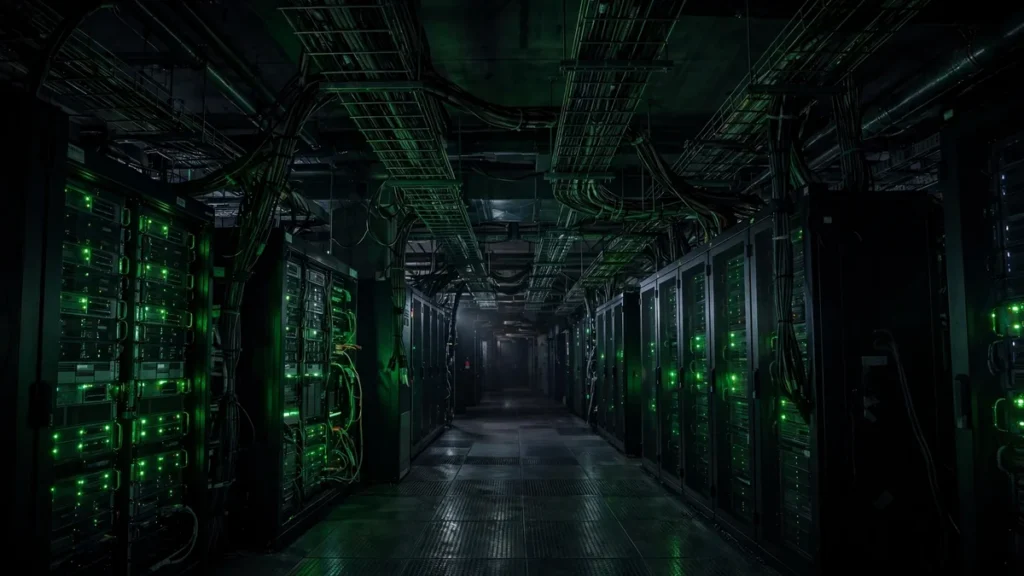
Data centres are the largest home of the hard disk. Cloud providers store the vast bulk of the world’s data, photographs, videos, backups, and archives, on racks of high-capacity drives, because at that scale the cost per terabyte decides everything and a hard disk still wins by a wide margin. A single rack can hold petabytes, and the drives inside are helium-filled to reduce drag and let more platters fit in the same case.
In homes, hard disks live in external backup drives, network-attached storage boxes, and desktop computers that need room for large media collections. A photographer with a decade of raw images, or a family with a lifetime of home video, will fill a solid-state drive’s budget long before a hard disk’s capacity. The drive may be slower, but for files that are written once and read occasionally, speed rarely matters.
They also appear in surveillance systems, where cameras write video around the clock and the storage must be cheap, capacious, and reliable over years of continuous writing. Some drives are built specifically for this, rated for 24-hour operation and tuned for sequential writes rather than the mixed workloads of a desktop. Our guide to data centres explains where these drives live at scale, and how the buildings around them keep thousands of spinning disks cool and powered.
Strengths and limits
The greatest strength of the hard disk is economics. No other storage technology offers terabytes at anything like the same price, and that advantage grows with capacity, which is why the technology survives long after faster alternatives arrived. It is also a mature, well-understood technology, with decades of reliability data and standardised interfaces that make drives interchangeable.
Its limits start with physics. Moving parts wear out, make noise, use power, and impose a speed ceiling that no amount of engineering can fully remove. A hard disk is also fragile in a way a solid-state drive is not: a sharp knock while the platters are spinning can send the head crashing into the surface, destroying data in an instant. That is why laptops, which get carried and dropped, moved to SSDs first.
Capacity has its own ceiling, too. Platters can only be packed so tightly, and although techniques such as shingled recording and heat-assisted writing keep squeezing more bits onto each square inch, the gains are slowing. For the largest archives, that matters less than the price, and hard disks will keep their place for as long as the world keeps producing more data than it can afford to store on flash.
Hard disk drive checklist
- Choose an HDD when capacity matters more than speed, such as for backups and media.
- Use an SSD for the boot drive and applications, where speed is felt every day.
- Check the spin speed: 7,200 rpm is noticeably quicker than 5,400 rpm.
- Match the interface to your computer: SATA for desktops and laptops, SAS for servers.
- Keep a backup of anything important, because a failed drive is often unrecoverable.
- Handle drives gently and avoid moving a computer while its disk is spinning.
- Watch for warning signs: clicking, grinding, or repeated read errors mean back up now.
- Leave room on the drive: a nearly full disk fragments more and slows down.
- Check the warranty and the workload rating before buying a drive for 24-hour use.
Frequently asked questions
What does HDD stand for?
HDD stands for hard disk drive. It is called hard because the platters inside are rigid metal disks, unlike the flexible disks of the floppy drives that came before it.
How long does a hard disk drive last?
Most drives last three to five years of regular use, though many run for much longer. Heat, vibration, and heavy use shorten their life, and any drive can fail without warning, which is why backups matter more than the drive’s age.
Is an HDD slower than an SSD?
Yes, substantially. A typical hard disk reads at around 100 to 200 megabytes per second, while a SATA SSD reaches about 550, and a modern NVMe SSD can exceed several thousand. The gap is widest for small, scattered reads.
Can a hard disk drive be repaired?
Not by an ordinary user. Opening a drive outside a clean room lets in dust that can destroy the platters, so repairs need specialist labs, and even they cannot always recover the data. Replacement is usually cheaper than repair.
Do hard disk drives still make sense in 2026?
Yes, for bulk storage. They remain the cheapest way to store terabytes of data, which is why data centres, backup systems, and media archives still rely on them, even as SSDs take over boot drives and laptops.
What is the difference between CMR and SMR drives?
CMR, or conventional magnetic recording, writes each track separately, while SMR, shingled magnetic recording, overlaps tracks like roof tiles to fit more data on the same platter. SMR drives are cheaper per terabyte but slower at rewriting data, so they suit archives more than busy working drives.
The bottom line
HDD explained in one line is this: a hard disk drive stores data as magnetic patterns on spinning platters, read and written by a head that flies nanometres above the surface, and it remains the cheapest way to hold a lot of data.
Use it where capacity and cost matter most, pair it with an SSD where speed matters, and always keep a backup. Seventy years after the first one, the spinning disk is still storing the world, quietly, in the background.
This article is general information about how hard disk drives work, not advice about which drive suits a particular computer.