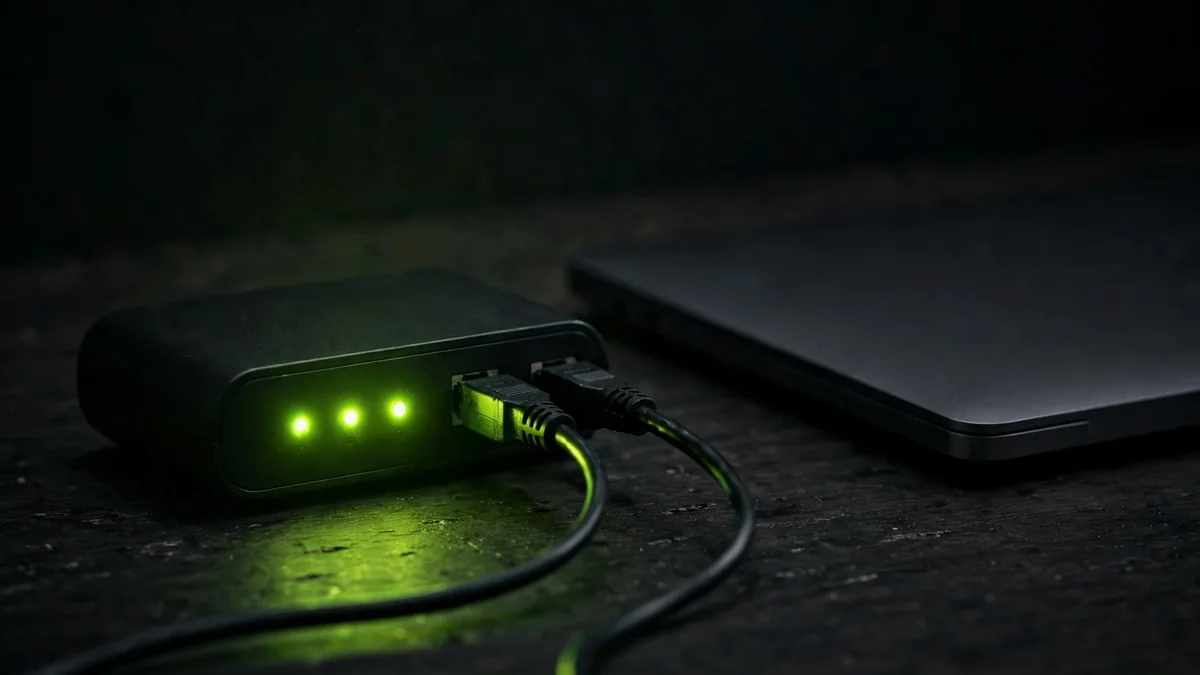
Routers explained in plain terms means understanding the small box that connects your home to the internet and shares that one connection among all your devices. The central question is how a dozen phones, laptops, and televisions can all be online at once through a single cable from the wall, and the short answer is that the router gives each device a local address and forwards its traffic to the internet and back, keeping every conversation separate.
Most homes have a router, and most people rarely think about it. It sits on a shelf, blinking quietly, while the household streams films, joins video calls, and downloads updates. When the internet stops working, the router is usually the first thing people restart, and often the last thing they understand.
That little box does more than most people realise. It protects the home network from the outside world, decides which traffic goes where, and manages the wireless network that most devices use. This article explains what a router is, how it moves data, and how it compares with the other boxes in a home network.
Key takeaways
- A router connects your home network to the internet and shares one connection.
- It gives each device a local address and forwards traffic to the right place.
- Most routers also act as a Wi-Fi access point and a basic firewall.
- A router is not the same as a modem, which connects to the internet provider.
- Placement, age, and settings all affect how well a router performs.
What a router is
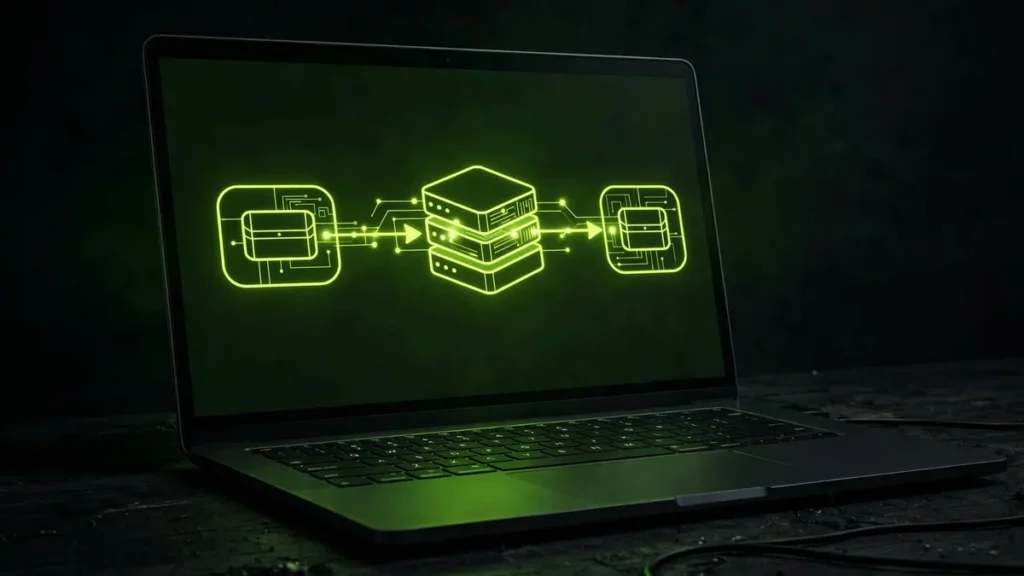
A router is a device that sits between two networks and passes traffic between them. In a home, one side faces the internet, through the modem, and the other side faces the local network, which is all the devices in the house. Every message going in or out passes through the router, which reads the address on each packet and decides where it should go next.
The router gives every device on the local network its own private address, usually starting with 192.168, and keeps a table of which device has which address. When a laptop asks for a web page, the router notes the request, sends it out to the internet under the home’s single public address, and when the reply comes back, it looks up the table and delivers it to the right laptop. That sharing trick is called network address translation.
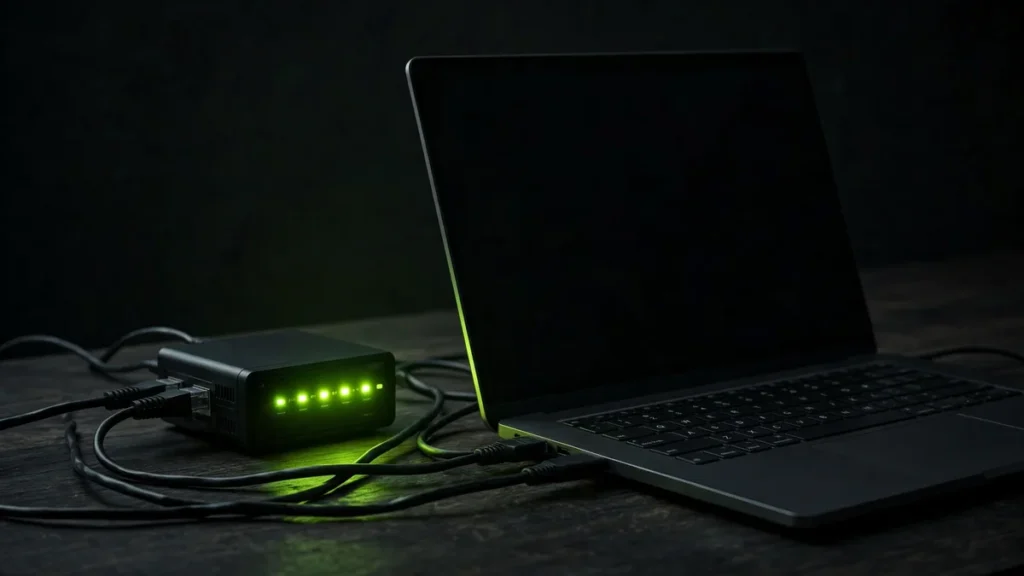
Most home routers combine several jobs in one box. They act as a Wi-Fi access point, broadcasting the wireless network that phones and laptops join. They include a small switch, with Ethernet ports for wired devices. And they act as a basic firewall, blocking unsolicited traffic from the internet while letting replies to your own requests through. Our guide to Ethernet explains how wired devices connect to the network, and our guide to Wi-Fi explains the wireless side of the home network.
How a router works
When a device joins the network, the router assigns it a local address automatically, using a service that hands out addresses and remembers which device has which one. The device also learns the router’s own address, which it uses as its gateway, the way out to the rest of the world. From then on, anything the device sends to an address outside the home goes to the router first.
The router’s main job is forwarding, and it does this by reading the destination address on each packet and checking its routing table. For a home router, the table is simple: anything for a local device stays inside, and everything else goes out through the internet connection. Larger routers, in offices and data centres, keep much bigger tables and can choose between several possible paths.
Network address translation is what lets many devices share one public address. The router rewrites the return address on outgoing packets to its own public address, and keeps a record of which device each conversation belongs to. When a reply arrives, it looks up the record, rewrites the address back to the device’s local one, and delivers the packet. To the outside world, the whole household looks like a single device.
The firewall side of the router works by default-deny. It allows traffic that is a reply to something a device inside asked for, and it drops traffic that arrives uninvited, which is how most random scans and attacks from the internet are stopped at the door. Port forwarding is the exception: a deliberate rule that lets a specific kind of incoming traffic through to one device, used for things like game servers or home security cameras.
Comparing a router with other network boxes
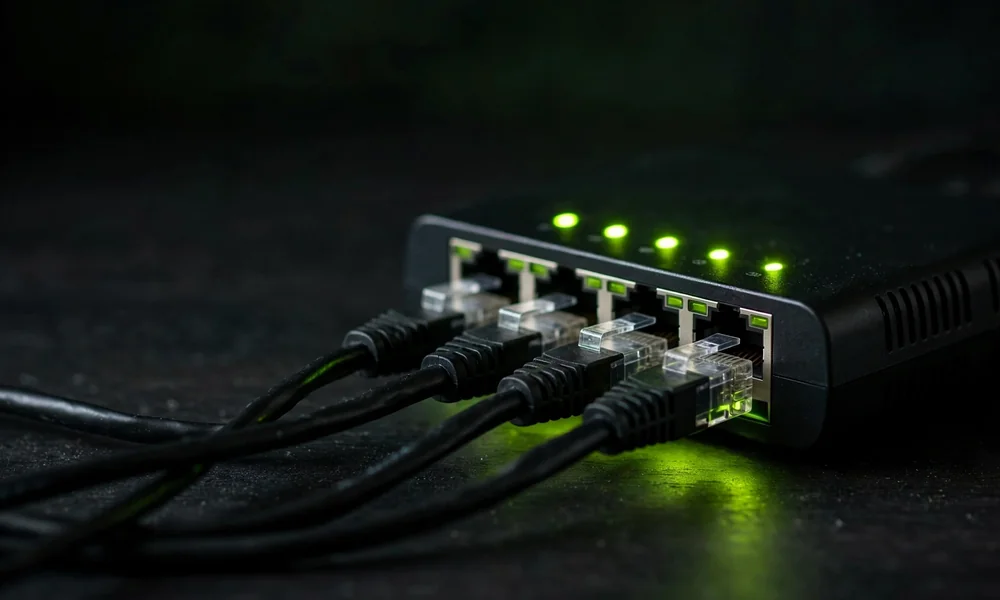
A home network has several boxes that look similar, and their jobs are easy to confuse. A modem connects to the provider, a router connects networks, and a switch connects devices to each other.
The table below sets out the main contrasts between the three devices.
| Aspect | Router | Modem | Switch |
|---|---|---|---|
| Main job | Connects networks together | Connects to the provider | Connects local devices |
| Typical use | Sharing one connection | Bringing internet in | Wiring several devices |
| Has Wi-Fi | Usually yes | Usually no | No |
| Assigns addresses | Yes, local addresses | No | No |
| Firewall | Basic firewall built in | Usually none | None |
The practical result is that most homes need a modem and a router, and many providers now supply a single box that does both jobs. A switch only becomes useful when there are several devices that need a wired connection, such as a desktop computer, a games console, and a television in the same room.
Where routers are used
Homes are the most familiar setting. A router sits between the broadband connection and everything in the house, from phones and laptops to smart televisions, speakers, and doorbells. The wireless network it broadcasts is how most of those devices get online, and the wired ports serve the devices that need a stable connection, such as a desktop computer or a games console.
Small businesses use routers in the same way, with a few extra features. A business router may support a guest network that keeps visitors separate from company computers, a virtual private network so staff can work from home securely, and quality-of-service rules that give video calls priority over downloads.
Large organisations use much bigger routers, called core and edge routers, to connect whole buildings and data centres. These handle enormous amounts of traffic, keep tables of millions of routes, and can reroute around a failed link in seconds. The routers that connect internet providers to each other are among the most powerful computers on the planet.
Mobile networks rely on routers too. When a phone connects to a mobile mast, its traffic travels through a series of routers before it reaches the wider internet, and the same principles of addressing and forwarding apply, even though there is no box on a shelf anywhere in sight.
Routers also appear in vehicles, shops, and public spaces. A bus or a train may carry a router that shares a mobile connection with passengers, a shop may use one to run its tills and cameras, and a hotel may use dozens to cover every floor with Wi-Fi.
Strengths and limits
The greatest strength of a router is sharing. One internet connection, one public address, and one bill can serve an entire household, with the router keeping every device’s traffic separate and safe. That sharing is what made home broadband affordable, because without it every device would need its own connection.
It is also a strength that a router provides a natural boundary. Devices inside the home can talk to each other freely, while the outside world only sees the router, which gives the household a layer of protection that would be hard to arrange device by device.
The limits are real, though. A router is a single point of failure: if it stops working, the whole household goes offline. Its Wi-Fi range is limited by walls and distance, so large homes need extra access points. And a router’s processor can become a bottleneck, because every packet passes through it, so a cheap router can slow down a fast connection when many devices are busy at once.
Router checklist
- Place the router centrally and high up, away from thick walls and metal objects.
- Change the default administrator password the day you set the router up.
- Use a strong Wi-Fi password and modern encryption on the wireless network.
- Keep the router’s software updated, since updates often fix security flaws.
- Set up a separate guest network for visitors and smart home devices.
- Restart the router occasionally, and replace it if it is more than five years old.
- Use a wired connection for devices that need a stable link, such as a work computer.
- Check which devices are connected, and remove any you do not recognise.
- Turn off features you do not use, such as remote administration from the internet.
Frequently asked questions
What is the difference between a router and a modem?
A modem connects your home to your internet provider, usually through a phone line, cable, or fibre. A router connects your home network to that modem and shares the connection among your devices. Many providers now supply one box that does both jobs.
Do I need a router if I only have one device?
Not strictly, because one device can connect directly to a modem. In practice, a router is still worth having, because it provides a firewall, lets you add devices later, and gives you Wi-Fi.
Why is my Wi-Fi slow in some rooms?
Usually because of distance and obstacles. Wi-Fi signals weaken through walls and floors, and interference from neighbours’ networks can slow things down. Moving the router or adding an access point usually helps.
How often should I replace my router?
Every four to six years is a reasonable guide. Older routers may not support newer Wi-Fi standards, may stop receiving security updates, and may struggle with the number of devices in a modern home.
What is a mesh Wi-Fi system?
A mesh system uses several small units that work together as one network, instead of a single router. It suits large or awkwardly shaped homes, because each unit extends coverage without creating a separate network to join.
Can a router protect me from hackers?
Partly. A router’s firewall blocks unsolicited traffic from the internet, which stops many attacks. It does not protect against phishing emails, malicious downloads, or weak passwords, so it is one layer of defence, not the whole answer.
The bottom line
Routers explained in one line is this: a device that connects your home network to the internet, gives each of your devices a local address, and forwards traffic between them and the outside world.
It is easy to forget, because it works quietly in the background, yet it is the reason a whole household can share one connection safely, and it deserves more attention than it usually gets.
This article is general information about how routers work, not advice about choosing or configuring networking equipment for a particular home or business.