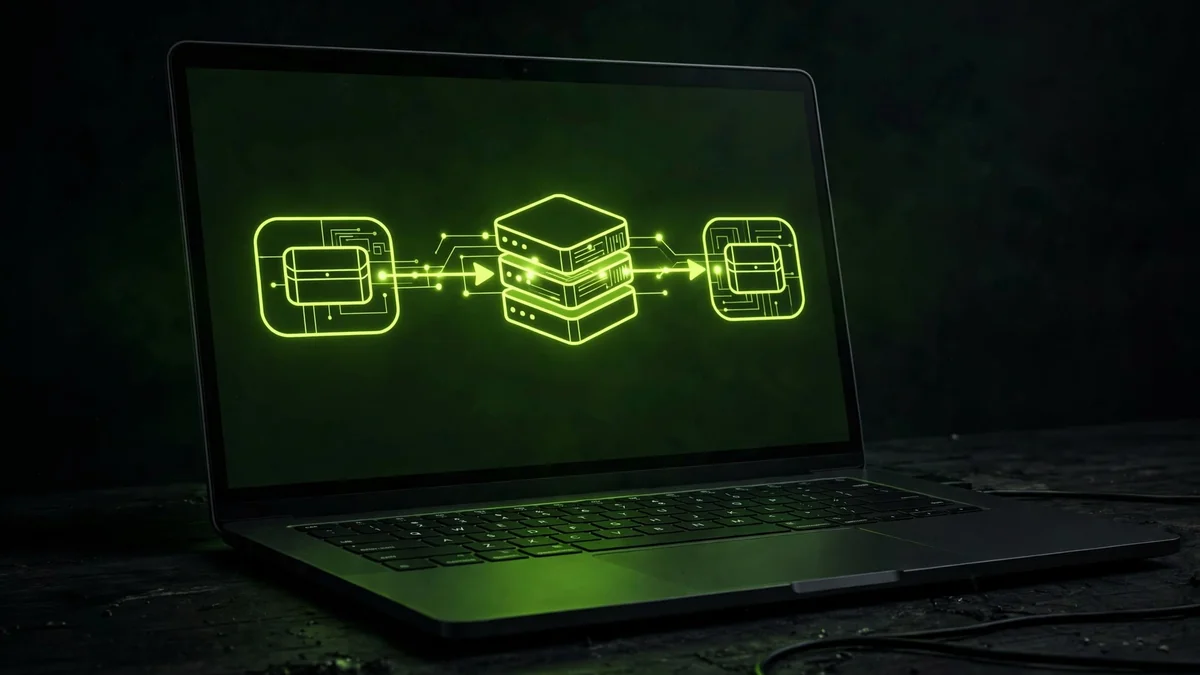
Proxy explained in plain terms means understanding the middleman that can sit between your device and the internet. The central question is how a request for a web page can pass through another server first, and why anyone would want it to, and the short answer is that a proxy makes the request on your behalf, so the website sees the proxy, not you, and the proxy can filter, cache, or check what passes through.
Most people use proxies without realising it. A school or office network routes web traffic through one, a content filter blocks a site through one, and a company that checks every employee’s browsing is almost certainly running one.
That middleman role makes proxies both useful and misunderstood. They can improve privacy, speed, and control, but they are not the same as a VPN, and they do not make traffic invisible. This article explains what a proxy is, how it works, and when it helps.
Key takeaways
- A proxy is a server that makes web requests on your behalf.
- Websites see the proxy’s address, not your device’s address.
- Proxies can filter content, cache pages, and enforce rules.
- A proxy usually handles one kind of traffic, not the whole connection.
- Proxies hide your address from websites, but not your traffic from the proxy.
What a proxy is
A proxy, short for proxy server, is a server that sits between a device and the internet and forwards requests on the device’s behalf. When your browser asks for a page, the request goes to the proxy first, the proxy fetches the page, and the proxy sends it back to you. The website never talks to your device directly, and your device never talks to the website directly.
The idea is older than the modern web. Early proxies were built to share a single internet connection among many computers and to cache popular pages, so a second request for the same page could be answered from the cache instead of the internet. The role has grown since then to cover filtering, logging, and access control.
Proxies come in several kinds. A forward proxy serves the users on one network, a reverse proxy sits in front of a website and serves its visitors, and a transparent proxy intercepts traffic without the user configuring anything. Each kind sits in the middle, but on a different side of the conversation. Our guide to TLS explains the encryption that protects traffic passing through a proxy, and our guide to HTTP explains the requests a proxy forwards.
How a proxy works
When you configure a browser or a device to use a proxy, every request is sent to the proxy’s address instead of directly to the website. The proxy reads the request, checks it against its rules, and decides whether to allow it, block it, or fetch the page itself. If the page is allowed, the proxy opens its own connection to the website and asks for it.
The website replies to the proxy, which can inspect the response before passing it on. A caching proxy keeps a copy of popular pages, so the next request for the same page is answered instantly from the cache. A filtering proxy checks the page against a blocklist and refuses to pass on anything that matches, which is how schools block unsuitable sites.
The proxy also changes what the website sees. The request arrives from the proxy’s address, not yours, so the website records the proxy’s location and network rather than your own. That is the basis of the privacy claim, although it is only partial: the proxy itself can see your requests, and it may log them.
Authentication is common in business proxies. Each user must sign in before the proxy will forward anything, which lets the organisation log who visited what, apply different rules to different teams, and block categories of site for some users while allowing them for others. The proxy becomes a checkpoint that every request must pass.
Reverse proxies work the other way around. They sit in front of a website’s servers and receive requests from the public, then pass them to the right internal server and return the answer. The visitor never sees the real servers, which stay hidden behind the proxy, and the proxy can balance the load, block attacks, and cache popular pages for everyone.

Comparing a proxy with a VPN
A proxy and a VPN both sit between you and the internet, and both can hide your address from a website, but they work at different levels and protect different amounts of traffic. Confusing them is common, and the difference matters.
The table below sets out the main contrasts between the two.
| Aspect | Proxy | VPN |
|---|---|---|
| Covers | Usually one app or protocol | All traffic from the device |
| Encryption | Often none, unless configured | Encrypts the whole tunnel |
| Hides address from | The website | The website and the local network |
| Sees your traffic | The proxy operator | The VPN provider |
| Typical use | Filtering, caching, and control | Privacy and remote access |
| Speed | Often fast, little overhead | Slower, encryption adds work |
The practical result is that a proxy is a tool for control and access, while a VPN is a tool for privacy across everything you do. A proxy can hide your address from a website, but it cannot hide your browsing from your network, and it should not be treated as a privacy solution on its own.
Where proxies are used
Offices and schools are the most common setting. A company routes all web traffic through a proxy that blocks known malicious sites, logs visits for compliance, and enforces rules about social media or streaming during work hours. The proxy is part of the network’s defences, not an optional extra.
Content filtering at home uses the same idea on a smaller scale. A parent can route a child’s devices through a filtering proxy that blocks adult or violent content, and the rules apply to every device on the network at once, without configuring each one separately.
Businesses use reverse proxies to protect their websites. A large site sits behind a proxy that absorbs attacks, spreads requests across many servers, and serves cached pages to visitors, so the real servers are never exposed directly to the internet. Many of the biggest sites on the web work this way.
Developers use proxies to test and debug. A local proxy can record every request an app makes, show the headers and bodies, and even simulate a slow connection or an error, which makes it a standard tool for finding out why an app behaves the way it does.
Access control is another major use. A company with offices in several countries may route traffic through proxies in each location, so staff see the same services wherever they are, and a service that is only available in one country can be reached through a proxy in that country.
Strengths and limits
The greatest strength of a proxy is control. It gives a network a single point where traffic can be checked, filtered, logged, and cached, which is far easier than controlling every device separately. For an organisation, that central checkpoint is the main reason proxies exist.
Caching is a real benefit too. A proxy that serves a popular page from its cache answers faster and uses less internet bandwidth, which matters for a school or an office where hundreds of people visit the same sites each day.
The limits are real, though. A proxy is a single point of failure: if it goes down, the traffic it carried stops with it, and if it is slow, every request is slow. It also sees everything it forwards, so a proxy run by someone you do not trust is worse than no proxy at all, and a free public proxy may log, alter, or sell the traffic passing through it.
Privacy is the most misunderstood limit. A proxy hides your address from the website, but it does not encrypt your traffic, and it does not hide your browsing from the network you are on or from the proxy operator. Anyone who needs real privacy needs encryption as well, and should understand exactly who can see what.
Proxy checklist
- Know whether your network routes traffic through a proxy, and why.
- Use a proxy from a provider you trust, and avoid free public proxies.
- Remember that a proxy hides your address from websites, not from the proxy.
- Check that sensitive sites use HTTPS, so the proxy cannot read the content.
- Do not treat a proxy as a VPN, since it covers less traffic.
- Test access through the proxy before relying on it for important work.
- Keep proxy credentials private, since they control access to the network.
- Check the proxy’s logs policy if privacy matters to you.
- Have a plan for when the proxy fails, so work does not stop with it.
Frequently asked questions
What is a proxy in simple terms?
A proxy is a server that makes web requests on your behalf. Websites see the proxy instead of your device, and the proxy can filter, cache, or log what passes through.
Is a proxy the same as a VPN?
No. A proxy usually handles one kind of traffic, such as web browsing, and often does not encrypt it, while a VPN encrypts all traffic from your device and routes it through a tunnel.
Does a proxy make me anonymous?
Not fully. It hides your address from the website, but the proxy operator can see your requests, and your network can see that you are using a proxy. Real anonymity needs more than a proxy.
Why do schools and offices use proxies?
To filter content, block malicious sites, log usage for compliance, and cache popular pages. A proxy gives them one central place to enforce those rules.
Are free proxies safe?
Usually not. A free proxy can log your traffic, inject adverts, or alter pages, and there is no way to know what the operator does with the data. Avoid them for anything sensitive.
What is a reverse proxy?
A reverse proxy sits in front of a website’s servers and receives requests from visitors, then passes them to the right internal server. It protects the real servers and can balance load and cache pages.
The bottom line
Proxy explained in one line is this: a middleman server that makes requests on your behalf, so a website sees the proxy, and the proxy can filter, cache, and control what passes through.
It is a tool for control and access, not a cloak of invisibility. Used by an organisation you trust, it makes a network safer and easier to run, but it should never be mistaken for full privacy.
This article is general information about how proxies work, not advice about configuring or securing a network for a particular home or business.