Subnetting explained in plain terms means understanding how a large network is divided into smaller, separate networks that are easier to manage. The central question is how a company with thousands of devices keeps its office, warehouse, and guest Wi-Fi apart on the same infrastructure, and the short answer is that subnetting carves one address range into smaller blocks, each with its own boundary and its own traffic.
Most people never meet subnetting directly, because home routers hide it. A house has one small network, and everything on it can talk to everything else, so there is nothing to divide. The need appears when a network grows beyond a single room or a single team.
That growth is where subnetting earns its keep. It limits how far a broadcast can travel, keeps one department’s traffic away from another’s, and lets a network team give each part of an organisation exactly the number of addresses it needs. This article explains what subnetting is, how the mask divides an address, and why large networks depend on it.
Key takeaways
- Subnetting divides one network into smaller subnets, each with its own address range.
- A subnet mask marks which part of an address names the network and which part names the device.
- Smaller subnets limit broadcast traffic and keep departments apart.
- Each subnet needs its own gateway, and routers move traffic between them.
- The same idea scales from a small office to the largest networks in the world.
What subnetting is
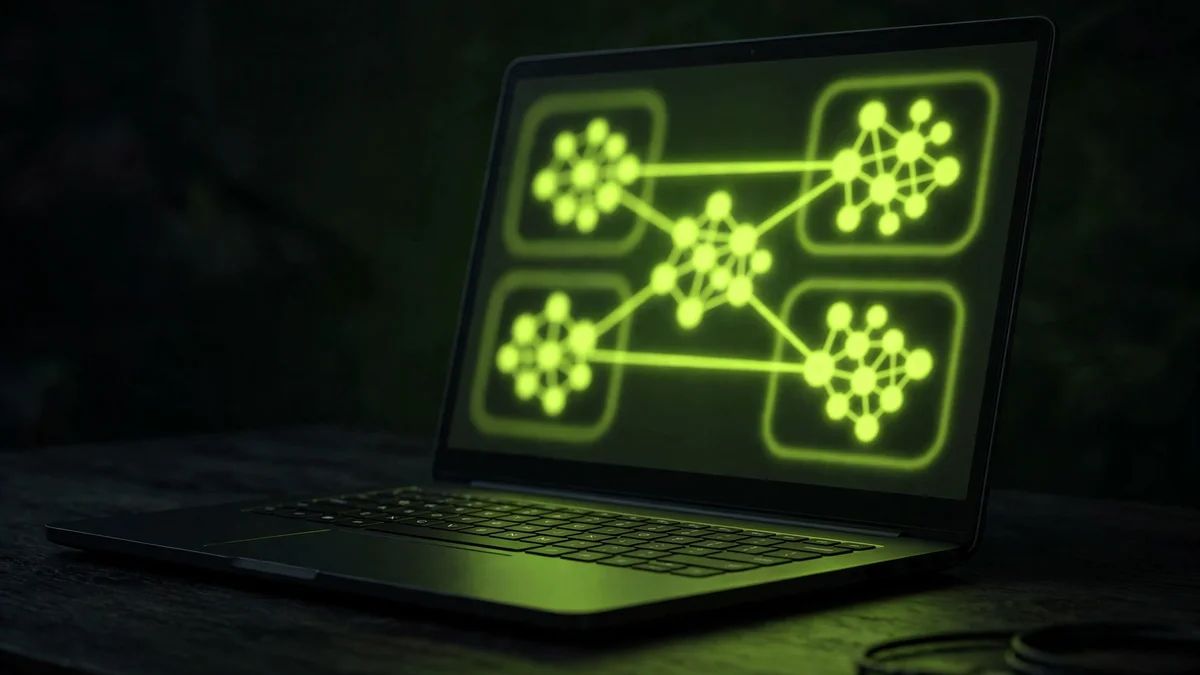
Subnetting is the practice of splitting a single IP network into two or more smaller networks, called subnets. Each subnet is a separate broadcast domain, which means that messages sent to every device on one subnet do not reach the devices on another. The split is made by borrowing bits from the part of the address that names the device and using them to name the subnet instead.
An IPv4 address has 32 bits, divided into a network part and a host part. In a simple home network, the first three groups of numbers name the network, and the last group names the device, giving up to 254 usable addresses. Subnetting moves the boundary between the two parts, so fewer bits are left for devices and more bits name subnets, or the other way around, depending on what the network needs.
The tool that marks the boundary is the subnet mask, a second 32-bit number written alongside the address. Where the mask has a one, that bit belongs to the network; where it has a zero, the bit belongs to the device. A mask of 255.255.255.0, for example, keeps the first 24 bits as the network and leaves 8 bits for devices. Our guide to IPv4 explains the addressing system that subnetting works with, and our guide to TCP/IP explains the wider rules that move data between networks.
How subnetting works
Suppose a company has the address range 192.168.1.0 with a mask of 255.255.255.0, giving one network of 254 devices. If the company wants four separate networks, it borrows two bits from the host part, changing the mask to 255.255.255.192. The range now divides into four subnets of 62 usable addresses each, and each subnet can serve a different floor, department, or purpose.
Each subnet loses two addresses to overhead: one for the network itself, the lowest address in the range, and one for the broadcast address, the highest, which is used to send a message to every device on that subnet. That is why a subnet with 64 total addresses offers 62 for devices. The trade-off is the price of the split, and it is worth paying when the division brings order.
Devices work out whether another device is on their subnet by comparing addresses with the mask. If the network parts match, the two devices are neighbours, and data goes directly between them. If they differ, the data goes to the subnet’s gateway, usually a router, which forwards it towards the destination subnet. The mask is what makes that decision possible.
Planning a subnet layout starts with counting. A network team lists how many devices each part of the organisation needs, adds room for growth, and chooses the smallest subnet size that fits each need. Wasting addresses is easy when subnets are drawn too large, and running out is painful when they are drawn too small, so the plan matters as much as the arithmetic.
Modern networks often use a notation called CIDR, which writes the mask as a number after a slash, such as 192.168.1.0/26 for the four-subnet example above. The number counts the network bits, so a /26 means 26 bits for the network and 6 for devices. CIDR made subnetting flexible, because the boundary can fall anywhere, not only on the old class boundaries that early networking used.
Comparing a flat network with subnetted networks
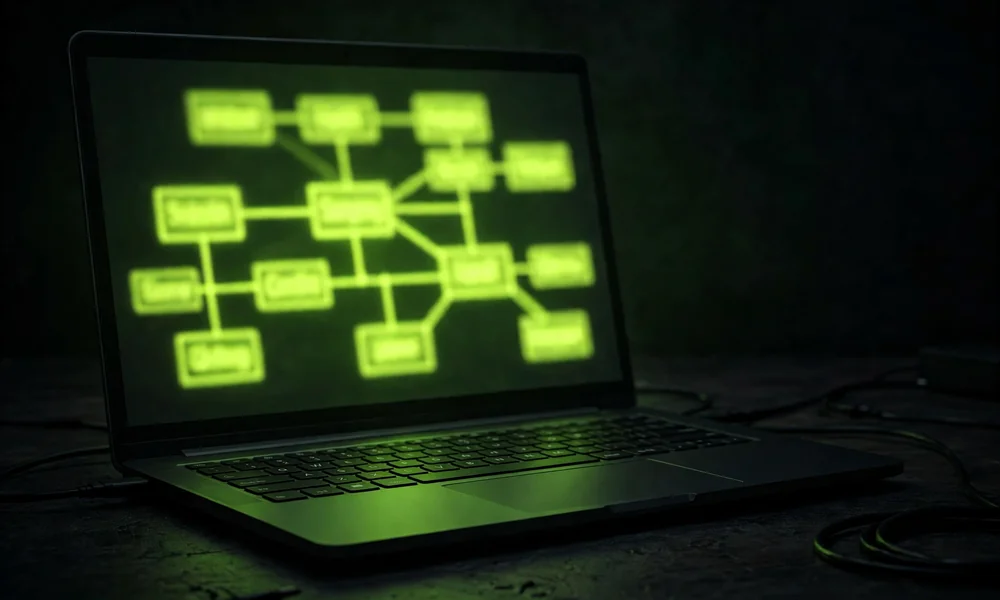
A flat network puts every device in one large group, while subnetting divides the same devices into smaller groups with routers between them. Both carry the same traffic, but they behave very differently as the network grows.
The table below sets out the main contrasts between the two designs.
| Aspect | Flat network | Subnetted network |
|---|---|---|
| Broadcast traffic | Reaches every device | Stays inside each subnet |
| Failure scope | One fault can affect all | Faults are contained per subnet |
| Security | Hard to isolate groups | Groups can be separated |
| Address use | Simple, but wasteful at scale | Planned and efficient |
| Management | Easy when small | More planning, easier at scale |
| Best for | Homes and tiny offices | Offices, schools, and campuses |
The practical result is that a flat network is fine until it is not. Once a network holds hundreds of devices, broadcast traffic and the blast radius of a fault both grow, and dividing it into subnets becomes the simpler way to keep it healthy.
Where subnetting is used
Offices are the classic case. A company may give each department its own subnet, so the finance team’s printers and the engineering team’s servers sit in different address ranges, with a router and firewall rules controlling what can pass between them. A problem in one department stays in that department.
Schools and universities use subnetting at a larger scale. A campus may have subnets for student rooms, lecture halls, laboratories, and administration, each with its own address range and its own rules. The library’s public computers and the research network can share the same cables while staying logically apart.
Guest networks are a familiar everyday example. When a cafe or hotel offers Wi-Fi, guests are usually placed on a separate subnet from the business systems, so a visitor’s phone cannot reach the till or the office printer. The separation is invisible to the guest, who simply sees a working connection.
Data centres rely on subnetting heavily. Racks of servers are grouped into subnets by role, such as web servers, databases, and storage, and the boundaries between them are where security rules are enforced. Cloud providers do the same for every customer, giving each one private subnets inside a shared infrastructure.
Internet providers use subnetting to hand out address space. A provider receives large blocks of addresses and divides them among customers, regions, and services, using CIDR notation to describe each block. The whole internet is, in a sense, a hierarchy of subnets, from the largest providers down to a single home router.
Strengths and limits
The greatest strength of subnetting is control. It turns one unmanageable network into pieces that can be planned, secured, and fixed separately, and it keeps broadcast traffic from flooding devices that have no interest in it. A well-planned subnet layout makes a large network feel like several small ones.
It also improves security. Because traffic between subnets must pass through a router, that router can enforce rules about what is allowed to cross. A guest subnet can be barred from the finance subnet entirely, and a laboratory subnet can be given internet access without access to the rest of the company.
The limits are real, though. Subnetting adds planning and arithmetic, and a mistake in the mask can split a network in the wrong place or leave devices unable to reach each other. Addresses are also wasted by the network and broadcast addresses in every subnet, and a subnet drawn too small will run out of room, forcing a renumbering that disrupts everyone on it.
Complexity is the deepest cost. Each new subnet adds a gateway, a set of routes, and another piece of documentation to maintain. For a small network the overhead is rarely worth it, and the simplest design is usually the best one until growth forces a change.
Subnetting checklist
- Count the devices each group needs, with room for growth, before drawing subnets.
- Choose the smallest subnet size that fits each group, to avoid wasting addresses.
- Remember that each subnet loses two addresses to the network and broadcast.
- Give every subnet its own gateway, usually a router interface.
- Keep guest devices on a separate subnet from business systems.
- Write down the plan, so the next person can understand the layout.
- Check the mask carefully, since one wrong bit breaks the whole subnet.
- Use CIDR notation in documentation, so the boundary is unambiguous.
- Review the layout when the organisation grows, before a subnet runs out.
Frequently asked questions
What is subnetting in simple terms?
Subnetting is dividing one network into smaller networks, each with its own address range, so traffic stays organised and different groups can be kept apart.
What is a subnet mask?
A subnet mask is a number that marks which part of an IP address names the network and which part names the device. It tells a device whether another device is on the same subnet or needs a router.
Why does each subnet lose two addresses?
One address names the subnet itself and one is the broadcast address, used to message every device on the subnet. Neither can be given to a device, so a 64-address subnet offers 62 usable addresses.
Do I need subnetting at home?
Probably not. A home network is small enough for one flat network, although some routers offer a separate guest network, which is a simple form of subnetting.
What is CIDR notation?
CIDR writes the subnet mask as a number after a slash, such as /24 or /26, counting how many bits belong to the network. It lets the boundary fall anywhere, not only on old class limits.
Can subnets talk to each other?
Yes, through a router. Traffic between subnets passes through the gateway, which can also enforce rules about what is allowed to cross from one subnet to another.
The bottom line
Subnetting explained in one line is this: a way of dividing one network into smaller, separate networks, using a mask to mark the boundary and routers to move traffic between them.
It is the tool that lets a network grow from a single room to a whole campus without collapsing under its own traffic. For a small network it is unnecessary, but for a large one it is the difference between order and chaos.
This article is general information about how subnetting works, not advice about designing or configuring a network for a particular organisation.