QR codes explained in plain terms means a square pattern of black and white blocks that a phone camera can read in a fraction of a second, turning a printed image into a web address, a payment, or a ticket. The central question is how a flat picture with no words can carry useful information at all, and the short answer is that the pattern encodes data in the arrangement of its blocks, with built-in markers that tell the camera which way up it is and built-in error correction that lets it be read even when part of it is damaged.
QR codes are everywhere now. They sit on restaurant tables, on posters, on parcels, and on tickets, connecting a physical object to a digital one. A single scan can open a menu, pay a bill, check in to a flight, or add a contact, all without typing anything.
The technology is older than most people realise. It was invented in 1994 for tracking car parts in a Japanese factory, and it spent years as an industrial tool before smartphones made it part of everyday life. The reason it succeeded where the humble barcode did not is simple: a QR code holds far more information and can be read from any angle, even when partly obscured.
Key takeaways
- A QR code stores data in a square grid of black and white blocks that a camera can read.
- Three large squares in the corners tell the reader which way up the code is and how big it is.
- Error correction lets a code be read even when up to about a third of it is damaged or covered.
- A QR code can hold a web address, text, contact details, Wi-Fi credentials, or payment information.
- The code itself is only data; whether the link it opens is safe depends on where it came from.
What a QR code is
A QR code, short for Quick Response code, is a two-dimensional barcode: a square grid of black and white blocks that encodes data in their pattern. A traditional barcode stores information in a single line of stripes and can hold only a short number that a database must look up. A QR code stores the data itself, up to a few thousand characters, and the phone that reads it needs no database at all.
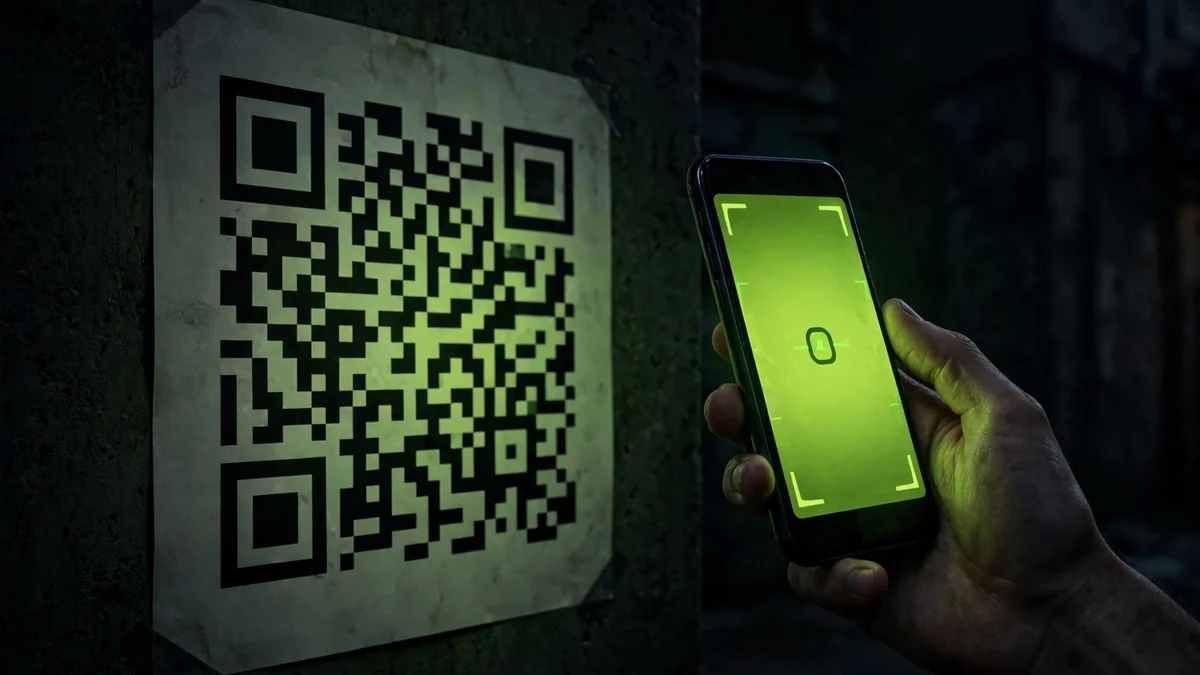
The code has several features that make it fast to read. Three large finder squares, one in each corner except the bottom right, tell the camera where the code is and which way up it is. Smaller alignment squares help the reader cope with a code printed on a curved surface, and timing patterns along the edges tell the reader how many rows and columns the grid has.
The data itself is written into the remaining blocks, along with format information that says what kind of data it is and how much error correction is included. Error correction is the reason a QR code still works when it is scratched, faded, or partly covered by a sticker: the code carries redundant copies of its data, so the reader can reconstruct the missing parts. Our guide to NFC explains a wireless alternative for the same job of connecting a physical object to digital information, and our guide to RFID explains the radio tags that do similar work without any camera at all.
How QR codes work
When you point a phone camera at a QR code, the software first finds the three finder squares, which tells it where the code is and how it is oriented. It then uses the timing patterns to map the grid, reading each block as black or white, and turns that pattern back into the original data.
Error correction is applied next. The reader checks the data against the redundant information stored in the code and repairs any blocks it could not read clearly. At the highest level, about 30 percent of the code can be destroyed and it will still read correctly, which is why codes with a logo in the middle still work.
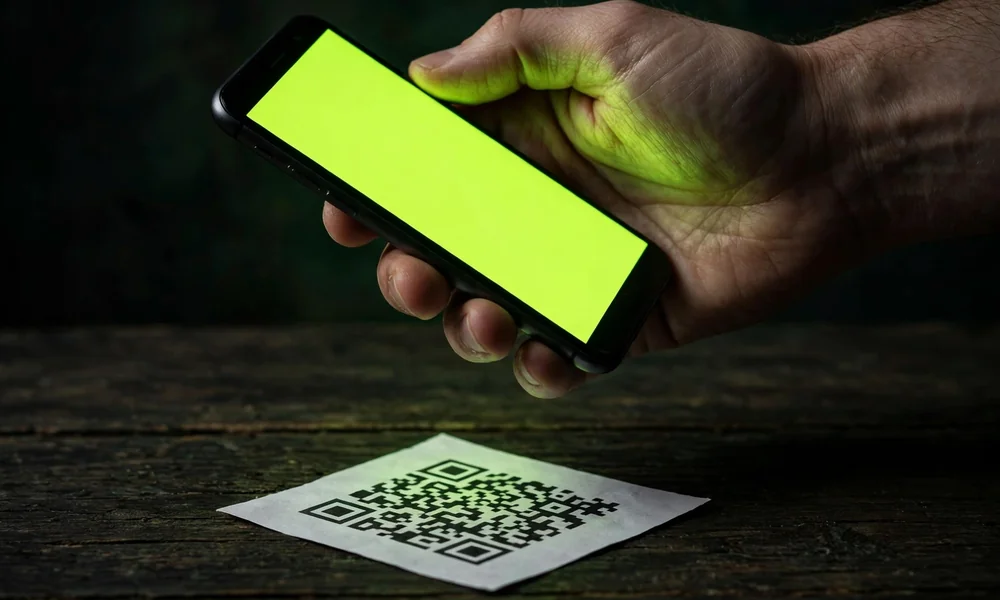
Once the data is recovered, the phone decides what to do with it. A web address opens in the browser, contact details offer to save a new contact, and Wi-Fi credentials offer to join the network. The phone does not need to ask a server what the code means; the meaning is in the code itself, which is why scanning works even without an internet connection, up to the point where the link itself needs one.
Generating a QR code is the reverse process. Software takes the data, chooses a grid size and an error correction level, adds the finder squares and timing patterns, and draws the result. Anyone can generate one for free, which is part of why the codes spread so widely, and also why a code on a poster deserves the same caution as any link you did not type yourself.
Comparing QR codes with barcodes and NFC
QR codes, barcodes, and NFC all connect physical things to digital information, but they do it in different ways and suit different jobs. The right choice depends on how much data is needed and how it will be read.
The table below sets out the main contrasts.
| Aspect | QR code | Barcode | NFC |
|---|---|---|---|
| How much data? | Up to a few thousand characters | Usually a short number only | Up to a few hundred bytes |
| How is it read? | Any phone camera | A scanner or phone camera | Touching a phone to the tag |
| Reading distance | Up to several metres | Close, and straight on | A few centimetres |
| Damaged and still readable? | Yes, up to about 30 percent | No, a damaged barcode usually fails | Yes, if the chip survives |
| Cost to create | Free, just print it | Free, just print it | A tag costs money |
| Best for | Menus, tickets, payments, links | Products at a checkout | Payments, access cards, pairing |
The rule of thumb is simple. If the information needs to be readable by anyone with a phone, print a QR code. If it only needs to identify a product at a till, a barcode is enough. If it needs to work by touch, without a camera, NFC is the answer.
Where QR codes are used
Payments are one of the biggest uses. In many countries, a shop displays a QR code at the till, the customer scans it, and the payment is made without a card or a terminal. The same idea works for bills, donations, and splitting a meal with friends.
Restaurants made QR codes familiar to millions during the pandemic, when printed menus were replaced by a code on the table. The idea stuck, because a digital menu can be updated instantly and linked to allergen information, all without reprinting anything.
Tickets and travel rely on them too. A boarding pass, a concert ticket, or a train ticket is often just a QR code on a phone screen, checked at the gate in a second. The code carries the booking reference and the passenger details, and the gate only needs to read it.
Industry still uses them for the job they were invented for. Factories track parts through production, warehouses use them to find stock, and hospitals use them to match patients with the right medication. In each case the advantage is the same: a cheap printed code that any camera can read, carrying its own data with it.
Strengths and limits
The greatest strength of QR codes is that they cost nothing to create and can be read by almost any phone. There is no special hardware to buy, no account to set up, and no training needed. That is why they spread from factories to restaurants to concert halls in a few short years.
They are also robust in a way that surprises people. A code printed on a poster, photographed from an angle, in poor light, with a corner torn off, will often still read, thanks to the error correction built into the design. That tolerance is what makes them practical in the real world.
The limits are mostly about trust. A QR code is just data, and it can point anywhere, including to a fake login page or a malicious download. Stickers placed over genuine codes are a known scam, and a code in a public place should be treated like any unfamiliar link. Codes also need a camera and decent light, and a code that links to a website still needs an internet connection to open it.
QR code checklist
- Check the web address a QR code opens before entering any details or passwords.
- Be suspicious of a sticker placed over a printed code, and use the original if you can.
- When creating a code, test it with more than one phone before printing it widely.
- Use a higher error correction level if the code will be printed outdoors or handled roughly.
- Keep the code large enough to scan comfortably from the distance people will use.
- Use a short web address in the code, so the pattern stays simple and easy to read.
- Do not put sensitive information, such as a password, directly into a QR code.
- If a code asks you to download an app, check the app in the official store first.
- Remember that a QR code is only data; the safety of what it opens depends on the source.
Frequently asked questions
What is a QR code in simple terms?
A QR code is a square pattern of black and white blocks that stores data, such as a web address, in a form any phone camera can read in a fraction of a second.
How much information can a QR code hold?
Up to a few thousand characters, depending on the version and the type of data. A web address or a short message fits easily; a long document does not, which is why codes usually link to something.
Can a QR code be read if part of it is damaged?
Yes, up to a point. Error correction stores redundant copies of the data, so a code can still be read when up to about 30 percent of it is damaged or covered, depending on the level chosen when it was made.
Do QR codes expire?
A static QR code never expires, because the data is in the code itself. A dynamic code, which points to a short link that redirects elsewhere, can stop working if the service behind it is turned off.
Are QR codes safe to scan?
Scanning itself is safe, but the link a code opens may not be. Treat a QR code like any unfamiliar link: check the address it opens before entering passwords or payment details.
What is the difference between a QR code and a barcode?
A barcode stores a short number in one line of stripes and needs a database to mean anything. A QR code stores the data itself in a two-dimensional grid, holds far more of it, and can be read from any angle.
The bottom line
QR codes explained in one line is this: a printed square that carries its own data, readable by any phone camera in a fraction of a second, even when it is partly damaged.
They succeeded because they are free, simple, and tough, and they now connect the physical and digital worlds in places a barcode never could. The practical lesson is to enjoy the convenience and keep the caution: check where the code is taking you before you trust it with anything important.
This article is general information about how QR codes work, not advice about using them for payments or security in a particular situation.