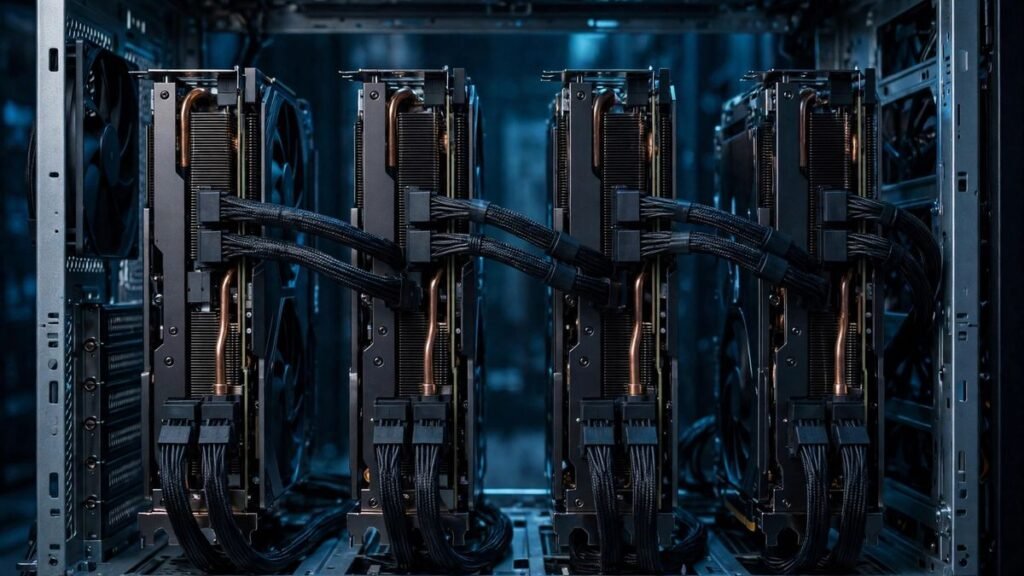
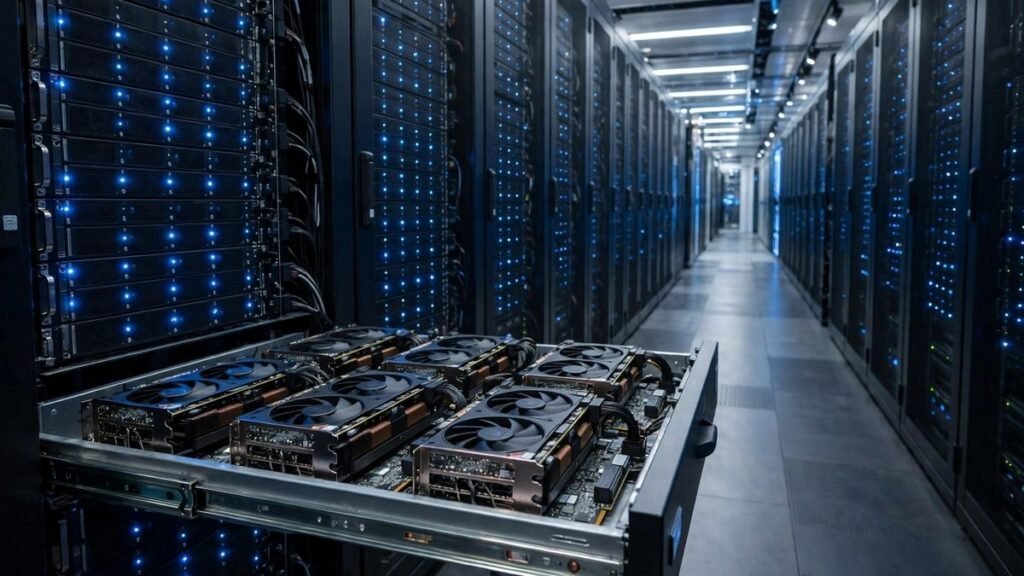
This LLM inference hardware selection guide answers the question every team faces when a model leaves the notebook: what hardware should run it? The short answer is that memory capacity decides which models fit, memory bandwidth decides how fast they answer, and your traffic pattern decides how many cards you need. Get those three right and the rest is detail.
Hardware choice is easy to get wrong in both directions. Buy too little and the model does not load, or latency collapses under load. Buy too much and you pay for capacity that sits idle. The right choice starts with the model and the workload, not with a shopping list.
Key takeaways
- Model size in memory decides the minimum GPU; a model must fit before anything else matters.
- Memory bandwidth, not raw compute, usually limits how fast tokens are generated.
- Small models often run well on CPUs or modest GPUs, and do not need flagship cards.
- Quantisation shrinks models so they fit on cheaper hardware, with a small quality trade-off.
- Test on your own traffic before buying, because benchmarks rarely match your workload.
Start with the model, not the hardware
Every hardware decision starts with two facts about the model: how much memory its weights need, and how much memory its key-value cache will need at your concurrency. A model with 70 billion parameters stored in 16-bit precision needs roughly 140 gigabytes just for its weights, before any cache or overhead. That single number rules out most single GPUs and sets the minimum configuration.
Quantisation changes the arithmetic. Storing weights in 8-bit or 4-bit precision roughly halves or quarters the memory needed, which can move a model from eight GPUs to two, or from a data-centre card to a workstation card. The trade-off is a small loss in output quality, which is negligible for many tasks and unacceptable for a few. Test quantised versions on your own evaluation set before deciding.
The KV cache is the second memory consumer. It grows with sequence length and with the number of concurrent requests, so a system serving long conversations at high concurrency needs far more memory than the weights alone suggest. Serving engines publish formulas for cache size, and you should run them for your real traffic before choosing a card. Our guide to GPU inference architecture explains why memory, not compute, is usually the binding constraint.
Best for: teams choosing hardware for a specific model, where fitting the model in memory is the first and hardest requirement.
GPUs: the default choice
GPUs are the default for LLM inference because their high-bandwidth memory and tensor cores match the workload. The current data-centre standard is NVIDIA’s H100, built on the Hopper architecture, with 80 gigabytes of HBM3 memory and about 3.35 terabytes per second of memory bandwidth in its SXM form. It is the reference card for large-model serving, and most benchmarks are measured on it.
The A100, the previous generation, remains common and capable, with 80 gigabytes of memory and lower bandwidth than the H100. It serves many models well at lower cost, and it is often the sensible choice when the newest card is unnecessary. The L4 is a smaller, lower-power card with 24 gigabytes of memory, suited to small models and modest concurrency, and it fits in standard servers where flagship cards do not.
AMD’s MI300X is the main alternative, with very large memory capacity that suits big models, and Google’s TPUs serve models efficiently inside Google’s cloud. Both are credible, but the software ecosystem around NVIDIA, including the serving engines and libraries most teams use, is broader. Choose an alternative only when its memory or price advantage is clear for your specific model.
Best for: production serving of models above a few billion parameters, where GPU memory bandwidth directly sets the speed users feel.
When a CPU is enough
Small models, up to a few billion parameters, can run on modern CPUs, especially when quantised. A CPU setup is cheaper, simpler and easier to scale horizontally than a GPU fleet, and it is often fast enough for batch work, internal tools and low-traffic features. The trade-off is latency: CPU inference is slower per token, so it suits work where users do not wait interactively.
Our guide to CPU inference for small models covers the practical limits, and the comparison of CPU versus GPU for LLM inference sets out the decision by workload. The rule is simple: if a CPU meets your latency target, it is the cheapest correct answer.

How to size the system
Sizing starts with three numbers: the model size in memory, the peak concurrent requests, and the latency target. The model size sets the minimum memory. Peak concurrency sets the KV cache size and the number of cards. The latency target sets whether one card is enough or whether the model must be split across several.
Tensor parallelism splits a model across multiple GPUs in one server, which is needed when a model does not fit on a single card. Pipeline parallelism splits it across servers, which adds network latency and is usually a last resort. Most teams should prefer a configuration where the model fits on one server, using tensor parallelism within it, because that keeps the fast interconnect local.
Then add headroom. A system sized exactly to average load will fail at peak, and a system sized to peak will sit idle most of the time. The practical answer is usually to size for a busy hour, not the absolute peak, and to use autoscaling or request queuing for the rest.
Best for: teams moving from a prototype to production, where real traffic data replaces guesses about load.
Cloud, rented or owned hardware
Cloud GPUs are the default for most teams. They need no upfront purchase, they scale up and down, and they come in every size from a single L4 to a cluster of H100s. The cost is higher per hour than owned hardware, but the flexibility is worth it while traffic is uncertain. Start in the cloud, and only consider other options when the bill is large and stable.
Rented bare-metal GPUs from specialist providers sit between cloud and ownership. They usually cost less per hour than the major clouds and offer more control, at the price of less elasticity. They suit steady workloads that run around the clock, where the lower hourly rate outweighs the loss of instant scaling.
Owning hardware only pays when utilisation is high and stable for a long period. The purchase price, power, cooling and maintenance all fall on you, and the hardware ages quickly as new generations appear. Buy only when the numbers are unambiguous.
Best for: variable or growing traffic, where cloud GPUs keep the team flexible while the workload is still taking shape.
LLM inference hardware compared
The table below compares the common hardware options. Prices change constantly and are deliberately not listed here; check current rates from providers before budgeting, and compare on memory and bandwidth rather than on marketing names.
| Hardware | Memory | Best suited to | Watch out for |
|---|---|---|---|
| NVIDIA H100 SXM | 80 GB HBM3 | Large models, high concurrency | Power and cooling demands |
| NVIDIA H100 PCIe | 80 GB HBM2e | Large models in standard servers | Lower bandwidth than SXM |
| NVIDIA A100 | 40 or 80 GB | Proven serving at lower cost | Older generation, less efficient |
| NVIDIA L4 | 24 GB GDDR6 | Small models, edge and inference | Too small for large models |
| AMD MI300X | Very large memory | Big models, memory-heavy work | Narrower software ecosystem |
| Google TPU | Large, pooled memory | Models inside Google Cloud | Cloud-specific, less portable |
| Modern CPU | System RAM | Small quantised models, batch work | Slow per-token latency |
| Consumer GPU | 16 to 24 GB | Development and small models | Not built for 24-hour serving |
Quantisation and optimisation before buying
Before buying bigger hardware, check whether optimisation makes the current hardware enough. Quantisation to 8-bit precision usually halves memory use with little quality loss, and 4-bit precision quarters it. The FP8 inference format, supported on Hopper-generation cards, is a good middle ground for many models.
Serving engines add further savings. vLLM, SGLang and TensorRT-LLM all use continuous batching and paged KV cache management, which pack more requests onto the same hardware. Speculative decoding, where a small model drafts tokens and the large model checks them, can raise throughput on suitable workloads. These are software choices, and they are free compared with buying cards.
The practical sequence is: optimise the software first, measure what the hardware actually needs, and only then buy. Teams that buy first often discover that a quantised model and a better engine would have halved their hardware bill. Our comparison of AI accelerators sets out the H100, MI300X and TPU trade-offs in more detail.
Best for: teams under budget pressure, where a day of optimisation can save months of hardware spend.
Hardware selection checklist
- Record the model size in memory at the precision you will actually serve.
- Calculate KV cache needs at peak concurrency and longest sequences.
- Quantise and test quality before choosing a larger card.
- Check that the serving engine you use supports the hardware you are considering.
- Measure latency on your own traffic, not on published benchmarks.
- Size for a busy hour, with autoscaling or queuing for peaks.
- Compare cloud, rented and owned costs at your real utilisation, not at full utilisation.
- Confirm power, cooling and network capacity before ordering data-centre cards.
Common mistakes to avoid
The most common mistake is buying on compute specifications. Inference speed is usually limited by memory bandwidth, not by floating-point operations, so a card with huge compute and modest memory bandwidth will disappoint. Compare memory bandwidth first, then memory capacity, then compute.
The second mistake is ignoring the network. Multi-GPU serving needs fast interconnects between cards, and multi-server serving needs fast networking between nodes. A cheap server with slow networking will bottleneck a model split across it, and the fix is not a faster GPU.
Frequently asked questions
How much GPU memory do I need for LLM inference?
It depends on the model and the precision. A 70-billion-parameter model needs roughly 140 gigabytes in 16-bit precision, about 70 gigabytes in 8-bit, and about 35 gigabytes in 4-bit, plus memory for the KV cache.
Is the H100 always the best choice for inference?
No. The H100 is the fastest common choice, but smaller models run well on cheaper cards such as the L4, and the A100 serves many workloads at lower cost. The best card is the cheapest one that meets your latency target.
Can I run LLM inference on a CPU?
Yes, for small quantised models and for work where latency is not critical, such as batch jobs and internal tools. Interactive chat on large models still needs a GPU for acceptable speed.
What is quantisation and how does it help?
Quantisation stores model weights in fewer bits, such as 8-bit or 4-bit instead of 16-bit, which shrinks the model and lets it fit on cheaper hardware. The trade-off is a small loss in output quality, which should be tested on your own evaluation set.
Should I buy GPUs or rent them in the cloud?
Rent while traffic is uncertain or growing, because cloud GPUs scale with demand. Buy only when utilisation is high and stable over a long period, and the total cost of ownership is clearly lower than renting.
How do I compare GPUs for inference fairly?
Compare memory bandwidth first, then memory capacity, then compute, and test with your own model and prompts. Tokens per second per unit of cost, measured on your traffic, is the fairest single comparison.