What if the fastest, cheapest way to run a capable language model involved no GPU at all? For a surprising number of real workloads, that is exactly the case. A 1B to 7B parameter model running on a well-chosen CPU can answer support tickets, classify documents, summarize emails, or power a local assistant without a single accelerator card. The catch is that CPU inference rewards people who understand memory bandwidth, quantization, and thread counts, and punishes those who simply copy a cloud tutorial. This guide covers what actually works, where the traps are, and how to measure your way to a sane deployment.
Why small models and CPUs are a natural match
The economics are hard to argue with. A GPU costs thousands of dollars and idles expensively. A modern server CPU is already paid for, and a laptop CPU is already on the desk. For models at or below roughly 7 billion parameters, the memory footprint fits comfortably in system RAM once you quantize, and the latency is often good enough for interactive use.
There is a second reason that gets less attention: operational simplicity. No CUDA driver mismatches. No VRAM fragmentation. No scheduling gymnastics to share one card across five services. A CPU process is just a process, and that predictability matters more than peak throughput for a lot of teams.
The tradeoff is real, though. CPUs lose badly on raw parallel compute, so the whole discipline of CPU inference is about removing work rather than doing it faster. That means aggressive quantization, efficient kernels, and honest measurement.
The one rule that explains CPU performance
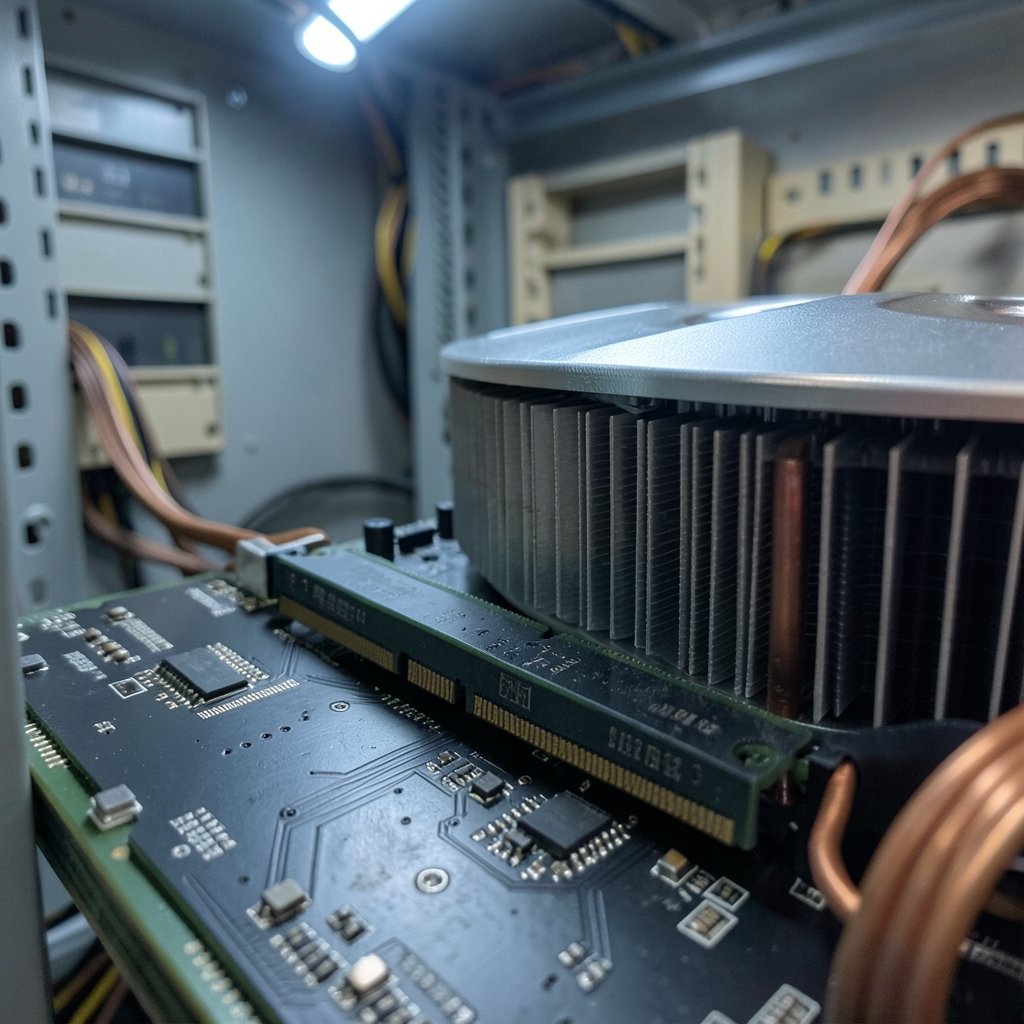
Here is the mental model that will save you weeks: for small models, token generation on a CPU is memory-bandwidth-bound, not compute-bound. Every generated token requires reading the entire weight matrix once. So your tokens per second scale roughly with memory bandwidth divided by model size in bytes.
That single heuristic explains almost everything practitioners observe:
- A 4-bit quantized 7B model is about 3.5 to 4 GB of weights. On a machine with 50 GB/s of effective bandwidth, the theoretical ceiling is around 12 tokens per second, and you will land below it.
- Halving the model size roughly doubles throughput.
- Adding threads stops helping once you saturate the memory bus. Past that point, more cores just add contention.
- A faster CPU with the same RAM often performs identically to a slower one.
Treat these as heuristics, not laws, but they will steer you right far more often than benchmark charts from unrelated hardware. If you want to go deeper on how memory shapes deployment decisions, this explanation of why memory capacity matters for inference planning is a useful companion. (Inference engine (Wikipedia))
Choosing your runtime
There is no single best CPU inference stack, but there are clear defaults depending on what you are doing.
| Runtime | Best for | Quantization support | Notes |
|---|---|---|---|
| llama.cpp | Local LLMs, GGUF models, laptops and servers | Q4_0 through Q8_0, K-quants | CPU-first design, Metal and CUDA backends available |
| ONNX Runtime | Production services, mixed hardware | Dynamic and static INT8 | Strong graph optimizations, broad language support |
| OpenVINO | Intel CPUs, edge devices | INT8 via NNCF | Good client and edge tooling |
| PyTorch eager | Prototyping only | Limited on CPU | Simple but rarely the fastest option |
For most teams starting out, llama.cpp is the pragmatic first stop. It ships with a quantizer, a benchmark tool, and sensible defaults, and it runs on x86 with AVX2 or AVX-512, on ARM with NEON, and on Apple silicon. The project’s repository documents build flags, quantization recipes, and backend options in detail.
ONNX Runtime is the better fit when inference is one component in a larger service and you need a stable, well-instrumented API. Its CPU execution provider documentation covers graph optimization levels and quantization workflows that matter for latency-sensitive endpoints.
Quantization: the lever that decides everything
If you only tune one thing, tune this. Quantization reduces the precision of weights, shrinking the model and cutting the bytes that must be read per token.
- 8-bit is close to lossless for most small models. Use it when quality is non-negotiable and memory allows.
- 4-bit K-quants (such as Q4_K_M) typically cut model size roughly fourfold versus FP16 with modest quality loss on small models. This is the sweet spot for most CPU deployments.
- Below 4-bit gets you into aggressive territory where small models degrade quickly. A 3B model at 3-bit can become noticeably worse at instruction following.
A common mistake is benchmarking a quantized model on a generic leaderboard score and assuming the ranking holds for your task. It often does not. Small models are more sensitive to quantization than large ones because they have less redundancy to spare. Always evaluate on your own prompts.
The second common mistake is forgetting that quantization changes memory layout, which changes throughput. A Q4_K_M file is not just smaller; it is faster to stream. Measure both quality and speed after every quantization change.
Setting up a CPU inference stack that behaves
A workable setup follows a predictable sequence. Skipping steps is how people end up with a service that is fast in testing and unusable in production.
- Pick a model size you can afford in RAM with headroom. Plan for roughly 1.5x the weight size to cover context, tokenizer, and runtime overhead.
- Quantize to 4-bit K-quants and evaluate quality on a held-out set of real prompts from your domain.
- Benchmark prompt processing and token generation separately. They have different bottlenecks.
- Sweep thread counts from 1 to the physical core count, not the logical count. Hyperthreads usually hurt.
- Pin the process to a fixed set of cores if other services share the machine.
- Measure end to end through your actual API layer, not just the model call.
That last step catches more problems than any other. A model that generates 20 tokens per second can still feel slow if your service buffers the whole response before sending it. Streaming changes perceived latency dramatically. For a structured approach, this walkthrough of how to measure inference latency end to end covers the layers that most benchmarks skip.
Threads, batching, and the limits of tuning
Thread tuning is where expectations and reality diverge most. People spin up 32 threads on a 16-core machine and are puzzled when throughput drops. The reason is contention: once the memory bus is saturated, extra threads add synchronization overhead without adding bandwidth.
Practical rules that hold up:
- Use physical cores, not logical processors.
- Test 4, 8, and 16 threads explicitly. The best number is often lower than you expect.
- For batch workloads, batching helps on CPU but far less than on GPU. Small batches of 4 to 8 requests can improve utilization without blowing latency budgets.
- Keep context length as short as the task allows. Long contexts increase memory traffic per token.
Batching versus real-time serving is a genuine architectural fork, not a tuning knob. If your workload tolerates minutes of delay, batch processing on CPU is remarkably cost-effective. If users are waiting, you need a different design. This comparison of choosing between batch and real-time inference lays out the decision cleanly.
Where CPU inference fits in an enterprise architecture
CPU inference is rarely the whole system. It is usually one tier: a fast, cheap classifier or small generator handling the bulk of traffic, with a larger model behind it for hard cases.
That pattern makes sense because small models handle most requests adequately. The interesting engineering question is what happens when they do not. A fallback path to a bigger model, or to a rule-based response, keeps quality acceptable without paying for GPU capacity on every request. The details of what a model fallback should actually do are worth designing deliberately rather than bolting on later.
Two operational habits pay off here. First, route by confidence, not by guesswork. Second, log every fallback with the input that triggered it, because those logs become your training and prompt-tuning data.
For teams thinking through the broader shape of the system, an AI inference architecture guide for enterprises covers how tiers, queues, and caching fit together.
Measuring honestly
Most CPU inference disappointments trace back to bad measurement. A few habits fix that.
Use the benchmark tool that ships with your runtime rather than a custom script. llama.cpp’s `llama-bench` reports prompt-processing and token-generation rates per backend and thread count, which makes comparisons reproducible. Run it on the actual target hardware, with the actual quantization, at the actual context length.
Report two numbers, never one. Prompt processing (prefill) and token generation (decode) behave differently and are affected by different optimizations. A model that prefills quickly may decode slowly, and vice versa. Quoting a single “tokens per second” figure hides this and leads to bad capacity planning.
Finally, define “small.” Teams routinely mean different things. State your cutoff explicitly, whether that is 3B, 7B, or something else, because the advice changes across that range. A 1B model is genuinely comfortable on a laptop CPU; a 7B model at long context is not.
Common mistakes worth avoiding
A short list of things that reliably go wrong:
- Benchmarking on the wrong machine. Laptop results do not transfer to shared cloud vCPUs, which are often slower and noisier than dedicated hardware.
- Ignoring memory pressure. If the model plus context exceeds available RAM, the OS swaps and throughput collapses. Leave headroom.
- Using logical cores. Hyperthreading rarely helps and often hurts for memory-bound generation.
- Skipping evaluation after quantization. Quality regressions on small models are real and task-specific.
- Assuming GPU tutorials transfer. CUDA-specific advice about batch sizes and VRAM does not map onto CPU behavior at all.
Conclusion
CPU inference for small models is not a compromise so much as a different optimization target. The winning strategy is to shrink the model with quantization, respect the memory bandwidth ceiling, tune threads conservatively, and measure prefill and decode separately on real hardware. Get those four things right and a modest CPU will serve a surprising amount of real work at a fraction of the cost of an accelerator. Get them wrong and you will conclude, incorrectly, that CPUs cannot do the job.
FAQ
Is CPU inference fast enough for real applications?
For small models in the 1B to 7B range, yes, for many tasks. Classification, extraction, summarization of short texts, and chat-style assistants with modest concurrency all run acceptably on modern CPUs. The key is measuring token generation on your actual hardware and quantization rather than trusting general claims.
How many threads should I use for CPU inference?
Start with the number of physical cores and test downward. Memory-bound token generation often peaks well below the core count, and hyperthreads usually reduce throughput. A quick sweep of 4, 8, and 16 threads will tell you more than any general recommendation.
Does quantization hurt quality on small models?
It can, more than on large models. 8-bit is generally close to lossless, and 4-bit K-quants offer a good balance, but small models have less redundancy to absorb the error. Evaluate on your own prompts after every quantization change rather than relying on general benchmark rankings.
What is the difference between prompt processing and token generation?
Prompt processing handles the input in parallel and is compute-heavy. Token generation produces output one token at a time and is memory-bandwidth-bound. They scale differently with threads and quantization, so track them as separate metrics when planning capacity.
Can I run small models on a laptop CPU?
Yes, comfortably, for models around 1B to 3B parameters at 4-bit quantization. A 7B model at 4-bit needs roughly 4 GB of weights plus context overhead, which fits on most modern laptops but leaves less headroom for other applications and typically runs slower than on a dedicated server.
When should I use a GPU instead of a CPU?
Move to a GPU when you need high concurrency, very low latency, long context windows, or models above roughly 7B parameters. If your workload is bursty, latency-tolerant, or dominated by small models, CPU inference usually wins on cost and operational simplicity.




