What actually separates one AI accelerator from another when the spec sheets all look impressive? That question trips up a lot of teams. A GPU with more memory bandwidth can lose to a chip with a smaller footprint but a better software stack. A vendor’s headline benchmark number can collapse once a real model hits the hardware. Comparing AI accelerators is less about picking the biggest number and more about matching the chip to the workload, the software you already run, and the budget you actually have.
This guide walks through the major accelerator families, the axes that matter, and the traps that make comparisons misleading. It focuses on what holds up in practice, not what looks good in a launch keynote.
The main accelerator families at a glance
The data-center AI accelerator market has settled into a few recognizable camps. Each one makes a different trade-off.
NVIDIA’s data-center GPUs dominate training and inference today. The H100 (Hopper architecture, shipping from 2023) became the default baseline for comparisons. The H200 keeps the same compute class but swaps in larger, faster HBM3e memory. The Blackwell generation (B100, B200, and the GB200 systems that pair two Blackwell GPUs with a Grace CPU) pushes the architecture forward, though shipping timelines have shifted more than once.
AMD’s Instinct line is the most direct challenger. The MI300X carries 192 GB of HBM3 memory, which matters enormously for large-model inference where fitting the model in memory is the whole game.
Google’s TPU family is custom silicon built for Google’s own workloads and rented through Google Cloud. The line has moved through v4, v5e, v5p, and Trillium, covering both training and inference.
AWS Trainium and Inferentia are AWS’s in-house chips, with Trainium2 aimed at training. Intel’s Gaudi 3 rounds out the field as a training-and-inference accelerator, and Intel has published comparison figures that are, as you’d expect, vendor claims.
| Accelerator | Vendor | Standout trait | Typical fit |
|---|---|---|---|
| H100 | NVIDIA | Mature ecosystem, broad adoption | General training and inference baseline |
| H200 | NVIDIA | Larger, faster memory (HBM3e) | Memory-bound inference and large models |
| Blackwell (B200/GB200) | NVIDIA | Next-gen architecture, system-level design | Frontier training at scale |
| MI300X | AMD | 192 GB HBM3 capacity | Large-model inference, memory-heavy work |
| TPU (v5e/v5p/Trillium) | Tight integration with Google Cloud | Workloads already on Google’s stack | |
| Trainium2 / Inferentia | AWS | Cost control inside AWS | Teams committed to AWS |
| Gaudi 3 | Intel | Alternative to GPU lock-in | Cost-sensitive training and inference |
Memory capacity and bandwidth usually decide the winner
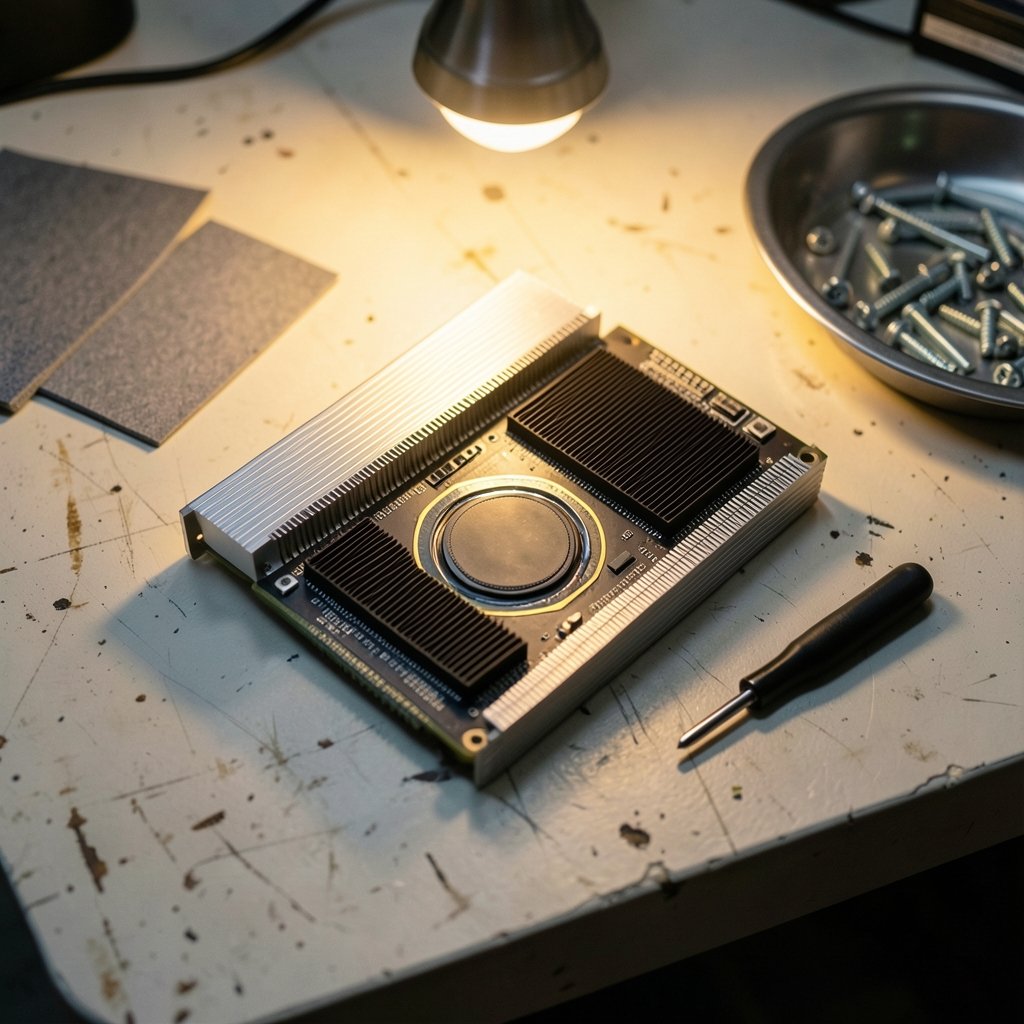
If you only track one spec, track memory. For large language models, the binding constraint is often whether the model and its key-value cache fit in memory at all, and how fast that memory can feed the compute units. A chip with plenty of compute but too little memory will sit idle waiting on data.
This is why the H200 and MI300X get so much attention. Both lean on High Bandwidth Memory to move data quickly between the processor and its memory stacks. High Bandwidth Memory is a stacked DRAM design that trades a wide interface for speed, and it is the reason modern accelerators can keep their compute units fed. When you compare two chips, check memory capacity first, then bandwidth, then raw compute. Teams that reverse that order often buy more compute than their models can use.
A practical rule: estimate the memory your largest model needs at your target precision, add room for the key-value cache and activations, then see which accelerators clear that bar with headroom. Chips that fail this test are not really in the comparison, no matter how good their benchmark scores look.
The software stack is half the decision
Here is where comparisons get uncomfortable. Raw hardware is only part of the story. The software that turns a model into fast, reliable execution on that hardware is the other half, and it is far harder to put in a table.
NVIDIA’s CUDA platform is the reason so many teams default to its GPUs. CUDA is a parallel computing platform and programming model that has been refined for well over a decade, and most frameworks, libraries, and research code target it first. That maturity is a genuine advantage: fewer surprises, more Stack Overflow answers, more engineers who already know it.
AMD’s ROCm stack has improved steadily, but porting and tuning code takes effort. Google’s and AWS’s custom chips come with their own toolchains that reward teams willing to commit to those clouds. The lesson is simple and easy to underestimate: a chip is only as fast as the software you can actually get running on it. Budget real engineering time for any move away from the ecosystem your team already knows.
Interconnect and system design shape real throughput
Modern AI training rarely runs on one chip. It runs on hundreds or thousands working together, and at that scale the connections between chips matter as much as the chips themselves. NVIDIA’s NVLink provides high-bandwidth chip-to-chip links, while other setups lean on PCIe or Ethernet-based fabrics.
This is where a single-chip comparison breaks down. A GB200 system is not just two GPUs; it is a designed unit that includes a CPU and a tuned interconnect. Comparing it chip-for-chip against a standalone accelerator misses the point. When you evaluate systems, ask how the chips talk to each other, how many can be linked at full bandwidth, and what the fabric does to your scaling efficiency. A cluster that scales poorly wastes the money you spent on the individual chips. (Graphics processing unit)
The same principle applies to power. Dense accelerator racks draw serious power, and the limits a data center imposes can quietly cap performance. Understanding what power limits mean for accelerator deployments helps you avoid buying capacity the facility cannot actually power and cool. (Skills that support accelerator infrastructure operations)
How to read benchmarks without getting fooled
Vendor benchmarks are the most common source of bad comparisons. Different precision formats, batch sizes, model versions, and tuning effort make headline numbers rarely apples-to-apples. A result measured at one precision on one model version is not comparable to a result measured differently elsewhere.
The most defensible cross-vendor reference is MLPerf, an industry benchmark suite run by MLCommons that publishes standardized training and inference results across vendors. Because the benchmarks define the models, datasets, and rules, results are far more comparable than marketing slides. Even so, read them with care: check which benchmark category, which division (closed or open), and which system configuration produced the number.
Two habits pay off here. First, treat every vendor’s own comparison as a claim to verify, not a fact. Second, read benchmarks in context rather than in isolation, because a number without its configuration tells you very little about your workload. And when you compare utilization across different chips or clusters, make sure you are measuring the same thing, since utilization figures are easy to compute unfairly.
Matching the accelerator to the workload
The right chip depends on what you are doing. A few patterns hold up across most teams.
- Frontier training at scale. This favors the newest, best-connected systems with the most mature training software. Cost per chip is high, but so is the penalty for a stalled training run.
- Large-model inference. Memory capacity and bandwidth dominate. Chips that hold a big model with room for the key-value cache win, even if their raw compute is lower.
- Cost-sensitive steady-state inference. Custom silicon inside a cloud you already use can cut spend, provided your models fit the toolchain.
- Mixed or experimental workloads. The ecosystem with the broadest library support reduces friction, which often matters more than a few percent of raw speed.
A common mistake is buying for the peak workload and ignoring the average one. Most teams run a mix, and a fleet that is excellent at one task but awkward for everything else creates operational drag. It also helps to know the questions to ask behind a new accelerator announcement before you get excited about a launch.
Total cost of ownership beats sticker price
The purchase price of a chip is the least interesting number in the comparison. Total cost of ownership folds in power, cooling, rack space, networking, software engineering time, and the cost of idle capacity. A cheaper chip that needs more tuning or runs at lower utilization can cost more than a pricier one that just works.
Two practical checks help. First, measure utilization honestly, because a cluster running at 40 percent is effectively 2.5 times more expensive per useful unit of work than its sticker suggests. Learning how to compare accelerator utilization fairly keeps this number honest. Second, weigh the cost of migration. Moving a mature codebase to a new stack is a real expense, and it belongs in the model alongside the hardware. (NIST Artificial Intelligence overview)
Practical steps before you commit
A short, disciplined process beats a long spec-sheet debate.
- Profile your real workloads. Note model sizes, precision, batch sizes, and latency targets. Use your own data, not a vendor’s example.
- Set a memory floor. Rule out any accelerator that cannot hold your largest model with headroom for the key-value cache.
- Check the software path. Confirm your frameworks and libraries run well on the candidate stack, and estimate porting effort.
- Pilot on your own model. Run a representative workload on rented capacity before buying anything.
- Model total cost. Include power, cooling, networking, engineering time, and expected utilization.
- Review the interconnect plan. Make sure the system scales to the cluster size you need.
Running these steps in order saves teams from the most expensive mistake in this space: committing to hardware before understanding the workload. It also connects naturally to testing accelerator software compatibility, since a chip that passes the memory test can still fail on the software side.
Conclusion
Comparing AI accelerators is really a matching exercise. The H100 remains a sensible baseline, the H200 and MI300X push memory capacity and bandwidth, Blackwell and the custom TPU, Trainium, and Gaudi lines offer different trade-offs in cost, cloud integration, and lock-in. None of them wins outright. The right choice depends on your models, your software, your facility, and your budget, weighed together rather than one at a time. Teams that profile their workloads first, check memory before compute, respect the software stack, and read benchmarks in context tend to end up with hardware that earns its keep. Teams that chase the biggest headline number often end up paying for capacity they cannot fully use.
FAQ
What is the most important spec in an AI accelerator comparison?
Memory capacity and bandwidth usually matter most, especially for large language models. If a model and its key-value cache do not fit in memory, raw compute sits idle. Check memory first, then bandwidth, then compute.
Is the H100 still a fair baseline in 2026?
It remains a widely used reference point because so much software and so many benchmarks target it. Newer chips like the H200, Blackwell, and MI300X push past it in specific areas, but the H100 is still a reasonable starting line for comparisons.
Why do vendor benchmarks disagree so much?
Vendors measure different precision formats, batch sizes, model versions, and tuning levels. Without a shared standard, numbers are rarely apples-to-apples. Standardized suites like MLPerf are more comparable because they fix the models and rules.
Does the software stack really change the hardware decision?
Yes, often more than the hardware specs do. A chip is only as fast as the code you can run on it. Moving away from a mature ecosystem like CUDA means budgeting real engineering time for porting and tuning.
Can custom silicon like TPU or Trainium save money?
It can, particularly for steady-state inference inside a cloud you already use. The savings depend on whether your models fit the vendor’s toolchain and whether you can absorb the migration effort. Model the full cost before assuming a win.
How should I handle power and cooling in the comparison?
Treat them as first-class constraints. Dense accelerator racks draw serious power, and facility limits can cap performance. Include power, cooling, and rack space in your total cost model rather than discovering them after deployment.