
What if the chip that runs your chatbot doesn’t need to be the most expensive one on the shelf?
That question frames the CPU vs GPU LLM inference debate. The usual answer for years has been “GPU, obviously.” Defaults are lazy. The answer depends on model size, traffic patterns, quantization choices, and how much latency your users will tolerate. Miss those factors and you either overspend on silicon or ship a product that crawls. (Mastering LLM Techniques: Inference Optimization)
This article breaks down where CPUs win, where GPUs win, and where the line between them has quietly moved.
Why Inference Is Not the Same as Training
Training and inference get lumped together in conversation, but they stress hardware in completely different ways.
Training runs forward and backward passes over huge batches, computes gradients, and updates weights. It is compute-hungry and rewards massive parallelism. Inference does one thing: it takes a prompt and produces tokens. And for decoder-only transformer models, that token generation is largely memory-bandwidth-bound. Every new token requires reading the model weights, plus the growing KV cache, out of memory.
That distinction matters because it reframes the hardware question. You are not asking “which chip does more math?” You are asking “which chip moves bytes from memory to compute fast enough, at a price that makes sense?”
GPUs win the raw bandwidth contest. High-bandwidth memory (HBM) attached to a modern GPU moves data several times faster than CPU-attached DDR memory. That is the core reason GPUs became the default. But bandwidth is only one variable in the equation, and the other variables are where things get interesting.
Where GPUs Genuinely Earn Their Keep
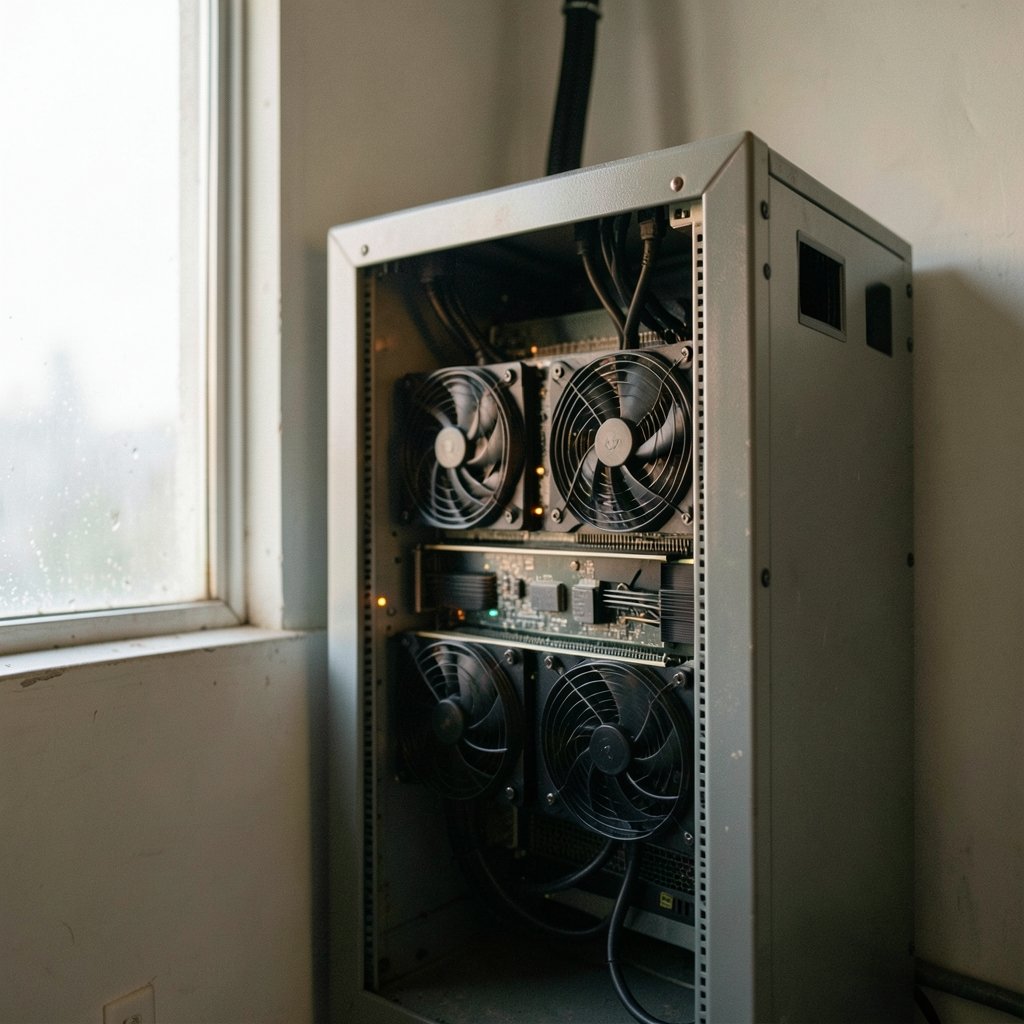
Let’s be fair to the GPU. For a lot of production workloads, it is not overkill. It is the only sane choice.
Batched throughput at scale
A GPU’s real superpower is serving many concurrent requests at once. When you batch dozens of prompts together, the same weight reads get amortized across all of them, and utilization climbs. This is why high-traffic consumer applications, coding assistants, and API providers lean heavily on GPU fleets.
If you are planning capacity for a service with unpredictable spikes, it helps to understand why memory capacity matters for inference planning before you commit to a hardware tier. KV cache growth with context length and batch size is often the binding constraint, not raw compute.
Long context and large KV caches
Long-context workloads make the KV cache balloon. Serving systems have attacked this problem directly. The PagedAttention technique, introduced with the vLLM project in 2023, manages KV cache memory in non-contiguous blocks to cut waste dramatically. That kind of memory management is fundamentally a GPU-serving concern, and it is one reason GPU serving stacks have matured so fast.
Big models that simply don’t fit elsewhere
A model with tens of billions of parameters needs somewhere to live. Even at 4-bit quantization, the weights alone consume serious memory. GPUs with large HBM pools handle this natively. CPUs can too, via system RAM, but the bandwidth penalty during generation is real and persistent. (Graphics processing unit)
Where CPUs Quietly Win
The surprise is this: for a sizable share of workloads, a CPU is adequate, and it is the better engineering decision.
Small models and modest traffic
If your model fits comfortably in cache and RAM, and your throughput demands are modest, CPU inference sidesteps GPU cost, procurement delays, and driver complexity. Internal tools, document classifiers, edge deployments, and single-user assistants all fit this profile. A CPU sitting in a box you already own beats a GPU you have to buy, power, and cool.
Quantization changed the math
This is the single biggest shift. Quantization to 4-bit or 8-bit weights reduces memory traffic, and memory traffic is exactly what bottlenecks token generation. Because the reduction helps the bandwidth-starved side of the equation most, quantization disproportionately benefits CPUs.
The llama.cpp project became the reference point here, offering CPU-optimized quantized inference alongside optional GPU layer offloading. If you want to see how the quantized formats actually work, the llama.cpp open-source inference engine documents its GGUF formats and backend options in detail. It is a genuinely useful read before you pick a quantization scheme.
Server CPUs got accelerators
Modern server chips are not the general-purpose processors of five years ago. Intel shipped AMX (Advanced Matrix Extensions) on its Sapphire Rapids generation starting in 2023, and AMD has pushed wide AVX-512 vector support. These extensions speed up the matrix operations behind quantized inference. The Intel Advanced Matrix Extensions technical overview explains what the hardware actually does, which helps you judge whether your target CPU generation is worth the upgrade.
Unified memory changes the tradeoff
Apple Silicon deserves a mention because it breaks the usual framing. Its unified memory architecture lets CPU and GPU share one memory pool, so a laptop or desktop can hold a larger model than a discrete-GPU machine with the same RAM budget. Benchmark claims in this space vary wildly, so treat any specific number with suspicion. The architectural point, though, is solid: the CPU-vs-GPU line blurs when the memory is shared.
The Real Decision Variables
Forget brand loyalty. Four variables drive this decision, and they interact.
| Variable | Favors CPU | Favors GPU |
|---|---|---|
| Model size | Small, fits in RAM/cache | Large, needs HBM |
| Batch size | 1 to a few requests | Many concurrent |
| Latency tolerance | Relaxed | Strict, high QPS |
| Quantization | 4-bit/8-bit weights | Full or high precision |
Work through them honestly. Most teams discover their workload is less demanding than they assumed, or more demanding than they feared. Either way, the table tells you where to look.
One caveat worth stating plainly: published CPU-vs-GPU benchmarks vary enormously by model size, quantization, batch size, and hardware generation. There is no single authoritative “CPU is X times slower” figure. Anyone quoting one without a dated, specific benchmark is guessing.
Latency, Throughput, and the Measurement Trap
Teams routinely compare hardware using the wrong metric. Throughput (tokens per second across all users) and latency (time to first token, time per token for one user) pull in opposite directions.
GPUs excel at batched throughput. CPUs can be perfectly fine for single-user, low-QPS latency. A system optimized for throughput may feel sluggish to an individual user, and a system tuned for latency may waste capacity under load. If you are building the measurement plan, this guide on how to measure inference latency end to end covers the parts of the pipeline people forget, including queueing and tokenization overhead.
The practical tip: measure time to first token and inter-token latency separately. They stress hardware differently, and averaging them hides the problem.
Batch or Real Time? That Choice Comes First
Before you pick silicon, pick a serving mode. The hardware question is downstream of it.
Batch inference processes jobs in bulk, tolerates delay, and maximizes hardware utilization. Real-time inference serves users interactively and lives or dies on latency. A CPU cluster running overnight batch jobs can be remarkably cost-effective. The same CPUs serving a live chat interface may struggle.
This guide on choosing between batch and real-time inference walks through the tradeoffs systematically. Get the mode right and the hardware choice often makes itself.
Common Mistakes Practitioners Make
A few patterns show up again and again, and they cost real money.
Benchmarking with the wrong prompt length. Short prompts flatter CPUs. Long contexts and large KV caches shift the balance toward GPUs. Test with your actual prompt distribution, not a toy example.
Ignoring quantization in comparisons. Comparing a full-precision GPU setup against a 4-bit CPU setup is not a fair fight. Compare like with like.
Forgetting about memory, not compute. Teams buy GPUs for compute headroom they never use, when the real constraint was memory capacity or bandwidth all along.
Skipping the hybrid option. llama.cpp supports offloading some layers to a GPU while keeping others on the CPU. A modest GPU plus a strong CPU can outperform either alone for mid-size models. This middle path gets overlooked constantly.
Underestimating operational cost. GPUs draw serious power and need cooling. For always-on, low-traffic services, the electricity and facilities bill can quietly exceed the hardware’s purchase price over a few years.
Assuming one answer for the whole system. A routing model, an embedding service, and a large generative model in the same product may each want different hardware. Treat them separately.
A Practical Decision Framework
If you want a repeatable process rather than vibes, work through these steps in order.
- Measure your real prompt and response length distribution from logs.
- Estimate peak concurrent requests and required QPS.
- Quantize your candidate model to 4-bit and check whether it fits in available memory.
- Benchmark on the actual target hardware with realistic batching.
- Compare total cost of ownership, including power and cooling, over three years.
- Revisit the decision when model or hardware generations change.
Step six is the one people skip. The CPU-vs-GPU balance shifts with every hardware generation and every quantization advance. A decision that was correct two years ago may not be correct now.
For teams designing the broader system, this practical enterprise guide to AI inference architecture connects the hardware choice to serving layers, caching, and scaling strategy, which is where most of the real complexity lives.
Conclusion
The CPU vs GPU LLM inference question has no universal winner, and that is the honest answer. GPUs dominate large-model, high-throughput, latency-sensitive serving because of memory bandwidth and parallelism. CPUs win on cost, simplicity, and small-to-mid model workloads, especially once quantization shrinks the memory traffic that bottlenecks generation.
The teams that get this right do three things. They measure their actual workload instead of guessing. They compare hardware at the same quantization level. And they stay willing to change their minds as the hardware landscape moves. Silicon is a means, not a goal. Pick the chip that serves your users at a price you can defend, and revisit the call when the numbers change.
FAQ
Is CPU inference always slower than GPU inference?
No, not always. For small models with modest traffic, a CPU can match or beat a GPU on cost-effectiveness even if raw token speed is lower. The gap narrows further with 4-bit quantization, which cuts the memory traffic that bottlenecks token generation. For large models under heavy concurrent load, GPUs are clearly faster.
How much does quantization help CPU inference?
It helps a lot, because token generation is memory-bandwidth-bound. Reducing weights from 16-bit to 4-bit cuts the bytes read per token substantially, and that reduction matters most on bandwidth-constrained hardware like CPUs. The exact speedup depends on your model, the quantization method, and your CPU’s support for vector or matrix extensions.
Can I run a large language model on a CPU at all?
Yes. Models in the single-digit billions of parameters run comfortably on CPUs when quantized. Larger models can run too, using system RAM, but generation slows noticeably because of the bandwidth penalty. A hybrid setup that offloads some layers to a small GPU often gives the best balance for mid-size models.
What is the KV cache and why does it matter here?
The KV cache stores attention keys and values for previous tokens so the model does not recompute them. It grows with context length and batch size, which increases memory pressure. On GPUs, techniques like PagedAttention manage this memory efficiently. On CPUs, a large KV cache competes with model weights for RAM, so long-context workloads tend to favor GPU serving.
Does Apple Silicon change the CPU vs GPU comparison?
It complicates it. Unified memory lets the CPU and GPU share one pool, so a machine can hold a larger model than a discrete-GPU system with the same RAM budget. That makes some laptops and desktops surprisingly capable for local inference. Specific benchmark claims vary widely, so test on your own workload rather than trusting general figures.
When should I reconsider my hardware choice?
Whenever the model, the quantization scheme, or the hardware generation changes, and whenever your traffic profile shifts. The balance between CPUs and GPUs has moved repeatedly over the past few years. A decision that was correct two years ago may be wrong today, so build in a periodic review rather than treating the choice as permanent.




