Firmware explained in plain terms means the low-level software built into a device that tells its hardware what to do, running before anything else starts. The central question is how a device knows how to wake up at all when it has no operating system running yet, and the short answer is that a small program, stored permanently on a chip inside the device, runs first, checks the hardware, and then hands control to whatever comes next.
Every device you own runs firmware. Your laptop’s motherboard, your phone, your router, your television, your washing machine, and the chip in your bank card all contain it. You rarely see it and almost never think about it, yet without it none of those devices would do anything at all when switched on.
Firmware sits between hardware and software. It is more permanent than an app, which you can install and delete at will, and more flexible than the circuits themselves, which cannot be changed once they are made. That middle position is what makes it both powerful and, when it is neglected, dangerous.
Key takeaways
- Firmware is low-level software stored permanently on a chip inside a device, telling the hardware what to do.
- It runs first when a device starts, checks the hardware, and hands control to the operating system or application.
- It lives in everything from motherboards and routers to washing machines and bank cards.
- Firmware updates fix bugs, close security holes, and add features, so keeping it current matters.
- A failed firmware update can leave a device unusable, so updates need care and a reliable power supply.
What firmware is
Firmware is software that is written into a device’s non-volatile memory, the kind of memory that keeps its contents when the power is off. It is the first code to run when the device starts, and its job is to wake up the hardware, check that it is working, and prepare it for the software that follows. On a computer that software is the operating system; on a washing machine it is the program that runs the wash cycle; on a router it is the system that moves packets between networks.
The word itself comes from the middle ground it occupies: firmer than software, which changes easily, but softer than hardware, which cannot change at all. Early firmware was literally burned into read-only chips and could never be altered. Modern firmware lives in flash memory and can be updated, which is why your devices keep getting new features and security fixes long after you bought them.
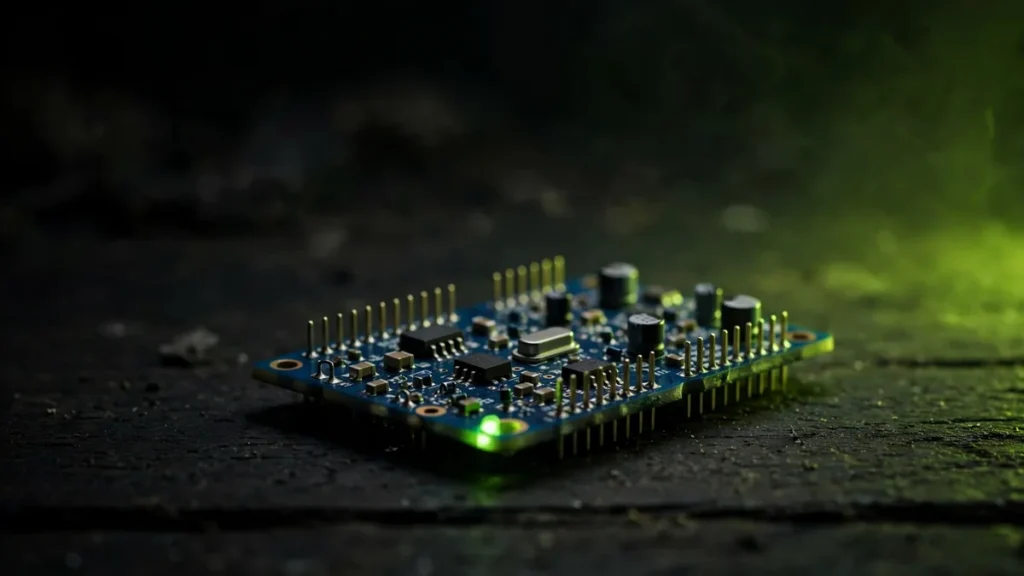
Firmware differs from a device driver, though the two are often confused. A driver is software that runs inside the operating system and tells it how to talk to a piece of hardware. Firmware runs on the hardware itself, below the operating system, and the driver talks to the firmware, not directly to the circuits. Our guide to motherboards explains the board where a computer’s firmware lives, and our guide to hard drives explains a device whose own firmware manages how data is written and read.
How firmware works
When you switch a device on, the processor begins running code from a fixed location in its memory, and that code is the firmware. On a computer, the firmware, usually UEFI, checks the memory, the storage, and the connected devices, then looks for an operating system to load. On a simpler device, such as a remote control, the firmware is the whole program: it reads the buttons, sends the signal, and goes back to sleep.
The firmware’s instructions are stored as machine code, the raw language the processor understands, and they are tailored to the exact hardware in the device. That closeness to the hardware is what makes firmware powerful: it can control the timing of signals, manage power, and talk to components in ways that ordinary software cannot.
Updating firmware means writing a new version into the device’s flash memory, replacing the old one. The update usually arrives as a file from the manufacturer, delivered through the operating system, an app, or a USB stick, and the device’s existing firmware installs it. Because the firmware is what starts the device, an update that is interrupted, by a power cut or a faulty file, can leave the device unable to start at all, a state often called bricking.
That risk is why good firmware includes safeguards. Many devices keep a backup copy of the old firmware, so that a failed update can be rolled back. Others check the signature of the new firmware before installing it, refusing anything that is not properly signed by the manufacturer, which also stops attackers from replacing the firmware with a malicious version.
Comparing firmware with software and drivers
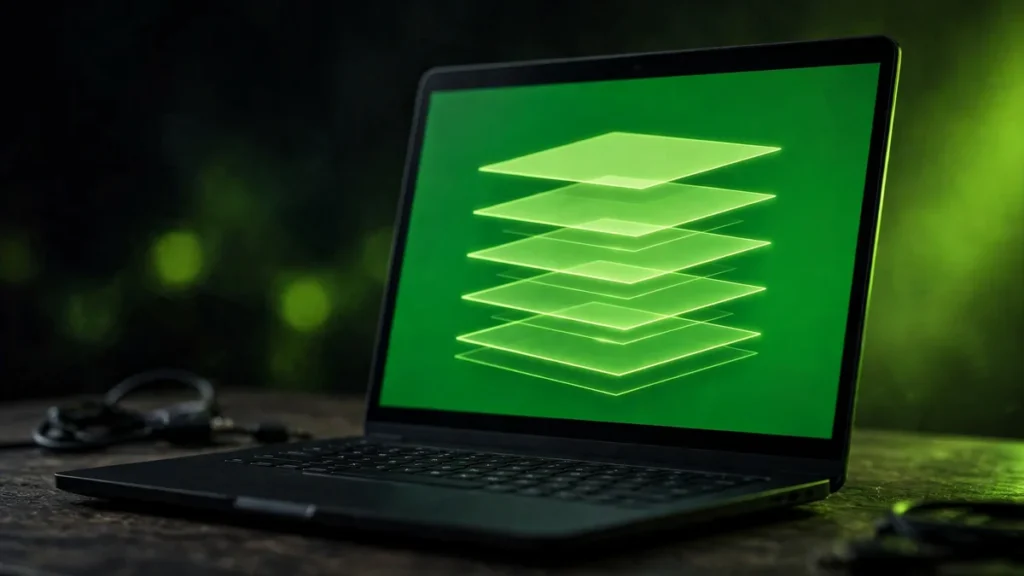
Firmware, drivers, and ordinary software are three layers of the same stack, and each has a different job, a different home, and a different lifespan. Confusing them is easy, because they are all code, but the differences matter when something goes wrong.
The table below sets out the main contrasts.
| Aspect | Firmware | Device driver | Application software |
|---|---|---|---|
| Where it runs | On the hardware itself | Inside the operating system | On top of the operating system |
| When it runs | First, at startup | When the device is used | When the user opens it |
| How often it changes | Rarely, a few times a year | With operating system updates | Often, sometimes weekly |
| What it controls | The hardware directly | How the system talks to hardware | What the user sees and does |
| If it fails | The device may not start at all | One device stops working | One program stops working |
| Typical example | UEFI, router firmware | Printer driver, graphics driver | Browser, word processor |
The practical distinction is about consequences. A broken app is an annoyance, a broken driver is a problem with one device, and broken firmware can be the end of the device itself. That is why firmware updates deserve more care than an ordinary app update, even though they arrive in a similar way.
Where firmware is used
Computers are the most familiar example. The UEFI firmware on a motherboard wakes the hardware, checks the memory and storage, and loads the operating system. It also holds the settings for the machine, such as which drive to boot from, and the security keys used by features such as secure boot.
Network equipment depends on firmware just as heavily. A router’s firmware is effectively its operating system, handling the connections, the Wi-Fi, the firewall, and the settings page. Many routers are rarely updated, which is why they are a common target for attackers: an old firmware version can contain known holes that nobody has bothered to close.
Consumer electronics are full of it. A television’s firmware controls the screen, the tuner, and the smart apps; a printer’s firmware manages the paper, the ink, and the connection to the network; a smart speaker’s firmware listens for its wake word and streams the audio. In each case the firmware is what turns a collection of circuits into a product that does something useful.
Industrial and medical devices rely on firmware where failure is not an option. A pacemaker, a factory robot, or a car’s braking system runs firmware that must work correctly every time, for years, without a reboot. Those systems are tested far more rigorously than a phone app, because the cost of a bug is measured in safety, not inconvenience.
Strengths and limits
The greatest strength of firmware is that it makes hardware flexible. A manufacturer can fix a bug, close a security hole, or add a feature to a device that is already in a customer’s home, without touching the hardware at all. That ability has changed how products are built: a device can leave the factory unfinished in a good way, and keep improving for years.
Firmware is also efficient. Because it runs close to the hardware, it can do its job with very little memory and power, which is why it works in devices as small as a bank card or as simple as a remote control. Ordinary software would be far too heavy for those jobs.
The limits are serious. Firmware runs with the highest privileges a device has, so a vulnerability in it can give an attacker complete control, and because it loads before the operating system, it can hide from every security tool that runs later. Updating it carries risk, since a failed update can brick the device, and many devices are never updated at all, leaving known holes open for years. That combination, high privilege, low visibility, and rare updates, is why security experts pay firmware more attention than most users do.
Firmware checklist
- Check for firmware updates on your router, and install them when they appear.
- Keep your computer’s UEFI firmware updated through the manufacturer’s official tool.
- Never interrupt a firmware update: keep the device powered and connected until it finishes.
- Download firmware only from the manufacturer’s official website or app.
- Read the update notes before installing, so you know what is changing.
- Back up important data before a major firmware update, in case something goes wrong.
- Replace devices whose manufacturer has stopped providing firmware updates.
- Change the default password on any device with firmware settings, especially routers.
- Remember that a device with old firmware can be a security hole, even if it still works well.
Frequently asked questions
What is firmware in simple terms?
Firmware is low-level software stored permanently inside a device, telling its hardware what to do. It runs first when the device starts and prepares everything for the software that follows.
Is firmware the same as software?
Not quite. Software is the general term for any program, while firmware is the specific kind that lives inside a device’s permanent memory and controls its hardware directly. All firmware is software, but most software is not firmware.
How do I update firmware?
It depends on the device. Computers update through the manufacturer’s tool or the operating system, routers through their settings page, and phones through the system update. Always use the official source and do not interrupt the process.
Can a firmware update break my device?
Yes, though it is rare with official updates. If the power fails or the file is corrupted during the update, the device may not start. Most modern devices keep a backup copy so they can recover.
Why does my router need firmware updates?
Because routers are always connected to the internet and often run old software with known security holes. Updating closes those holes and is one of the simplest ways to protect your home network.
What happens if firmware is never updated?
The device keeps working, but known bugs and security holes stay open. Attackers look for devices with old firmware precisely because they are easy targets, so an unpatched device becomes riskier over time.
The bottom line
Firmware explained in one line is this: the low-level software built into a device that wakes its hardware, checks it, and hands control to everything that follows.
It is invisible, permanent, and powerful, which is exactly why it deserves attention. Keep it updated from official sources, never interrupt an update, and replace devices whose makers have stopped supporting them, because the software you never see is often the software that matters most.
This article is general information about how firmware works, not advice about updating or configuring a particular device.