Container security explained in plain terms is the work of protecting applications that run in containers, the lightweight packages that bundle code with everything it needs to run. The central question is whether containers are secure by default, and the short answer is no: containers share the host operating system, so a weakness in one container, or in the image it was built from, can affect the host and every container running on it.
Containers have become the standard way to package and run software, because they are portable, fast to start, and consistent across machines. That popularity makes them a target. Attackers probe container images for known vulnerabilities, look for containers running with too much privilege, and try to escape from a container to the host underneath. Securing containers means securing the whole chain, from the image to the runtime to the platform that orchestrates them. Our guide to Docker explains how containers work and why teams use them.
Key takeaways
- Containers share the host operating system, so a weakness in one container can affect the host and every container on it.
- The image is the first line of defence: a vulnerable base image makes every container built from it vulnerable.
- Containers should run with the least privilege, as a non-root user, with no access they do not need.
- Runtime security watches containers while they run, because a clean image can still be attacked in production.
- Orchestration adds its own risks: cluster permissions, secrets and network rules all need securing.
What container security means
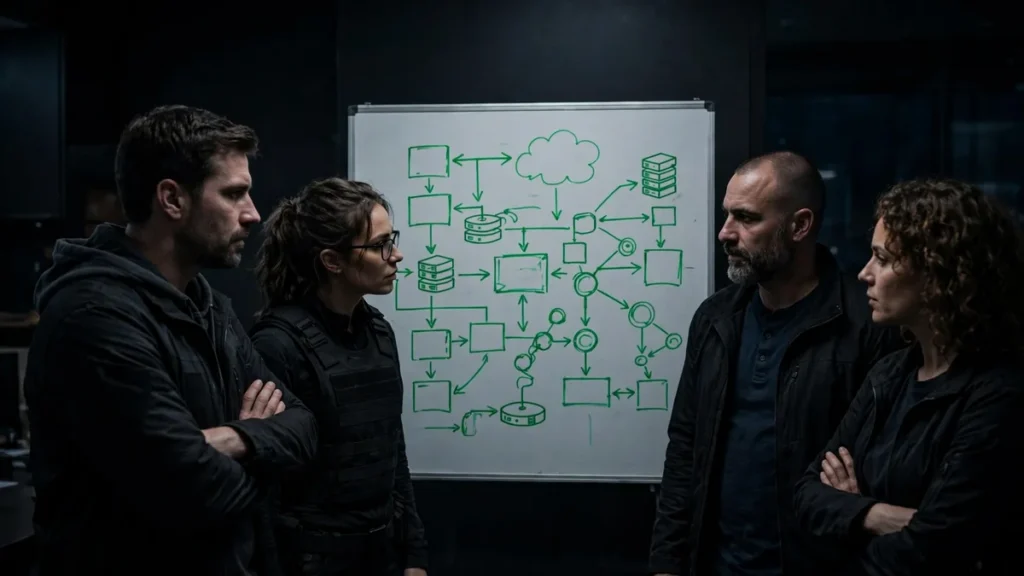
Container security covers every stage of a container’s life. It starts with the image: the layered package that holds the application, its libraries and its configuration. It continues with the build, where the image is assembled, and the registry, where images are stored. It covers the runtime, where the container actually runs, and the orchestration platform, such as Kubernetes, which decides where containers run and how they talk to each other.
Each stage has its own risks. An image built from an old base can carry known vulnerabilities. A build that pulls in untrusted dependencies can be poisoned. A registry without access control can serve a tampered image. A container running as root can escape to the host. A cluster with broad permissions can be taken over through a single compromised workload. Securing containers means working through each stage in turn, rather than treating the container as a black box.
Image security and the supply chain
The image is where container security begins, because everything else inherits from it. A base image that has not been updated carries the vulnerabilities of the day it was built. A team that builds on an old base, or that never rebuilds its images, ships those vulnerabilities into production. The fix is to build from minimal, maintained base images, to rebuild regularly, and to scan every image for known vulnerabilities before it is deployed.
Scanning should happen in the build pipeline, so that a vulnerable image never reaches production. A scan that runs after deployment is better than none, but it finds problems when they are already live. Images should also be signed, so that the platform can verify an image came from a trusted source and has not been altered. An unsigned image from an unknown registry should never run in production. Our guide to supply chain attacks explains how compromised dependencies reach the applications that use them.

Runtime security and least privilege
A container that is running can still be attacked, even if its image was clean. The most important runtime control is privilege: a container should run as a non-root user, with only the capabilities it needs, and with its filesystem read-only where possible. A container running as root that is compromised gives the attacker far more room to work, and a writable filesystem lets an attacker install tools and persist.
Resource limits matter too. A container with no limit on CPU or memory can consume everything on the host, starving the other containers or crashing the machine. Limits keep one container’s failure from becoming everyone’s failure. Runtime monitoring watches for behaviour that should not happen: a process starting that was never in the image, a connection to an unexpected address, or a file changing that should never change. Those signals are how a compromised container is caught while the attack is still happening, rather than discovered weeks later.
Comparing the main container risks
| Risk | Target | Typical harm | Main defence |
|---|---|---|---|
| Vulnerable images | Base and libraries | Known flaws shipped live | Scan and rebuild regularly |
| Running as root | Container privilege | Escape to the host | Non-root user, drop capabilities |
| Secrets in images | Credentials and keys | Keys leaked with the image | Secret manager, never in layers |
| Open cluster access | Orchestration API | Cluster takeover | Authentication and RBAC |
| Flat networks | Container traffic | Lateral movement | Network policies |
Secrets and configuration
Containers need secrets: database passwords, API keys, tokens for other services. Those secrets must never be baked into an image, because an image layer that contains a secret keeps it forever, and anyone who can pull the image can read it. Secrets belong in a secret manager, supplied to the container at runtime, and rotated regularly. A secret that appears in an image layer must be treated as compromised, even if the image was never deployed.
Configuration should be treated with the same care. Environment variables that hold sensitive values are visible to anyone who can inspect the container, so they are not a safe place for secrets either. Configuration that changes how the container behaves, such as which database it connects to, should come from the orchestration platform, not from inside the image. The image should be the same for every environment, with the differences supplied at runtime, so that the image tested in staging is the image that runs in production.
Kubernetes and orchestration risks
Most containers run under an orchestrator, and Kubernetes is the most widely used. The orchestrator adds its own risks. The API server, which controls the whole cluster, must be authenticated and restricted, because anyone who can reach it can create workloads and read secrets. Role-based access control should give each service account only the permissions it needs, and the default service account should not be able to do anything useful.
Network rules matter too. By default, containers in a cluster can talk to each other freely, which means a compromised container can reach every other workload. Network policies restrict that traffic, allowing each workload to talk only to the services it needs. Admission controls can enforce standards automatically, rejecting containers that run as root, or images that have not been scanned. Our guide to Kubernetes security explains these controls in detail.
What good practice looks like
Good container security starts with the image: minimal base, regular rebuilds, scanning in the pipeline, signing before deployment. It continues with the runtime: non-root user, dropped capabilities, read-only filesystem, resource limits. It extends to the platform: authenticated API, narrow roles, network policies, secrets from a manager rather than from the image.
Good practice also means keeping the chain short. Fewer layers, fewer dependencies, fewer privileges, fewer open ports: every reduction removes something an attacker could use. And it means monitoring, because a container that was secure when it was deployed can be attacked while it runs. Runtime alerts, image scan results and cluster audit logs together show whether the defences are holding, and where they need to improve.
Container security checklist
- Build from minimal, maintained base images, and rebuild them regularly.
- Scan every image for vulnerabilities in the build pipeline, before deployment.
- Sign images and only run signed images from trusted registries in production.
- Never put secrets in image layers or in plain-text environment variables.
- Run containers as a non-root user, with dropped capabilities and a read-only filesystem where possible.
- Set CPU and memory limits on every container, so one failure cannot starve the host.
- Restrict cluster access with authentication and narrow role-based permissions.
- Apply network policies so each workload talks only to the services it needs.
- Monitor runtime behaviour and cluster audit logs, and alert on anything unexpected.
Frequently asked questions
Are containers secure by default?
No. Containers share the host operating system, so a weakness in one container can affect the host and every container on it. Security comes from how containers are built, configured and run, not from the container format itself.
What is the biggest container security risk?
Vulnerable images are the most common risk, because everything else inherits from the image. A base image that has not been updated carries known vulnerabilities into every container built from it. Scanning images in the build pipeline and rebuilding regularly are the main defences.
Why should containers not run as root?
A container running as root that is compromised gives an attacker far more room to work, including a better chance of escaping to the host. Running as a non-root user, with only the capabilities the application needs, limits what an attacker can do with a compromised container.
Where should container secrets be stored?
Secrets belong in a secret manager, supplied to the container at runtime. They should never be baked into an image layer, because a layer keeps a secret forever and anyone who can pull the image can read it. A secret found in an image must be treated as compromised.
What is container escape?
Container escape is an attack in which someone breaks out of a container and gains access to the host underneath. It usually exploits a weakness in the runtime or a container running with too much privilege. Least privilege and keeping the runtime updated are the main defences.
How do I secure Kubernetes?
Secure the API server with authentication, give each service account only the permissions it needs, apply network policies to limit traffic between workloads, use admission controls to enforce standards, and store secrets in a secret manager rather than in manifests.
The bottom line
Container security explained in one line is this: containers are only as secure as the images they are built from and the privileges they run with, so the teams that stay safe are the ones that scan before deploying, run with least privilege, keep secrets out of images, and watch their containers while they run.