Neural processing units explained in plain terms means a specialised chip inside a phone, laptop, or camera that runs artificial intelligence tasks quickly and efficiently, without sending your data to a distant server. The central question is why a device needs a dedicated AI chip at all when it already has a processor and a graphics chip, and the short answer is that machine learning workloads are so different from ordinary computing that a chip built around them can do the same job far faster while using far less power.
Every time your phone recognises your face, removes the background from a video call, or transcribes your speech into text, a neural network is doing the work. Until recently, those jobs usually ran in a distant data centre. The neural processing unit, usually shortened to NPU, moves that work onto the device itself.
NPUs now appear in flagship phones, modern laptops, security cameras, and even cars. They rarely get top billing, yet they handle the AI features people use daily.
Key takeaways
- A neural processing unit is a specialised chip designed to run machine learning tasks, such as image recognition and language processing, on the device itself.
- NPUs excel at the parallel maths behind neural networks, doing far more of it per watt than a general-purpose processor.
- On-device AI is faster, works without an internet connection, and keeps personal data such as photos and voice recordings off remote servers.
- NPUs complement rather than replace CPUs and GPUs, each handling the work it does best.
- The main limits are modest memory, dependence on software support, and performance that varies widely between chips.
What neural processing units are
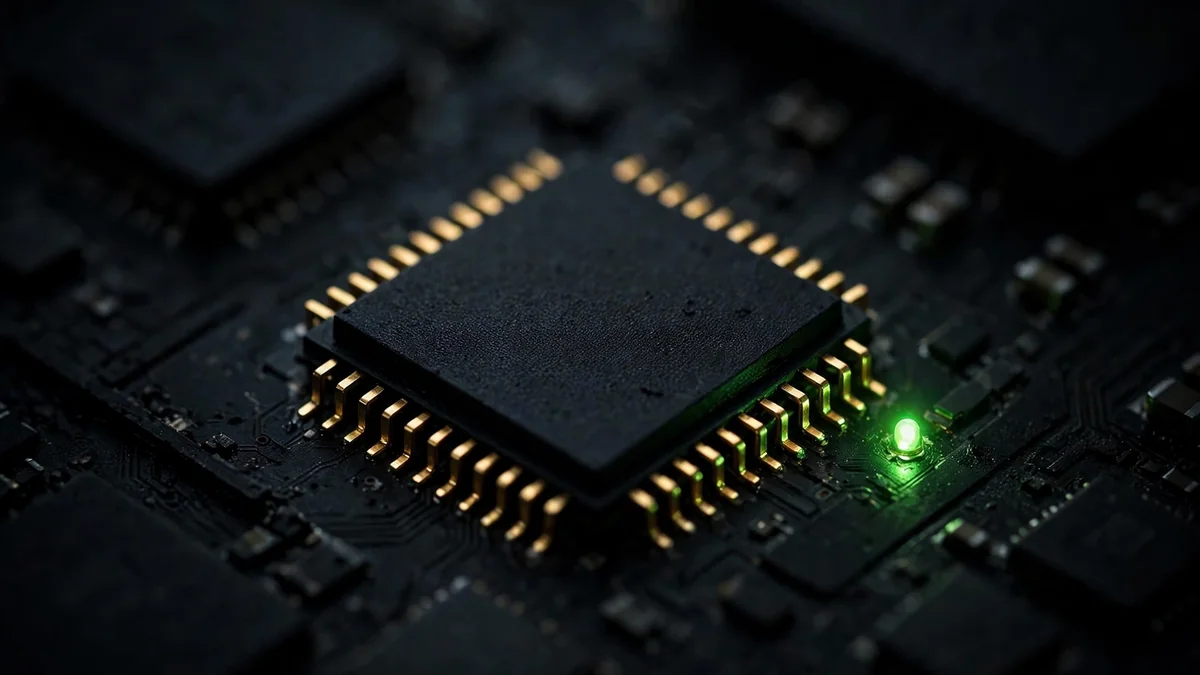
A neural processing unit is a processor designed specifically to accelerate the calculations that neural networks depend on. A neural network is a model made of layers of simple maths applied to huge arrays of numbers. An NPU is built to perform those operations in parallel, across thousands of tiny computing elements at once, rather than one after another.
The key difference from an ordinary processor is one of priorities. A central processing unit, or CPU, is a generalist: it is brilliant at running one complex task after another, switching between apps, and handling unpredictable work. An NPU is a specialist. It gives up that flexibility in exchange for doing one kind of maths, the maths of neural networks, extremely efficiently.
Manufacturers measure NPU performance in trillions of operations per second, usually written as TOPS. A modern phone NPU might deliver tens of TOPS, while a laptop NPU can reach forty or more, enough to run features such as live transcription, image generation, and background blur in real time.
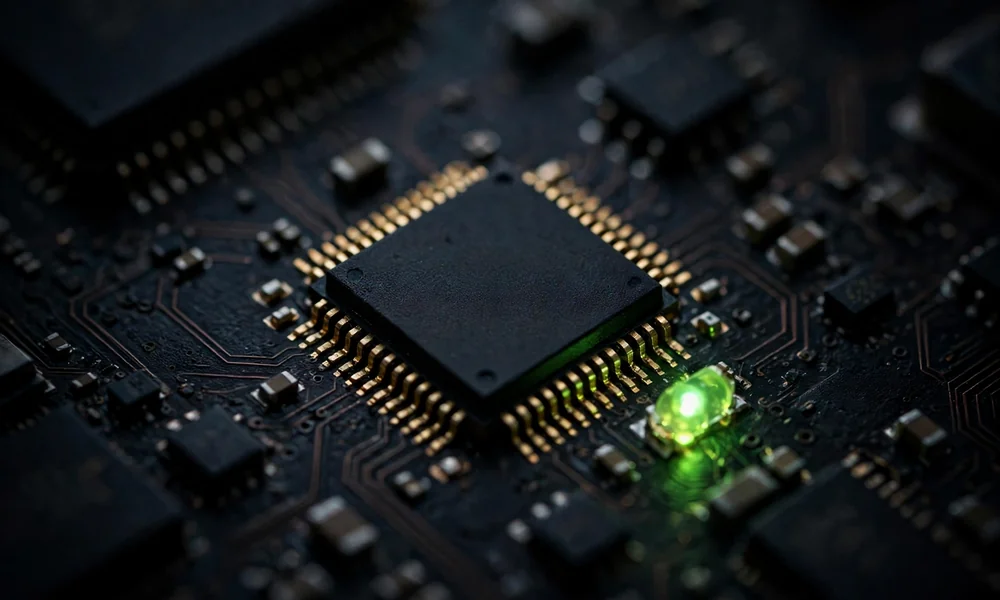
NPUs usually sit alongside the CPU and graphics processor inside a single system on a chip, sharing memory and power with the rest of the device. They can also appear as a separate chip in a laptop or a dedicated accelerator card in a server. Software sends AI work to the NPU through a framework, and the NPU returns the result.
How neural processing units work
At the heart of an NPU is a grid of processing elements arranged to perform matrix multiplication, the core operation of almost every neural network. When a model processes an image, for example, it multiplies large grids of numbers together again and again, layer after layer. An NPU loads the model’s weights, the numbers it learned during training, into fast on-chip memory, then streams the input data through the grid so that thousands of multiplications happen at the same time.
Most NPUs use reduced-precision arithmetic. Instead of calculating with the 32-bit numbers a CPU would normally use, they work with 8-bit integers or 16-bit floating-point numbers, which are smaller and faster to move around. Neural networks tolerate this loss of precision surprisingly well, so the answers stay accurate while the chip does far more work per watt.
The NPU’s memory design matters as much as its arithmetic. Moving data in and out of memory is often the slowest part of AI work, so NPUs keep weights and intermediate results close to the computing elements, in large blocks of on-chip memory. This is one reason an NPU can beat a graphics processor on small, latency-sensitive tasks despite having far less raw power.
Software decides when the NPU gets involved. When an app asks the operating system to run a model, the system checks whether the model is supported by the NPU, loads it onto the chip, and hands it the input. The NPU runs the model and returns the result, while the CPU carries on with everything else. Our guide to graphics processing units explains the chip that handles the heavier AI work, such as training large models, where an NPU would be out of its depth.
Comparing neural processing units with CPUs and GPUs
CPUs, GPUs, and NPUs are often found in the same device, but they are built for different jobs. Each handles the work it does best.
| Aspect | Neural processing unit | Graphics processing unit | Central processing unit |
|---|---|---|---|
| Best at | Running trained AI models efficiently | Graphics and large-scale parallel computing | General tasks and sequential logic |
| Power use | Very low, measured in milliwatts to a few watts | High, often tens to hundreds of watts | Moderate, varies with workload |
| Precision | Reduced, often 8-bit integers | Flexible, from 8-bit to 32-bit and higher | High, usually 32-bit or 64-bit |
| Typical speed | Tens of trillions of operations per second | Hundreds to thousands of trillions | Billions of operations per second |
| Main limit | Only runs supported AI models | Power hungry and expensive | Too slow for large neural networks |
Where neural processing units are used
Smartphones were the first place most people met an NPU, and they remain its most common home. When a phone camera recognises a face, sharpens a night photo, or translates a sign in real time, the NPU is usually doing the work.
Laptops are the next big market. Modern Windows and Mac laptops use NPUs to power features such as background blur and eye-contact correction in video calls, live captions, and local image generation. Our guide to tensor processing units describes the much larger Google-designed chips that handle the same kind of maths in data centres, where power and cooling are not the constraints they are in a laptop.
Beyond phones and laptops, NPUs appear in security cameras that can tell a person from a passing cat, in cars that watch the driver for signs of tiredness, in hearing aids that separate speech from background noise, and in factory sensors that spot defects on a production line. In each case the job is the same: run a trained model continuously, quickly, and on very little power.
Strengths and limits
The greatest strength of an NPU is efficiency. It can run a useful AI model for hours on a phone battery, something a graphics processor could never do, and it does so with far less heat. That efficiency is what makes always-on features possible: a camera that watches for a face, a microphone that listens for a wake word, or a watch that monitors a heartbeat around the clock.
Privacy is the second major strength. Because the model runs on the device, personal data such as photos, voice, and health readings need never leave it.
The main limit is scope. An NPU is designed to run trained models, not to train them, and it only supports the model types and frameworks its maker chose to support. A model that is too large, uses an unsupported operation, or needs high-precision arithmetic will fall back to the CPU or GPU, or will not run at all. Memory is another constraint: NPUs have limited on-chip memory, so very large models simply do not fit.
Performance also varies widely between chips, and the headline TOPS figure can mislead. Two chips with the same rating can behave very differently on a real model, because software support, memory bandwidth, and the mix of operations all matter.
Neural processing units checklist
- Check the NPU’s TOPS rating, but treat it as a rough guide rather than a precise measure of speed.
- Confirm the apps and features you want actually use the NPU on the device you are considering.
- Look for on-device processing if privacy matters to you, so photos and voice stay off remote servers.
- Ask whether the NPU can be updated with new model support, or whether it is fixed at launch.
- Compare battery life with AI features switched on, not just in idle or video playback tests.
- Check which AI frameworks the chip supports, so your software is not forced onto the CPU.
- Remember that very large models may not fit in the NPU’s memory and will run elsewhere instead.
- Test real features such as transcription, background blur, and photo enhancement before deciding.
- Consider whether you need an NPU at all, or whether cloud AI would serve your use just as well.
Frequently asked questions
What is a neural processing unit in simple terms?
A neural processing unit is a specialised chip that runs artificial intelligence tasks, such as recognising faces or transcribing speech, directly on a device. It is built to do the maths behind neural networks far more efficiently than a general-purpose processor.
What is the difference between an NPU and a GPU?
A GPU is a powerful, flexible chip for graphics and large-scale computing, including training AI models. An NPU is a smaller, efficient specialist that runs already-trained models on a device, using far less energy but handling fewer tasks.
Do I need an NPU in my laptop?
It depends on what you do. If you use AI features such as live captions, background blur, or local image generation, an NPU makes them faster and more battery-friendly. If you rarely use those features, a capable CPU and GPU will serve you perfectly well.
Does an NPU replace the CPU?
No. The NPU handles only AI work, while the CPU runs the operating system, your apps, and everything else. The two work together, with the CPU sending AI tasks to the NPU and carrying on with its own work in the meantime.
Can an NPU train AI models?
Generally not. NPUs are designed to run, or infer, models that have already been trained elsewhere, usually in a data centre. Training needs far more memory, precision, and raw computing power than a device-sized NPU can provide.
Is on-device AI more private than cloud AI?
Usually, yes. When a model runs on your device, your photos, voice, and other personal data do not need to be sent to a server. Some apps still upload data for other reasons, so it is worth checking each app’s privacy settings rather than assuming.
The bottom line
Neural processing units explained in one line are this: efficient specialist chips that bring AI onto the device, making features faster, more private, and usable without an internet connection.
For the everyday AI tasks people actually use, they are quietly becoming one of the most important chips in the device.
This article is general information about how neural processing units work, not advice about choosing a phone, laptop, or other device.