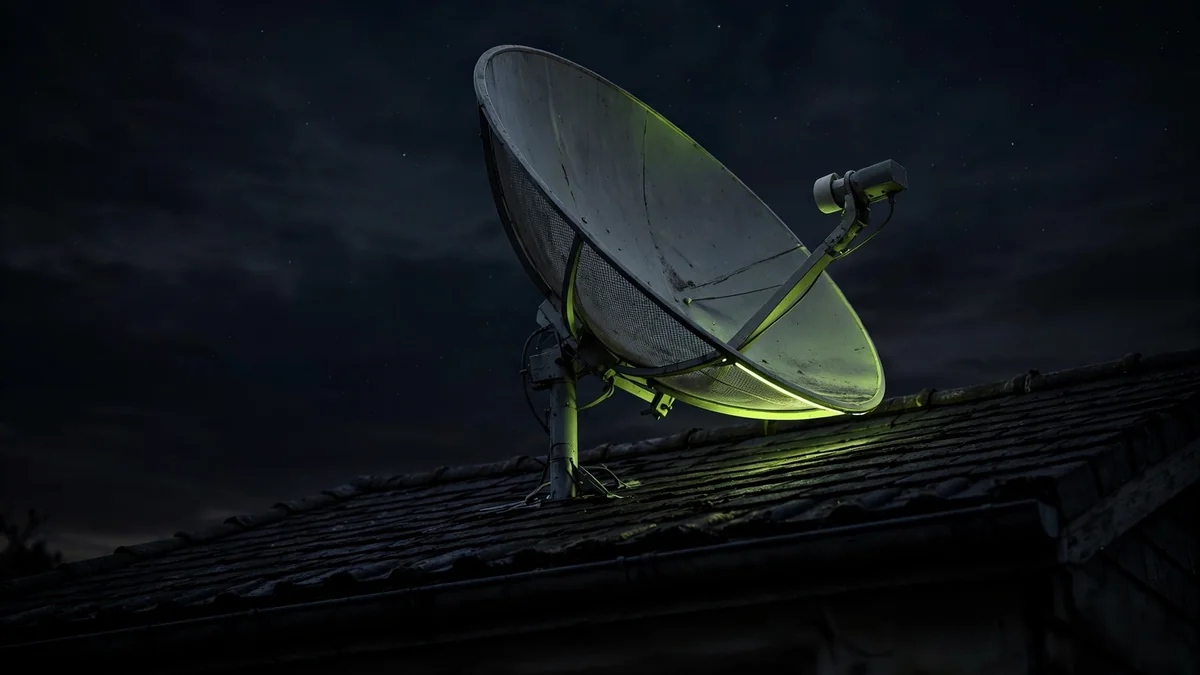
Satellite internet explained in plain terms means broadband delivered from orbit, where a dish on your roof talks to a satellite in space instead of a cable in the ground. The central question is how a signal that travels thousands of kilometres can carry your video calls and downloads at all, and the short answer is that the dish sends your request up to the satellite, the satellite relays it to a ground station connected to the internet, and the answer comes back along the same path, all in a fraction of a second.
For most people in towns and cities, satellite internet is a curiosity. Fibre and cable are faster, cheaper, and more reliable, and there is no reason to look to the sky. But for the millions of homes beyond the reach of cables, on farms, in mountains, on islands, and in remote villages, a satellite link is often the only way to get online at all.
The technology has changed dramatically in recent years. The old services used a handful of large satellites parked far above the equator, and the long round trip made video calls painful. The new services use thousands of small satellites in low orbit, much closer to Earth, and the difference in speed and delay is large enough to change what the connection is good for.
Key takeaways
- Satellite internet delivers broadband from orbit to a dish on your roof, with no cable needed.
- Your request travels up to a satellite, across to a ground station, and back, all in a fraction of a second.
- Low-orbit satellites sit much closer to Earth than older geostationary ones, so the delay is far smaller.
- It works almost anywhere with a clear view of the sky, which makes it vital for remote homes.
- The main limits are latency, weather, cost, and the need for a clear view of the sky.
What satellite internet is
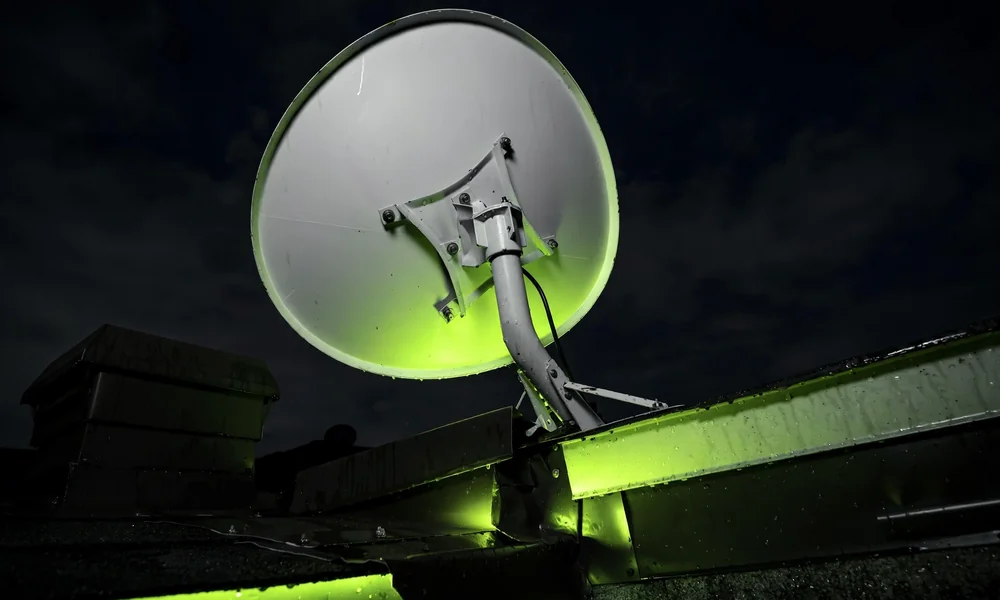
Satellite internet is a way of connecting to the internet using radio signals sent between a dish at your home and a satellite in orbit. The dish, usually mounted on a roof or a wall, both sends and receives. When you open a website, your request goes up to the satellite, which passes it to a ground station, called a gateway, that is connected to the ordinary wired internet. The website’s answer travels back the same way, down to your dish and into your home network.
There are two very different kinds. Geostationary satellites sit about 36,000 kilometres above the equator, staying fixed over one spot, so a dish can point at them permanently. The distance is the problem: a signal takes about a quarter of a second to make the round trip, which is noticeable on a video call and fatal for online gaming. Low Earth orbit satellites fly only a few hundred kilometres up, so the round trip takes a few dozen milliseconds, much closer to a wired connection.
The catch is that a low-orbit satellite moves across the sky in minutes, so a single satellite cannot serve you for long. The new services solve this with constellations of thousands of satellites, handing your connection from one to the next as they pass overhead, like a mobile phone handing over between masts. Our guide to 5G explains the mobile technology that works in a similar way on the ground, and our guide to Wi-Fi explains how the connection is shared around your home once the satellite dish receives it.
How satellite internet works
The journey starts at your dish, which converts the data from your home network into a radio signal aimed at the sky. The signal travels up to the satellite, which receives it, amplifies it, and sends it on. In the simplest systems the satellite is a mirror in the sky, relaying the signal straight down to a gateway station on the ground. In newer constellations the satellites also talk to each other with laser links, passing the signal across space until it reaches a satellite above a gateway.
The gateway is where the satellite network meets the ordinary internet. It is a large ground station with its own dishes and a fast wired connection to the rest of the network. Your request enters the internet there, travels to the website you asked for, and the answer returns to the gateway, which sends it back up to the satellite and down to your dish.
Latency, the delay between sending a request and getting a reply, is the number that matters most. A geostationary link adds roughly 500 to 600 milliseconds of round-trip delay, which makes conversation feel sluggish and real-time games unplayable. A low-orbit link adds roughly 20 to 40 milliseconds, which is close enough to fibre that most people cannot tell the difference.
Weather matters too. Heavy rain can weaken the radio signal, a problem known as rain fade, and the dish needs a clear view of the sky, because trees, buildings, and mountains block the signal entirely. Modern dishes handle light rain well, but a satellite connection will never be as indifferent to the weather as a buried cable.
Comparing satellite internet with other broadband
Satellite internet competes with fibre, cable, mobile broadband, and fixed wireless, and each suits a different situation. The right choice depends on where you live, what you do online, and how much delay you can tolerate.
The table below sets out the main contrasts.
| Aspect | Satellite internet | Fibre broadband | Mobile broadband |
|---|---|---|---|
| Where it works | Almost anywhere with a clear sky | Only where fibre has been laid | Only where there is mobile signal |
| Typical latency | 20 to 600 milliseconds | Under 10 milliseconds | 20 to 50 milliseconds |
| Typical download speed | 50 to 250 megabits per second | 100 to 1,000 megabits per second | 20 to 200 megabits per second |
| Affected by weather? | Yes, heavy rain can weaken it | No | Somewhat, in bad conditions |
| Installation | A dish and a clear view of the sky | A cable to the property | Just a SIM card or a router |
| Best for | Remote homes with no other option | Towns and cities | Temporary or mobile use |
The honest summary is that satellite internet is the best option where nothing else reaches, and rarely the best option where something else does. Fibre wins on speed, latency, and reliability wherever it exists, and mobile broadband wins on simplicity. Satellite wins on coverage, and for remote homes that is the only contest that matters.
Where satellite internet is used
Rural homes are the biggest users. A farmhouse miles from the nearest town, a cottage in the mountains, or a home on a small island may have no cable and no mobile signal, and for those households a dish on the roof is the difference between being online and being cut off. Children can do homework, adults can work from home, and a video call with family becomes possible.
Ships and aircraft use satellite internet for the same reason: there is no cable in the middle of the ocean or at 35,000 feet. Cruise ships, cargo vessels, and airlines now offer Wi-Fi to passengers and crew through satellite links, and the newer low-orbit services are fast enough for streaming and video calls.
Emergency and disaster response is another important use. When an earthquake or a flood destroys the local network, a portable satellite terminal can be set up in minutes and provide the only connection for rescue teams, hospitals, and journalists. Aid organisations keep such terminals ready for exactly that moment.
Remote industry uses it too. Mines, oil platforms, research stations, and construction sites in places with no infrastructure rely on satellite links to send data, run safety systems, and keep workers in touch with home. For those sites, the cost of the link is small next to the cost of being offline.
Strengths and limits
The greatest strength of satellite internet is coverage. It reaches places that no cable ever will, and the newer low-orbit constellations have made it fast enough for ordinary life, not just for emergencies. A remote household can now stream films, join video meetings, and run a business online, which was unthinkable with the older geostationary services.
It is also quick to install. There is no waiting for a cable to be dug to your door; a dish can be mounted and working in an afternoon. For a new home, a temporary site, or a disaster zone, that speed matters.
The limits are real. Even the best satellite link is more expensive than fibre, and data caps or fair-use limits are common. Heavy rain can slow it down, the dish needs a clear sky, and a geostationary link is still too slow for gaming. There is also a wider concern: thousands of new satellites change the night sky and create more space debris, which astronomers are watching closely.
Satellite internet checklist
- Check whether fibre, cable, or mobile broadband reaches your home before choosing satellite.
- Make sure the dish will have a clear view of the sky, with no trees or buildings in the way.
- Ask about latency, not just speed, especially if you make video calls or play games online.
- Check the data allowance and fair-use policy, since some plans slow down after a limit.
- Plan for bad weather: heavy rain can weaken the signal, so keep a backup for essential work.
- Compare the total cost, including the dish, installation, and monthly fee.
- Secure your home network as you would with any broadband connection.
- Check whether the dish needs planning permission or a landlord’s approval where you live.
- Keep the dish clean and free of snow and leaves, which can block the signal.
Frequently asked questions
What is satellite internet in simple terms?
Satellite internet is broadband delivered from orbit. A dish on your roof sends your requests up to a satellite, which relays them to a ground station connected to the internet, and the answers come back the same way.
Is satellite internet fast enough for video calls?
Low-orbit services usually are, with latency of 20 to 40 milliseconds. Older geostationary services, with latency of 500 milliseconds or more, make conversation noticeably sluggish.
Does satellite internet work in bad weather?
Mostly yes. Light rain has little effect, but heavy rain can weaken the signal, and snow or leaves on the dish can block it. A clear view of the sky matters more than the weather itself.
Can I play online games over satellite internet?
On a low-orbit service, often yes, since the latency is close to a wired connection. On a geostationary service, no, because the half-second delay makes fast games unplayable.
Why is satellite internet more expensive than fibre?
Because launching and maintaining satellites costs far more than laying a cable, and the capacity of each satellite is shared between many users. The price reflects the cost of reaching places cables cannot.
Do I need a clear view of the sky for satellite internet?
Yes. The dish must be able to see the satellites, so trees, buildings, and mountains in the way will block or weaken the signal. A roof or an open garden usually works well.
The bottom line
Satellite internet explained in one line is this: broadband beamed from orbit to a dish on your roof, reaching homes and places that no cable can.
The new low-orbit services have turned it from a last resort into a genuinely usable connection, fast enough for streaming, working from home, and video calls. It will rarely beat fibre where fibre exists, but for remote homes, ships, and disaster zones, it is the connection that makes the internet possible at all.
This article is general information about how satellite internet works, not advice about choosing a broadband service for a particular home or business.