Mesh networks explained in plain terms means several small routers, called nodes, that work together as one Wi-Fi network, passing your connection from one to the next so the signal reaches every room. The central question is why a single router struggles in a large home when several small ones do not, and the short answer is that each node only has to cover a short distance, and they hand your device between them as you move, so there is always a strong signal nearby.
Most homes have a Wi-Fi dead spot. The bedroom at the far end of the house, the kitchen behind a thick wall, or the garden office all sit just beyond the reach of a single router, and the signal there is slow or absent. The usual fixes, moving the router or buying a range extender, help a little and create new problems, because an extender halves the speed and forces devices to switch networks by hand.
A mesh network takes a different approach. Instead of one powerful router shouting from a corner, it places several smaller nodes around the home, all speaking the same network name, and they cooperate to carry your data to wherever you are. The result is one network that covers the whole house, with no dead spots and no manual switching.
Key takeaways
- A mesh network uses several small nodes that work together as one Wi-Fi network.
- Each node covers a short distance, so the signal stays strong in every room.
- Nodes pass your device between them as you move, with no need to switch networks by hand.
- Adding a node extends the coverage, so the system grows with your home.
- The main limits are cost, the speed lost between nodes, and the need for good node placement.
What a mesh network is
A mesh network is a Wi-Fi system made of two or more nodes that share a single network name and password and cooperate to cover a home or office. One node connects to the internet through your modem, and the others connect to that node and to each other, forming a web of connections. Your phone, laptop, or television joins the network once, and the system decides which node should serve it at any moment.
The key difference from a traditional setup is that the nodes talk to each other, not just to your devices. In a normal home, a range extender simply repeats the router’s signal, which halves the available speed and creates a separate network your devices must switch to. In a mesh, the nodes use a dedicated radio channel to talk among themselves, and your devices see only one network, so the handover is seamless.
Mesh systems are managed through an app rather than a web page, which is part of their appeal. The app shows a map of your nodes, tests the speed in each room, and tells you when a node is too far from the others. Most systems also include features that used to need separate equipment, such as parental controls, guest networks, and automatic security updates. Our guide to Wi-Fi explains the wireless technology the nodes use, and our guide to Bluetooth explains the short-range wireless standard that some smart home devices use alongside it.
How mesh networks work
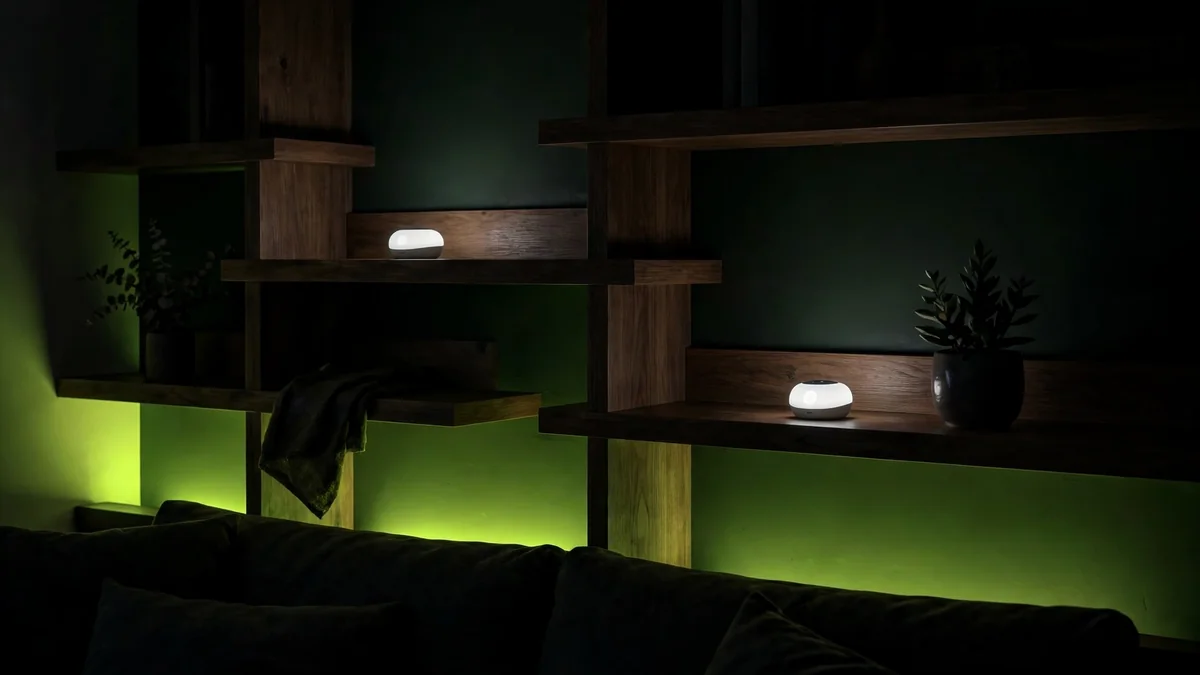
When you set up a mesh, the first node connects to your modem and becomes the main router. You then place the other nodes around the home, each within good range of at least one other node, and they join the mesh automatically. Each node broadcasts the same network name, so your devices see one network rather than several.
Data travels through the mesh by hopping from node to node. If you are watching a film in the bedroom, the data comes from the internet to the main node, hops to the node in the hallway, and then to the node in your bedroom, which sends it to your television. If one node fails or is switched off, the others reroute around it, which is why the system is called a mesh.
Your device is handed between nodes as you move. The system constantly measures the signal strength from each node and, when another node can serve you better, it steers your device across, usually without dropping the connection. That steering is the part that makes a mesh feel different from an extender: a video call can survive a walk from the kitchen to the bedroom, because the network moves with you.
Most mesh systems use a separate radio band for the traffic between nodes, called the backhaul, so that the chatter between nodes does not compete with your devices for airtime. The best systems have a dedicated backhaul band, which keeps speeds high even when data hops through two or three nodes. Cheaper systems share the backhaul with your devices, which costs speed on each hop.

Comparing mesh networks with routers and extenders
Mesh networks, single routers, and range extenders all aim to give you Wi-Fi throughout a home, but they solve the problem in very different ways, and the right choice depends on the size of your home and how much you are willing to spend.
The table below sets out the main contrasts.
| Aspect | Mesh network | Single router | Range extender |
|---|---|---|---|
| Coverage | Whole home, grows with more nodes | One area, limited by walls | Adds one small area |
| Network name | One name everywhere | One name | Often a second name |
| Switching rooms | Automatic, seamless | Not needed, one router | Manual, or drops out |
| Speed | High, with a dedicated backhaul | High, near the router | Halved on the extended signal |
| Cost | Highest, a set of nodes | Lowest, one device | Low, one small device |
| Best for | Large homes and thick walls | Small flats and open plans | One small dead spot |
The rule of thumb is simple. A small flat needs only a good router. One dead spot needs an extender. A large home, a house with thick walls, or a home with a garden office needs a mesh, because only a mesh gives one network with strong signal everywhere.
Where mesh networks are used
Large homes are the most common setting. A three-storey house, a home with a thick stone wall, or a flat spread over two floors will defeat a single router, and a mesh is the standard answer. Place a node on each floor, or one in each wing, and the whole home is covered with a single network.
Small businesses use mesh systems too. A cafe, a small office, or a shop needs Wi-Fi for staff and for customers, in every corner of the premises, and a mesh covers the space without running cables to every room. The guest network feature, which keeps visitors separate from the business systems, is a bonus.
Garden offices and outbuildings are another natural fit. A node in the house and a node in the office, within range of each other, can carry a fast connection across the garden without digging a trench for a cable, provided the distance is not too great and the walls are not too thick.
Smart homes benefit as well. A house full of connected lights, cameras, speakers, and thermostats needs a reliable signal in every room, and a mesh gives each device a nearby node to talk to. That reliability matters more than raw speed for devices that only need a small, steady connection.
Strengths and limits
The greatest strength of a mesh is that it removes dead spots without asking anything of the user. There is one network name, one password, and no manual switching, and the system heals itself if a node is unplugged. For a household that just wants the Wi-Fi to work everywhere, that simplicity is the whole point.
It is also easy to grow. If a new room is added or a dead spot appears, you buy another node and plug it in, and the network extends itself. That modularity is a real advantage over a single router, which must be replaced entirely when it no longer covers the home.
The limits are worth knowing. A mesh costs more than a router, and the speed drops a little with each hop between nodes, so a device three hops from the internet will be slower than one connected directly to the main node. Placement matters too: nodes placed too far apart will have a weak link between them. And a mesh still depends on the broadband coming into the home, so it cannot fix a slow internet connection, only spread it further.
Mesh network checklist
- Measure your home first, and count the rooms and floors a single router fails to reach.
- Place nodes no more than two rooms apart, so each has a strong link to the next.
- Put nodes out in the open, not inside a cupboard or behind a television.
- Keep the main node near the modem, and connect it by cable where possible.
- Use a wired connection between nodes if your home has network sockets, for the fastest backhaul.
- Test the speed in each room after setup, and move any node that performs poorly.
- Keep the system updated, since mesh software improves with new features and fixes.
- Set up a separate guest network for visitors, so they cannot see your own devices.
- Remember that a mesh spreads your broadband further; it cannot make a slow connection fast.
Frequently asked questions
What is a mesh network in simple terms?
A mesh network is several small Wi-Fi routers, called nodes, that work together as one network, passing your connection between them so the signal reaches every room of your home.
How many nodes do I need?
It depends on the size and shape of your home. A small two-bedroom flat may need two nodes, a three-storey house may need three or four, and a large home with thick walls may need more.
Is a mesh network faster than a single router?
Near the main node, about the same. In rooms far from a single router, a mesh is much faster, because there is always a node nearby. Each hop between nodes costs a little speed, though.
Can I mix mesh nodes from different brands?
Usually not. Mesh systems are designed to work with nodes from the same maker and the same product line, and mixing brands generally does not work, so buy extra nodes from the same system.
Does a mesh network need a modem?
Yes, in most cases. The main node connects to your modem, or to the broadband socket, and shares that connection with the other nodes. Some systems include a modem built in, but most do not.
Will a mesh network fix my slow internet?
No. A mesh spreads your existing broadband further around your home, but it cannot make the connection coming into the house any faster. If the broadband itself is slow, that is a separate problem.
The bottom line
Mesh networks explained in one line is this: several small routers working together as one Wi-Fi network, so that every room has a strong signal and your devices move between them without you noticing.
For a large home or a house with thick walls, a mesh is the simplest way to end dead spots for good. The practical advice is to measure first, place the nodes carefully, and remember that the mesh can only spread the broadband you already have, so fix a slow connection before you buy the hardware to share it.
This article is general information about how mesh networks work, not advice about choosing a Wi-Fi system for a particular home or business.