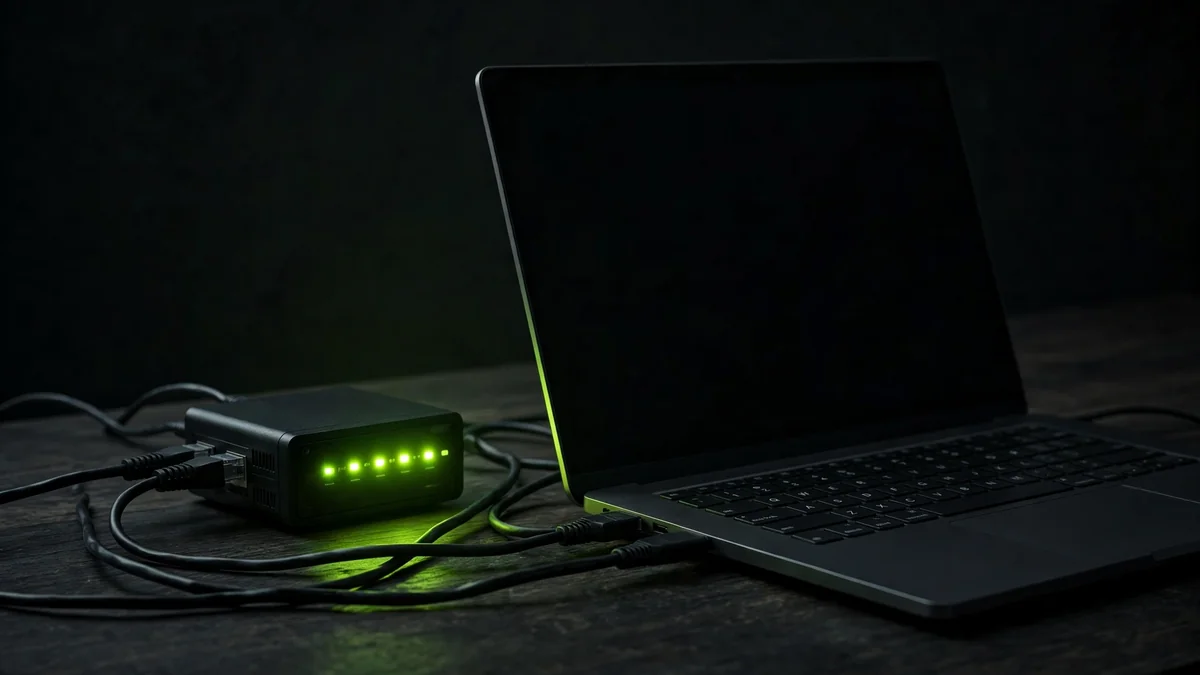
Modem explained in plain terms means understanding the box that turns the signal arriving at your home into an internet connection. The central question is how a cable, a phone line, or a fibre strand becomes the Wi-Fi your devices use, and the short answer is that the modem translates between the language of the line outside and the language of the network inside.
Most people have a modem at home without ever looking at it. It sits beside the router, quietly blinking, and it is the first thing that must work before anything else can get online. When the internet fails, it is usually the modem that gets restarted first.
That small box has changed enormously over the years, from a device that sang dial tones down a phone line to one that handles gigabits over fibre. This article explains what a modem is, how it works, and how it differs from a router.
Key takeaways
- A modem translates between the signal on the line outside and your home network.
- It is the first device in the chain, and it must work before anything can get online.
- Different lines need different modems: phone, cable, fibre, and mobile.
- A modem is not a router, although many homes use one box that does both jobs.
- The modem must match your provider’s service, or it will not connect at all.
What a modem is
Modem is short for modulator-demodulator, and the name describes its job. It modulates digital data into a signal that can travel over a line, and demodulates the incoming signal back into digital data. The line might be a copper phone wire, a television cable, a fibre strand, or a mobile signal, and the modem is the translator between that line and the network in your home.
The first modems, in the 1960s and 1970s, connected computers over ordinary phone lines at speeds measured in hundreds of bits per second. Dial-up modems of the 1990s reached 56 kilobits per second, and their handshake of beeps and hisses became the sound of getting online. Broadband replaced them with devices that stay connected all the time and carry far more data.
A modem connects to exactly two things: the provider’s line on one side and your home network on the other. It has one job, and it does it continuously: take the provider’s signal, turn it into data your devices can use, and take your data and turn it back into a signal the provider can carry. Our guide to Ethernet explains the wired network inside the home, and our guide to Wi-Fi explains the wireless network that most devices actually join.
How a modem works
When data leaves your home, the modem encodes it onto the line using a method suited to that line’s physics. A phone-line modem varies the tone of an audio signal, a cable modem varies a radio signal across many channels, and a fibre modem flashes pulses of light. The provider’s equipment at the other end reads the signal and decodes it back into data.
The reverse happens for downloads. The incoming signal arrives at the modem, which samples it, decodes the information, and checks it for errors. If a piece is damaged in transit, the modem and the provider’s equipment arrange for it to be sent again, so the data your devices receive is correct even when the line itself is noisy.
Before any of that can happen, the modem must establish a connection with the provider. It listens for the provider’s signal, agrees on the speed and settings, and authenticates itself, often using credentials stored in the device. Only when that handshake succeeds does the modem show its online light and start passing traffic.
Speed is set by the line and the modem together. A modem built for an older standard cannot use a faster service, and a fast modem cannot exceed what the line offers. That is why a provider’s fastest plan needs a matching modem, and why an old modem is often the reason a connection feels slower than the plan promises.
Most modern homes use a combined modem-router, a single box that does both jobs. The modem half talks to the provider, and the router half shares the connection among the home’s devices over Ethernet and Wi-Fi. The combination is convenient, but it hides the distinction between the two jobs, which is why many people use the word modem for a box that is really both.
Comparing a modem with a router
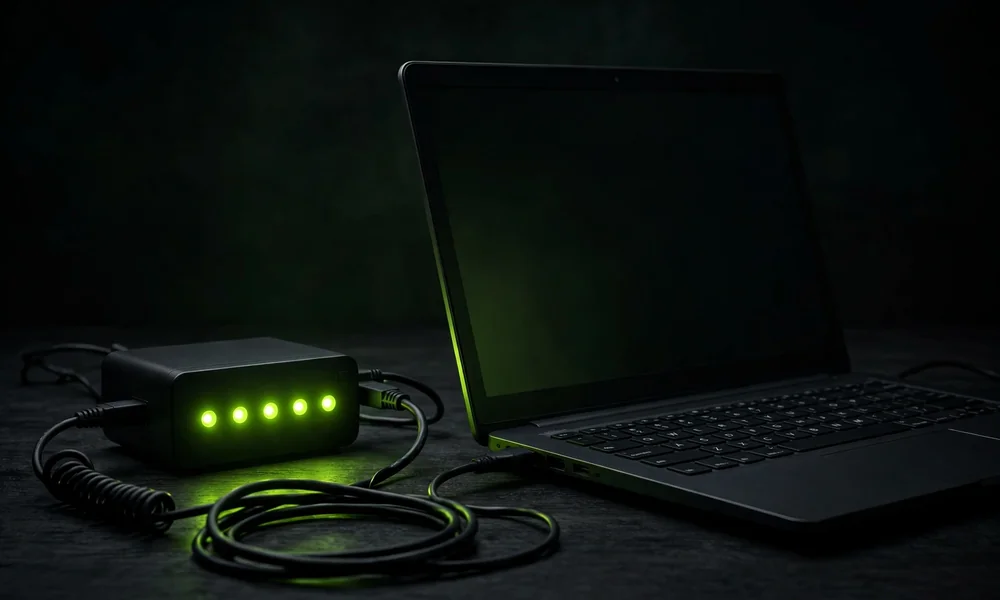
A modem and a router are often confused, because they sit side by side and many homes combine them into one box. In fact they do different jobs, and a home needs both, whether they live in one case or two.
The table below sets out the main contrasts between the two devices.
| Aspect | Modem | Router |
|---|---|---|
| Job | Connects to the provider | Shares the connection at home |
| Connects to | One line, one network | Many devices at once |
| Translates | Line signal to data | Traffic between devices |
| Has an IP address | One public address | Hands out private addresses |
| Needs the provider | Yes, it is provider-specific | Works with any modem |
| When it fails | Nothing gets online | Devices lose each other and the net |
The practical result is that the modem is the door to the internet, and the router is the hallway inside. A fault in the modem cuts off the whole house, while a fault in the router leaves the internet working but unreachable from your devices.
Where modems are used
Homes are the most common place. Every broadband connection has a modem, whether it arrives over a phone line, a television cable, or a fibre connection, and most providers supply one as part of the service. The modem usually sits near where the line enters the house, connected to the router that serves the rooms.
Offices use modems in the same way, but at a larger scale. A business may have several lines, each with its own modem, and a router that balances traffic between them. If one line fails, the others keep the office online, and the modems are often mounted in a rack alongside the rest of the network equipment.
Mobile internet uses a modem too, although it is hidden inside the phone or the dongle. A smartphone’s cellular modem translates between the mobile signal and the phone’s data, and a mobile broadband router contains a modem that does the same job for a whole household in a place without fixed lines.
Remote and rural areas depend on modems more than most. A satellite modem connects a farmhouse to a satellite overhead, and a fixed-wireless modem connects a village to a distant mast. In those places the modem is often the only link to the outside world, and its aerial or dish is as important as the box itself.
Industrial sites use modems to connect equipment that must report back to a central system. A water meter, a weather station, or a remote sensor may carry a small cellular modem that sends readings once an hour, using very little power and needing no other infrastructure at all.
Strengths and limits
The greatest strength of a modem is that it makes the outside world reachable. One small box bridges the gap between a provider’s network and a home, and it does so continuously, without anyone needing to think about it. When it works, it is invisible, which is exactly how infrastructure should feel.
It is also standardised. Modems follow agreed specifications, so a provider’s network and a customer’s modem can understand each other even when they come from different makers. That is why a replacement modem from a shop can usually work with a provider’s service, provided it supports the right standard.
The limits are real, though. A modem is tied to its line type, so a cable modem cannot work on a phone line, and a fibre modem cannot work on cable. It is also a single point of failure: when it breaks, the whole household loses its connection, and the only fix is a repair or a replacement. Security matters too, since the modem faces the public internet directly and must be kept updated.
Obsolescence is the quieter limit. Standards improve, providers upgrade their networks, and a modem that was fast five years ago may not support the speeds on offer today. Checking the modem’s standard is part of checking whether a faster plan will actually deliver faster internet.
Modem checklist
- Check that the modem matches your line type: phone, cable, fibre, or mobile.
- Restart the modem first when the internet fails, and wait for the lights to settle.
- Keep the modem’s software updated, since it faces the public internet.
- Place the modem where the line enters, and the router where devices need it.
- Check the modem’s standard before buying a faster plan.
- Note the lights: power, line, online, and activity each tell a different story.
- Keep the modem ventilated, since overheating causes dropouts.
- Use the provider’s modem if you are unsure, and your own only if it is supported.
- Replace a modem that drops the connection often, rather than restarting it daily.
Frequently asked questions
What is a modem in simple terms?
A modem is the box that connects your home to your internet provider. It translates between the signal on the line outside and the data your devices use inside.
Do I need a modem if I have Wi-Fi?
Yes. Wi-Fi is the wireless network inside your home, and the modem is what connects that network to the internet. Without a modem, Wi-Fi can link your devices together but cannot reach the outside world.
Is a modem the same as a router?
No. A modem connects to the provider, and a router shares the connection among your devices. Many homes use one box that does both jobs, which is why the two are often confused.
Can I use my own modem?
Often, yes, provided it supports your provider’s line type and standard. Some providers require their own modem, so check before buying one.
Why does restarting the modem fix the internet?
Restarting clears the modem’s memory, re-establishes the connection with the provider, and drops any stuck state. It is a genuine fix for many transient faults, though not for a broken line.
How long does a modem last?
Usually five to ten years, although it may become outdated sooner if the provider upgrades its network to a faster standard that the modem does not support.
The bottom line
Modem explained in one line is this: the translator between the signal on the line outside your home and the network inside it, without which nothing can get online.
It is the least glamorous box in the house, and also one of the most important. The router, the Wi-Fi, and every device in the home all depend on the modem doing its quiet job first.
This article is general information about how modems work, not advice about choosing or configuring internet equipment for a particular home or business.