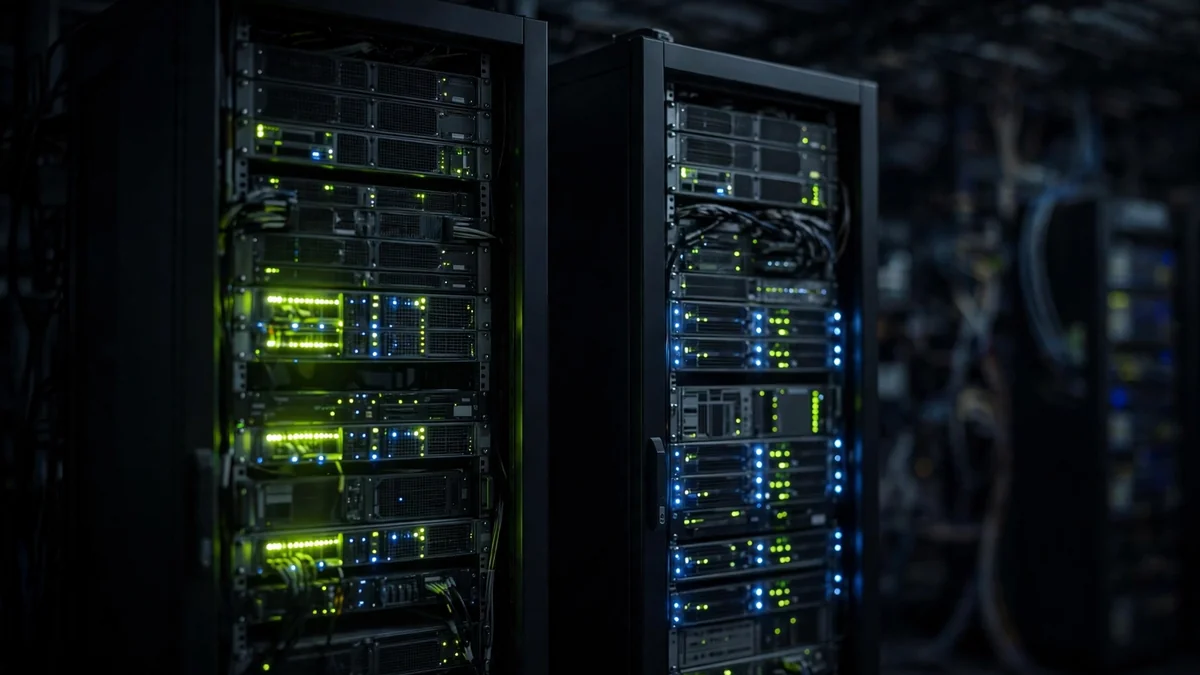
GPU vs TPU explained simply is this: a graphics processor is a flexible all-rounder built for parallel computing, while a tensor processor is a specialist built for exactly the maths that neural networks use. The central question is which one to choose, and the short answer is that it depends on what you are doing, where you run it, and how much you value flexibility against efficiency, because neither chip wins everywhere.
Every team building or running AI faces this choice, and it is usually framed as a contest. In practice it is a trade-off between two different designs, two different companies and two different ways of working. This guide explains how each chip works, what each does best, and how to decide between them without being misled by benchmarks.
Key takeaways
- GPUs are flexible general-purpose parallel processors; TPUs are specialists for neural network maths.
- GPUs win on flexibility and software support; TPUs win on efficiency for large, regular workloads.
- GPUs can be bought and run anywhere; TPUs are available mainly through Google Cloud.
- For most teams, software support matters more than the chip’s theoretical speed.
- The right choice depends on workload, scale, budget and how portable your code needs to be.
What a GPU actually is
A graphics processing unit was built to draw pictures. Rendering a scene means doing the same calculation for millions of pixels at once, so GPUs were designed with thousands of small cores that work in parallel. When AI researchers discovered that training a neural network needs the same kind of parallel maths, GPUs became the standard hardware for AI almost overnight.
The GPU’s strength is flexibility. The same chip can train a language model, render a video, run a scientific simulation or mine data, and developers can program it in general-purpose languages. NVIDIA’s CUDA platform, first released in 2007, turned that flexibility into an ecosystem: almost all AI software is written for CUDA first, which is why NVIDIA dominates the market. Our guide to CUDA explains the software platform behind the GPU’s success, and our guide to NVIDIA Blackwell covers the latest GPU architecture.
What a TPU actually is
A tensor processing unit was built for one job: the maths of neural networks. Google designed the first TPU in 2016 because its own AI work, from search to translation, needed hardware that was faster and more efficient than GPUs for that specific workload. A TPU’s core is a systolic array, a grid of multipliers that passes data through in a carefully choreographed flow, doing matrix multiplication with very little wasted movement.
The TPU’s strength is efficiency. For large, regular workloads such as training a big model or running inference at scale, a TPU can deliver more useful work per watt and per pound than a GPU. Google has released several generations, including the TPU v5p in December 2023 and the Ironwood TPU in April 2025, each aimed at larger AI workloads. The trade-off is that TPUs are specialists: they are excellent at neural network maths and less useful for anything else.
How they differ in practice
Flexibility is the first difference. A GPU can run almost any parallel workload, and a team that buys GPUs can use them for training today, inference tomorrow and a different project next month. A TPU is built for neural networks, and while it can run many kinds of model, it is not a general-purpose computer. Teams that need one chip for many jobs choose GPUs; teams that need the best chip for one job consider TPUs.
Availability is the second difference. GPUs can be bought as hardware, rented from many cloud providers, or run on a workstation under a desk. TPUs are available mainly through Google Cloud, which means using them also means using Google’s infrastructure. That is convenient for teams already on Google Cloud, and a real constraint for everyone else. Portability matters too: code written for CUDA runs on NVIDIA GPUs anywhere, while code written for TPUs is tied to Google’s software stack.
Scale is the third difference. For a single experiment or a small deployment, the differences are small and the GPU’s flexibility wins. At very large scale, with thousands of chips training one model, the TPU’s efficiency and Google’s networking between chips can matter a great deal. That is why the largest AI labs think carefully about both, and why most smaller teams never need to choose at all, since a GPU does their job well.
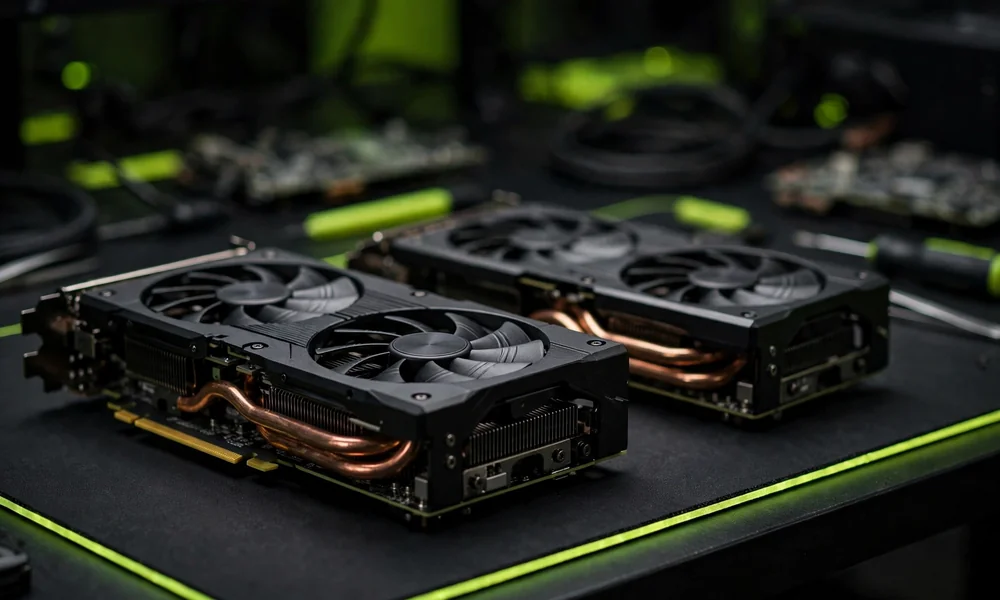
Comparing GPU and TPU
| Feature | GPU | TPU | Winner |
|---|---|---|---|
| Flexibility | Runs many kinds of parallel work | Built for neural network maths | GPU |
| Software support | CUDA, huge ecosystem | Google’s stack, smaller ecosystem | GPU |
| Efficiency at scale | Good, improving with each generation | Excellent for large regular workloads | TPU |
| Availability | Buy or rent from many providers | Mainly through Google Cloud | GPU |
| Cost for small jobs | Cheap, pay only for what you use | Less practical below large scale | GPU |
The traps: benchmarks and hidden costs
Benchmarks are the first trap. A chip maker will always show the test its chip wins, and the numbers can be misleading: a TPU may beat a GPU on one model and lose on another, and a GPU may win a benchmark that does not reflect your workload at all. The only benchmark that matters is your own work, run on the hardware you are considering, with the same data and the same quality requirements.
Hidden costs are the second trap. The price of the chip is only part of the total: power, cooling, networking, software licences and engineering time all count. A cheaper chip that needs weeks of engineering to make your code run on it is not cheaper. Teams should count the total cost of the project, not just the hourly price of the hardware.
Lock-in is the third trap. Code written for one vendor’s tools is hard to move, and that difficulty grows with every month of work. Before committing to a platform, teams should ask what happens if they need to move, and whether their software is portable enough to make that move possible. Flexibility has a value that no benchmark measures.
What good practice looks like
Good practice starts with the workload. Write down what you need to run, how large it is, how often it runs and what quality it must achieve. Then test the leading options on that exact workload. A team that skips this step and chooses by reputation will usually choose the most expensive option, not the best one.
Software is the second consideration. Check that your frameworks, libraries and tools run well on the hardware you are considering, and that your team knows how to use them. The best chip in the world is useless if your software does not run on it, and the engineering time to make it run is a real cost that should be counted honestly.
Scale is the third consideration. For most teams, a GPU is the right answer, because it is flexible, widely supported and available everywhere. TPUs are worth considering when the workload is large, regular and long-lived, and when the team already works on Google Cloud. Choosing a TPU for a small, varied workload is usually the wrong call, however impressive the benchmark looks.
GPU vs TPU checklist
- Write down your workload, scale, frequency and quality requirements before choosing.
- Test on your own work, not on a vendor’s benchmark.
- Check that your software runs well on the hardware, with mature tools.
- Count the total cost, including power, cooling, networking and engineering time.
- Consider portability: can you move your code if you need to?
- Choose GPU for flexibility and varied work; consider TPU for large, regular workloads on Google Cloud.
- Do not choose by reputation or by a single benchmark number.
- Plan for the upgrade cycle, and keep software portable enough to move.
- Revisit the choice as workloads change, rather than assuming it is permanent.
Frequently asked questions
Which is faster, GPU or TPU?
It depends on the workload. For large, regular neural network training, TPUs can be more efficient. For varied work, smaller jobs and anything outside neural networks, GPUs are usually faster in practice, because their software is more mature and their flexibility avoids bottlenecks.
Can I buy a TPU?
Not in the way you buy a GPU. TPUs are available mainly through Google Cloud, as a rented service, while GPUs can be bought as hardware or rented from many providers. That difference in availability is often the deciding factor for smaller teams.
Do I need to choose between them?
Most teams do not. A GPU handles the vast majority of AI work well, and the choice only matters at large scale or for very specific workloads. Start with a GPU, and consider a TPU only when your workload is large, regular and long-lived enough to justify the move.
What is CUDA, and why does it matter?
CUDA is NVIDIA’s platform for programming GPUs, first released in 2007. Almost all AI software is written for CUDA, which is why NVIDIA dominates: the software ecosystem is as important as the hardware, and it is hard for competitors to match.
Can the same code run on both?
Often, with effort. Frameworks such as PyTorch and JAX can target both GPUs and TPUs, but performance tuning is specific to each chip, and moving code between them usually needs testing and adjustment. Portability is possible but never free.
Will one of them win in the end?
Probably neither, because they serve different needs. GPUs will remain the flexible default for most work, TPUs will keep their edge for large-scale neural network workloads on Google’s cloud, and specialist chips will keep appearing for niches where either one is wasteful.
The bottom line
GPU vs TPU explained in one line is this: the GPU is the flexible all-rounder that runs almost anything anywhere, and the TPU is the specialist that does neural network maths more efficiently at scale on Google’s cloud. Most teams should choose the GPU and test their own workload, and only consider the TPU when the job is large, regular and long-lived enough to repay the move.