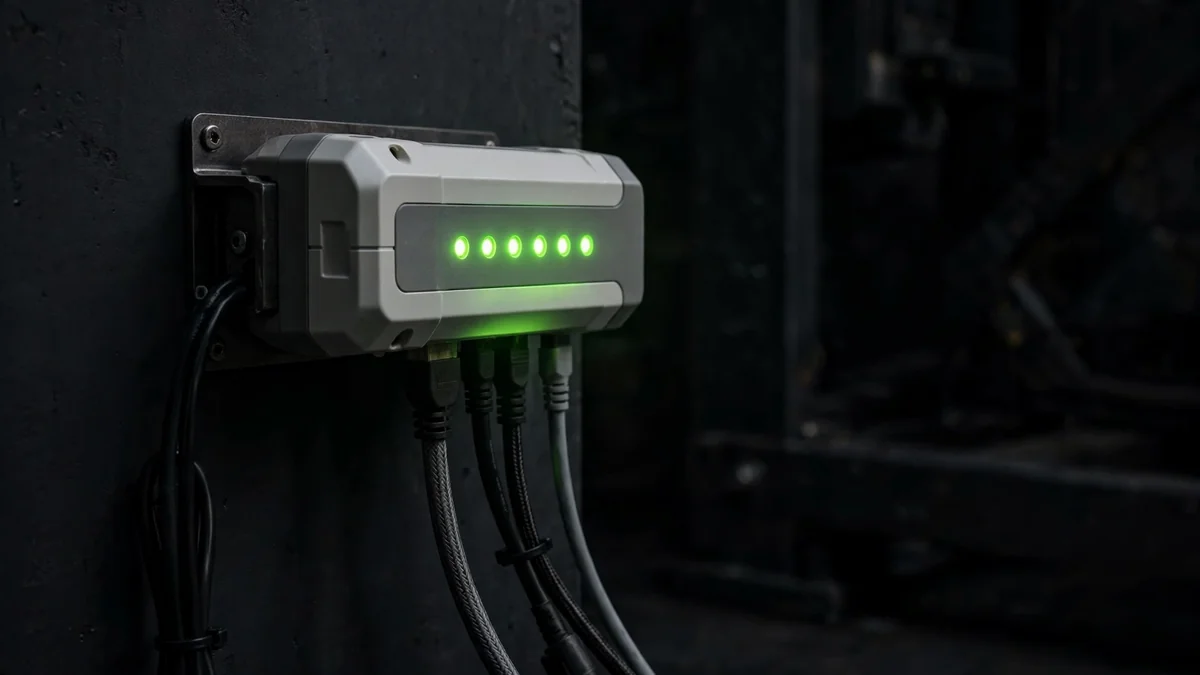
Edge security explained in plain terms is the practice of protecting the devices, gateways, and data that process information at the edge of a network, close to where the data is created, rather than in a central data centre. The central question is why security at the edge is harder than security in a data centre, and the short answer is that edge devices are numerous, widely spread, often physically accessible, and too limited in power to run the same protections as a server.
Edge computing has grown because many applications cannot wait for data to travel to a distant data centre and back. A factory sensor that stops a machine, a camera that detects an intruder, or a vehicle that reacts to the road ahead needs answers in milliseconds, and that means processing data where it is created. Each of those devices becomes a part of the system that must be protected, and together they form an attack surface far larger and more exposed than a single data centre.
Key takeaways
- Edge security protects devices, gateways, and data that process information near where it is created.
- Edge devices are harder to secure than servers: they are numerous, distributed, physically accessible, and limited in power.
- The main risks are device tampering, insecure communication, unpatched software, and stolen credentials.
- Good edge security layers device identity, encryption, secure boot, segmentation, and remote patching.
- Zero trust principles apply at the edge: no device is trusted simply because it is inside the network.
What the edge is
The edge is the boundary of a network, where data is created and first processed. It includes sensors and cameras, factory equipment, retail terminals, vehicles, and the small gateway devices that connect them to the wider network. An edge device collects data, does some processing locally, and sends results or summaries onward, rather than sending everything to a central system.
The edge matters for three reasons: speed, bandwidth, and reliability. Processing locally avoids the delay of a round trip to a data centre. It also reduces the amount of data that must be sent, since raw sensor readings can be summarised on the device.
And it keeps working when the connection to the centre is lost, which matters for equipment in remote places. Our guide to edge AI explains how machine learning models run on these devices, and our guide to cloud security covers the central systems the edge connects to.
Why edge security is harder
Securing the edge is harder than securing a data centre for several reasons. The first is scale and spread: an organisation may have a few data centres but thousands of edge devices, spread across factories, shops, vehicles, and homes. Each one is a point that must be secured, monitored, and updated, and the sheer number makes manual work impossible.
The second is physical access. A server in a data centre sits behind locked doors, cameras, and guards. An edge device may sit on a factory floor, in a street cabinet, or in a vehicle, where an attacker can touch it, open it, or remove its storage.
The third is limited power: many edge devices have small processors and little memory, so they cannot run the same security software as a server. The fourth is connectivity: edge devices may be offline for long periods, so updates and monitoring cannot be assumed to happen promptly.
The main risks at the edge
The most direct risk is physical tampering. An attacker with access to a device can extract its data, replace its software, or use its credentials to reach the wider network. The second risk is insecure communication: data sent between devices and the centre without encryption can be read or altered on the way.
The third is unpatched software: devices that are rarely updated accumulate known vulnerabilities, and attackers actively look for them.
The fourth risk is credential theft. Edge devices need credentials to connect to the network and to each other, and those credentials are often shared, hard-coded, or never rotated. A stolen device credential can give an attacker a way into the network that looks legitimate.
The fifth risk is the supply chain: a device compromised during manufacture or shipping arrives already untrustworthy, and no amount of later patching can fix hardware that was altered before it was installed.
Comparing edge security controls
| Control | How it works | Main benefit | Main drawback |
|---|---|---|---|
| Device identity | Each device has a unique credential | Stolen credentials affect one device only | Needs a system to issue and manage them |
| Secure boot | Device checks its software before starting | Stops tampered software running | Needs hardware support |
| Encryption | Data protected in transit and at rest | Stolen data stays unreadable | Needs processing power and key management |
| Network segmentation | Edge devices isolated from core systems | Limits damage from one compromised device | More complex network design |
| Remote patching | Updates pushed to devices automatically | Fixes vulnerabilities at scale | Risky if an update fails on a remote device |
Defence in depth at the edge
Good edge security layers several controls, because no single one is enough. Device identity gives each device a unique credential, so that a compromised device can be cut off without affecting the rest. Secure boot checks the device’s software before it starts, so tampered software cannot run.
Encryption protects data in transit between devices and the centre, and data stored on the device, so that a stolen device does not give up its data.
Network segmentation limits what an edge device can reach, so that a compromised device cannot move freely into core systems. Remote patching keeps software current across thousands of devices without sending a technician to each one, and monitoring watches for unusual behaviour, such as a device talking to an unfamiliar address or sending far more data than usual. Our guide to zero trust for small teams explains the principle behind much of this: verify every device and every request, and never trust a device simply because it is inside the network.
Our guide to container security covers the isolation techniques used when edge software runs in containers.
What good practice looks like
Good practice starts with knowing what is out there. An organisation should keep an inventory of every edge device, where it is, what software it runs, and what it can access. Devices that cannot be inventoried cannot be protected, and forgotten devices are a common way in for attackers.
Good practice also means planning for the whole life of a device. Security should be considered before purchase, including whether the device supports secure boot and remote updates, and it should continue through operation, with regular patching and monitoring, to retirement, when the device’s credentials should be revoked and its storage wiped. Patching deserves special care at the edge: an update that fails on a remote device may leave it unusable, so updates should be tested, staged, and reversible.
A device that cannot be updated safely is a device that will become a liability.
Edge security checklist
- Keep an inventory of every edge device, its location, its software, and what it can access.
- Give each device a unique identity and credential, and revoke them when the device is retired.
- Use secure boot where the hardware supports it, so tampered software cannot run.
- Encrypt data in transit and at rest, so a stolen device does not give up its data.
- Segment the network so a compromised edge device cannot reach core systems freely.
- Patch devices remotely and regularly, with updates that are tested, staged, and reversible.
- Monitor edge devices for unusual behaviour, such as unfamiliar connections or sudden data spikes.
- Check security before purchase: secure boot, remote updates, and a vendor with a patching record.
- Wipe storage and revoke credentials when a device is retired or replaced.
Frequently asked questions
What is edge security?
Edge security is the practice of protecting the devices, gateways, and data that process information at the edge of a network, close to where data is created. It covers device identity, encryption, secure boot, segmentation, patching, and monitoring for systems that sit far from the data centre.
Why is edge security harder than data centre security?
Because edge devices are numerous and widely spread, often physically accessible, limited in processing power, and sometimes offline for long periods. A data centre concentrates security in one guarded place; the edge spreads it across thousands of devices in the field.
What is secure boot?
Secure boot is a check a device performs when it starts, verifying that its software has not been altered before running it. If the software has been tampered with, the device refuses to start. It needs hardware support, so it should be checked before a device is purchased.
How do you patch thousands of edge devices?
Through remote, automated updates, pushed from a central system to devices in the field. Updates should be tested first, rolled out in stages, and reversible, since a failed update on a remote device may leave it unusable until someone can reach it physically.
What is the biggest risk at the edge?
There is no single biggest risk, but physical tampering, unpatched software, and stolen credentials are among the most common. A device that can be touched, that runs old software, or that shares credentials with many others is an easy target.
Does zero trust apply at the edge?
Yes. Zero trust means verifying every device and every request rather than trusting anything inside the network, and that is exactly what the edge needs. An edge device should have to prove its identity and be limited to what it needs, just like any other part of the system.
The bottom line
Edge security explained in one line is this: because edge devices are numerous, exposed, and limited, they need security built into the device and the network around it, from unique identity and secure boot to encryption, segmentation, and patching that works at scale.
Note: this article is general information about edge security, not advice about a specific system. Systems handling sensitive data or safety-critical functions should be reviewed by qualified security professionals.