Deepfake detection is the skill of telling real video, audio and images from synthetic media made by artificial intelligence. A deepfake can put words in a chief executive’s mouth, clone a family member’s voice, or fabricate an event. The central question is simple: can you reliably spot one? No single check is enough, but layered visual, audio, behavioural and provenance checks catch most fakes.
A deepfake is media in which a person’s face, voice or words have been replaced or synthesised by a machine-learning model, usually a generative adversarial network or a diffusion model. Cheap tools can now swap a face or clone a voice in minutes, with results good enough to fool attentive people.
Key takeaways
- Deepfake detection works best layered: visual, audio, behaviour, context and provenance together.
- Visual and audio clues alone are no longer enough, because modern generators reproduce blinking, lip-sync and skin texture convincingly.
- Detectors scoring above 96 percent in the lab can fall to around 65 percent on real-world video: treat any verdict as a signal, not proof.
- Provenance is the strongest evidence: a valid Content Credentials record or SynthID watermark can confirm how a file was made.
- For live calls and urgent requests, verify through a separate channel, such as a callback.
What a deepfake is
Deepfakes come in four main forms. Face-swaps replace one person’s face with another’s in existing video. Lip-sync deepfakes alter mouth movements to match a fabricated audio track, making someone appear to say words they never said.
Voice clones reproduce a person’s speech from a short sample of their real voice. McAfee research has found that a convincing clone can be built from as little as three seconds of public audio. Fully synthetic media goes further: scene, person and voice are all generated from scratch.
The threat is not theoretical. In January 2024, a finance employee at the Hong Kong office of the engineering firm Arup joined a video call in which the chief financial officer and several colleagues were all AI-generated impersonations. The employee, the only real person on the call, made 15 transfers totalling about 25.6 million dollars. Hong Kong police described the case in February 2024; Arup confirmed it was the victim that May. Entrust’s 2025 Identity Fraud Report found a deepfake attack every five minutes in 2024, so a video or a voice is no longer enough evidence on its own when money or access is at stake.
Why deepfake detection is hard
Detection is an arms race, and the generators are ahead on the easy signals. Early deepfakes gave themselves away with unnatural blinking, warped face edges or too-smooth skin. Modern models reproduce those details, so a checklist of surface flaws will miss the best fakes. The gap between laboratory and real-world performance is large: detectors reaching 96 to 99.9 percent accuracy on their training data have fallen to 65 to 74 percent on a different dataset, and the winner of the 2024 DeepFake Detection Challenge scored roughly 65 percent on in-the-wild video. Compression, cropping and re-recording off a screen degrade the signal further. Detection is therefore a screening layer, not a verdict: a flag means investigate, and a clean result proves nothing.
Visual signs to check in video
Watch the face at full size, with the sound off. Look at the edges of the face and jaw, where a swapped face is blended into the original head: blurring, flickering or a faint halo there is a common artefact, often visible for a frame or two when the person turns their head. Check the eyes too: reflections should match the same light source, and blinking out of step with the speech is worth noting.
Check the lighting and the body. Light on the face should match light on the background, and shadows should fall in the same direction. Hands are still difficult for generators: extra fingers, fingers that merge, or a hand passing through an object are strong tells. Teeth, glasses and earrings often warp between frames too. None of these proves anything alone, so treat each as one point of suspicion. The same slow look works for still images: zoom in on hands, ears and background text, where fine detail still breaks down, and check whether the scene is plausible before sharing it.
Audio signs to check
Listen to a suspicious voice clip more than once, listening for what is missing as much as for what is wrong. Cloned voices often sound flat, with less variation in pitch and emotion than a real person speaking naturally. The pace may be too even, with pauses in odd places and no audible breathing. A real recording usually carries a consistent background, such as room tone, while a clone laid over silence or mismatched noise is suspicious.
Check that audio and video agree: lip-sync drift, where the mouth moves slightly before or after the words, is one of the most reliable tells. A mismatch between the emotion in the voice and the expression on the face is another: a calm voice on a distressed face, or laughter a beat too late. Words may also be mispronounced in ways the real person never would, particularly names.
Behavioural and context checks
Behaviour is often more reliable than pixels, because a deepfake is usually deployed as part of a scam. Our guide to social engineering explains how attackers manufacture pressure, and deepfake fraud follows the same pattern: urgency, secrecy and a request for money, credentials or access.
Ask three questions about any suspicious message. Does it demand immediate action, such as a transfer before the end of the day? Does it insist on secrecy? Does it arrive through an unusual channel, such as a new number or an unexpected video call? A yes to two or more should stop you acting until you have verified the request another way. Check the source too: does the account normally post this kind of content, and does the claim appear anywhere else?
Provenance and forensic tools
Provenance is the strongest layer, because it checks where a file came from rather than how it looks. The Coalition for Content Provenance and Authenticity (C2PA) is an open standard for Content Credentials: a signed record saying who made a file, with what tool, and what edits were applied. A valid record can confirm that a photo came from a particular camera or tool.
A missing record proves nothing: most platforms strip metadata when they recompress a file, and most genuine clips carry no credentials at all. Treat a valid record as strong evidence and a missing one as no evidence either way. SynthID, Google DeepMind’s invisible watermark, is the second provenance layer. It is embedded in content made with Google’s generative tools, and you can check a file in the Gemini app or in Google’s SynthID Detector, which opened to the public in October 2026. It only covers tools that embed it, so a negative result says nothing about other generators.
Detection tools are the last layer: free and paid detectors score a file for signs of synthesis, and a reverse image search can show whether it appeared earlier in a different context. Use two or more tools and compare their answers. If a file matters, keep the original, record where you received it, and do not edit or recompress it before analysis.
| Check | What it can prove | What it cannot prove | Effort |
|---|---|---|---|
| Visual inspection | Visible artefacts | Nothing about a well-made fake | Free, minutes |
| Audio inspection | Flat tone, lip-sync drift | Nothing about a good voice clone | Free, minutes |
| Content Credentials (C2PA) | Signed origin and edit history | Nothing when the record is missing | Free, seconds |
| SynthID check | Google AI origin, when present | Nothing about other generators | Free, seconds |
| Detection tools | A probability score | Nothing definitive in the wild | Free to paid |
| Callback verification | The real person made the request | Nothing about the file itself | One phone call |
Testing a live video call
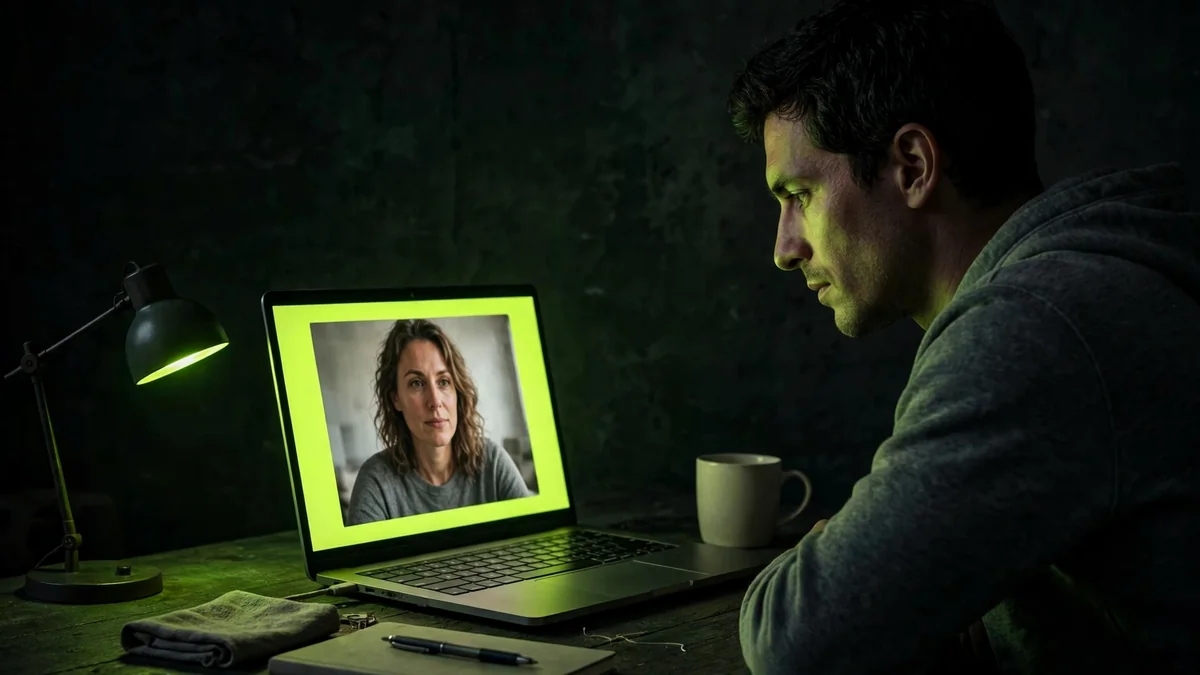
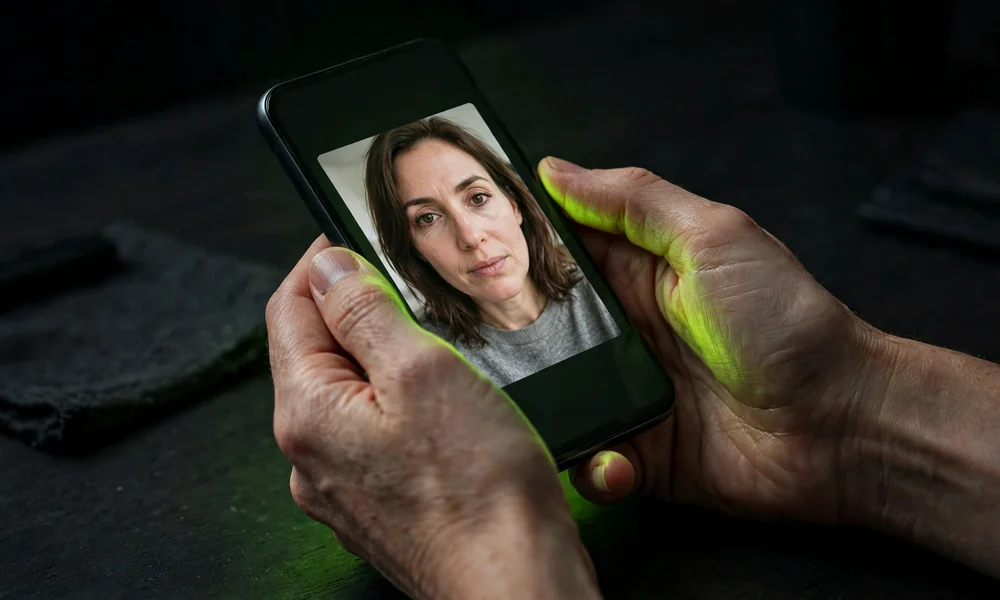
Live calls need live tests, because a recorded clip can be replayed. Ask the person to turn their head fully to each side, or wave a hand slowly across their face: face-swap systems often glitch or lose tracking, and a pre-recorded loop cannot respond to a new request at all. Ask for something unscripted, such as holding up a set number of fingers: a real person can do it in seconds.
Agree on a code word with colleagues and family in advance, and use it when a call feels wrong. If the person cannot produce it, end the call and ring them back on a number you already have. That habit would have stopped the Arup fraud: the attackers could imitate faces and voices, not a secret they did not know.
Your deepfake detection checklist
Work through this list whenever a video, image or voice message feels wrong, and stop to verify at the first doubt.
- Pause. Do not send money, share credentials or forward the file until you have checked it.
- Watch the video at full size, sound off, checking face edges, eyes, lighting and hands.
- Listen to the audio separately, checking for flat tone, missing breaths and lip-sync drift.
- Ask whether the request is urgent, secret or unusual.
- Reverse-search a still frame, and search for the same claim from other sources.
- Check for Content Credentials and, for Google-made content, a SynthID watermark.
- Run the file through a second detection tool and compare the results.
- On a live call, ask for a head turn or an unscripted action, and use a pre-agreed code word.
- Verify through a separate channel: ring the person on a known number.
- Save the original file, note where you received it, and report it to the platform or the police.
Frequently asked questions
Can I reliably spot a deepfake by eye?
Not on your own. Visual checks catch many fakes, but the best generators reproduce blinking, lip-sync and skin texture well. Combine visual, audio, behavioural and provenance checks, and verify important claims separately.
Do deepfake detection tools work?
They work as a screening layer, not a final verdict: tools score well on training data and far worse on real-world video. Use two or more, and treat agreement as a signal, not proof.
How can I tell if a voice message is a clone?
Listen for flat tone, even pacing, missing breaths and odd pauses, and check the background noise matches the setting. Then ring the person back on a number you already have: a callback settles it faster than any analysis.
What should I do if I receive a deepfake of myself?
Save the original file and a record of where you found it, report it to the platform, and warn people who may receive it. If it is used for fraud or harassment, report it to the police. Our guide to data breach response covers what to do next.
The bottom line
Deepfake detection is not about finding one magic tell. It is a habit: slow down, look and listen carefully, check the behaviour and the source, look for provenance, and verify separately. No single check is reliable, but the layers together catch most fakes. The strongest protection is a process, not a tool: agree on code words with people who might contact you urgently, and make callbacks the default for unexpected requests involving money or access. Attackers can imitate a face and a voice, not a secret they do not know.
A final safety note
Deepfake detection is not foolproof, and this guide cannot guarantee that any file is genuine. Never accuse a named person of faking a video on a detector score or a hunch alone: a false accusation can cause real harm. Keep the original file, do not edit or recompress it, do not share it publicly, and pass it to the platform, your employer or the police if it involves fraud or harassment. If unsure, treat it as unverified.