Ethernet explained in plain terms means the system that lets computers send data to each other along cables. The central question is how a wired connection carries information from one device to another, and the short answer is that data is split into small frames, each frame is addressed to its destination, and switches and cables pass it along until it arrives.
Most people meet Ethernet without noticing it. The office desk has a cable running from the wall socket to the computer, the television connects to the router with a short lead, and the printer in the corner shares the same wired network as every laptop in the building. The connection simply works, quietly and steadily, in the background.
That reliability is the reason Ethernet has survived for decades while wireless technology has changed around it. A cable is not affected by thick walls, crowded radio channels, or a neighbour’s router, and it gives each connected device a stable path to the network. Understanding how that path works helps explain why wired connections still matter in a wireless world.
Key takeaways
- Ethernet is the standard for wired local networks, carrying data in addressed frames along cables.
- A frame travels from a device through cables and switches until it reaches its destination.
- Each network device has a unique hardware address that switches use to deliver frames correctly.
- Wired connections are generally steadier and less prone to interference than wireless ones.
- Ethernet works alongside Wi-Fi, not instead of it, with each suited to different jobs.
What Ethernet is
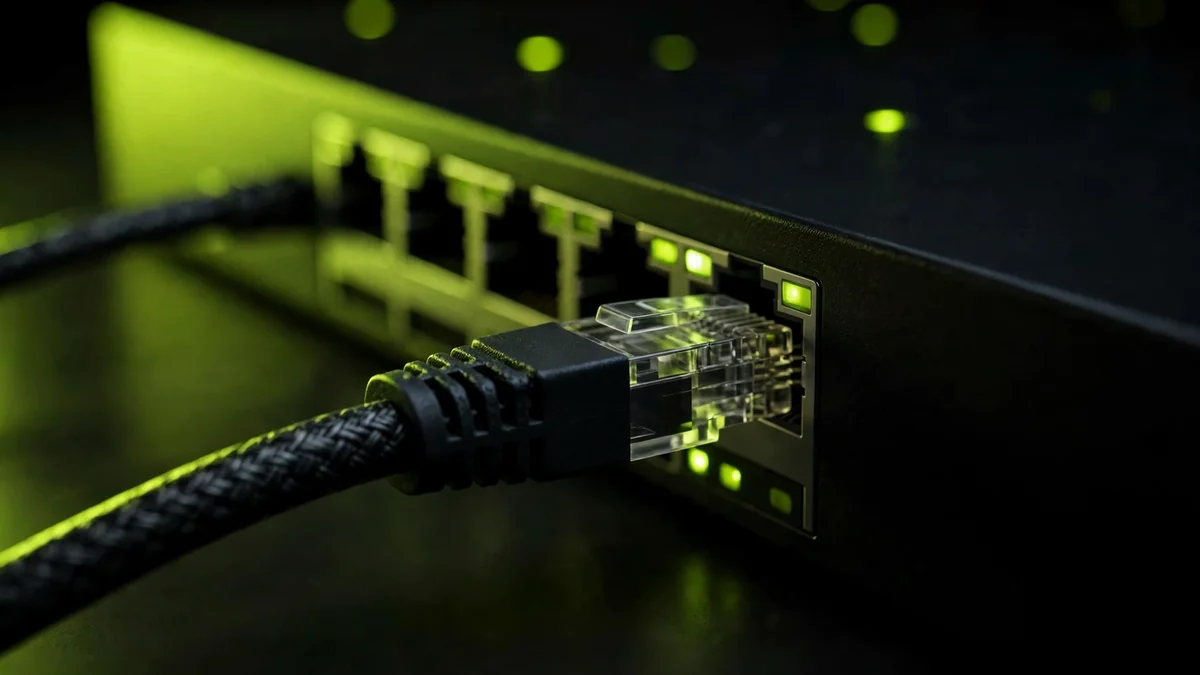
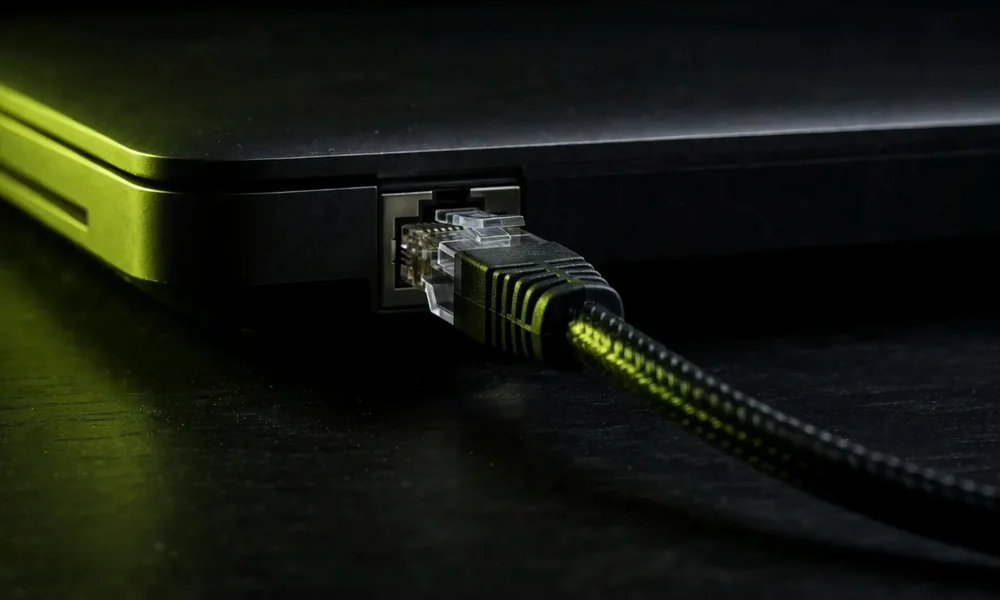
Ethernet is a family of standards for wired computer networks, maintained under the name IEEE 802.3, that defines how devices connect with cables and how data is formatted for the journey. It began in the 1970s as a way to link computers in the same building, and it has grown since then into the standard wired network found in homes, offices, schools, and data centres. The familiar socket on the back of a computer or router, and the cable with a clip that clicks into it, are the most visible parts of the system.
The cable itself is usually a twisted-pair cable, made of pairs of copper wires twisted together to reduce interference, with a connector at each end. Other forms of Ethernet use fibre-optic cables, which carry data as pulses of light and are common where very long runs or very high speeds are needed. Whatever the cable, the idea is the same: a physical path that carries data reliably from one point to another.
Ethernet sits at the lower layers of networking, handling the physical connection and the framing of data, while higher-level rules handle addressing across the wider internet and the delivery of web pages, email, and files. Our guide to Wi-Fi explains the wireless alternative that most homes use alongside Ethernet, and our guide to TCP/IP explains the higher-level rules that organise data once Ethernet has carried it across the local network.
How Ethernet works
When a device wants to send data, it first splits the data into frames, each a small package with a header, the data itself, and a check value that lets the receiver spot errors. The header carries the address of the device the frame is meant for and the address of the device that sent it. This addressing uses a hardware address, often called a MAC address, which is built into every network adapter and is unique to that piece of hardware.
The frame then travels along the cable to a switch, the box that sits at the centre of most wired networks. The switch reads the destination address, looks up which of its ports leads to that device, and forwards the frame only to that port. This is what makes a modern network efficient: traffic for one device does not flood every other device on the network, as it did on the earliest shared cables.
If the destination is not on the local network, the switch passes the frame to the router, which forwards it onwards towards its wider destination. The router may send it across other networks, over fibre, or across the internet itself, and the reply returns by the same route. From the user’s point of view, all of this happens in a fraction of a second.
Speeds on a modern wired network are commonly measured in megabits or gigabits per second, with gigabit connections now standard in many homes and offices and faster links used in data centres. The actual speed a user sees depends on the slowest part of the chain, including the cable, the switch, the router, and the internet connection itself. A damaged cable or an old switch can therefore slow the whole network, even when the rest of the equipment is new.
Comparing Ethernet with Wi-Fi
Ethernet and Wi-Fi do the same basic job, moving data between devices on a local network, but they do it in very different ways. Ethernet uses a cable and a switch, while Wi-Fi uses radio waves and a wireless access point. That single difference shapes everything else about them, from speed and stability to convenience and cost.
The table below sets out the main contrasts.
| Aspect | Ethernet | Wi-Fi |
|---|---|---|
| Connection | Cable plugged into a port | Radio signal, no cable needed |
| Stability | Very steady, little interference | Can vary with walls and distance |
| Speed | Consistent, often gigabit | Fast, but shared and variable |
| Convenience | Tied to one spot | Move freely around the building |
| Security | Needs physical access to the cable | Needs a strong password and encryption |
| Best for | Desks, servers, and gaming | Phones, laptops, and guests |
In practice, most networks use both. A home router typically offers wired ports for the devices that stay put and Wi-Fi for everything that moves, and the two work together on the same network. Choosing between them is rarely a matter of picking one and dropping the other, but of matching each device to the connection that suits it best.
Where Ethernet is used
Offices are the classic home of Ethernet. Desks are wired to wall sockets, meeting rooms have ports for laptops and video equipment, and printers, phones, and servers all share the same wired backbone. The result is a network that stays fast even when dozens of people are working at once, since each wired device has its own dedicated path to the switch.
Data centres rely on Ethernet even more heavily. Rows of servers are linked by cables that carry huge amounts of traffic between machines and out to the internet, and the switches in these buildings are built to handle that load around the clock. In this setting, the reliability of a cable matters as much as its speed, since a dropped connection can affect thousands of users at once.
Homes use Ethernet more quietly, often without the owners realising it. A router with wired ports can connect a desktop computer, a games console, a smart television, or a network storage drive, giving each a steadier link than Wi-Fi alone. Many people run a single long cable to a home office or a gaming setup, where a stable connection matters more than the freedom to move around.
Ethernet also appears in less obvious places. Factories use it to link machinery and sensors, hospitals use it for equipment that must stay connected, and schools and libraries wire their computer rooms so that a whole class can work online at the same time. Anywhere a connection must be dependable, a cable is often the first choice.
Strengths and limits
The greatest strength of Ethernet is its steadiness. A wired link is not affected by walls, microwaves, or neighbouring networks, and it delivers a consistent speed that does not dip when someone walks between the device and the router. It is also simple to secure at the physical level, since an attacker needs access to the cable or the socket, not merely to be within range of a radio signal.
Another strength is its capacity. Modern wired standards carry far more data than a typical home internet connection can supply, so the local network is rarely the bottleneck. That headroom matters for moving large files between devices, backing up to local storage, or running several demanding applications at once, all of which benefit from a fast, uncongested link.
The limits are practical rather than technical. Cables must be run, sockets must be installed, and a device connected by Ethernet cannot move far from its socket. Adding a wired port to a room can mean drilling, trunking, or a long cable across the floor, and that cost and effort are the main reasons Wi-Fi has taken over in many homes. Ethernet is at its best where devices stay put.
Ethernet checklist
- Check that the cable clicks firmly into the port at both ends before blaming the network.
- Use a cable rated for the speed you need, since an old cable can limit a fast connection.
- Keep cable runs tidy and away from power cables, which can add interference.
- Plug the cable into the router or a switch, not into another device by mistake.
- Restart the router and the switch if the wired link drops without an obvious cause.
- Look for a small light beside the port, which usually shows the link is live.
- Try a different cable or port to find out whether the fault is in the cable or the socket.
- Wire the devices that need the steadiest connection, such as desktops and consoles.
- Leave Wi-Fi switched on for phones and laptops, so each device uses the connection that suits it.
Frequently asked questions
What is Ethernet in simple terms?
Ethernet is the standard system for connecting computers with cables on a local network. Data is split into addressed frames and passed along cables and switches until it reaches the right device.
Is Ethernet faster than Wi-Fi?
Often, yes, and more consistently. A wired gigabit link delivers its full speed to one device, while Wi-Fi shares its speed among all nearby devices and can slow with distance and interference.
Do I need Ethernet if I have Wi-Fi?
Not necessarily, but it helps for devices that stay in one place. A desktop computer, a games console, or a smart television often works better on a cable, while phones and laptops are happier on Wi-Fi.
What cable do I need for Ethernet?
Most homes use a twisted-pair cable with a connector that clicks into the port, and modern cables are widely sold for home use. The cable should be rated for the speed of your network, and a damaged cable should be replaced.
Why does my Ethernet connection keep dropping?
The usual causes are a loose or damaged cable, a faulty port, or a switch or router that needs restarting. Try a different cable and a different port first, since those two checks solve most wired problems.
Can Ethernet and Wi-Fi work together?
Yes, and they usually do. A router offers both at once, so wired devices and wireless devices share the same local network and can talk to each other without any extra setup.
The bottom line
Ethernet explained in one line is this: a wired standard that carries data in addressed frames along cables, giving each device a steady, private path through the local network.
It may look old-fashioned beside Wi-Fi, but it remains the backbone of offices, data centres, and any setup where a connection must not drop. A cable is simple, fast, and hard to interfere with, and those qualities keep it in use long after newer wireless standards arrive.
This article is general information about how Ethernet works, not advice about wiring or configuring a network for a particular home or business.