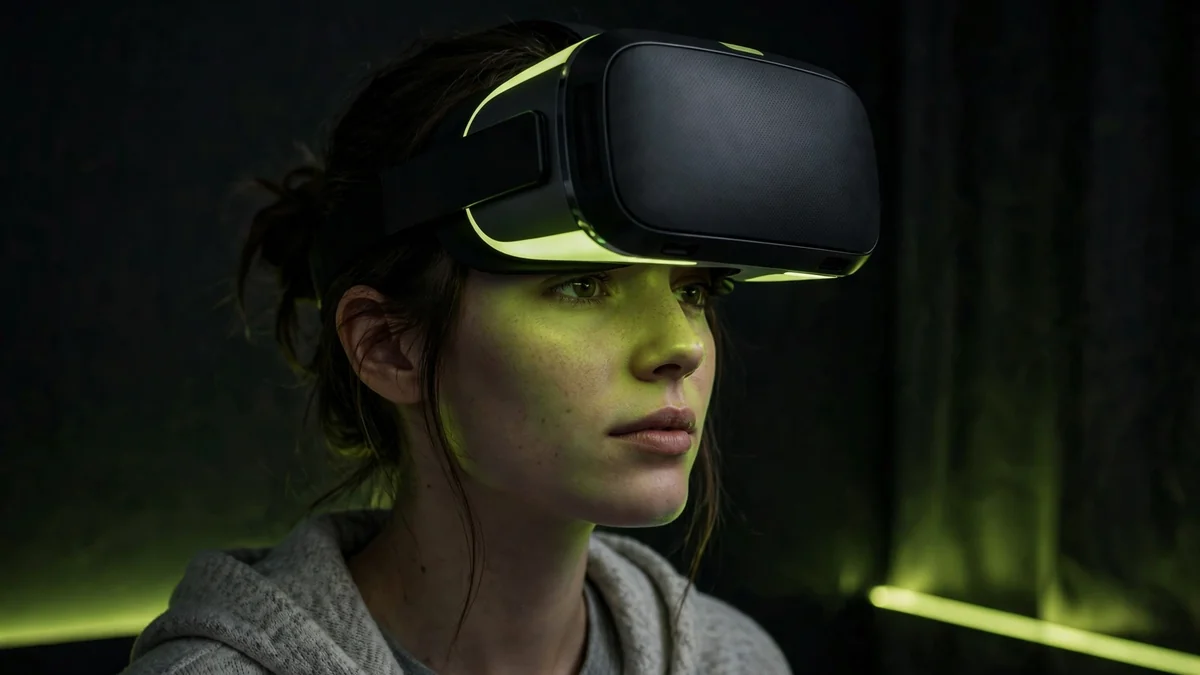
Virtual reality explained in plain terms is the use of a headset to replace what your eyes and ears take in with a computer-generated world that responds as you move. The central question is how a flat screen strapped to your face can feel like a place, and the short answer is that the headset shows each eye a slightly different image, tracks the movement of your head many times a second, and redraws the scene from your new viewpoint so quickly that your brain accepts the illusion as a location rather than a picture.
Most people meet virtual reality through games, where the headset turns a living room into a racetrack, a spaceship, or a quiet gallery. The same hardware is now used to train surgeons, design cars, and let engineers walk through buildings that do not yet exist.
The experience feels strange at first because the usual rules of screens no longer apply. There is no frame to look through and no edge to the picture, which is why the sense of being somewhere else can be so convincing, and also why the technology needs to be well made to avoid discomfort.
Key takeaways
- Virtual reality replaces what your eyes and ears take in with a computer-generated world that reacts as you move.
- Each eye sees a slightly different image, which is how the headset creates a convincing sense of depth.
- Head and hand tracking keep the virtual world steady as you turn, lean, and reach for objects.
- Common uses include gaming, training, design, therapy, and remote collaboration.
- The main limits are cost, weight, battery life, and motion sickness for some users.
What virtual reality is
Virtual reality, usually shortened to VR, is a technology that creates a fully computer-generated environment and presents it to the senses so convincingly that the user feels present inside it. The headset covers the eyes and often the ears, blocking out the real room and replacing it with a scene that can be anything from a beach to a factory floor.
The idea is older than the headsets sold today. Researchers were building bulky head-mounted displays in the 1960s, and the first commercial VR systems appeared in the 1990s, but they were expensive, heavy, and prone to making people feel unwell. What changed was the smartphone: the small high-resolution screens, motion sensors, and powerful processors developed for phones gave VR the parts it needed at a price ordinary buyers could accept.
Modern VR comes in two main forms. Standalone headsets carry their own processor, battery, and storage, so they work without a computer or a cable. Tethered headsets connect to a powerful computer or games console, which allows richer graphics at the cost of a cable and a higher price. Both types use the same basic principles, and both aim for the same effect: a world that holds still when you look around it.
How virtual reality works
A VR headset begins with two small screens, one for each eye, mounted a short distance from the face. Each screen shows the same scene from a slightly different angle, matching the gap between your eyes, and your brain combines the two pictures into a single three-dimensional view. This trick, called stereoscopic vision, is the same one your eyes use in everyday life to judge distance.
The headset also needs to know exactly where your head is pointing, and it measures this constantly. Motion sensors inside the headset track rotation and acceleration, while outward-facing cameras or external beacons track position in the room. When you turn your head to the left, the system recalculates the scene and redraws it from your new viewpoint, ideally within a few thousandths of a second.
Speed matters more than anything else in VR. If the picture lags behind your movement, the world appears to swim, and many people feel nauseous within minutes. Good headsets therefore refresh the image ninety times a second or more, and the graphics hardware works hard to keep that pace. Our guide to graphics processing units explains the hardware that does these rapid calculations, turning a three-dimensional model into two flat images fast enough to keep the illusion intact.
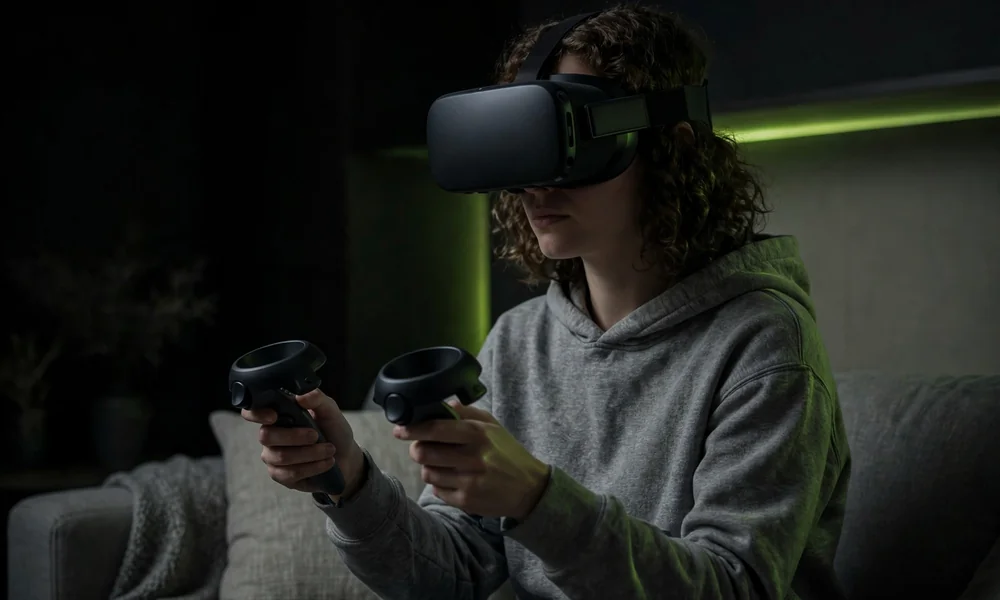
Hands are tracked too, usually by controllers you hold or by cameras that watch your fingers directly. When you reach out and close your hand around a virtual object, the headset shows your virtual hand doing the same, which strengthens the feeling that the object is really there. Sound completes the effect: headphones deliver audio that changes with the direction you face, so a voice behind you sounds as though it comes from behind you. Our guide to computer vision explains the techniques that let cameras understand the position of your body and hands in a room, which is the foundation of this tracking.
Comparing virtual reality with augmented reality
Virtual reality and augmented reality are often mentioned together, and they share much of the same hardware, but they do opposite things with the real world. VR replaces the world entirely with a computer-made environment, while augmented reality keeps the world visible and adds digital objects to it.
The table below sets out the main contrasts.
| Aspect | Virtual reality | Augmented reality |
|---|---|---|
| What you see | A fully computer-generated environment | The real world with digital objects added |
| Typical device | Enclosed headset that blocks the real world | Phone, tablet, or transparent glasses |
| Awareness of surroundings | None, the headset covers your eyes | Full, you can see where you are |
| Movement | Limited to a safe, clear space | Anywhere, since the real world stays visible |
| Best for | Simulation, training, and immersive games | Guidance, information, and trying things in place |
Where virtual reality is used
Gaming remains the best-known use, and it is easy to see why. A headset turns a game from something you watch into somewhere you stand, whether that is a cockpit, a haunted house, or a tennis court. The sense of scale is the part a flat screen cannot match: a virtual cliff really does feel high, and a virtual doorway really does feel like something you walk through.
Training is where VR may matter most. Surgeons practise operations on virtual patients, pilots rehearse emergencies in a simulator, and firefighters learn to navigate smoke-filled buildings without any real danger. The advantage is repetition: a trainee can attempt a difficult procedure twenty times in an afternoon, making mistakes that would be costly or dangerous in real life, and start again each time.
Designers and engineers use VR to walk through things before they are built. An architect can show a client around a house that exists only as a plan, and a car designer can sit inside a model and check whether the dashboard is within comfortable reach. Spotting a problem at this stage is far cheaper than finding it after the building is built or the car is made.
VR is also finding quieter uses. Therapists use it to treat phobias, letting a patient face a fear of heights or flying in a controlled setting where the intensity can be adjusted step by step. Museums offer virtual visits to places that are fragile or far away, and remote teams meet in virtual rooms where they can point at a shared model instead of describing it over a video call.
Strengths and limits
The greatest strength of virtual reality is presence, the feeling of actually being somewhere else. Because the headset controls what you see and hear, it can hold your attention in a way no other screen can, which is why it works so well for training and for experiences that depend on scale and atmosphere.
VR is also remarkably flexible. The same headset can be a classroom, a workshop, a cinema, or a meeting room, and the only thing that changes is the software. That makes it attractive to organisations that would otherwise need to build a physical simulator or fly people to a training centre.
The limits are still real. Headsets are heavy, and wearing one for more than an hour is tiring for many people. Some users feel motion sick, especially when the virtual world moves while their body stays still. Battery life on standalone headsets is usually two to three hours, the price of the best models remains high, and a safe, clear space is needed to move around without tripping over furniture.
Virtual reality checklist
- Decide what you want VR for before choosing between a standalone and a tethered headset.
- Clear a safe space before you put the headset on, and remove anything you could trip over.
- Try a headset in a shop or at a friend’s house before buying, since comfort varies widely.
- Start with short sessions of fifteen to twenty minutes, especially if you are new to VR.
- Stop and rest if you feel dizzy or unwell, and do not try to push through motion sickness.
- Check the battery life and the cost of spare accessories before committing to a model.
- Keep the lenses clean and store the headset away from direct sunlight.
- Supervise children using VR and follow the manufacturer’s age guidance.
- Remember that VR is a tool for training and entertainment, not a replacement for the real thing.
Frequently asked questions
What is virtual reality in simple terms?
Virtual reality is a computer-generated world you step into by wearing a headset. The headset shows each eye a slightly different image and tracks your head movements, so the world around you changes as you look around, creating the feeling of being somewhere else.
Do I need a powerful computer for VR?
Not always. Standalone headsets have their own processor and work without a computer, though their graphics are simpler. Tethered headsets connect to a powerful computer or console and offer richer, more detailed worlds at a higher price.
Why does virtual reality make some people feel sick?
Motion sickness in VR usually comes from a mismatch between what your eyes see and what your body feels. If the virtual world moves while your body stays still, or if the image lags behind your head movements, your brain receives conflicting signals. Short sessions, high refresh rates, and experiences that avoid sudden movement all help.
What is the difference between VR and AR?
Virtual reality replaces the real world with a fully computer-generated environment, blocking out your surroundings. Augmented reality keeps the real world visible and adds digital objects to it, so you can still see where you are.
How much space do I need for virtual reality?
Many VR experiences work while you are sitting or standing in one spot, which needs about two square metres of clear floor. Experiences that involve walking around need more space, and most headsets let you draw a boundary on the floor that warns you when you are near the edge.
Where is virtual reality headed?
The direction is towards lighter, cheaper headsets with sharper screens, wider fields of view, and longer battery life. As the hardware improves, VR is likely to spread beyond gaming into everyday training, remote work, and education.
The bottom line
Virtual reality explained in one line is this: a headset that replaces what your eyes and ears take in, tracks your movements, and redraws a computer-made world fast enough for your brain to accept it as a place.
The technology is already useful far beyond games, from surgical training to building design, and its limits are mostly about hardware that keeps improving. For most people the sensible way in is a standalone headset, which needs nothing more than a clear space and a little patience while you get used to it.
This article is general information about how virtual reality works, not advice about buying a headset or choosing a VR system for a particular project.