WebRTC explained in plain terms means a free, open standard that lets web browsers make voice calls, video calls, and share files directly with each other, without plugins or extra software. The central question is how two browsers can talk in real time when the web was built for loading pages, and the short answer is that WebRTC opens a direct, encrypted peer-to-peer connection between them, carrying audio and video with as little delay as possible.
You have almost certainly used it already. The video call that opens inside a browser tab, the telehealth appointment that needs no download, and the online classroom where a teacher shares a screen all commonly run on WebRTC.
The standard was first proposed by Google in 2011, when it released the technology it had acquired with Global IP Solutions, and it became a formal World Wide Web Consortium and Internet Engineering Task Force standard in 2021. That long road matters: a decade of work by browser makers turned a clever idea into something every major browser now supports, so a call that works in Chrome usually works in Firefox, Safari, and Edge too.
Key takeaways
- WebRTC is the open standard that lets browsers make voice and video calls directly, peer to peer.
- Media travels over an encrypted connection, while a separate signalling step arranges the call first.
- It handles the hard parts of the internet, including firewalls and address translation, on its own.
- The same technology powers video meetings, live streaming, file sharing, and online games.
- It works without plugins, but call quality still depends on the network underneath.
What WebRTC is
WebRTC, short for Web Real-Time Communication, is a set of application programming interfaces and protocols built into modern browsers. The interfaces let a web page capture a camera and microphone, while the protocols carry the audio and video to the other side. Together they give any website the building blocks of a phone call, without asking the visitor to install anything.
It is best understood as three jobs working together. The first is media capture, taking sound and pictures from the device. The second is the peer connection, the live channel between the two browsers. The third is the data channel, a side route for arbitrary data such as text messages, files, or game moves, sent directly between peers.
Crucially, WebRTC is not a service. There is no single company that runs WebRTC, and no account you need to open with its creators. It is a standard, like the rules that define a web page, and companies build their own meeting products, support tools, and classrooms on top of it. When a video call works smoothly in a browser tab, WebRTC is usually doing the heavy lifting underneath, even though its name never appears on screen.
That distinction explains why the same technology shows up in so many places. A hospital’s telehealth portal, a bank’s video appointment system, and a language-learning app can all use WebRTC, each with its own design, while sharing the same underlying machinery. Our guide to WebSockets explains the older browser technology that keeps a connection open to a server, and why WebRTC takes a different route for live media.
How WebRTC works
A call begins with signalling, a short exchange of messages that introduces the two browsers. Each side describes what it can do, which audio and video formats it supports, and where it can be reached. Signalling is not part of the WebRTC standard itself, so websites arrange it however they like, commonly over WebSockets or an ordinary web request.
Once the two sides know about each other, they must find a path through the internet, which is harder than it sounds. Most devices sit behind a router that hides their real address, a trick called network address translation. WebRTC uses a process called Interactive Connectivity Establishment, usually shortened to ICE, to try direct routes first and fall back to a relay server when a direct path is blocked.
Two kinds of helper server make this possible. A STUN server tells a browser what its public address looks like from outside its local network. A TURN server acts as a relay, passing media between two browsers that cannot reach each other directly, which happens behind strict corporate firewalls and some home routers. Relaying adds a little delay, so it is used only when a direct route fails.
With a path found, the browsers secure the connection. Audio and video travel over the Secure Real-time Transport Protocol, encrypted with Datagram Transport Layer Security, which means nobody in the middle can listen in or alter the stream. The encryption is mandatory, not optional, so every WebRTC call is encrypted by design. Keys are exchanged during the setup, and the media itself never passes through the website’s own servers unless a relay is involved.
Finally, the browsers adapt as the call goes on. If the network slows, WebRTC lowers the video quality or drops the frame rate to keep the sound going, because a choppy picture is tolerable while broken audio is not. If the network recovers, quality rises again. This constant adjustment is what makes a call survive a train journey or a busy household connection, and it happens without either caller doing anything. Our guide to 5G explains how faster mobile networks give this adaptation more room to work, cutting the delays that make callers talk over each other.

Comparing WebRTC with WebSockets
| Aspect | WebRTC | WebSockets |
|---|---|---|
| Connection | Direct, browser to browser | Through a server, browser to server |
| Latency | Very low, built for live media | Low, but routed through the server |
| Data type | Audio, video, and arbitrary data | Text and binary messages |
| Server role | Needed only to arrange the call | Needed for the whole conversation |
| Best for | Video calls, live streaming, games | Chat, live updates, notifications |
Where WebRTC is used
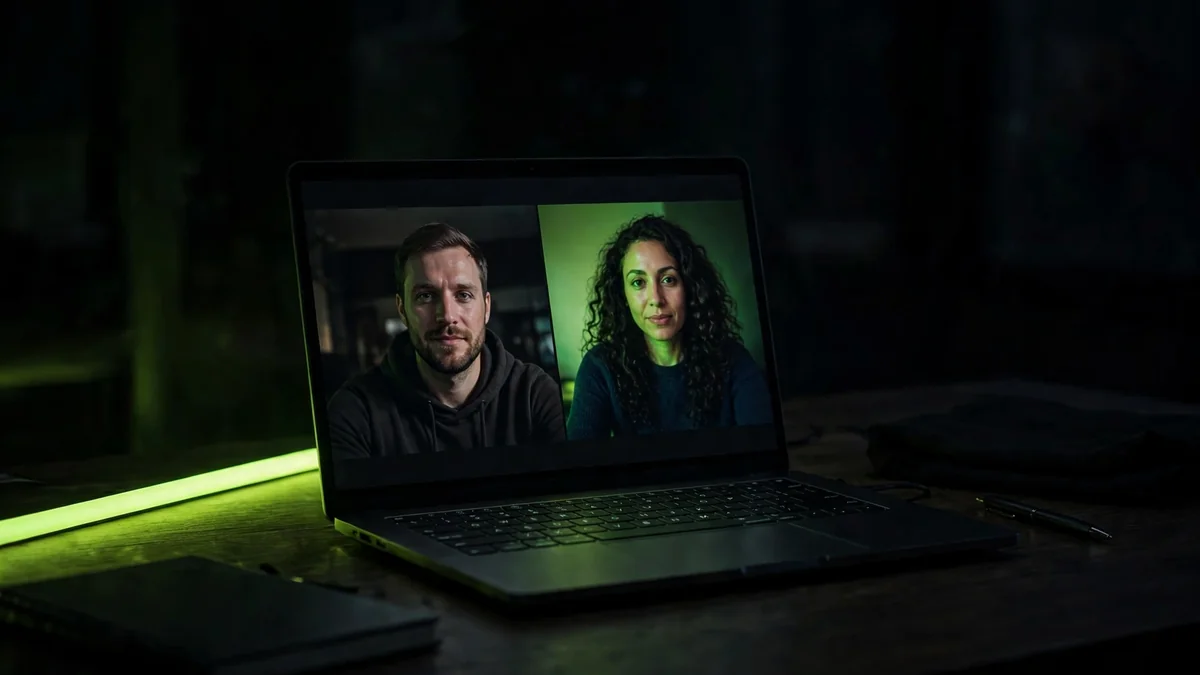
Video meetings are the most visible use. Browser-based meeting tools let a participant join from a link alone, and support teams use the same trick for video help sessions. The absence of a download removes the biggest barrier to joining, which matters when the caller is a customer rather than a colleague.
Telehealth is another large user. A patient can speak to a clinician from a browser tab, with the consultation encrypted end to end, and no medical software to install or update. The same pattern appears in online tutoring, where a teacher shares a screen and a whiteboard with a student in another country, and in remote job interviews.
Beyond calls, the data channel opens stranger uses. Browsers can send files directly to each other, which is how some sharing tools move a large file without uploading it to a server first. Multiplayer games use it to exchange moves with minimal delay, and live streaming tools use it to pass video from a contributor to a studio in a fraction of a second.
Businesses also build on it quietly. A call centre can put a click-to-call button on its website, a marketplace can let buyers and sellers talk before a sale, and a bank can verify a customer over video. In each case the visitor stays on the website, and the organisation keeps control of the experience instead of handing it to a separate app.
Strengths and limits
Its greatest strength is that it needs nothing installed. The browser already contains everything, so the barrier between a visitor and a live conversation is a single click. That simplicity, combined with mandatory encryption, is why so many services chose it over building their own calling software.
It is also genuinely open. The standard is free to use, the main implementations are open source, and no vendor can charge a licence fee for the core technology. That openness kept the web from splitting into incompatible calling systems, one per browser, and it lets small teams build calling features that once needed a telecoms company.
The limits start with group calls. WebRTC connects peers directly, which works beautifully for two people, but a meeting with twenty participants would need each browser to send its video to nineteen others. Real products solve this with a central server that mixes the streams, which adds cost and complexity the standard itself does not cover.
Quality also depends on the network in ways no standard can fix. A weak connection means dropped frames, frozen pictures, and robotic voices, and firewalls can force traffic through a relay that adds delay. Browser differences still appear too, usually in small details such as which video format is preferred, though these have shrunk greatly since the standard was finalised.
WebRTC checklist
- Test your calls in Chrome, Firefox, Safari, and Edge before you launch.
- Provide a TURN server, or calls behind strict firewalls will fail.
- Keep media encrypted, and never route a call through an unencrypted channel.
- Ask for camera and microphone permission clearly, and explain why you need it.
- Offer an audio-only fallback for callers on slow connections.
- Monitor call quality, tracking delay, packet loss, and dropped calls.
- Design for mobile first, since many callers will join from a phone.
- Give callers a way to rejoin quickly if a connection drops.
- Check the privacy rules in your country before you record a call.
Frequently asked questions
What is WebRTC?
WebRTC is an open standard that lets web browsers make voice and video calls directly, peer to peer, without plugins or extra software. It also carries data between browsers, and it encrypts every connection by default.
Is WebRTC free to use?
Yes, the standard is free and open, and the main implementations are open source. You may still pay for the servers that arrange calls or relay media, and for the product you build on top of it, but nobody charges for WebRTC itself.
Does WebRTC need a server?
It needs a server to arrange the call, a step called signalling, and sometimes a relay server when a direct connection is blocked. The audio and video themselves, however, travel directly between the browsers whenever possible.
Is WebRTC secure?
Media is encrypted by default, using the same family of encryption that protects secure websites. The main risks come from the website built on top of it, such as a service that records calls without clear consent, rather than from WebRTC itself.
What is the difference between WebRTC and WebSockets?
WebSockets keeps an open connection between a browser and a server, which suits chat and live updates. WebRTC connects browsers directly to each other, which suits live voice and video, where delay matters most.
Why does my WebRTC call freeze or drop?
The usual cause is the network, not the standard: a weak signal, a congested connection, or a firewall forcing traffic through a relay. Moving closer to the router, switching to audio only, or closing other apps that use the connection usually helps.
The bottom line
WebRTC explained in one line is this: it turns the browser into a telephone, letting any website offer live voice, video, and data without a download, over a direct, encrypted connection.
It is the reason a video call can start from a link alone. Understand how signalling, peer connections, and relays fit together, and you will understand both why browser calls feel effortless and where their limits lie.
This article is general information about how WebRTC works, not advice about which technology suits a particular project.