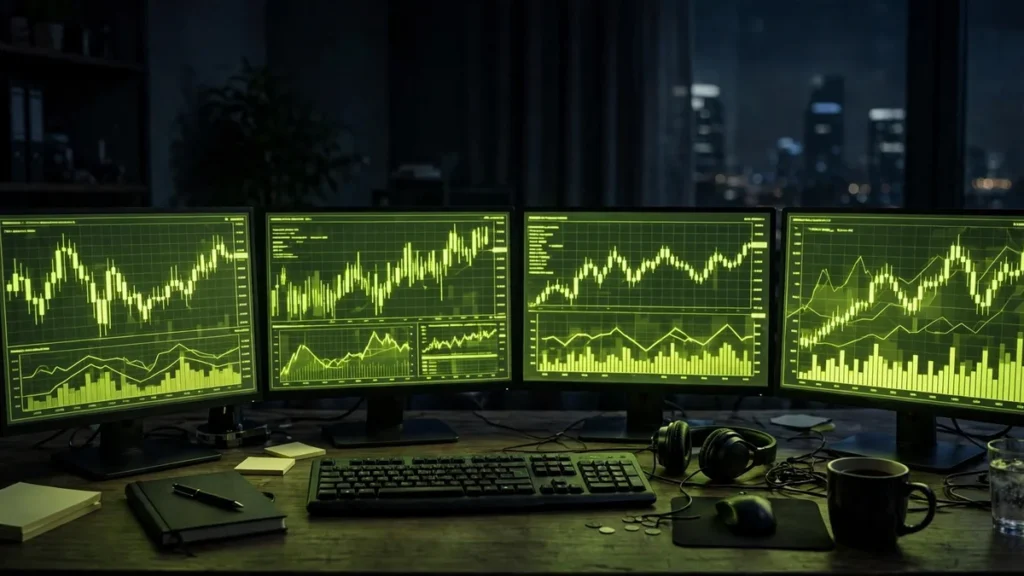
AI agents in production behave very differently from the agent in a demo. The central question is simple: how do you ship an agent that stays useful, safe and affordable once real users start using it every day? The answer is that production agents need guardrails, evaluation, cost controls and clear limits on what they may do without a human.
An agent is software that takes a goal, plans steps, calls tools and produces an outcome with limited human input. In a demo, the task is narrow, the data is clean and the person watching is forgiving. In production, the task varies, the data is messy, users ask unexpected questions and every mistake is visible. That gap is where most agent projects fail.
Key takeaways
- Production agents need guardrails, evaluation and cost controls from the start, not as an afterthought.
- Give an agent the smallest set of tools and permissions that lets it do its job, and nothing more.
- Measure an agent on real tasks with a held-out test set, and track failures as carefully as successes.
- Human review should cover high-risk actions, while low-risk actions can run automatically with clear logging.
- Costs grow with long conversations, repeated tool calls and retries, so set budgets and watch them daily.
What changes when an agent leaves the demo
The first change is variety. A demo usually covers one happy path, but production users bring edge cases, vague requests, contradictory instructions and incomplete information. An agent that handles one polished example well can still fail on the tenth variation of the same request.
The second change is consequence. A demo mistake is embarrassing for a few minutes. A production mistake can send the wrong message to a customer, change the wrong record, spend real money or expose sensitive data. The stakes shape every design decision that follows.
The third change is scale. A demo runs a handful of times for a friendly audience. A production agent may run thousands of times a day, and a small failure rate becomes a large number of bad outcomes. Reliability therefore matters more than cleverness.
Start with one narrow job
The most reliable production agents do one job well. Pick a task with a clear input, a clear output and a way to tell whether the result was right. Drafting a reply from a knowledge base, triaging a support ticket or summarising a document are good starting points.
Avoid starting with a task that has no clear success criteria. If nobody can agree on what a good answer looks like, an agent cannot be evaluated fairly and its failures will be argued about rather than fixed. Narrow scope also makes guardrails easier to write.
Define what the agent must never do. It should never change a price, issue a refund, delete a record or contact a customer without approval unless that action is explicitly in scope. Write those limits down before building anything else.
Design the agent around tools, not just prompts
An agent is only as useful as the tools it can call. Each tool should do one thing, take clear inputs and return structured results. A search tool, a database lookup and a ticket update are more reliable than one broad tool that tries to do everything.
Give the agent the smallest set of permissions it needs. A read-only tool is safer than a write tool, and a tool that can act on one record is safer than one that can act on all of them. This principle, known as least privilege, limits the damage when the agent misunderstands a request.
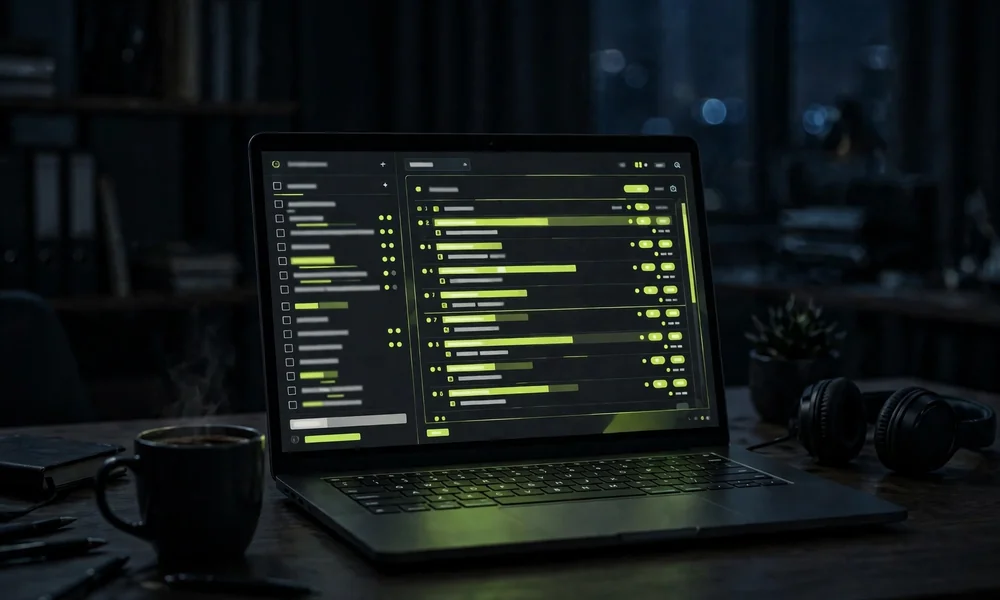
Guardrails: what the agent may and may not do
Guardrails are the rules that sit between the user, the agent and the tools. They check inputs before the agent acts and check outputs before anything reaches a user or a system. Without them, a clever prompt is the only defence, and prompts can be bypassed.
Input guardrails filter out requests that are out of scope, abusive or designed to make the agent ignore its instructions. Output guardrails check for sensitive data, incorrect formats, unsafe language and claims the agent cannot support. Both layers matter.
Action guardrails are the most important of all. Any action that is hard to undo should need approval or should be limited to a safe range. A refund below a small threshold might run automatically, while a larger refund goes to a human. The same logic applies to messages, deletions and external calls.
Evaluation: how to know whether the agent works
Evaluation means testing the agent on real tasks and scoring the results. Build a test set of examples drawn from actual user requests, including awkward ones, and keep some examples aside so the team does not tune the agent to the test itself. A held-out set gives an honest picture.
Score each run on the things that matter for the job. Accuracy is one measure, but so are completeness, tone, format and whether the agent used the right tool. A reply that sounds confident but cites the wrong source is a failure, even if the wording is polished.
Track failures in categories. Separate cases where the agent misunderstood the request, used the wrong tool, hallucinated a fact or followed a bad instruction. Categories show where to fix the system, whether that means better tools, clearer prompts or more training data.
Human review is part of evaluation, not a replacement for it. Review a sample of live runs every week, including runs that looked successful. The sample often reveals drift, new user phrasing and edge cases the test set missed.
Handling mistakes and uncertainty
A production agent should say when it does not know. Asking a clarifying question is better than guessing, and admitting uncertainty is better than inventing a confident answer. Users forgive a careful agent far more readily than a confident one that is wrong.
Log every run in enough detail to replay it. The log should show the request, the tools called, the results returned and the final answer. Without that record, debugging a failure is guesswork, and the same mistake will happen again.
Controlling costs before they surprise you
Agent costs grow quietly. Each run can involve several model calls, tool calls and retries, and long conversations carry more context with every turn. A task that looks cheap in a demo can become expensive at volume.
Set a budget per run and per user. Limit the number of steps an agent may take, the number of tool calls it may make and the length of the context it carries. When a run hits a limit, it should stop cleanly and explain what happened.
Use smaller models where they are good enough. A simple classification or extraction step may not need the most capable model, while a complex reasoning step might. Matching the model to the step keeps quality high and costs down.
Comparing agent approaches
Teams usually choose between three broad approaches. A single agent with a few tools is simplest to build and debug. A multi-agent setup, where specialised agents hand work to each other, can handle complex tasks but is harder to trace. A workflow with fixed steps and an agent used only where judgement is needed is often the most reliable option of all.
| Approach | Best for | Main strength | Main risk |
|---|---|---|---|
| Single agent | One clear task with a few tools | Simple to build and debug | Struggles when the task grows complex |
| Multi-agent team | Complex work split across specialisms | Each agent can focus on one skill | Hard to trace and coordinate |
| Fixed workflow with agent steps | Repeatable processes needing judgement | Predictable and easy to control | Less flexible for novel requests |
| Human-in-the-loop agent | High-risk or customer-facing actions | Human judgement where it matters most | Slower and more expensive to run |
Security and privacy in production
Agents often handle sensitive data, so treat them like any other system with access to it. Limit which data the agent can read, mask sensitive fields where possible and never let the agent send data to a tool or service that has not been approved.
Prompt injection is a real risk. A user, a document or a web page can contain instructions that try to make the agent ignore its instructions. Treat content from outside sources as data, not as instructions, and keep guardrails in place even when the agent seems to be following a helpful suggestion.
Production launch checklist
- Define one narrow job, clear success criteria and a list of actions the agent must never take alone.
- Give the agent the smallest set of tools and permissions that lets it do the job.
- Build a test set from real requests, including edge cases, and keep part of it held out.
- Add input, output and action guardrails, with human approval for high-risk actions.
- Set per-run step, tool-call and cost limits, and a clean stopping behaviour.
- Log every run with enough detail to replay it, and review a sample weekly.
- Set up dashboards and alerts for success rate, escalations, latency and cost.
- Launch to a small group first, fix what breaks, and only then widen access.
- Assign an owner who watches the agent daily and can switch it off quickly.
Learning from real deployments
Teams that ship agents successfully tend to follow a similar pattern. They start small, measure honestly and expand slowly. They treat the first launch as an experiment with real users, not as a finished product, and they keep a human close to the work.
For a deeper look at the frameworks teams use to build agents, see our guide to LangChain and agent frameworks. For help choosing the underlying coding tools, our comparison of AI coding assistants covers the main options and their trade-offs.
Frequently asked questions
What is an AI agent in production?
It is an agent running for real users, with guardrails, evaluation, logging, cost controls and human oversight. The demo shows what it can do, while production shows whether it can do it reliably at scale.
How do you evaluate an AI agent?
Test it on a set of real tasks drawn from actual user requests, score each run on accuracy, completeness and correct tool use, and track failures by category. Keep part of the test set held out so the results stay honest.
When should a human review an agent’s work?
A human should review actions that are hard to undo, affect customers directly or involve money, data or safety. Low-risk actions can run automatically, provided they are logged and sampled regularly.
Why do agent costs grow so fast?
Each run can involve several model calls, tool calls and retries, and long conversations carry growing context. Step limits, per-run budgets and smaller models for simple steps keep costs under control.
What is the biggest mistake teams make with agents?
They give the agent too broad a job and too many permissions, then rely on the prompt alone to keep it safe. A narrow scope, least-privilege tools and real guardrails prevent most production failures.
Should every task use an agent?
No. A fixed workflow is often faster, cheaper and more reliable for repeatable work. Use an agent where judgement, variation or open-ended reasoning genuinely helps, and use a workflow elsewhere.
The bottom line
AI agents in production succeed when the system around them is built with care. A narrow job, the smallest set of tools, firm guardrails, honest evaluation and clear cost limits turn a promising demo into a service real users can rely on. Start small, measure what matters and let the agent earn a wider role by proving itself in the wild.