Hacked account recovery is the process of taking back an account someone else has taken over, and it starts with one decision: secure your email before anything else. The central question is simple — what do you do first when an account is hacked? Work from a device you trust, recover your email first, then regain access, lock the attacker out, check what they did, and fix the weakness that let them in.
Most hacked accounts are recoverable. Attackers rely on panic and delay. A calm, ordered sequence beats both.
Key takeaways
- Recover your email first — almost every other account resets through it.
- A new password does not log the attacker out — sign out all other sessions too.
- Check what the attacker changed: recovery email, backup phone, forwarding rules and connected apps.
- Reset every account that reused the password, starting with banking accounts.
- Turn on two-factor authentication with an authenticator app or a passkey once you are back in.
First, work out what has actually happened
A sign-in alert from a place you do not recognise, a password that no longer works, or friends telling you they received odd messages from you are strong signs someone else is in the account. Messages in your Sent folder you never wrote, or password-reset emails you did not request, are classic signs too.
For a bank or card account, look for charges you do not recognise, even very small ones — attackers often test a stolen card with a tiny charge first — new payees you did not set up, or a card declined when funds are available. Some alerts are false alarms, such as a new location from a holiday connection, so check the device, location and time first.
The first ten minutes: do this now
Do your recovery from a device you trust. If your usual phone or computer might be infected, use a different device. Changing passwords on a compromised device can hand the new ones straight to the attacker.
Warn your contacts early. If a social account is sending scam messages in your name, a short message from a different account, or a text to close contacts, stops people sending money or codes to the attacker. Keep it brief: your account was taken over, do not follow links or send money. Save screenshots as evidence.
Step 1: recover your email first
Your email is the key to nearly everything else: password resets for your bank, social and shopping accounts all arrive by email, so if an attacker still controls your inbox, any password you change elsewhere can be undone in minutes. Secure the inbox first.
If you can still sign in, change the password to something long, new and used nowhere else. Then sign out all other sessions in the security settings, and check the recovery email and phone number on the account. Attackers often swap in their own details, so remove anything that is not yours.
Then check the settings attackers use to stay hidden. In Gmail, open Settings, then See all settings, and look at the Forwarding and POP/IMAP tab and the Filters and Blocked Addresses tab. A forwarding address quietly copies your mail to the attacker, and a filter can hide messages from your bank. In Outlook, look in Settings, then Mail, for Forwarding and Rules. Delete anything you did not create. If you are locked out, use the provider’s official recovery page, reached by typing the address yourself.
Step 2: regain access to the hacked account
Once your email is secure, work through the hacked accounts one at a time, starting with money, then social accounts, then everything else. If you can still sign in, change the password straight away. If you are locked out, use the service’s official recovery route.
For a Google account, go to the Google account recovery page and enter your address. Google will ask for the last password you remember, a code sent to your recovery phone or email, or answers about the account’s history. Try from a device and location you have used before.
For Microsoft accounts, use the account recovery form, which asks for previous passwords and account details. For an Apple Account, use the iforgot page, where you can reset the password with a trusted device. For Facebook, the hacked-account page at facebook.com/hacked walks through recovery, and Instagram has an equivalent page. For any other service, use the “Forgot password” link or the company’s help centre. Never pay anyone who offers to recover the account for a fee — real support teams do not charge for recovery.
Step 3: lock the attacker out
Getting back in is only half the job. A changed password on its own does not end the attacker’s access, because their session on their own device stays active. Go to the security settings and sign out everywhere else. Do this for every account you recover.
Next, repair the recovery settings: check the recovery email and phone number, remove any second factor you do not recognise, and revoke unfamiliar connected apps.
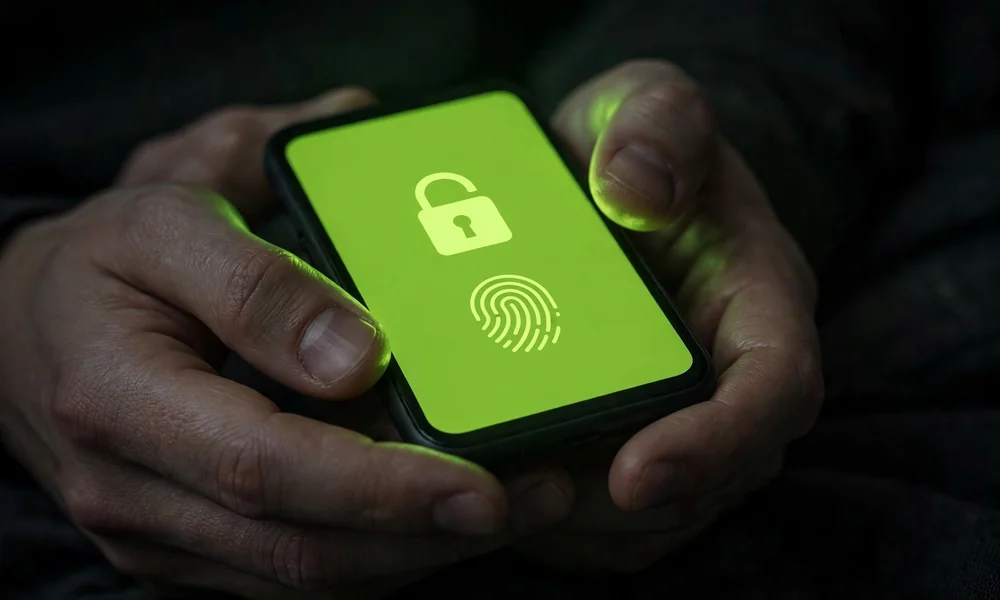
Turn on two-factor authentication if it is not already on. An authenticator app or a passkey is stronger than a text-message code, which can be intercepted if an attacker moves your number to a new SIM. Our guide to multi-factor authentication explained compares the methods. Save the backup codes somewhere safe, away from the account itself.
Finally, change the passwords on every account that reused the hacked password: email first, then banking and financial accounts, then shopping sites with saved cards, then social media. A password manager generates and stores a different long password for each account.
Step 4: secure your money
If a bank, card or payment account was involved, act on the money first and the account second. Sign in to your bank or card app directly, change the password, turn on two-factor authentication, and review recent transactions. Report anything you did not do straight away, using the number on the back of your card or the bank’s official app.
Ask the bank to freeze or replace any card that may have been used, and check for new payees or delivery addresses. If personal details may have been exposed, consider a credit freeze with the credit reference agencies. In the United States, that means Equifax, Experian and TransUnion, and the Federal Trade Commission’s IdentityTheft.gov site provides a recovery plan. Keep monitoring statements.
Step 5: check what the attacker did
Once you are back in, audit the account before calling it done. On social accounts, check for posts and messages sent in your name, changes to your profile, pages where the attacker made themselves an admin, and any payment method they added. Delete their posts and revoke their admin rights.
In email, look at the Sent and Trash folders and review any rules you did not set. In shopping and payment accounts, check order history, saved addresses and saved cards. Our guide to data breach response explained covers what to do when personal information has been exposed. The damage check is not optional: an attacker who quietly read your email for a week has done more harm than one who posted a single scam link.
Recovery routes compared
Every service has its own recovery route. The table below shows the usual path for the most common account types.
| Account type | Recovery route | First action | What to check after |
|---|---|---|---|
| Email (Gmail, Outlook) | Provider account recovery page | Change password, sign out everywhere | Forwarding rules and recovery details |
| Social media (Facebook, Instagram) | Official hacked-account page | Recover access, warn contacts | Posts sent and admins added |
| Bank or card | Bank app or number on the card | Freeze card, report unknown charges | New payees and statements |
| Apple Account | iforgot recovery page | Reset password from a trusted device | Trusted devices, payment methods |
| Mobile phone account | Carrier support line | Check for SIM swap, add a PIN | Port-out block |
If your phone suddenly lost signal around the same time as the hack, call your mobile carrier from another phone straight away. That can be a SIM swap, where the attacker moved your number to their own SIM to receive your text-message codes. Ask the carrier to restore your number and set a PIN on the account.
Check your devices for malware
Some hacks start on the device itself. If the attacker got in through malware, changing passwords will not help until the device is clean. Run a full scan with trusted antivirus software on every computer and phone you use, and remove anything it flags.
A phishing email or fake login page is the most common route, and our guide to phishing explained shows how to recognise one next time. If you installed a new app or extension shortly before the hack, remove it. If you cannot be sure the device is clean, back up your files and reset it to factory settings.
Preventing a repeat
Recovery is the moment to fix the weakness that let the attacker in. Every important account needs its own long, unique password, and a password manager is the only realistic way to keep track of them. Never reuse a password across accounts.
Turn on two-factor authentication everywhere it counts, with an app or a passkey where offered. Keep your recovery email and phone number up to date, and use a recovery email on a different provider. Stay sceptical of urgent messages: attackers impersonate banks and delivery companies, and the message almost always demands immediate action through a link. Go to the service directly instead.
Recovery checklist
Work through this list in order — do not skip the session step.
- Use a device you trust before changing anything.
- Warn contacts if the account messaged them.
- Recover and secure your email first.
- Regain access through each official recovery page.
- Change the password to something long, new and unique.
- Sign out all other sessions and revoke unfamiliar devices.
- Repair recovery email, phone and second factors.
- Turn on two-factor authentication with an app or a passkey.
- Reset every account that reused the password, money first.
- Check statements, sent messages and settings for damage.
- Scan devices for malware and remove suspicious apps.
- Save backup codes and record what happened.
Frequently asked questions
Can I recover a hacked account if the attacker changed the email and phone number?
Yes, usually. The official recovery forms let you prove ownership in other ways, such as a previous password or a device you have signed in from before. Try from a familiar device and location, and try more than once.
How long does hacked account recovery take?
If you can still sign in, it can take under an hour. If you are locked out, automated recovery may take a day or two. Start immediately, because delay gives the attacker more time to do damage.
Should I pay someone to recover my account?
No. Legitimate recovery is free through the service’s official recovery page, and anyone charging a fee is almost certainly running a second scam.
Will changing my password log the hacker out?
Not on its own. Most services keep existing sessions active after a password change. You must sign out all other sessions as a separate step.
What should I do if the hacker is messaging my friends asking for money?
Warn your contacts straight away from another account and tell them not to send money or codes. Report the account as compromised, and once you are back in, delete the messages the attacker sent.
How do I know if my bank account is safe after a hack?
Check the full transaction history and payee list, and keep monitoring statements for several weeks. Ask the bank to replace any card that may have been used.
Disclaimer: This guide is general information, not legal, financial or professional security advice. If money has been taken or personal documents exposed, contact your bank, the platform’s official support and, where appropriate, local law enforcement.