
Multi-factor authentication is a security control that requires two or more different proofs of identity before allowing someone to sign in, so a stolen password alone is not enough to get in. The central question it answers is straightforward: if passwords can be phished, guessed or leaked, what else can prove that the person signing in is really who they claim to be? The answer is to combine something you know with something you have or something you are.
Passwords have been failing for years. People reuse them across sites, choose weak ones, and hand them to convincing fake login pages.
When one password leaks in a breach, attackers try it everywhere, a technique known as credential stuffing. Multi-factor authentication breaks that chain, because the attacker would also need the second factor, and that is much harder to steal.
Key takeaways
- Multi-factor authentication combines two or more factors from different categories: knowledge, possession and inherence.
- Two codes from the same category are not multi-factor; a password plus a second password is still one factor.
- Phishing-resistant methods such as passkeys and hardware security keys stop attacks that defeat SMS codes and push approvals.
- NIST SP 800-63B-4 defines three assurance levels, with AAL3 requiring a phishing-resistant authenticator and a non-exportable key.
- Recovery processes are the weakest link, so they need the same rigour as the login itself.
What multi-factor authentication actually means
Multi-factor authentication, usually shortened to MFA, requires a user to present at least two factors from different categories when signing in. The three categories are something you know, such as a password or PIN; something you have, such as a phone, a hardware security key or a smart card; and something you are, such as a fingerprint or facial recognition.
The key word is different. Two passwords are not two factors, because both come from the knowledge category. A password plus a code from an authenticator app is multi-factor, because the password is knowledge and the code proves possession of the phone that generates it.
MFA is sometimes confused with two-factor authentication, or 2FA. The terms overlap: two-factor authentication is the specific case of exactly two factors, while multi-factor authentication is the general idea of two or more. In practice, most people use the terms interchangeably, and MFA is the term you will see most often.
Best for: every account that matters, from email and banking to the admin consoles that control your organisation’s systems.
The three factor categories
Knowledge factors are the oldest form of authentication. Passwords, PINs and security questions all belong here. They are cheap and familiar, but they can be shared, guessed, phished or leaked, and they are the weakest category on their own.
Possession factors prove the user holds something physical or digital. A code sent to a phone, a one-time code from an authenticator app, a hardware security key, or a certificate stored on a device all count. Possession factors are stronger than knowledge, but their strength depends on the method: a code sent by text message is far easier to intercept than a cryptographic challenge answered by a hardware key.
Inherence factors are biometrics: fingerprints, face recognition, voice and iris scans. They are convenient, because there is nothing to remember or carry, but they need care. A biometric cannot be changed if it is compromised, so it should be stored on the device and used to unlock a local key, rather than sent to a server as a shared secret.
Common MFA methods compared
SMS codes are the most widely used method, and the weakest. They are better than a password alone, but they can be intercepted through SIM swapping, where an attacker convinces a mobile carrier to move the victim’s number to a new SIM. NIST has classed SMS as a restricted authenticator for years, and organisations should treat it as a stepping stone, not a destination.
Authenticator apps generate time-based one-time codes, usually six digits that change every thirty seconds. They work offline, they cannot be intercepted in transit, and they are a solid step up from SMS. Their weakness is phishing: a convincing fake login page can ask for the code and relay it to the real site within the same thirty-second window.
Push notifications ask the user to approve a sign-in on their phone. They are fast and user-friendly, but they are vulnerable to MFA fatigue, where an attacker sends repeated prompts until a tired or confused user taps approve. Number matching, where the user must type the number shown on the login screen into the phone, largely defeats this attack, and it is worth enabling wherever it is available.
| Method | Factor types | Phishing resistance | Ease of use |
|---|---|---|---|
| SMS code | Knowledge plus possession | Weak, vulnerable to SIM swapping | Very easy, no app needed |
| Authenticator app code | Knowledge plus possession | Moderate, codes can be phished | Easy, works offline |
| Push approval with number matching | Knowledge plus possession | Good, defeats prompt bombing | Very easy |
| Hardware security key | Possession, often plus inherence | Strong, bound to the real site | Needs a physical key |
| Passkey | Possession, often plus inherence | Strong, bound to the real site | Very easy once set up |
Hardware security keys and passkeys sit at the top of the table. Both use public-key cryptography, and the private key never leaves the device.
Crucially, the authentication is bound to the real website’s address, so a fake login page cannot use the response. That is what phishing-resistant means, and it is the standard that matters most. For the machine-identity side of the same problem, see our guide to how MCP authentication with OAuth keeps AI tool access safe.
Passkeys: the passwordless step forward
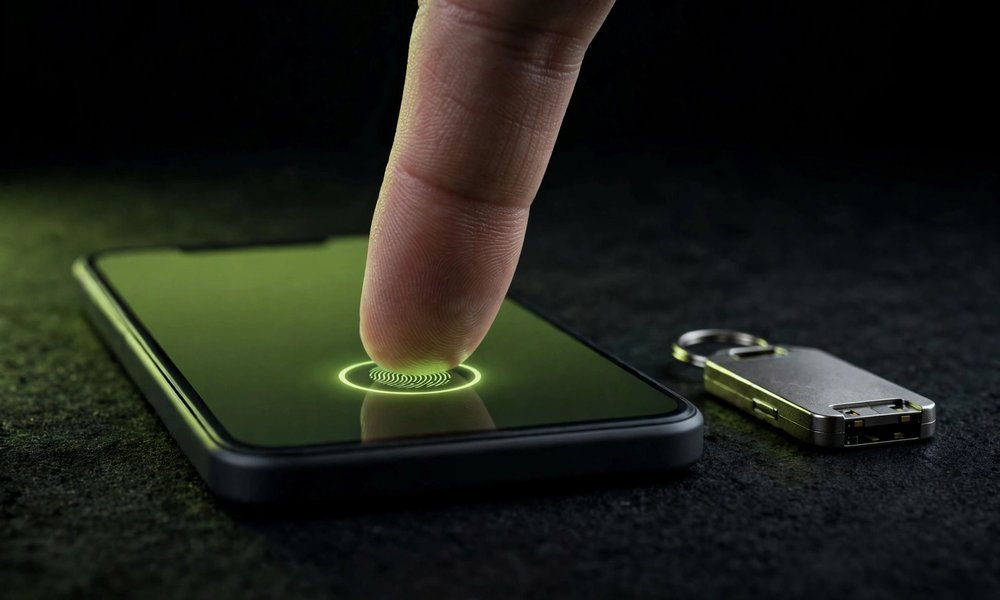
Passkeys are the newest mainstream MFA method, built on the FIDO2 and WebAuthn standards from the FIDO Alliance and the World Wide Web Consortium. A passkey is a cryptographic key pair: the public key is stored by the service, and the private key stays on the user’s device, protected by a fingerprint, face recognition or PIN.
When the user signs in, the service sends a challenge, the device signs it with the private key, and the user confirms with a biometric. There is no password to phish and no code to intercept. Passkeys can sync across a user’s devices through their platform account, which is convenient, or stay bound to one device, which is stronger.
Assurance levels: how strong is strong enough?
NIST SP 800-63B, the US federal guideline for digital authentication, defines three authenticator assurance levels. AAL1 is single-factor authentication, with a recommendation to offer MFA anyway.
AAL2 requires two distinct factors, and services at this level must offer at least one phishing-resistant option. AAL3 requires a phishing-resistant authenticator with a non-exportable key, proven through public-key cryptography.
The current revision, SP 800-63B-4, was published in July 2025, and it sharpens the phishing-resistance rules. For most organisations, AAL2 is the sensible target for everyday access, with AAL3 reserved for administrators and the most sensitive systems. The levels give teams a shared language for deciding how much protection each system needs, rather than guessing.
Rolling out MFA without breaking work
Start with the accounts that matter most: administrators, finance staff, and anyone with access to sensitive data or customer systems. Then extend to everyone else in waves, with clear communication about what is changing and why. A rollout that surprises people creates helpdesk queues and resentment.
Give people a choice of methods where possible. Some will prefer an authenticator app, others a hardware key, others a passkey.
Forcing one method on everyone guarantees complaints, and complaints turn into exceptions, which turn into gaps. Also plan for the edge cases: staff who lose phones, staff who travel, and shared workstations.
Measure the rollout properly. Track the percentage of accounts protected, the number of sign-ins that still bypass MFA, and the helpdesk tickets the rollout generates. Our guide to AI agent authentication, and proving an agent is who it claims to be covers the same challenge for non-human identities, which need verification just as much as people do.
The recovery problem
Recovery is where many MFA deployments fail. When a user loses their phone or their security key, there has to be a way back in, and attackers know it. A recovery process that lets anyone reset MFA with a single email is not a back door; it is the front door, left open.
Good recovery requires the same rigour as the login. That means verifying the person through a separate channel, involving a second staff member for privileged accounts, and logging every recovery event for review. It also means giving every user a backup method in advance, such as a second registered device or printed recovery codes stored somewhere safe.
Test the recovery process before you need it. A procedure that works in theory but takes three days in practice will push staff towards insecure shortcuts the moment a real incident happens.
MFA rollout checklist
- Enforce MFA for administrators and privileged accounts first, then everyone else.
- Offer a phishing-resistant option such as passkeys or hardware keys.
- Enable number matching on push approvals to stop MFA fatigue attacks.
- Phase out SMS codes wherever a stronger method is available.
- Register a backup method for every user before they need it.
- Write down the recovery process and test it with real staff.
- Monitor sign-in logs for impossible travel and repeated MFA failures.
- Review and remove stale MFA registrations every quarter.
Common mistakes to avoid
The most common mistake is deploying MFA and then leaving exceptions open. Service accounts, legacy applications and executive accounts are the usual exceptions, and attackers look for them first. Every exception should have a named owner and an expiry date.
Another mistake is treating MFA as a substitute for everything else. MFA protects the sign-in, but it does not fix excessive permissions, unpatched systems or data that should not be accessible in the first place. It is one layer, not the whole defence.
Finally, do not ignore the login page itself. If the page does not make it obvious that MFA is required, or if it accepts weak methods silently, users will take the easiest path. Our guide to why your login page is now the front line explains how much of your security now depends on that one page.
Frequently asked questions
Is multi-factor authentication the same as two-factor authentication?
Almost. Two-factor authentication means exactly two factors, while multi-factor authentication means two or more. In everyday use the terms are treated as interchangeable, and MFA is the more common term.
Does MFA make an account unhackable?
No. MFA makes attacks much harder, but weak methods such as SMS codes can still be defeated, and recovery processes can be abused. Strong, phishing-resistant methods close most of the remaining gaps.
What is MFA fatigue?
MFA fatigue is an attack where the attacker triggers repeated push notifications until the victim taps approve out of annoyance or confusion. Number matching, where the user types a number from the login screen into the phone, largely stops it.
Are passkeys really phishing-resistant?
Yes. A passkey’s response is cryptographically bound to the real website’s address, so a fake login page cannot reuse it. That binding is what separates phishing-resistant methods from codes that can be relayed.
Should I still use SMS codes?
Only if nothing better is available. SMS codes are far better than a password alone, but they are vulnerable to SIM swapping, and NIST classes them as a restricted authenticator.
What happens if I lose my second factor?
Use a pre-registered backup method, such as a second device or recovery codes. If none exists, the account recovery process should verify your identity through a separate channel before restoring access.


