Fibre optics explained in plain terms means understanding how the internet travels as light, through strands of glass thinner than a hair, at speeds copper could never match. The central question is how a pulse of light can carry a phone call across an ocean, or a film into a home, without fading away, and the answer is a glass thread that traps light inside itself and guides it for miles.
Fibre optics is the technology of sending data as pulses of light through optical fibre, a strand of very pure glass. A laser or LED flashes the data, the light bounces along the inside of the fibre, and a receiver at the far end turns the flashes back into electrical signals, billions of times a second.
The idea is simple: light is fast, and glass is clear. A fibre carries far more data than a copper wire, over far greater distances, with no electrical interference, which is why the backbones of the internet, and increasingly the connections into homes, are made of glass. This article explains what fibre optics is, how it works, and where it is used.
Key takeaways
- Fibre optics sends data as pulses of light through strands of glass.
- Light stays inside the fibre by total internal reflection.
- Single-mode fibre carries one signal over very long distances.
- Multi-mode fibre carries many signals over short distances.
- Fibre beats copper on speed, distance, and interference.
What fibre optics is
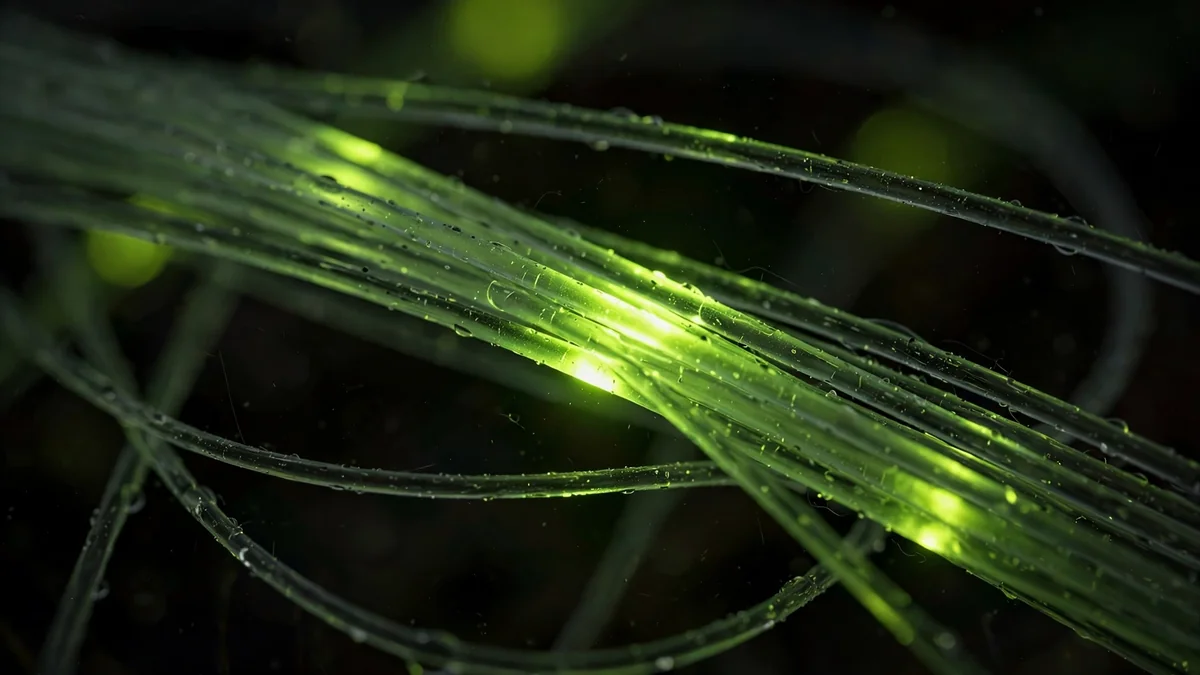
An optical fibre has three parts. The core is the thin glass strand that carries the light, usually nine micrometres across in single-mode fibre, and the cladding is a layer of glass around it with a slightly lower refractive index, which is what traps the light inside. A protective coating, and then a jacket, shield the glass from damage, since bare fibre is fragile.
The trick is total internal reflection. When light inside the core strikes the boundary with the cladding at a shallow angle, it reflects instead of escaping, and it keeps reflecting, zigzagging or travelling straight down the fibre, for kilometres. The glass is so pure that a signal can travel tens of kilometres before it needs boosting.
There are two kinds of fibre. Single-mode fibre has a narrow core that carries one beam of light straight down the middle, over distances of many kilometres, and it is the kind used between cities and under oceans. Multi-mode fibre has a wider core that carries many beams at once, over shorter distances, and it is the kind used inside buildings and data centres. Our guide to Ethernet explains the copper and fibre networks inside offices and homes, and our guide to satellite internet explains the alternative for places fibre cannot reach.
How fibre optics works
Sending starts with a transmitter, usually a laser for long distances and an LED for short ones. The transmitter turns electrical signals into pulses of light, flashing on and off billions of times a second, with each flash carrying one or more bits of data, at a wavelength chosen for the fibre, most often 1310 or 1550 nanometres.
The light travels down the core, reflecting off the cladding as it goes. In single-mode fibre it travels in a straight line, which keeps the pulses sharp over long distances, while in multi-mode fibre the many beams take slightly different paths and arrive at slightly different times, which limits how far and how fast it can go.
Receiving is done by a photodiode, which turns the flashes back into electrical signals. The receiver must be sensitive enough to detect a faint signal after kilometres of travel, and it must be fast enough to keep up with billions of flashes a second, which is why receivers are precision devices, not simple light sensors.
Over long distances, the signal weakens and spreads, a problem called attenuation and dispersion. Amplifiers, usually EDFAs, erbium-doped fibre amplifiers, boost the light without turning it back into electricity, and repeaters clean up the signal, so that an undersea cable can cross an ocean with amplifiers spaced every few dozen kilometres.
One fibre can carry many signals at once, using wavelength division multiplexing, or WDM. Each signal uses a different colour of light, and dozens, or even hundreds, of colours travel down the same fibre together, which is how a single undersea cable carries terabits per second.
Comparing fibre optics with other connections
Fibre optics is one of several ways to move data, and each suits a different need. Copper Ethernet is cheap and simple, satellite reaches anywhere on Earth, and wireless covers the last metres, but each has its own trade-offs.
The table below sets out the main contrasts between the leading approaches.
| Aspect | Fibre optics | Copper Ethernet | Satellite |
|---|---|---|---|
| Speed | Gigabits to terabits | Up to 10 gigabits | Hundreds of megabits |
| Distance | Kilometres without repeaters | 100 metres per link | Anywhere on Earth |
| Interference | None, light not electricity | Affected by electrical noise | Affected by weather |
| Cost | High to install, cheap to run | Low | High, needs a dish |
| Best for | Backbones, fast broadband | Short links, offices | Remote places |
The practical result is that fibre is the right choice for backbones and fast broadband, copper wins for short, cheap links inside buildings, and satellite is the choice where no cable can reach.
Where fibre optics is used
Undersea cables are the largest use. The internet between continents travels through fibre cables laid on the ocean floor, some carrying hundreds of terabits per second, and a handful of these cables carry almost all intercontinental traffic.
Broadband to the home uses fibre to deliver gigabit speeds. Fibre to the home, or FTTH, runs a fibre all the way to the house, while fibre to the cabinet runs it to a street box and uses copper for the last stretch, and both are replacing older copper broadband around the world.
Data centres use fibre to connect servers, switches, and storage. Short multi-mode links connect racks together, and single-mode links connect buildings, carrying the enormous traffic between machines that would overwhelm copper at those distances and speeds.
Mobile networks use fibre to connect base stations. A 5G mast needs a fast link back to the core network, and fibre provides it, which is why the rollout of fast mobile depends on fibre in the ground as much as on radios in the air.
Medicine and sensing use fibre in other ways. Endoscopes carry light into the body, fibre sensors measure temperature and strain along pipelines and bridges, and lasers delivered through fibre cut and weld with precision, all using the same principle of guiding light through glass.
Strengths and limits
The greatest strength of fibre optics is capacity. A single fibre carries far more data than any copper cable, and with multiplexing it carries terabits, which is why the internet’s growth has been possible at all: the backbones simply add more colours of light to the fibres already in the ground.
It is also a strength that fibre is immune to electrical interference. It can run beside power cables, through factories, and across lightning-prone ground without picking up noise, and it cannot be tapped by listening to electrical signals, which makes it more secure than copper.
The limits are real, though. Fibre is fragile, and bending it too sharply breaks the signal, joining fibres needs careful splicing or precise connectors, and installing it means digging trenches or stringing cables, which is expensive and slow, especially in rural areas.
Fibre optics checklist
- Use single-mode fibre for long runs, and multi-mode for short ones.
- Never bend fibre tighter than its minimum radius, or the signal leaks.
- Keep connectors clean, since a speck of dust can block the light.
- Test every fibre with an OTDR before putting it into service.
- Label fibres at both ends, so a fault can be found quickly.
- Use the right wavelength for the distance and the equipment.
- Plan for amplifiers on long runs, and spares for failures.
- Protect buried fibre from digging, with marking and records.
- Match connectors and polish types, since a mismatch loses light.
Frequently asked questions
What is fibre optics in simple terms?
Fibre optics is a way of sending data as pulses of light through thin strands of glass. A laser flashes the data, the light bounces along inside the fibre, and a receiver at the far end turns the flashes back into signals.
What is the difference between single-mode and multi-mode fibre?
Single-mode fibre has a narrow core that carries one beam of light over very long distances, while multi-mode fibre has a wider core that carries many beams over shorter distances. Long-haul links use single-mode; buildings and data centres often use multi-mode.
How fast is fibre optic internet?
Fibre to the home commonly offers one gigabit per second, and faster services reach ten gigabits. The fibre itself can carry far more, and backbone fibres carry terabits using many colours of light at once.
Can fibre optics be tapped or hacked?
It is much harder than copper, since there are no electrical signals to listen to. Tapping requires physically bending the fibre to leak light, which is detectable, though it is possible with specialist equipment.
Why is fibre better than copper?
Because it carries more data, over longer distances, with no electrical interference, and it is lighter and thinner. Copper is still cheaper for short links, which is why it survives inside buildings.
Does fibre work in bad weather?
Yes. Buried or cabled fibre is unaffected by rain, lightning, and temperature in normal ranges, which is one reason it is more reliable than wireless links, though a cut cable still needs a physical repair.
The bottom line
Fibre optics explained in one line is this: data sent as pulses of light through strands of pure glass, trapped inside by reflection, travelling for miles at the speed of light.
It is the physical foundation of the modern internet, carrying almost everything between continents and increasingly into homes, and its capacity has grown so steadily that the glass laid decades ago still carries the traffic of today.
This article is general information about how fibre optics works, not advice about choosing a connection for a particular home or business.