
Quick Answer: What is data center migration?
Data center migration is the planned relocation of applications, data, and supporting infrastructure from one data center to another, or into colocation, cloud, or hybrid environments. It runs as a project with clear phases: assessment, planning, migration waves, cutover, and decommissioning of the old footprint. (Data migration)
It is different from a simple server refresh or a backup restore. A refresh swaps hardware in place; a migration moves workloads across a boundary, which changes network paths, latency, identity, and often the legal jurisdiction holding the data. Related but distinct exercises include cloud repatriation (moving back on-premises) and consolidation (merging two facilities into one).
Before committing, compare facility tier and redundancy, application dependencies, network capacity and latency, data residency and transfer rules, downtime tolerance, rollback options, and decommissioning and sanitization requirements.
Why migrations keep landing on the leadership agenda
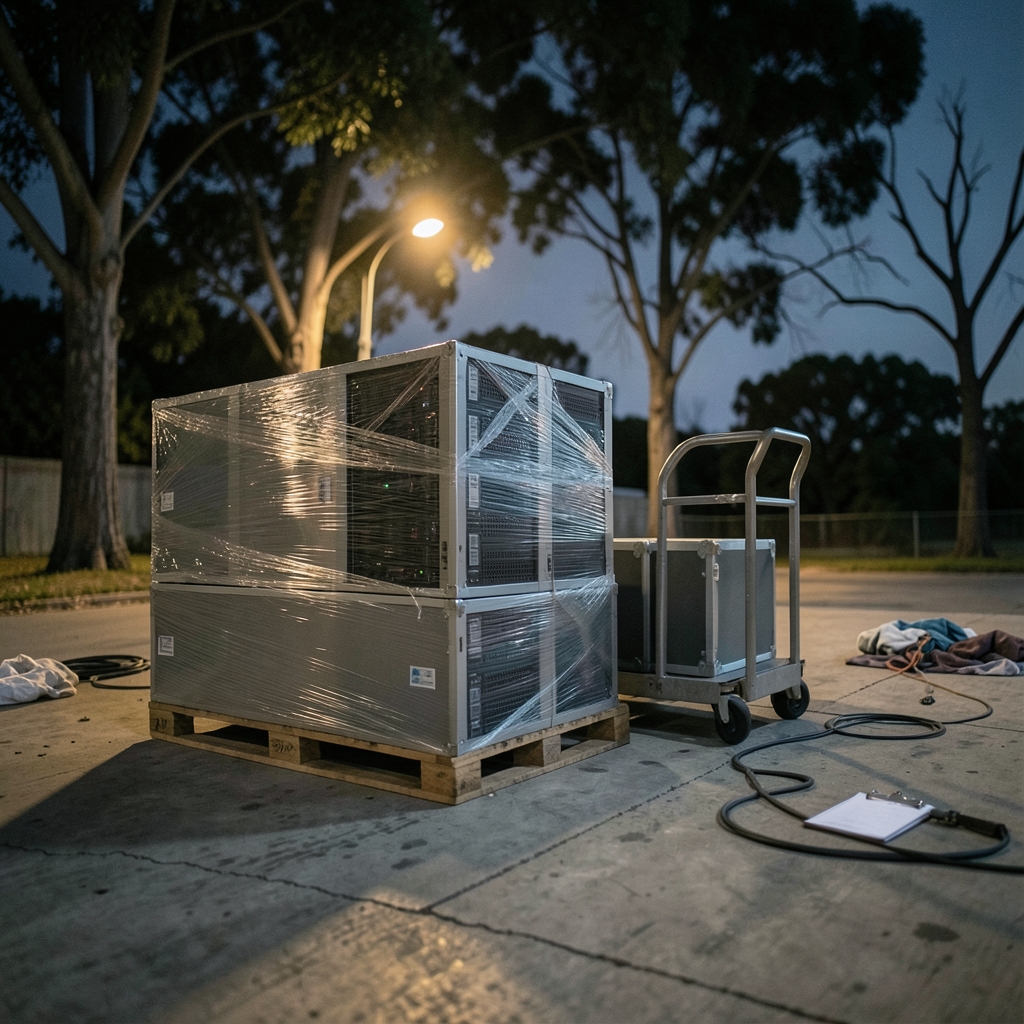
When was the last time a company moved an entire data center without a single surprise? Almost never. That is exactly why the topic keeps coming back. Facilities age, leases expire, acquisitions leave two of everything, and finance wants the real estate line item gone. A migration is rarely a technology project for its own sake. It is usually a business event wearing a technical costume.
The work itself is unglamorous and detail-heavy. The failure modes are rarely exotic hardware faults. They are missed dependencies, stale DNS records, firewall rules nobody documented, and a certificate that expires the night of cutover. Understanding the shape of the project before you start is most of the battle.
What counts as a data center migration, and what does not
The term covers several moves that look similar from a distance:
| Move type | What changes | Typical driver |
|---|---|---|
| Facility-to-facility | Physical location, network paths | Lease expiry, consolidation |
| On-premises to cloud | Operating model, billing, scaling | Elasticity, cost model shift |
| Cloud to on-premises | Control, latency, predictable cost | Repatriation, compliance |
| Into colocation | Ownership of the building, not the kit | Capex avoidance |
| Hybrid split | Workload placement per app | Mixed requirements |
A hardware refresh inside the same four walls is not a migration. Neither is a disaster recovery failover, though the two share tooling and testing discipline. The distinguishing feature of a migration is that the destination is a genuinely different environment with its own constraints.
The phases of a real migration project
Most credible methodologies follow the same arc, even when the labels differ.
- Assessment. Inventory every application, dependency, data store, and integration. Projects can succeed or fail at this stage, and teams often underestimate the effort.
- Planning. Choose a migration strategy per application, define waves, set the cutover calendar, and agree rollback criteria in writing.
- Pilot wave. Move a small, low-risk, well-understood workload first to test the runbook as well as the technology.
- Migration waves. Move workloads in dependency order, smallest risk first, with a go/no-go check before each cutover.
- Cutover and stabilization. Switch traffic, watch error budgets and latency, and keep the old environment warm long enough to reverse course.
- Decommissioning. Retire the source, sanitize media, reclaim contracts, and close out documentation.
The inventory step deserves special attention because it is the one teams most often rush. A structured pre-migration inventory covering ownership, data classification, and network dependencies pays for itself many times over; there is a useful walkthrough of what to capture in a pre-migration cloud inventory checklist that applies equally to physical moves. (What to inventory before a cloud migration)
Choosing a migration strategy: the 6 Rs in practice
The widely used 6 Rs framework (rehost, replatform, repurchase, refactor, retire, retain) is a practitioner heuristic rather than a formal standard, but it is a genuinely useful sorting tool. In practice, most large programs land heavily on rehost for speed, with selective replatforming where the payoff is clear. (NIST Cybersecurity Framework)
| Strategy | Effort | Speed | When it fits |
|---|---|---|---|
| Rehost (lift and shift) | Low | Fast | Deadline pressure, unclear app ownership |
| Replatform | Medium | Medium | Managed database or container gains |
| Repurchase | Medium | Medium | SaaS replaces a commodity system |
| Refactor | High | Slow | Competitive advantage lives in the app |
| Retire | Low | Fast | Nobody can name a current user |
| Retain | None | N/A | Latency, compliance, or mainframe constraints |
A common mistake is refactoring everything because it feels like the “proper” answer. Refactoring during a migration multiplies risk: you change both the environment and the code at once, and when something breaks you cannot tell which change caused it. Move first, improve later, unless the application genuinely cannot run in the target environment.
Cloud targets and the vocabulary that matters
When the destination is a cloud provider, the conversation shifts to service and deployment models. The National Institute of Standards and Technology’s official definition of cloud computing sets out the essential characteristics (on-demand self-service, broad network access, resource pooling, rapid elasticity, and measured service) along with the IaaS, PaaS, and SaaS models. Using that vocabulary keeps architecture reviews and vendor conversations on the same page instead of arguing past each other.
The other cloud-specific trap is cost. Egress charges, cross-region replication, and interconnects can quietly reshape the business case after cutover. A method for tracking cloud data transfer costs is worth building before the first workload moves, not after the invoice arrives.
Network, latency, and the capacity question
Every migration is a network project in disguise. Applications that chatted happily across a campus LAN may behave differently across a WAN link or a public internet path. Latency-sensitive systems, chatty databases, and anything doing synchronous replication need explicit testing rather than assumption.
Capacity planning has to cover more than bandwidth. Interconnect options, cross-connect lead times, and peering arrangements often sit on the critical path, and they are frequently ordered too late. The way interconnects shape a capacity plan is a good reminder that physical connectivity is a procurement item with its own clock.
Security, tenancy, and keeping data separate
Multi-tenant destinations raise a specific question: how do you prove that one customer’s data cannot leak into another’s? The answer usually combines identity boundaries, network segmentation, encryption key separation, and rigorous testing. If the destination includes an enterprise assistant or a shared analytics layer, the approach to separating tenant data in an enterprise assistant is a useful model for how isolation is designed and verified rather than merely asserted.
Compliance, residency, and cross-border transfers
Legal constraints can veto a technically perfect plan. Under the EU General Data Protection Regulation, the official text of Regulation (EU) 2016/679, moving personal data outside the European Economic Area requires an adequacy decision or appropriate safeguards such as Standard Contractual Clauses. Other jurisdictions impose their own localization rules. The practical lesson: involve legal and privacy teams during assessment, not after the destination is chosen.
Downtime, cutover, and rollback discipline
Outage analyses in the industry consistently point to configuration and human process errors rather than hardware failure as leading causes of incidents. That matters because migration cutovers concentrate change into a narrow window, which is precisely when process discipline slips.
What actually works in practice:
- Write the runbook before the pilot, and update it after every wave.
- Define rollback criteria numerically, such as error rate or latency thresholds, and give someone the authority to call it.
- Freeze unrelated changes during cutover windows.
- Keep the source environment running and reachable until the new one has survived a full business cycle.
- Test the restore path as well as the failover path. A recovery drill for a managed database exposes gaps while there is still time to fix them.
Decommissioning: the phase everyone forgets
The migration is not finished when the new environment is live. Old hardware frequently lingers, powered on, holding copies of production data that nobody owns anymore. That is both a cost and a compliance exposure.
Media sanitization should follow a recognized method rather than a well-intentioned wipe. NIST’s guidelines for media sanitization (SP 800-88 Rev. 1) describe clear, purge, and destroy categories that map to different data classifications. Pair that with contract termination, DNS cleanup, certificate revocation, and removal of stale access accounts.
A realistic timeline and budget sketch
Small, well-understood migrations can complete in a few months. Enterprise programs spanning hundreds of applications routinely run a year or more, and the wave plan usually stretches longer than the technology work because business change windows are the real constraint.
Budget lines that get missed: duplicate running costs during the overlap period, network circuit lead times, testing environments, staff training, contractor support for the peak waves, and the decommissioning effort itself. A migration that looks cheap on the architecture diagram often looks different once the overlap months are counted.
Common mistakes and how to avoid them
- Skipping the inventory. If you cannot list every dependency, you cannot plan a wave.
- Migrating everything at once. Waves exist to contain blast radius.
- Ignoring the humans. Support teams need training on the new environment before the first ticket arrives.
- Treating the pilot as a formality. The pilot’s job is to break the runbook while the stakes are low.
- Forgetting the exit. Decommissioning, contract termination, and sanitization need an owner and a date.
Conclusion
Data center migration is less about moving boxes and more about moving risk in controlled increments. The organizations that do it well share a pattern: they inventory obsessively, choose strategies per application rather than by slogan, pilot early, define rollback in numbers, and finish the job by decommissioning properly. The technology choices matter, but the discipline around cutover, compliance, and cleanup matters more. Start with what you actually have, decide deliberately where each piece should live, and treat the old environment as something you must actively close rather than something that quietly fades away.
Frequently asked questions
How long does a data center migration take?
It depends on scale and dependency complexity. A single application moving to cloud can take weeks. A full facility exit with hundreds of applications typically runs nine to eighteen months or longer, with the wave schedule usually bounded by business change windows rather than engineering effort.
What is the difference between migration and cloud repatriation?
Migration is the general term for relocating workloads between environments. Repatriation is the specific case of moving workloads from public cloud back to on-premises or colocation, usually driven by cost predictability, latency, or control. Repatriation is a migration in the reverse direction.
Do you need downtime to migrate a data center?
Not necessarily, but zero downtime is expensive and rarely free. Many migrations use replication and staged cutovers to keep outages to minutes. The honest approach is to agree a downtime tolerance per application up front, then design to that number rather than chasing an absolute zero.
What are the 6 Rs of migration?
They are rehost, replatform, repurchase, refactor, retire, and retain. The framework is a widely used practitioner heuristic for deciding how each application should move. Most programs mix strategies, favoring rehost for speed and replatforming where managed services deliver clear operational gains.
Who should own a data center migration?
A single accountable program owner with authority across infrastructure, applications, security, and legal. Migration fails when it is split between teams with no tie-breaker. The owner needs a decision-making group, a fixed reporting cadence, and the power to delay a wave when readiness criteria are not met.
What happens to old hardware after migration?
It should be sanitized to a defined standard, then either reused, sold, or destroyed, with documentation for each asset. Media sanitization guidance describes clear, purge, and destroy options matched to data sensitivity. Leaving powered-on hardware holding production data is the most common and most avoidable post-migration failure.








