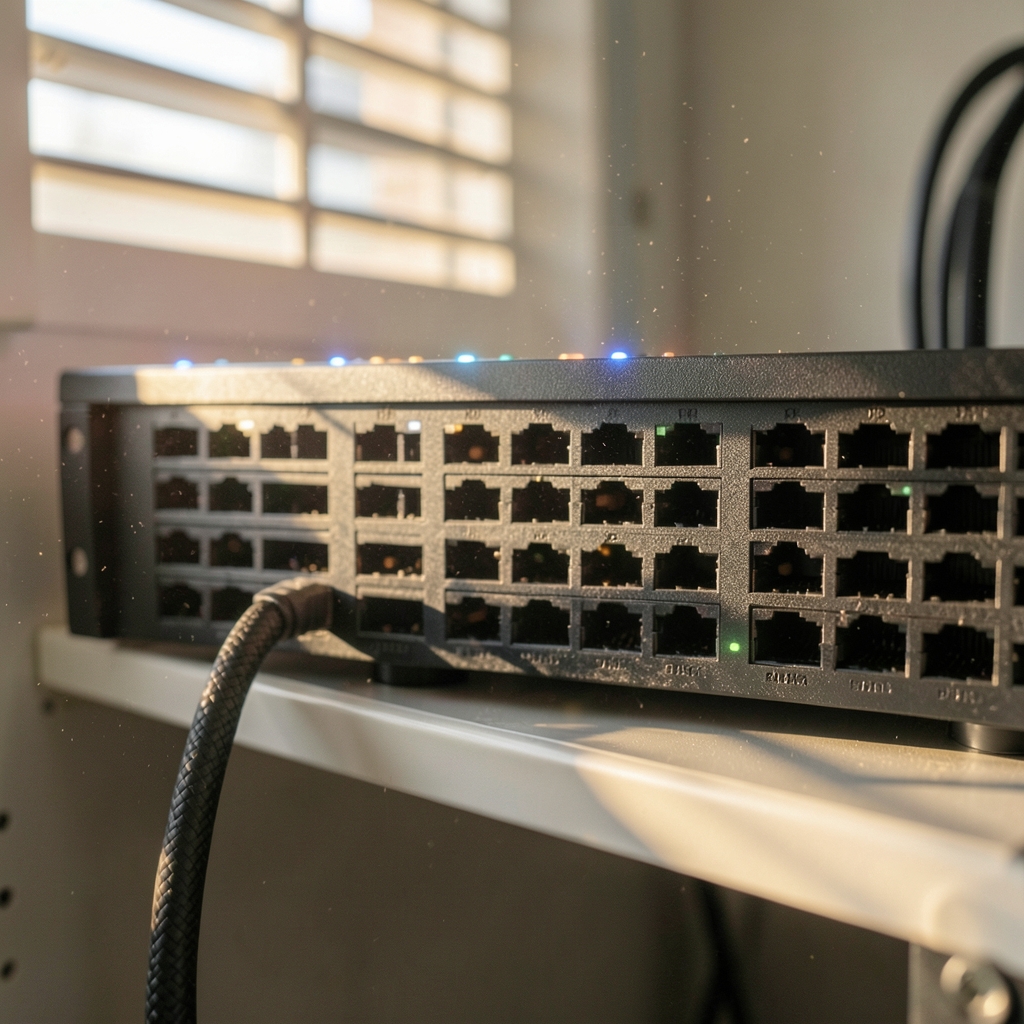
Why does a system that worked perfectly in testing suddenly time out in production? Ask any cloud engineer who has been paged at 2 a.m., and you will hear the same answer: networking. Compute and storage failures usually announce themselves. Network failures hide, then surface as mysterious latency, half-open connections, or a service that can reach one database but not the other. This article walks through the most common cloud networking problems, why they happen, and what actually fixes them in practice. (How to read a cloud region announcement) (Cloud computing)
Security Groups and Network ACLs: The Rules That Silently Block Traffic
The first place to look when traffic disappears is the rule layer. Security groups are stateful and default-deny: no inbound traffic is allowed unless a rule permits it, but return traffic for an allowed connection is automatically permitted. That stateful behavior trips people up when they assume a rule on one side covers both directions.
Network ACLs work differently. They are stateless and evaluated in numbered order, and the first matching rule wins. A team that opens port 443 inbound but forgets the outbound ephemeral port range gets the classic “one-way traffic” symptom: the request arrives, the response never leaves.
Practical tips that save hours:
- Check the rule layer before blaming the application. A connection timeout and a connection refused mean different things.
- Never open `0.0.0.0/0` on management ports “temporarily.” Temporary rules become permanent exposure.
- Reference security groups by ID rather than CIDR blocks wherever possible, so rules follow the workload instead of a guessed IP range.
The most common mistake is treating security groups and NACLs as interchangeable. They are not, and debugging becomes fast once you know which layer you are actually fighting.
Overlapping IP Ranges and the Peering Trap

Address planning is boring until it is catastrophic. Overlapping CIDR ranges break VPC peering outright, and the same overlap problem affects VPN and dedicated links to on-premises networks. Merge two companies that both used `10.0.0.0/16`, and you inherit a routing puzzle no firewall rule can solve. (RFC 1918: Address Allocation for Private Internets)
The second surprise is transitive routing. If VPC A peers with B, and B peers with C, A still cannot reach C through B. Peering is strictly one-to-one. Teams discover this after designing a hub-and-spoke topology on paper and finding it does not route in practice. The usual fix is a transit routing service or a shared services VPC, but retrofitting one costs far more than planning for it.
Before any migration, inventory what you actually have. A disciplined pre-migration inventory of networks, address ranges, and dependencies prevents most of these collisions, and the guidance on what to inventory before a cloud migration is worth reading before the first subnet is created.
DNS: The Failure That Looks Like an Outage
When an application cannot resolve a name, it rarely says “DNS problem.” It says “database unreachable” or “upstream timeout.” DNS resolution across VPCs and hybrid links is one of the most persistent failure points in cloud networking, because private hosted zones, resolver rules, and split-horizon DNS interact in ways that are hard to see. (9481.org)
A few patterns recur constantly:
- A private hosted zone is associated with the wrong VPC, so instances resolve the public record instead of the internal one.
- On-premises clients resolve cloud names through a forwarder that was never updated after a new zone was added.
- Caching hides the problem for hours, then it reappears after a TTL expires.
The practical fix is to treat DNS as a monitored dependency, not plumbing. Query the name from inside the workload, from a peered VPC, and from on-premises during every change. If all three answer correctly, you have ruled out an entire class of incidents.
MTU and Fragmentation: The Intermittent Nightmare
Here is a problem that has ruined more afternoons than any other: small packets succeed, large packets vanish. This is a path MTU discovery black hole. When ICMP “fragmentation needed” messages are blocked by a firewall, endpoints never learn that they must shrink their packets, so large transfers stall while pings and small requests work fine.
The underlying mechanism is documented in the standard for path MTU discovery, which explains how routers signal that a packet is too large. In practice, tunnels make it worse. VPN and overlay encapsulation add headers, shrinking the usable payload, so an application that worked on a flat network suddenly fails over the tunnel.
What actually works: test with large payloads, rather than pings alone. If a 1,400-byte request succeeds and a 1,500-byte one hangs, you have found your black hole. Then either allow the relevant ICMP messages through or clamp the MSS on the tunnel interface.
NAT Gateways, Egress, and the Cost of Forgetting
NAT gateways are a quiet source of both outages and budget surprises. They are per availability zone, so if you run one in a single AZ and that AZ fails, egress from the surviving AZ breaks with it. Teams build multi-AZ compute and then route all outbound traffic through a single point of failure.
Egress also costs money, and cross-AZ traffic is billed and adds latency. Architecture that ignores this produces a bill nobody expected and latency nobody can explain. Tracking data transfer costs deliberately, rather than discovering them at invoice time, is a habit worth building early; a clearer way to track cloud data transfer costs covers the mechanics. The same logic applies to account structure, since when to split workloads across cloud accounts affects both blast radius and traffic paths.
Load Balancers, Idle Timeouts, and “Random” 5xx Errors
Few problems waste more engineering time than connections that drop after exactly the same interval every time. Idle timeouts are the usual culprit. A load balancer with a 60-second default idle timeout will close a long-lived connection that sits quiet for a minute, and the client reports it as a random failure.
The mismatch pattern is predictable:
| Layer | Typical behavior | Symptom |
|---|---|---|
| Client keep-alive | Longer than the balancer timeout | Connection reset mid-request |
| Load balancer idle timeout | Closes quiet connections | Intermittent 5xx or dropped sockets |
| Backend keep-alive | Shorter than the balancer | New connection per request, added latency |
The fix is to make timeouts decrease as you move outward. The client should hold connections longer than the balancer, and the balancer longer than the backend. Health checks deserve the same scrutiny: a check that tests a shallow endpoint will happily report healthy while the application is failing.
Hybrid Connectivity: When One Tunnel Quietly Dies
Site-to-site VPNs are usually built with two tunnels for redundancy, and that redundancy often fails silently. A BGP session flaps, traffic shifts to the standby tunnel, and asymmetric routing sends return traffic down a different path than the request took. Everything looks connected, yet throughput collapses or sessions reset.
Monitoring both tunnels independently, rather than checking only “is the VPN up,” is the difference between catching a degraded link and discovering it during a failover drill. The same discipline applies to any hybrid design: verify that traffic takes the path you think it does, in both directions.
Why These Problems Repeat
Most cloud networking incidents share a root cause: the network is invisible until it breaks. Nobody reviews a subnet map the way they review application code. Nobody tests a failover path until it is needed.
Two habits change that. First, document the network as a diagram someone can actually read, and update it when it changes. Second, review cost and traffic together, because unusual traffic patterns often precede outages. Making cloud cost reviews useful to engineers is a good starting point, since traffic that suddenly doubles usually means a routing loop or a misconfigured retry.
For teams running AI workloads, the stakes rise further. Training jobs move enormous volumes of data between nodes, and a single misconfigured security group or MTU mismatch can stall a cluster for hours. The intersection of enterprise AI and cloud security deserves the same network rigor as any production service.
A Practical Debugging Order
When something breaks, order matters more than cleverness. Work outward from the workload:
- Confirm the process is listening and the application responds locally.
- Check the security group and NACL rules in both directions.
- Verify DNS resolution from the actual source, not your laptop.
- Test with a large payload to rule out MTU issues.
- Trace the route and confirm it matches the intended topology.
- Check load balancer health and idle timeout settings.
- For hybrid links, confirm both tunnels and both directions.
This sequence resolves the majority of incidents because it follows the same order in which misconfigurations usually occur.
Conclusion
Cloud networking problems are rarely exotic. They are stateful rules misunderstood, address ranges that overlap, DNS zones attached to the wrong place, packets too large for a tunnel, and timeouts set in the wrong order. None of these require genius to fix. They require a mental model of the layers and the discipline to check them in sequence.
The teams that suffer least are not the ones with the most sophisticated architecture. They are the ones who documented their address plan before it mattered, monitored both VPN tunnels, and tested with large packets instead of pings. Start there, and most of the 2 a.m. pages never happen.
Frequently Asked Questions
Why do my cloud resources time out even though the security group allows traffic?
Check the return path. Security groups are stateful, but network ACLs are stateless, so an outbound rule is required for the response. Also confirm the route table sends traffic back the way it came, and that DNS resolves to the address you expect rather than a stale public record.
What causes intermittent failures where small requests work but large ones fail?
This is usually an MTU problem. Encapsulation from VPNs or overlays shrinks the usable packet size, and if ICMP messages signalling “packet too large” are blocked, endpoints never adjust. Test with a large payload and either permit those ICMP messages or clamp the MSS on the tunnel.
Can two VPCs reach each other through a third peered VPC?
No. Peering is not transitive. If A peers with B and B peers with C, A cannot reach C through B. You need a transit routing service or a shared services VPC to route between them, and overlapping address ranges will block peering entirely regardless of design.
Why does DNS work from one VPC but fail from another?
Private hosted zones are associated with specific VPCs, and resolver rules must be shared explicitly. A zone attached to the wrong VPC, or a forwarder that was never updated after a new zone was added, produces failures that look exactly like a network outage. Test resolution from every source that needs it.
What causes connections to drop after exactly 60 seconds?
An idle timeout. Load balancers close connections that sit quiet past their configured threshold, and clients report it as a random error. Set timeouts so they decrease outward: client longest, balancer in the middle, backend shortest.
Does cross-availability-zone traffic really matter?
Yes, in two ways. It is billed, so architectures that chat freely across zones produce surprising invoices. It also adds latency, which matters for chatty services. Keep tightly coupled components in the same zone where resilience allows, and route deliberately rather than by accident.
The final layer worth checking is the one most teams never touch: the route table itself. A stale route, a more specific prefix pointing at a decommissioned appliance, or a default route that silently fails over to a NAT instance nobody maintains will override every careful peering and firewall rule you built. Review route tables as part of change management, rather than only when something breaks, and confirm that each subnet’s associations match the design on paper. Combined with the checks above, that habit completes the set: address plan, DNS, MTU, timeouts, routes. Get those five right and the network stops being the thing that surprises you.