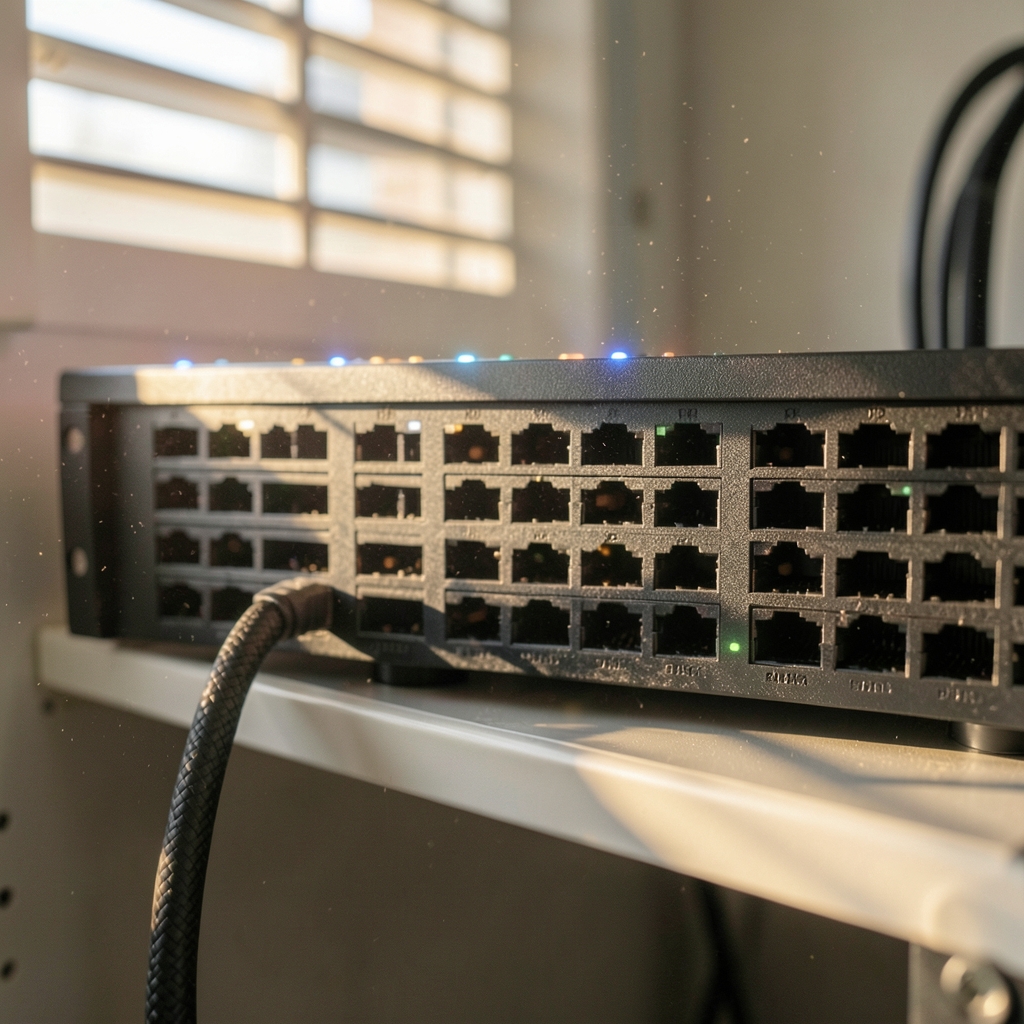
What happens when a company’s private network has to stretch across a public cloud without exposing its databases to the open internet? That question sits at the heart of cloud VPN architecture, and the answer is less about a single product than about a set of design choices: where tunnels terminate, how traffic is routed, how many paths exist, and what happens when one of them fails. (Cloud Infrastructure and Architecture)
This article walks through how cloud VPNs are built in practice, the topologies that work, the mistakes that cause outages, and the trade-offs that separate a resilient design from one that merely looks fine on a diagram.
What “Cloud VPN” Actually Means
The phrase gets used for three different things, and mixing them up causes real confusion during design reviews:
- A cloud-hosted VPN gateway. The cloud provider runs the tunnel endpoint, and an on-premises device (or another cloud) connects to it. This is the most common meaning in enterprise architecture.
- VPN as a service. A third-party platform connects remote workers to applications, with the vendor managing the gateways.
- A tunnel between two clouds. Two providers’ networks are joined so workloads can talk privately across them.
Most architecture discussions mean the first. A company keeps its data center, adds workloads in one or more clouds, and needs private, encrypted connectivity between them. The VPN is the bridge.
The Building Blocks of a Cloud VPN

Before comparing topologies, it helps to know the parts every design shares.
The tunnel and its encryption
Almost all site-to-site cloud VPNs use IPsec, usually negotiated with IKEv2. The two sides authenticate each other, agree on encryption and integrity algorithms, and then wrap packets in an encrypted envelope. The IETF’s specifications for the IPsec architecture and for IKEv2 define how this negotiation works, and reading them explains why so many configuration problems trace back to mismatched proposals, lifetimes, or pre-shared keys. (RFC 4301: Security Architecture for IP (IETF))
Cloud gateways typically support a fixed menu of cipher suites. If an on-premises firewall offers a proposal the cloud side does not accept, the tunnel simply will not come up, and the logs often say very little. Checking the supported algorithm list before touching the firewall is the fastest way to avoid an afternoon of guessing.
Redundancy: two tunnels, not one
Every major cloud provider’s site-to-site VPN offers two tunnels per connection by default. They exist so that maintenance on one path does not take the link down. A surprising number of teams configure only one tunnel and treat the second as optional. It is not optional if the connection matters.
The two tunnels usually terminate on different physical devices inside the provider’s network. That protects against hardware failure, but not against a failure at the customer’s end. If both tunnels land on the same on-premises router, that router is a single point of failure regardless of what the cloud side does.
Routing: static or dynamic
Cloud VPNs support two routing modes:
| Mode | How it works | Best for |
|---|---|---|
| Static routing | You manually define which remote subnets sit behind the tunnel | Small, stable networks with few prefixes |
| Dynamic routing (BGP) | The two sides exchange routes automatically over the tunnel | Multi-site networks, failover, growing address space |
BGP over IPsec is what makes automatic failover possible. When a tunnel drops, the route is withdrawn and traffic moves to the surviving path. With static routing, failover depends on the gateway detecting the dead tunnel and shifting traffic, which works but gives you less control and less visibility.
Hub-and-Spoke vs. Mesh Topologies
The shape of the network decides how traffic flows and how much you pay for it.
Hub-and-spoke
A central hub (often a transit gateway or a virtual network appliance) connects to each spoke: individual VPCs, branch offices, or other clouds. Spokes talk to each other through the hub.
This is the default for good reasons. It centralizes security inspection, keeps routing tables manageable, and makes it easy to add new sites. The cost is that traffic between two spokes takes an extra hop, and the hub becomes a capacity and failure bottleneck if it is not built for it.
Full mesh
Every site connects directly to every other site. Latency is lower and there is no central chokepoint, but the number of tunnels grows quickly. Five sites need ten tunnels; ten sites need forty-five. Mesh designs are common in small, latency-sensitive setups and rare in large enterprises.
When to split workloads instead
Sometimes the right answer is not a better tunnel but fewer of them. Separating workloads into distinct cloud accounts or projects with their own connectivity boundaries can simplify security and billing, though it multiplies the number of connections to manage. The trade-off between isolation and operational overhead is worth thinking through early, and a guide to when to split workloads across cloud accounts covers the decision points in more depth.
Designing for Scale and Failure
A cloud VPN that works in a lab can fall apart under real traffic. These are the pressure points.
Throughput limits per tunnel
Cloud VPN gateways publish throughput ceilings per tunnel, and they are often lower than people expect. A single tunnel might cap at a few hundred megabits or a few gigabits depending on the provider and gateway size. When a workload needs more, the options are aggregating multiple tunnels with BGP multipath, upgrading to a dedicated interconnect product, or moving the traffic closer to its destination.
The practical tip: model peak throughput, not average. VPN tunnels handle bursts poorly when the encryption hardware is saturated, and latency climbs before throughput visibly drops.
MTU and fragmentation
Encapsulation adds overhead, which shrinks the effective maximum transmission unit. If path MTU discovery is blocked by a firewall, large packets get dropped silently and applications hang in ways that look like anything but a network problem. Setting the tunnel interface MTU conservatively and allowing ICMP “fragmentation needed” messages through is unglamorous but prevents a whole class of mysterious failures.
Asymmetric routing
When a packet leaves through one path and the return traffic arrives on another, stateful firewalls drop it. This happens often in dual-tunnel setups where BGP preferences differ between the two directions. The fix is to keep routing symmetric, either by tuning local preference consistently or by pinning specific flows to specific tunnels.
Common Mistakes and What Works Instead
Experience across real deployments surfaces a familiar list of errors.
Mistake: treating the VPN as the security boundary. A tunnel encrypts traffic in transit; it does not inspect it. Segmentation, identity checks, and logging still have to happen. Architecture decisions about enterprise AI and cloud security belong alongside the tunnel design, not after it.
Mistake: no monitoring on tunnel state. Cloud providers expose tunnel status metrics, but teams often alert only on total outage. Flapping tunnels, rising latency, and one-sided failures deserve their own alerts because they precede full outages.
Mistake: overlapping address ranges. Two sites using the same private range cannot be routed over a VPN without network address translation, which adds complexity and breaks some protocols. Planning address space before connecting anything saves weeks later. A checklist of what to inventory before a cloud migration is a useful starting point.
What works: document the tunnel parameters, keep configuration in version control, test failover deliberately by disabling one tunnel during business hours, and review the connection inventory quarterly. The last item matters more than it sounds, because unused tunnels accumulate and each one is an attack surface.
Cloud VPN vs. Dedicated Interconnect
VPNs run over the public internet. Dedicated interconnects run over private circuits. The comparison is not close on performance or predictability, but it is not close on price or setup time either.
| Factor | Cloud VPN | Dedicated interconnect |
|---|---|---|
| Path | Public internet, encrypted | Private circuit |
| Setup time | Minutes to hours | Weeks to months |
| Cost | Low, usage-based | High, committed |
| Latency and jitter | Variable | Stable |
| Best fit | Branches, backups, dev/test, burst capacity | Core production, large data transfer |
Many mature architectures use both: interconnect for the bulk of production traffic, VPN as a backup path and for smaller sites. The VPN earns its keep as the resilient second option even when it is not the primary one.
Where AI Workloads Change the Picture
Training and inference workloads push traffic patterns in new directions. Model training often moves large datasets between storage and compute, which stresses throughput in ways ordinary business traffic does not. Inference endpoints may sit in several regions to keep latency low, multiplying the number of connections.
This is one reason architecture conversations increasingly treat connectivity as part of a broader intelligence layer rather than a fixed pipe. How infrastructure becomes intelligent, and what that means for network design, is a useful frame for teams planning AI rollouts alongside their cloud foundations.
Conclusion
Cloud VPN architecture rewards boring, careful design. Two tunnels instead of one. Dynamic routing so failover is automatic. Address space planned before the first connection. Monitoring that catches degradation, not just outages. None of these choices are exciting, and that is exactly the point: the network should be the part of the system nobody has to think about at 2 a.m.
The technology itself is well understood. IPsec and IKEv2 have been standardized for years, and every major cloud provider documents its gateway behavior in detail. What separates good deployments from fragile ones is the discipline of matching the topology to the traffic, testing the failure paths before they fail for real, and knowing when a VPN is the right tool and when a private circuit is.
Start with the traffic. Draw the flows, count the sites, measure the peaks. The architecture follows from there.
FAQ
What is the difference between a cloud VPN and a site-to-site VPN?
A site-to-site VPN is a general term for any tunnel linking two networks. A cloud VPN is a specific case where one endpoint is a gateway hosted by a cloud provider. The underlying protocols are usually the same; the difference is who manages the hardware and how the connection is configured and billed. (9481.org)
How many tunnels should a cloud VPN connection have?
At least two. Most providers offer two tunnels per connection by default, and both should be configured and monitored. Two tunnels protect against failure inside the provider’s network. For protection at the customer end, the tunnels should terminate on separate on-premises devices.
Does a cloud VPN slow down traffic?
It adds some latency from encryption and the extra hop through the gateway, usually a small number of milliseconds. The bigger variable is the public internet path itself, which can introduce jitter and packet loss that a private circuit would not. For latency-sensitive workloads, measure before committing.
Can BGP run over a cloud VPN?
Yes. Most cloud VPN gateways support BGP over IPsec, which lets the two sides exchange routes automatically. This enables faster failover and simpler management as networks grow. Static routing remains an option for small setups with stable address space.
Why does a VPN tunnel keep dropping?
The usual causes are mismatched IPsec proposals, expired pre-shared keys, dead peer detection settings that are too aggressive, or an ISP path that is unstable. Checking the gateway logs for phase 1 and phase 2 negotiation failures narrows it down quickly.
Is a cloud VPN secure enough for production data?
Yes, when it is configured well. IPsec with modern algorithms provides strong encryption in transit. The risks come from weak pre-shared keys, overly broad routing that exposes more subnets than necessary, and missing monitoring. Pair the tunnel with segmentation and logging rather than relying on encryption alone.








