
What separates a container platform that quietly runs your business from one that wakes you up at 3 a.m.? Almost always, it comes down to how carefully the implementation was planned. Teams that treat orchestration as a checkbox end up with fragile clusters, mystery outages, and a security posture nobody can explain. Teams that treat it as an engineering project end up with something that mostly runs itself.
This guide walks through the practical side of that project. It covers what container orchestration actually does, how to choose a platform, what to build first, and the mistakes that trip up even experienced teams.
What container orchestration actually does
A container packages an application and its dependencies so it runs the same way everywhere. Orchestration is the layer above that: it decides where containers run, restarts them when they fail, scales them when traffic spikes, and connects them to each other and to storage.
The dominant tool is Kubernetes, which started at Google, was released as version 1.0 in July 2015, and was donated to the Cloud Native Computing Foundation (CNCF) that same month. It became the first CNCF project to graduate, in March 2018, which is the foundation’s highest maturity tier. Alternatives exist, including Docker Swarm, HashiCorp Nomad, and Apache Mesos, but Kubernetes has become the default for anything beyond small-scale deployments.
The core idea behind Kubernetes is declarative state. Instead of issuing commands like “start three copies of this app,” you submit an object describing the desired outcome, and controllers work continuously to make reality match. The official documentation on the Kubernetes controller pattern explains this reconciliation loop in detail, and it is worth reading before you write your first manifest. Understanding it changes how you debug: you stop asking “why didn’t my command work?” and start asking “why can’t the controller reach the desired state?” (Kubernetes Documentation: Overview of Kubernetes)
The architecture you need to understand before deploying
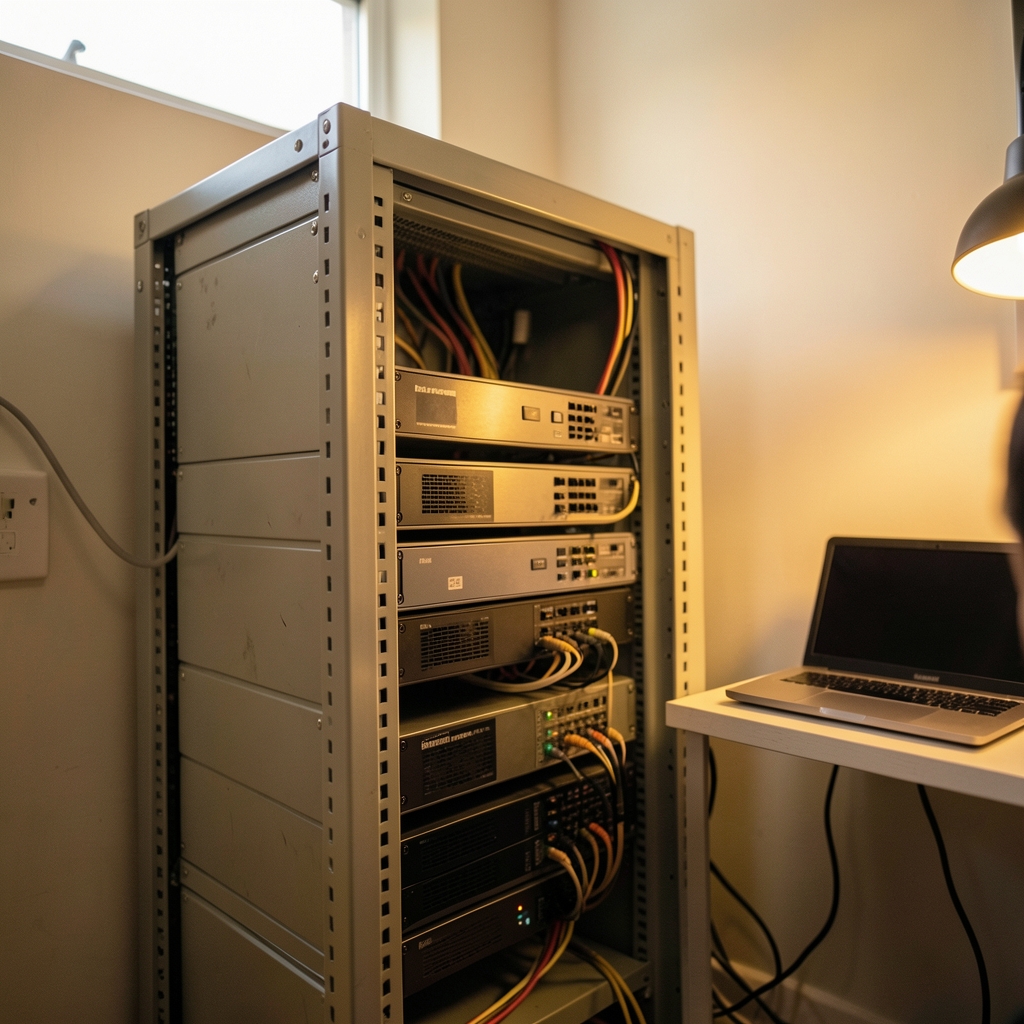
Every Kubernetes cluster has a control plane and a set of worker nodes. The control plane runs four core components:
| Component | Job |
|---|---|
| kube-apiserver | The front door; every request and every kubectl command goes through it |
| etcd | The consistent key-value store holding all cluster state |
| kube-scheduler | Decides which node each new pod lands on |
| kube-controller-manager | Runs the controllers that reconcile state |
Worker nodes run kubelet (which manages pods on the node), a container runtime connected through the Container Runtime Interface (CRI), and a networking component such as kube-proxy. The official Kubernetes components overview is the canonical reference here, and it is short enough to read in one sitting.
Two standards do a lot of quiet work in this architecture. The Container Runtime Interface decouples Kubernetes from specific runtimes. Kubernetes removed its built-in Docker integration (dockershim) in version 1.24, released in May 2022, so clusters now use CRI-compliant runtimes such as containerd or CRI-O. Separately, the Open Container Initiative (OCI) defines image and runtime specifications, which is why a container image built with one tool runs on another. The OCI overview of its image and runtime specs explains what those specifications actually guarantee.
Choosing your platform: managed, self-managed, or something lighter
The first real decision is not which orchestrator, but who operates it.
| Option | Best for | Main trade-off |
|---|---|---|
| Managed Kubernetes (cloud provider) | Most teams; fastest path to production | Less control over the control plane; cloud lock-in risk |
| Self-managed Kubernetes | Regulated environments, on-prem hardware, platform teams | You own upgrades, etcd backups, and certificate rotation |
| Lightweight orchestrators (Nomad, Swarm) | Small teams, simple workloads, edge deployments | Smaller ecosystem; fewer integrations |
| Serverless containers | Bursty or event-driven workloads | Less control over networking and scheduling |
A useful rule of thumb: if nobody on your team wants to be responsible for etcd at 2 a.m., start managed. You can always migrate later, and the migration is far less painful than learning cluster operations during an outage.
Common mistake: choosing a platform based on a benchmark rather than on operational fit. A slightly slower platform that your team understands beats a faster one nobody can debug.
Step one: get the foundations right
Before workloads, get these basics in place. Skipping them is the most reliable way to create future incidents.
- Pick a CNI plugin. Kubernetes requires a Container Network Interface plugin for pod-to-pod networking. Calico, Cilium, and Flannel are common choices. The CNI specification defines the plugin contract, and reading it clarifies why network policy behavior differs between plugins.
- Decide on ingress early. Ingress resources have served as the standard entry point for years, but the Gateway API is the successor direction and reached version 1.0 (General Availability) in October 2023. Ingress remains supported but is effectively feature-frozen. The Gateway API documentation covers the migration path.
- Set resource requests and limits. Without them, the scheduler is flying blind and one noisy pod can starve a node. Start conservative and tune with real data.
- Plan namespaces before you need them. Grouping by team or environment from day one saves a painful reorganization later.
- Choose a GitOps or CI/CD workflow. Manifests in Git, applied by an automated agent, gives you an audit trail for free.
Security defaults that are hard to retrofit
Kubernetes deprecated PodSecurityPolicy in version 1.21 (April 2021) and removed it in version 1.25 (August 2022). Its replacement is Pod Security Admission, which enforces three levels: Privileged, Baseline, and Restricted. The Pod Security Standards documentation explains exactly what each level allows.
Practical advice: run new namespaces at the Restricted level from the start. Retrofitting security onto workloads that were built assuming root access is one of the most tedious jobs in platform engineering. Also, avoid the trap of giving every service a cluster-admin service account “just to get it working” — that shortcut tends to survive into production.
Observability and cost control
A cluster you cannot see into is a cluster you cannot trust. At minimum, collect metrics, logs, and traces, and alert on the things users actually feel: error rates, latency, and saturation.
Two practical notes from teams running this in production:
- Label everything consistently. Cost allocation and incident response both depend on knowing which team owns which workload. A standard label scheme (team, environment, service) pays for itself within weeks.
- Watch the resource bill, not just the CPU graph. Orphaned persistent volumes and over-provisioned requests are the two most common sources of quiet waste.
The CNCF landscape is the standard map of the ecosystem, cataloguing orchestration, runtime, networking, observability, and security projects. It is easy to get lost in it. Treat it as a reference, not a shopping list.
A realistic implementation timeline
Most teams underestimate the ramp-up. A rough, honest sequence looks like this:
| Phase | Typical duration | Focus |
|---|---|---|
| Foundations | 1–2 weeks | Cluster provisioning, CNI, ingress, namespaces, RBAC |
| First workloads | 2–4 weeks | Stateless services, health checks, resource limits |
| Hardening | 3–6 weeks | Pod Security Admission, network policies, secrets management |
| Observability | 2–4 weeks | Metrics, logs, traces, alerting, dashboards |
| Optimization | Ongoing | Autoscaling, cost tuning, upgrade cadence |
Timelines shrink dramatically if you already have containerized applications and CI/CD in place. They stretch if you are containerizing legacy software at the same time, which is a separate project wearing the same clothes.
Mistakes that show up again and again
These are the patterns that recur across teams, regardless of industry or cloud provider.
Treating the cluster as a pet. Manual changes made with kubectl and never recorded in Git create drift that surfaces during the worst possible incident. If it is not in version control, it does not exist.
Ignoring upgrade cadence. Kubernetes releases roughly three minor versions a year, and each version is supported for about a year. Falling two or three versions behind turns a routine upgrade into a multi-week project. Schedule upgrades quarterly and test them in a staging cluster first.
Skipping health checks. Liveness and readiness probes are not optional. Without them, Kubernetes cannot tell a hung process from a healthy one, and traffic keeps flowing to a broken pod.
Over-engineering the first version. Service meshes, custom operators, and multi-cluster federation are all legitimate tools, but none of them should appear before you have a working, observable single cluster. Complexity added too early is complexity you cannot remove.
Forgetting about secrets. Kubernetes Secrets are base64-encoded, not encrypted by default. Use an external secrets manager or enable encryption at rest, and audit who can read them.
How to know it is working
A healthy implementation has a few recognizable traits. Deployments happen without ceremony. Failures are contained rather than cascading. Upgrades are routine rather than heroic. And when something breaks, the team can find the cause from dashboards and logs rather than guesswork.
If you are tracking progress, watch deployment frequency, mean time to recovery, and the share of workloads with resource limits and probes defined. Those three numbers tell you more than any maturity model.
For teams building out the surrounding stack, keeping up with platform news and cloud developments helps you spot deprecations and new standards before they become urgent. It is worth following a steady stream of news updates and cloud-focused articles alongside the official documentation, and browsing a technical blog for practical write-ups from teams running similar setups.
Conclusion
Container orchestration rewards planning and punishes shortcuts, but not in equal measure. The teams that succeed are rarely the ones with the most sophisticated stacks. They are the ones that got the foundations right: a declarative workflow backed by Git, a networking plugin chosen deliberately, security defaults set before workloads arrived, and observability in place before the first incident. Start with a managed cluster, keep the first version boring, and add complexity only when a real problem demands it. That approach will not make headlines, but it will keep your platform running quietly in the background, which is exactly what good infrastructure is supposed to do.
Frequently asked questions
What is container orchestration in simple terms?
It is software that manages containers automatically. Instead of manually starting, stopping, and connecting containers, you describe what you want and the orchestrator makes it happen. It handles placement, restarts, scaling, and networking across many machines. (Wikipedia: OS-level Virtualization (Containers))
Do I need Kubernetes, or is something simpler enough?
If you run a handful of services on one or two machines, a simpler orchestrator or even plain container tooling may be enough. Kubernetes earns its complexity when you have many services, multiple teams, and a need for automated scaling and self-healing. Managed offerings lower the operational cost considerably.
How long does a first implementation take?
A working cluster with a few stateless services can be running in days. A hardened, observable, production-ready platform typically takes two to four months, depending on whether applications are already containerized and how much security work is required.
What is the difference between Ingress and the Gateway API?
Both route external traffic into a cluster. Ingress is the older, widely supported standard but is effectively feature-frozen. The Gateway API is the newer successor, reaching version 1.0 in October 2023, and offers more expressive routing and clearer role separation. New projects should evaluate Gateway API first.
Why did Kubernetes remove Docker support?
Kubernetes used a built-in bridge called dockershim to talk to Docker. When the Container Runtime Interface matured, that bridge became unnecessary. It was removed in version 1.24 in May 2022. Docker-built images still work fine, because they follow OCI standards; only the runtime integration changed.
How do I keep a cluster secure without slowing teams down?
Set Pod Security Admission to the Restricted level on new namespaces from day one, use network policies, store secrets in an external manager, and give service accounts the minimum permissions they need. Security that is baked into templates is invisible to developers; security added later feels like a blocker.








