
What actually happens when a company connects its office network to a cloud provider? Behind most of those connections sits a cloud VPN: an encrypted tunnel that carries private traffic over the public internet. The concept sounds simple, but the examples in the wild are surprisingly varied. Some are two-tunnel setups linking a single data center to one VPC. Others are sprawling transit architectures that tie dozens of accounts together.
This article walks through concrete cloud VPN examples, the building blocks they share, and the mistakes that trip up teams deploying them for the first time.
What Counts as a Cloud VPN Example?
A cloud VPN is a site-to-site or client-to-site tunnel that connects an on-premises network or a remote user to a cloud provider’s virtual private cloud. The tunnel is encrypted, usually with IPsec, so traffic can cross the public internet without being readable to anyone in between.
The underlying standard is worth knowing because it explains why every provider’s VPN looks similar. IPsec’s architecture is defined in the IETF’s RFC 4301 security architecture for IP, and key exchange for modern tunnels runs on IKEv2 as specified in RFC 7296. Because everyone builds on the same two documents, a Cisco firewall in a basement can talk to a Google Cloud VPN gateway without either vendor writing custom code.
A genuine cloud VPN example usually has four parts:
- A customer gateway on the premises (a physical firewall or router)
- A cloud-side gateway managed by the provider
- One or more IPsec tunnels between them
- Routing that tells each side which subnets live behind the other
If any of those pieces is missing, you have a demo, not a deployment.
Example 1: A Single Data Center Connected to AWS
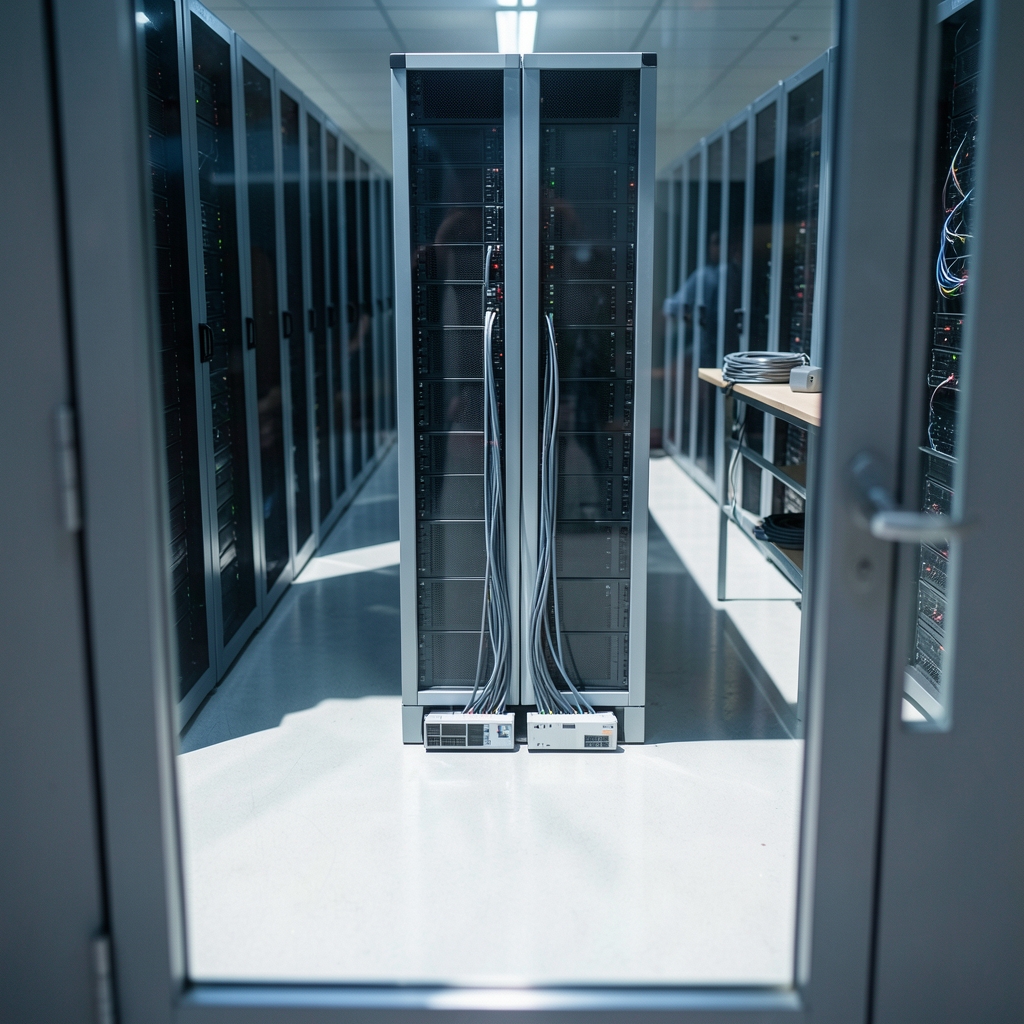
The most common starting point is one office or data center linking to one VPC. AWS documents this pattern as AWS Site-to-Site VPN, which connects an on-premises network to a VPC over an IPsec tunnel.
The detail that surprises newcomers is redundancy. AWS gives every connection two tunnels, and both should be configured. The reason is practical: if one tunnel drops because of an ISP issue or a firmware bug, traffic fails over to the other without a human touching anything. Teams that configure only one tunnel get a working connection that quietly has no safety net.
Two termination options exist on the AWS side. A virtual private gateway attaches to a single VPC, which suits small setups. A transit gateway acts as a hub that many VPCs and VPN attachments can share, which suits organizations that have already outgrown one network. Choosing between them is really a question of how many networks you expect to connect in two years, not today.
A typical small deployment looks like this:
| Component | Typical choice | Why |
|---|---|---|
| Customer gateway | Existing branch firewall | Reuses hardware already maintained |
| Cloud gateway | Virtual private gateway | Simplest path for one VPC |
| Tunnels | Both, actively monitored | Failover without downtime |
| Routing | Static routes | Fewer moving parts for a fixed topology |
Example 2: Azure’s Three Flavors of VPN
Azure takes a broader approach. Azure VPN Gateway supports site-to-site, point-to-site, and VNet-to-VNet configurations. That single service covers three quite different examples.
Site-to-site is the classic office-to-cloud link. Point-to-site lets an individual laptop connect from a coffee shop, which is useful for administrators who need management access without exposing anything publicly. VNet-to-VNet links two Azure virtual networks, sometimes across regions, so they behave like one routed network.
Protocol support matters here too. Azure’s point-to-site option accepts IPsec/IKE, OpenVPN, and IKEv2, which means a team can standardize on whichever protocol its endpoint devices already handle well. That flexibility is one reason Azure VPN examples show up often in hybrid Microsoft environments, where the same staff already manage Active Directory and Windows clients.
Example 3: Google Cloud’s HA VPN Versus Classic VPN
Google Cloud splits its offering into two tiers, and the distinction makes a clean teaching example. Cloud VPN connects an on-premises network to a Google Cloud VPC through an IPsec tunnel. Within that, HA VPN carries a 99.99% availability SLA while Classic VPN carries 99.9%.
That gap sounds trivial until you do the arithmetic. At 99.9%, a service can be unavailable for roughly 43 minutes a month. At 99.99%, it drops to about four minutes. For a backup path or a dev environment, Classic is fine. For production traffic that users notice, the extra nine matters.
One caution: these percentages are vendor-published figures, not independent benchmarks. They change as providers update their terms, so treat any SLA number as something to confirm on the current documentation rather than a permanent fact.
Example 4: Hybrid Connectivity Where VPN Is the Backup
Many mature architectures run a dedicated private link as the primary path and a VPN as the standby. Azure ExpressRoute is the canonical example of the private option: it uses a dedicated connection rather than the public internet.
The pairing works because the two technologies fail differently. A private circuit is fast and predictable but takes weeks to provision and can be cut by a backhoe. A VPN is slower and shares bandwidth with everything else on the internet, but it can be stood up in an afternoon and rerouted around most physical failures. Running both gives you speed most days and connectivity on the bad ones.
The trap here is assuming failover is automatic. It usually is not. Route preferences have to be configured deliberately, and someone has to test the failover by actually shutting down the primary path. A backup that has never been exercised is a hope, not a plan.
Example 5: Multi-Account and Multi-Region Setups
Once an organization grows past a handful of workloads, the VPN stops being a single connection and becomes a routing problem. A hub-and-spoke design is the usual answer: one central network holds the VPN attachments, and every other account or region peers into it.
This is where inventory discipline pays off. Before adding a tenth tunnel, teams benefit from a clear map of which workloads sit where and which ones genuinely need private connectivity. A structured approach to what to inventory before a cloud migration covers exactly this ground, and it prevents the common situation where a VPN exists mainly because nobody remembers why it was requested.
The related decision is account structure. Splitting workloads across accounts improves blast-radius control but multiplies the number of network paths to manage. A practical guide to when to split workloads across cloud accounts helps teams weigh that trade-off before the tunnel count doubles.
What These Examples Have in Common
Strip away the branding and the same five lessons appear in almost every deployment.
Both tunnels, always. Every major provider offers redundancy. Configuring half of it is the single most common shortcut, and it is the one that hurts most during an outage.
Overlapping CIDR ranges break everything. If the office uses 10.0.0.0/16 and a VPC also uses 10.0.0.0/16, routing cannot distinguish them. Fixing this after deployment means re-addressing a network, which is painful. Check address plans before the first tunnel goes up.
MTU problems look like random failures. IPsec adds overhead, so packets that fit fine elsewhere may fragment. Symptoms include connections that hang on large transfers while small requests work perfectly. Adjusting the maximum transmission unit on the tunnel interface usually resolves it.
Bandwidth is shared with the internet. A VPN over the public internet inherits its congestion. Latency-sensitive workloads need realistic expectations or a private circuit.
Monitoring is not optional. Tunnel status, byte counts, and latency should be visible on a dashboard, not discovered during an incident. Teams that treat cost and reliability reviews as engineering problems rather than finance chores get more out of them; a guide to making cloud cost reviews useful to engineers makes the same point about egress charges, which VPN traffic can quietly inflate.
Common Mistakes in First Deployments
Practical experience across these setups surfaces a predictable list of errors.
- Configuring one tunnel. Redundancy exists; use it.
- Skipping the return route. Traffic arrives but replies go nowhere because the on-premises router lacks a route back to the cloud subnet.
- Using mismatched pre-shared keys or IKE settings. Phase one fails silently, and logs are the only clue.
- Ignoring asymmetric routing. Two paths in and one path out cause stateful firewalls to drop legitimate packets.
- Forgetting DNS. The tunnel works, but name resolution still points at internal servers that are unreachable.
- Never testing failure. Pull a cable on purpose during a maintenance window and confirm the second tunnel carries traffic.
Each of these is cheap to prevent and expensive to diagnose. The pattern is consistent: the tunnel itself is rarely the hard part, and the surrounding routing, naming, and monitoring are where time disappears.
Where Cloud VPN Fits in a Broader Architecture
A VPN is one tool among several, and knowing its neighbors helps. Dedicated interconnects offer private, high-bandwidth links. Zero-trust network access services take a different approach entirely, granting access to individual applications rather than placing a user on the network. That distinction matters for security design, because a network-level tunnel grants reachability to everything routable, while application-level access does not. (Virtual private network)
For teams building out the wider picture, resources on cloud infrastructure and architecture and on enterprise AI and cloud security put VPN decisions in context. The tunnel is a means to an end, not the end itself.
Conclusion
The cloud VPN examples that work share a boring quality: they are configured completely. Both tunnels, explicit routes, tested failover, and a documented address plan. The ones that cause incidents are usually the ones built quickly for a proof of concept and never revisited.
The good news is that the underlying technology is stable and well documented. IPsec has been the standard for decades, and every major provider implements it in a compatible way. That means the skills transfer: someone who understands tunnel configuration on one platform can read another provider’s documentation and get oriented quickly.
Start with one connection, both tunnels, and a monitoring dashboard. Then grow the topology only when a real workload demands it. Most organizations discover that a handful of well-run VPNs covers far more ground than a sprawling mesh of half-configured ones.
Frequently Asked Questions
What is a cloud VPN in simple terms?
It is an encrypted tunnel between a private network and a cloud provider’s network, carried over the public internet. Traffic passing through it is scrambled so that anyone intercepting it sees noise rather than data. To the systems on either end, it behaves like a direct private link.
How is a cloud VPN different from a dedicated interconnect?
A VPN runs over the public internet and can be set up in hours. A dedicated interconnect uses a private physical circuit, offers more predictable bandwidth, and typically takes weeks to provision. Many organizations use an interconnect as the primary path and a VPN as the backup.
Do I need both tunnels on a site-to-site connection?
Yes, in almost every production case. Providers supply two tunnels so that a single failure does not take down connectivity. Configuring only one leaves you with a connection that works until it does not, and the failure usually arrives at the worst possible moment.
Why does my VPN connect but traffic still fails?
The usual causes are missing return routes, overlapping address ranges between the two networks, or a maximum transmission unit mismatch that breaks large packets while small ones succeed. Check routing tables first, then address plans, then MTU settings.
Is a cloud VPN the same as a zero-trust service?
No. A VPN places a user or site on the network, which grants reachability to anything routable. Zero-trust services grant access to specific applications instead. The two can coexist, and many organizations use a VPN for site connectivity and application-level access for remote workers.
How much does a cloud VPN cost?
Providers typically charge an hourly fee for the gateway plus a per-gigabyte charge for data leaving the cloud. The data transfer component often dominates the bill, which is why egress monitoring deserves attention early rather than after the first invoice arrives.








