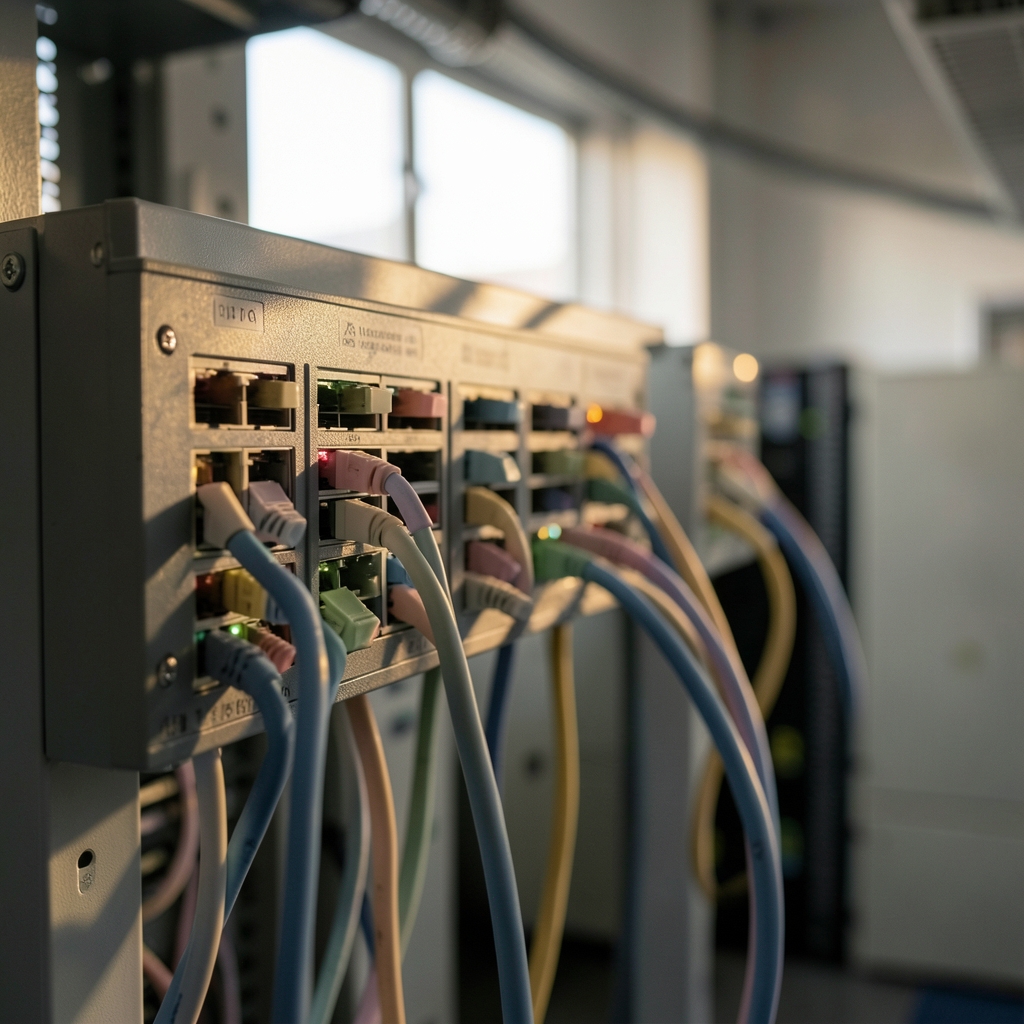
What happens in the split second between typing a web address and seeing a page load? Behind that blink, a cloud load balancer has already made a decision: which of dozens or hundreds of servers should handle this request. Get that decision right, and users never notice it. Get it wrong, and a site buckles under traffic it should have handled easily. (Load balancing (computing)))
This guide explains how cloud load balancing works, the difference between the main types, where teams commonly go wrong, and what actually holds up in production.
What Cloud Load Balancing Actually Does
A load balancer sits between users and a pool of backend servers. It accepts incoming connections and forwards each one to a healthy backend, spreading work so no single machine drowns. In the cloud, this is usually a managed service: the provider runs the balancer itself, handles scaling, performs health checks, and removes failed instances from rotation automatically.
That last part matters more than people expect. Health checks are the quiet workhorse of any load balancing setup. The balancer probes each backend on a schedule, and when a server stops answering, traffic stops going to it. No human has to wake up at 3 a.m. to reroute anything.
The concept is old, but the cloud changed its shape. Instead of a hardware box in a data center rack, you get an elastic endpoint that scales with demand and spans regions. AWS introduced Elastic Load Balancing back in 2009 alongside Auto Scaling, and the model has been copied and refined across every major provider since.
Layer 4 vs. Layer 7: The Distinction That Shapes Everything

Cloud load balancers are usually sorted by which layer of the network stack they operate on. This is not trivia. It determines what the balancer can see and, therefore, what it can do.
| Feature | Layer 4 (TCP/UDP) | Layer 7 (HTTP/HTTPS) |
|---|---|---|
| What it sees | IP addresses, ports, connection state | URLs, host headers, cookies, HTTP methods |
| Routing decisions | Connection-level only | Path-based, host-based, header-based |
| Typical use | Databases, raw TCP, gaming, VoIP | Web apps, APIs, microservices |
| TLS handling | Pass-through or basic termination | Full termination with certificate management |
| Overhead | Lower | Higher, but far more flexible |
An L4 load balancer forwards packets without caring what is inside them. It is fast and protocol-agnostic, which makes it a good fit for anything that is not plain web traffic. An L7 load balancer reads the HTTP request itself, so it can send `/api/` to one service and `/images/` to another, or route by hostname when several domains share one entry point.
Most modern web architectures lean on L7 because routing on request content is simply more useful. The behavior of those requests, including headers that proxies add as they forward traffic, is defined in the HTTP standards, and the current specification for HTTP semantics explains how intermediaries should handle them.
Global Anycast and the Edge
Some providers offer a single global IP address for their L7 balancers. Google Cloud’s global external Application Load Balancer, for instance, uses anycast: one address announced from many locations, so each user connects to the nearest edge point of presence. Traffic then travels over the provider’s private backbone to the backend.
The practical effect is that a user in Singapore and a user in Frankfurt hit the same IP but reach different edges. Latency drops, and there is no DNS-based guesswork about which region to send someone to. The trade-off is that you inherit the provider’s routing decisions, which are usually good but not infinitely tunable.
For teams weighing where to place backends in the first place, matching cloud regions to workload requirements is a useful companion exercise, since the balancer can only route to regions that exist in your architecture.
Health Checks, Failover, and the Things That Break
Health checks look simple until they misbehave. A few patterns show up again and again in real deployments:
- The check is too shallow. A TCP ping succeeds while the application is out of database connections. The balancer keeps sending traffic to a server that cannot serve it. Deeper HTTP checks that hit a real endpoint catch this.
- The check is too strict. A health endpoint that queries three downstream services will fail whenever any of them hiccups, pulling healthy instances out of rotation and cascading the outage.
- Thresholds are wrong. Too few failures means flapping. Too many means slow failover. A common starting point is three consecutive failures to mark unhealthy and two successes to restore, then tune from there.
- Draining is forgotten. When an instance shuts down, in-flight requests need time to finish. Connection draining (sometimes called deregistration delay) prevents users from seeing errors during deploys.
Failover between regions adds another layer. A balancer can shift traffic when a whole region degrades, but only if the failover policy is tested. Untested failover is a rumor, not a capability.
TLS Termination and Where Certificates Live
Most cloud load balancers terminate TLS at the edge. The user’s connection is encrypted to the balancer, which decrypts and forwards the request, either as plaintext inside a private network or re-encrypted to the backend. This centralizes certificate management, which is a genuine operational win: one place to renew, one place to enforce modern protocol versions.
The alternative, TLS pass-through, keeps encryption end to end but pushes certificate handling onto every backend. Some compliance regimes require it. Most teams do not, and the edge-termination model is simpler to run.
A common mistake is forgetting that the backend now sees the balancer’s IP, not the user’s. Applications that log client addresses or apply rate limits need the forwarded headers to work correctly, and the HTTP semantics standard defines how those headers are meant to behave. If your logs suddenly show every request coming from a handful of internal addresses, this is why.
Cost, Capacity, and the Details People Miss
Load balancer pricing usually combines an hourly charge with a capacity unit based on new connections and processed bytes. That structure creates a few traps:
- Idle balancers still cost money. A forgotten balancer per environment adds up quietly.
- Cross-zone traffic has a price. Sending requests across availability zones is often billed, which can make a poorly placed balancer more expensive than expected. A clearer way to track cloud data transfer costs helps here, because the bill rarely labels these charges plainly.
- Many small balancers beat one big one on flexibility but not on cost. Consolidating entry points often saves both money and operational attention.
Capacity planning also interacts with autoscaling. If the balancer warms up slowly (some use pre-warming for sudden spikes), a marketing launch can hit connection limits before the backend fleet ever gets busy. Checking the provider’s documented limits before a big event is cheap insurance.
How Cloud Load Balancing Fits a Wider Architecture
A load balancer is rarely alone. It sits inside a network design that includes accounts, regions, and security boundaries. Decisions made elsewhere constrain what the balancer can do. When to split workloads across cloud accounts, for example, affects whether a single balancer can even reach every backend, and cross-account routing usually needs explicit peering or shared network configuration.
Security is the other constant. A public-facing L7 balancer is often the first line of defense: it can absorb volumetric traffic, enforce TLS versions, and hand requests to a web application firewall before anything reaches an application server. The same edge that routes traffic also sees all of it, which makes balancer logs one of the richest sources of security signal in a cloud environment. Teams that treat those logs as an afterthought lose visibility they cannot easily rebuild later.
It also helps to read provider announcements carefully. A new balancer type or region often changes latency, pricing, or feature support in ways that matter more than the headline suggests, and knowing how to read a cloud region announcement keeps you from over-reacting to marketing language.
Common Mistakes and What Works in Practice
A few habits separate teams that sleep well from teams that do not:
- Start with the simplest balancer that meets the requirement. An L7 balancer for a static site is overkill. An L4 balancer for a path-routed API is underkill.
- Test failure on purpose. Kill an instance during business hours. Watch what users see. Fix what breaks.
- Keep health endpoints dumb. They should confirm the process is alive and can reach its critical dependencies, nothing more.
- Log at the edge. Balancer access logs answer questions that application logs cannot, especially during incidents.
- Review the inventory before migrating. Moving to a new balancer without knowing which services depend on the old one is how outages happen, and a pre-migration inventory checklist pays for itself.
The teams that struggle most are rarely the ones with the most complex traffic. They are the ones who configured a balancer once, never revisited the health check thresholds, and discovered the problem during the first real traffic spike. (9481.org)
Conclusion
Cloud load balancing is one of those pieces of infrastructure that rewards a little attention and punishes neglect. The core idea is simple: spread traffic, check health, fail gracefully. The details, from layer choice to TLS termination to the cost of cross-zone traffic, are where reliability actually lives. Pick the balancer that matches your traffic, test your failover before you need it, and treat the edge as a place worth watching. Do that, and the split second before a page loads stays invisible, which is exactly the point.
Frequently Asked Questions
What is the difference between a load balancer and a reverse proxy?
They overlap heavily. A reverse proxy forwards requests to backends and often handles caching or TLS. A load balancer does the same but focuses on distributing traffic across many backends with health checks. In cloud platforms, the managed L7 load balancer is effectively a reverse proxy with scaling and failover built in.
Do I need a load balancer for a single server?
Usually not for distribution, but sometimes for other reasons. A managed balancer can provide TLS certificates, DDoS absorption, and access logging without any backend pool to spread across. If none of those matter, a single server behind a DNS record is simpler and cheaper.
How does a load balancer know a server is unhealthy?
It sends periodic probes, such as an HTTP request to a health endpoint or a TCP connection attempt, and counts failures. After a set number of consecutive failures, the backend is removed from rotation. After a set number of successes, it returns. Tuning those thresholds is the difference between fast failover and unnecessary flapping.
What is anycast and why does it matter for load balancing?
Anycast means one IP address is advertised from many locations, so each user connects to the nearest one. Global L7 balancers use it to reduce latency and route traffic onto the provider’s private network quickly. Users see one address; the network does the work of finding the closest edge.
Is a Layer 4 or Layer 7 load balancer faster?
Layer 4 is generally faster per connection because it does less inspection. Layer 7 adds parsing overhead but enables routing on URLs, headers, and cookies. For most web applications the flexibility is worth the small cost, and modern L7 balancers handle very high throughput.
How much does cloud load balancing cost?
It varies by provider and type, but the pattern holds: an hourly base charge plus usage-based units for connections and processed data. Cross-zone traffic and idle balancers are the usual surprises. Reviewing the bill by balancer, rather than only by service, usually shows where the money goes.








