AI infrastructure explained in plain terms is the combination of hardware, software and data centres that makes artificial intelligence possible. The central question is what it actually takes to train and run a modern AI model, and the short answer is a great deal: specialised chips, enormous amounts of data, fast networks, huge amounts of electricity, and software that ties it all together into systems that can be trained, tested and served to users.
When a person chats with an AI assistant or asks a model to summarise a document, the answer comes from a data centre somewhere, running on hardware built for one purpose: performing the vast number of calculations that AI requires. That hidden layer of machines, cables and cooling is rarely discussed, yet it shapes what AI can do, how much it costs, and who can build it. This guide explains the pieces of AI infrastructure and how they fit together.
Key takeaways
- AI infrastructure is the hardware, software and data centres that train and run AI models.
- Specialised chips such as GPUs and TPUs do the heavy calculations, because ordinary processors are too slow for the job.
- Training a large model needs thousands of chips working together, linked by very fast networks.
- Running a model for users, known as inference, has different demands from training it.
- Cost, energy use and access to hardware now shape who can build advanced AI.
What AI infrastructure includes
AI infrastructure has four layers. The first is compute: the chips that perform the calculations, and the servers that hold them. The second is networking: the high-speed links that let thousands of chips work on one problem together. The third is storage: the systems that hold training data and model weights, often measured in hundreds of terabytes. The fourth is software: the frameworks, schedulers and serving systems that turn raw hardware into something a team can use.
None of these layers works alone. A training run that uses thousands of chips fails if the network between them is too slow, because the chips spend their time waiting for data instead of calculating. Storage that cannot feed data fast enough creates the same bottleneck. Building AI infrastructure is therefore a systems problem: every part must keep up with every other part, or the whole investment underperforms. Our guide to AI chips explains the processors at the heart of this stack and how they differ from ordinary computer chips.
GPUs, TPUs and the hardware race
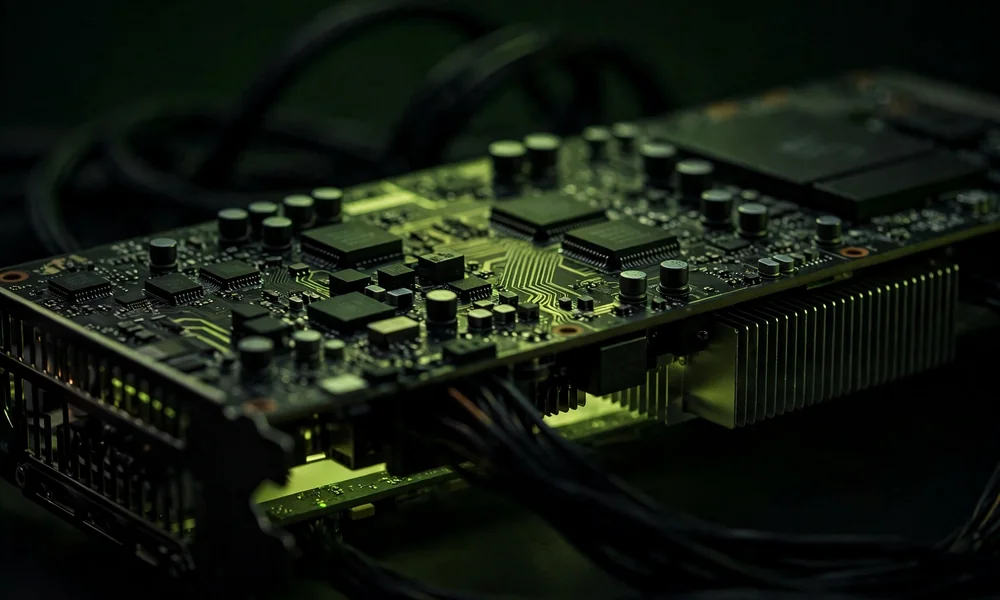
The most important hardware in AI is the graphics processing unit, or GPU. Originally designed to render images, GPUs turned out to be excellent at the parallel arithmetic that neural networks need, because they contain thousands of small cores that can work at once. A modern AI training cluster may contain thousands of GPUs, each costing far more than a typical server, and the total hardware bill for a large training run is one of the largest costs in AI development.
Google developed its own alternative, the tensor processing unit, or TPU, first introduced in 2016. TPUs are built specifically for the matrix operations that dominate neural network training, and they power many of Google’s own AI services. Other companies have followed with their own specialised chips, and the competition has become one of the most intense parts of the AI industry. Our guide to TPUs explains how these chips work and where they are used, while our GPU versus TPU comparison sets out the trade-offs between the two approaches.
Training: the biggest job in AI
Training is the process of teaching a model by showing it vast amounts of data and adjusting its internal parameters until it performs well. For a large language model, that means processing trillions of words, which requires thousands of chips running for weeks or months. The chips must stay in lockstep, sharing updates constantly, so the network between them is as important as the chips themselves. A single failed chip or a slow link can stall the whole job.
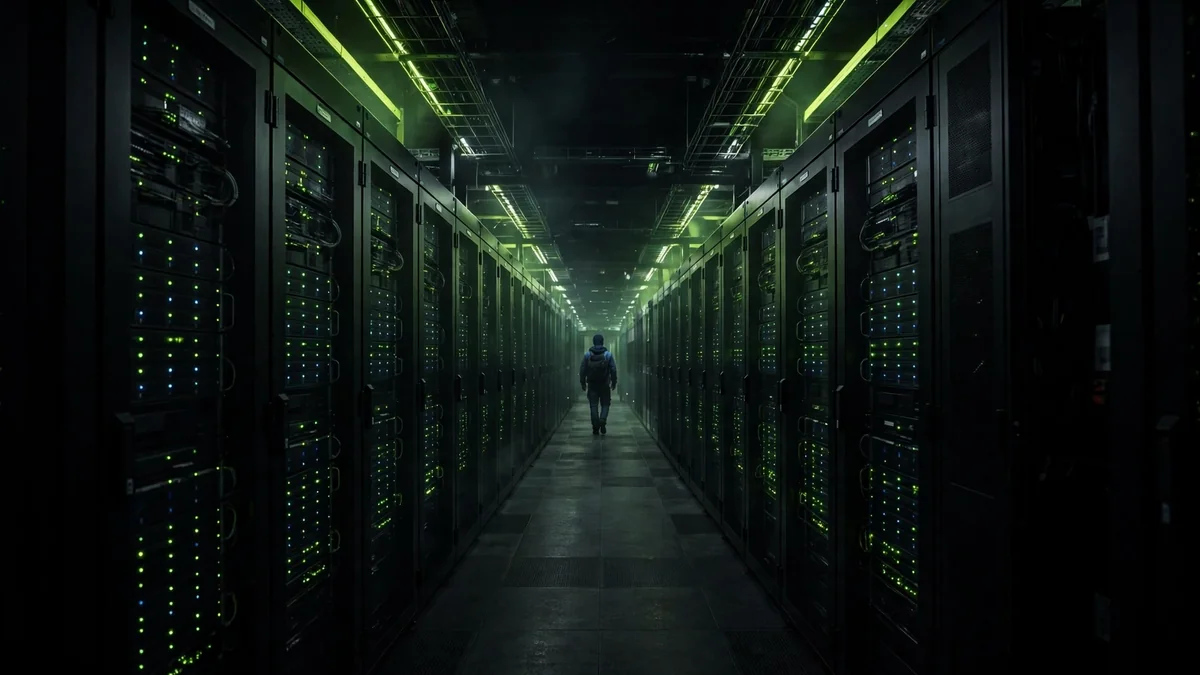
Training also needs enormous amounts of power and cooling. Data centres built for AI draw far more electricity per rack than ordinary data centres, and they need cooling systems that can remove that heat reliably. Power availability has become a genuine constraint on where new AI data centres can be built, and it is one reason the largest AI companies are investing in their own power and cooling infrastructure. Training is the most demanding workload in computing, and it is reshaping how data centres are designed.
Inference: serving models to users
Inference is what happens when a trained model answers a real request: a chat message, a search query, or a generated image. It is a different workload from training. It needs low latency, because users expect an answer in seconds, and it needs to handle many requests at once, which can spike unpredictably. Inference runs continuously, all day and every day, so its cost is dominated by operating expenses rather than by one large training bill.
Because inference is so different, it often uses different hardware. Some models run on the same powerful GPUs used for training, but many run on smaller, cheaper accelerators, or even on devices such as phones and laptops. Serving infrastructure also includes load balancers, caches and autoscaling systems that add capacity when demand rises and remove it when demand falls. Getting inference right is what makes an AI product feel fast and reliable, and it is where many AI projects succeed or fail in practice.
Comparing the layers of AI infrastructure
| Layer | Main role | Main bottleneck | Key challenge |
|---|---|---|---|
| Compute | Performs the calculations | Chip supply and cost | Getting enough accelerators |
| Networking | Links chips together | Bandwidth between nodes | Keeping thousands of chips in step |
| Storage | Holds data and model weights | Read speed at scale | Feeding data fast enough |
| Software | Orchestrates the whole stack | Complexity and bugs | Managing jobs across many machines |
| Power and cooling | Keeps the hardware running | Electricity supply | Removing heat reliably |
Cloud, on-premises and the build decision
Most teams do not own AI infrastructure. They rent it from a cloud provider, which offers GPUs on demand, managed training services, and model hosting that scales automatically. Renting removes the need to buy expensive hardware up front, and it lets a team start small and grow. The trade-off is cost at scale: for a team running models constantly, the rental bill can exceed the cost of owning the hardware, and the team depends on the provider’s availability and pricing.
Some organisations build their own infrastructure, usually because they need control over data, predictable costs, or guaranteed capacity. Owning hardware means buying chips, building or renting data centre space, and hiring people to run it, which is a major commitment. A middle path is common: train on rented hardware, then run inference on a mix of cloud and owned systems. The right choice depends on workload, budget and how sensitive the data is. Our Kubernetes guide explains the orchestration platform many teams use to manage AI workloads across cloud and on-premises systems.
Data pipelines and model serving
Hardware alone does not make AI infrastructure. Data must be collected, cleaned, labelled and moved to where training happens, and that pipeline is often the most fragile part of the system. Bad data produces bad models, and a slow pipeline starves expensive chips of work. Teams invest heavily in data engineering for this reason, and in versioning data so that a training run can be reproduced and its results understood.
Once a model is trained, it must be packaged, tested and served. Model serving systems handle versioning, so a new model can be rolled out gradually and rolled back if it performs badly. They also handle monitoring, logging and scaling, which are essential when a model serves real users. The discipline of managing this whole lifecycle, from data to deployment, is the subject of our guide to MLOps, which explains how teams keep AI systems reliable in production.
AI infrastructure checklist
- Match hardware to the workload, since training and inference have different demands.
- Plan networking and storage alongside compute, because a slow link wastes expensive chips.
- Budget for power and cooling, not just for the chips themselves.
- Version data, code and model weights so every training run can be reproduced.
- Test inference latency and cost under realistic load before launching a product.
- Use autoscaling and load balancing so serving capacity follows real demand.
- Monitor hardware health, job failures and costs, and review them regularly.
- Plan a rollback for every model release, so a bad model can be replaced quickly.
- Review the build-versus-rent decision as workloads grow, since the right answer changes over time.
Frequently asked questions
What is AI infrastructure?
AI infrastructure is the hardware, software and data centres that train and run AI models. It includes specialised chips such as GPUs and TPUs, high-speed networks, large-scale storage, and the software that orchestrates training jobs and serves models to users.
Why do AI models need special hardware?
Neural networks perform vast numbers of parallel calculations, and ordinary processors are too slow for that work at scale. GPUs and TPUs contain thousands of cores designed for parallel arithmetic, which makes them far faster at the matrix operations that dominate AI training and inference.
What is the difference between training and inference?
Training is teaching a model by processing large amounts of data and adjusting its parameters, which needs thousands of chips working together for weeks or months. Inference is using a trained model to answer real requests, which needs low latency and the ability to handle many requests at once.
Can small teams afford AI infrastructure?
Yes, by renting it. Cloud providers offer GPUs on demand and managed AI services, so a small team can train a model or run inference without buying hardware. The cost depends on how much compute is used and for how long, so it is worth monitoring usage closely and shutting down idle resources.
What is the biggest bottleneck in AI infrastructure?
It depends on the workload, but the most common bottlenecks are networking between chips during training, storage speed when feeding data, and power and cooling in the data centre. Any one of these can leave expensive chips idle, so infrastructure design has to balance all of them together.
Is AI infrastructure bad for the environment?
AI infrastructure uses a great deal of electricity, and its environmental impact depends on how that electricity is generated. Data centre operators are investing in renewable energy, more efficient cooling, and hardware that does more work per unit of power. The impact is a real concern, and it is one reason efficiency matters in AI design.
The bottom line
AI infrastructure explained in one line is this: modern AI runs on specialised hardware, fast networks, huge storage and careful software, all housed in data centres that consume enormous amounts of power, and the quality of that infrastructure decides what AI can do, how much it costs, and who can build it. The models get the attention, but the infrastructure underneath them is what makes the whole field possible.