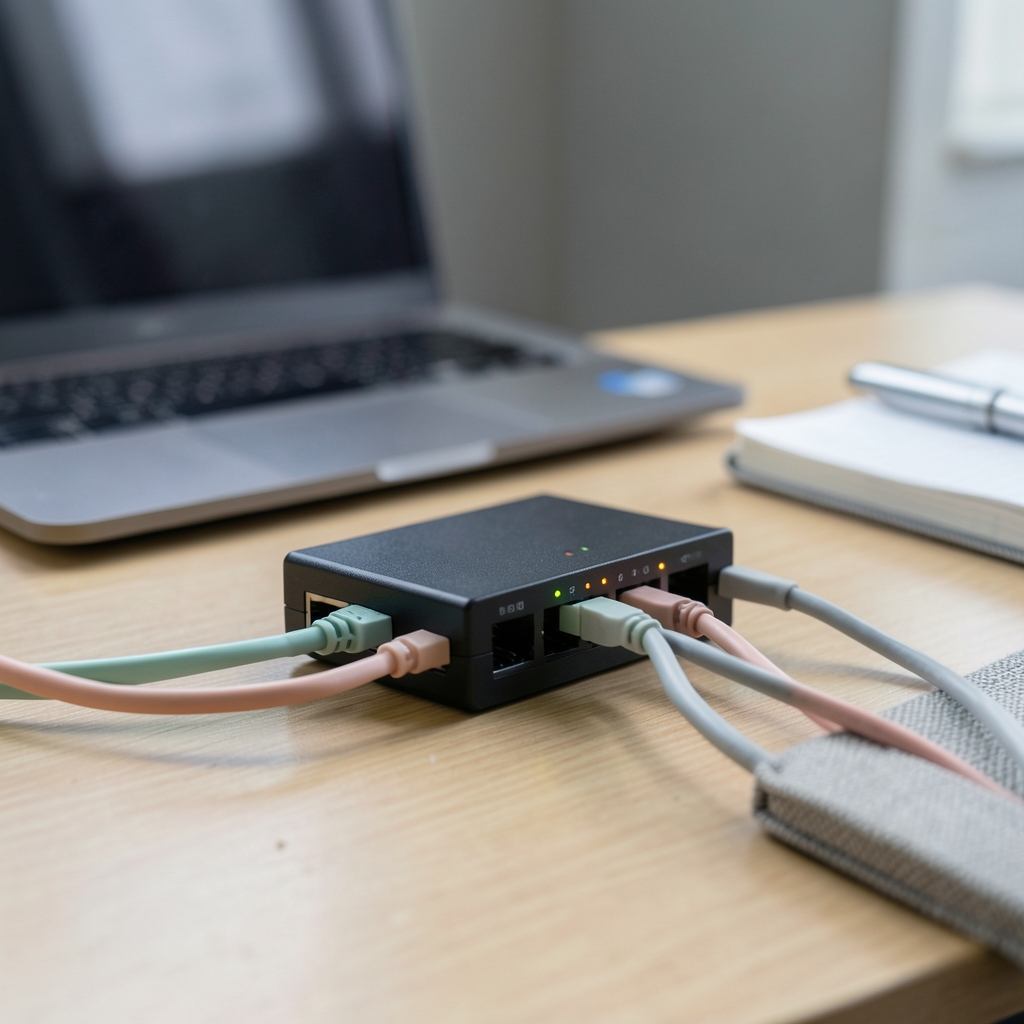
What happens to your application the moment a product launch, a news mention, or a flash sale sends ten times the usual traffic to a single server? If the honest answer is “it falls over,” this tutorial is for you. Load balancing) is one of those cloud topics that sounds abstract until the first outage, and then it becomes the most important thing in the room. Below is a practical walkthrough of how cloud load balancing actually works, how to configure it sensibly, and which mistakes trip up even experienced teams.
What Cloud Load Balancing Actually Does

A load balancer is a traffic cop that sits in front of your servers. Clients connect to the balancer, and the balancer decides which backend receives each request. That single design decision provides three things at once: capacity (many servers instead of one), resilience (traffic rerouted when a server fails), and clean deployments (new versions rolled in gradually).
In the cloud, the balancer is a managed service rather than a box you rack. You define a frontend (the IP address, port, and protocol clients connect to), a backend group (the servers or containers that do the work), and a health check that tells the balancer which backends are fit to serve. Everything else is tuning.
Two layers matter here. Layer 4 balancers route raw TCP or UDP connections and never look inside the payload, which makes them fast and protocol-agnostic. Layer 7 balancers understand HTTP and HTTPS, so they can route by hostname, path, or header, terminate TLS, and rewrite requests. Most web applications end up with an L7 balancer in front and, sometimes, an L4 balancer behind it for raw throughput. (Overview of HTTP)
Step 1: Decide What the Balancer Must Solve


Before touching a console, write down the actual problem. Teams that skip this step usually over-build. A single-region internal API with steady traffic needs far less machinery than a global consumer app with users on three continents.
Ask three questions:
- Is the traffic internal or public? Internal services often need only a private balancer, which keeps the attack surface small.
- Does it need to span regions? Global balancing adds DNS or anycast routing plus cross-region health checks, and it costs more.
- What does failure look like? If one zone failing should be invisible to users, the backend group must span multiple zones from day one.
These choices ripple into architecture. If the answer to question two is yes, it is worth reading up on how to split workloads across cloud accounts before committing, because a multi-region footprint usually means multiple accounts and stricter guardrails.
Step 2: Design the Backend Group
The backend group is where the real engineering happens. A few principles hold across providers.
Spread across zones. A backend group confined to one availability zone inherits that zone’s risk. Three zones is a common baseline for production.
Keep backends stateless where possible. If session data lives on individual servers, scaling out and failing over both get messy. Push sessions to a shared store or use signed cookies.
Size health checks to your app. A health check that hits a deep dependency will mark healthy servers unhealthy during a minor database blip. A shallow TCP check will keep sending traffic to an app that is returning errors. Most teams land on an HTTP endpoint that verifies the app can serve requests without testing every downstream system.
Set connection draining. When a backend leaves the group, in-flight requests need time to finish. Draining windows of 30 to 300 seconds are typical; pick one longer than your slowest normal request.
Matching backend capacity to the regions you deploy in deserves its own pass. Region choice affects latency, data residency, and which instance types are even available, so it pays to review how to match cloud regions to workload requirements rather than defaulting to the cheapest option.
Step 3: Choose a Routing Algorithm
The algorithm decides which healthy backend gets the next request. There is no universal best choice, only tradeoffs.
| Algorithm | How it works | Best for | Watch out for |
|---|---|---|---|
| Round robin | Requests cycle through backends in order | Backends with similar capacity and short requests | Uneven load when request cost varies |
| Least connections | Sends to the backend with fewest active connections | Long-lived connections, variable request duration | Slightly more state to track |
| Weighted | Distributes proportionally to assigned weights | Mixed instance sizes, canary releases | Weights drift out of date after resizing |
| Hash-based | Maps a key (source IP, cookie, header) to a backend | Session affinity, cache locality | Uneven distribution when keys cluster |
For most HTTP services, least connections or a weighted round robin is a safe default. Hash-based routing looks appealing for sticky sessions, but it creates a fairness problem: one heavy client behind a single IP can overload one backend while others idle. Cookie-based affinity at layer 7 is usually gentler, and even then, affinity should be a temporary crutch rather than a permanent design.
Step 4: Handle TLS and Certificate Lifecycle
TLS termination at the balancer is the common pattern. The balancer holds the certificate, decrypts traffic, and forwards plain HTTP to backends inside a private network. This centralizes certificate rotation and removes crypto overhead from application servers.
The alternative, end-to-end TLS, re-encrypts traffic between balancer and backend. It costs CPU and adds configuration, but it matters when internal networks are not fully trusted or when a compliance regime demands encryption in transit at every hop.
Whichever you choose, automate renewal. Expired certificates cause a surprising share of self-inflicted outages, and the fix is boring: monitor expiry dates and renew well ahead.
Step 5: Connect Autoscaling to the Balancer
Autoscaling and load balancing are a pair, and they fail together when misconfigured. The balancer must register new backends as they appear and deregister them as they disappear, with draining applied on the way out.
Practical settings that prevent thrash:
- Scale-out faster than scale-in. Adding capacity late causes timeouts; removing it slowly avoids flapping.
- Use target-tracking metrics such as requests per instance or CPU utilization rather than fixed thresholds.
- Warm up new instances if your app needs it, so the balancer does not send full traffic to a cold process.
- Cap maximum size so a traffic anomaly cannot produce a bill that shocks finance.
One subtle trap: if the autoscaler watches CPU and the balancer terminates TLS, backend CPU may stay low while the balancer itself becomes the bottleneck. Watch balancer-level metrics separately.
Step 6: Go Global Only When It Pays
Global load balancing routes users to the nearest healthy region. It typically combines DNS-based steering or anycast with regional health checks, so a failed region drops out of rotation automatically.
This is powerful and easy to over-buy. Before adding it, confirm that latency actually matters to your users, that your data layer can tolerate multi-region reads or writes, and that failover has been tested rather than assumed. A global front door in front of a single-region database simply moves the bottleneck. Reading how to read a cloud region announcement carefully helps here, since new regions and features are announced with caveats that affect whether they suit a given workload.
Step 7: Observe, Test, and Break Things on Purpose
Configuration is half the job. The other half is proving it works.
Instrument four things: request rate and error rate at the balancer, backend health check status over time, latency percentiles (p50, p95, p99), and connection counts per backend. Then run failure drills. Kill a backend during business hours. Drain a zone. Push a bad deploy to one instance and confirm the health check ejects it. Teams that rehearse these failures recover in minutes; teams that do not spend hours diagnosing.
Cost deserves a line too. Balancer hours, processed data, and cross-zone traffic all bill separately, and cross-zone data transfer is the line item that surprises people. A clearer way to track cloud data transfer costs walks through separating those charges so they do not hide inside a general networking bill.
Common Mistakes and What Works Instead
A few patterns show up again and again in real deployments.
Health checks that lie. A check returning 200 from a static file while the app cannot reach its database is worse than no check. Point it at an endpoint that exercises the critical path lightly.
No connection draining. Rolling deploys that sever in-flight requests produce sporadic 502 errors that are hard to reproduce. Set a drain window.
One backend, one zone. It works until it doesn’t. Spread across zones even in staging, so the failure mode is familiar.
Ignoring idle timeouts. A balancer idle timeout shorter than the app’s keep-alive setting causes intermittent dropped connections. Align the two.
Treating the balancer as a security control. It is not a WAF. Pair it with proper network policy and application-layer protections; the enterprise AI and cloud security guidance covers where those boundaries sit.
Skipping the inventory. Balancers are one piece of a larger system. Teams that map dependencies first avoid the classic surprise of discovering a hardcoded IP somewhere downstream. A checklist of what to inventory before a cloud migration is a useful companion even for teams already in the cloud.
A Minimal Working Configuration
For a first production setup, this sequence works well:
- Create a backend group spanning at least two zones with identical instance templates.
- Attach an HTTP health check to a lightweight endpoint with a 10-second interval and a 3-failure threshold.
- Add an L7 frontend with a managed certificate and HTTP-to-HTTPS redirect.
- Set connection draining to 60 seconds and align idle timeouts with the app.
- Enable access logs and export them to your observability stack.
- Attach the autoscaler with a maximum instance cap.
- Run a failure drill before announcing the launch.
That configuration is not glamorous, but it handles the majority of production workloads. Complexity can be added later, when a measured problem justifies it. Broader architecture patterns for scaling beyond this baseline are collected in the cloud infrastructure and architecture resources.
Conclusion
Cloud load balancing rewards teams who think in failure modes rather than feature lists. The balancer itself is the easy part; the discipline is in health checks that tell the truth, backend groups that span zones, draining that respects in-flight work, and drills that prove the whole thing holds together under stress. Start with the minimal configuration, measure what actually breaks, and add global routing or clever algorithms only when a real problem demands them. The teams that get this right are rarely the ones with the most elaborate setup. They are the ones who tested it.
Frequently Asked Questions
What is the difference between a layer 4 and a layer 7 load balancer?
A layer 4 balancer routes TCP or UDP connections without inspecting the payload, so it is fast and works with any protocol. A layer 7 balancer understands HTTP and HTTPS and can route by hostname, path, or header, terminate TLS, and modify requests. Most web apps use layer 7 in front, sometimes with layer 4 behind for raw throughput. (9481.org)
Do I need sticky sessions for my application?
Usually not, and it is better to avoid them. Sticky sessions tie a user to one backend, which hurts fairness and complicates failover. If session state must persist, store it in a shared cache or use signed cookies so any backend can serve any request.
How many availability zones should a backend group span?
At least two, and three is a common production baseline. A backend group in a single zone inherits that zone’s risk entirely. Spreading across zones also lets the balancer route around a zone-level failure without human intervention.
How long should the connection draining window be?
Long enough to cover your slowest normal request, typically between 30 and 300 seconds. Too short and rolling deploys sever in-flight requests, producing sporadic errors. Too long and scale-in events drag on, keeping capacity you are paying for.
Can a load balancer replace a web application firewall?
No. A load balancer distributes traffic and can terminate TLS, but it is not designed to inspect and block application-layer attacks. Pair it with a dedicated WAF, network policy, and logging so security controls sit at the right layer.
Why do my backends show as unhealthy when the app seems fine?
The most common causes are health check paths that hit a dependency, security groups blocking the balancer’s probe traffic, and timeouts shorter than the app’s response time. Check the probe source addresses and lengthen the timeout before assuming the application is at fault.








