Two factor authentication explained in plain terms means an extra check, beyond your password, that proves you are who you claim to be before an account lets you in. The central question is why a password alone is not enough, and the short answer is that passwords can be stolen, guessed, or leaked, while a second factor that only you hold makes a stolen password far less useful to an attacker.
Think of a front door with two locks, each needing a different key. A thief who copies one key still cannot get in, because the second lock needs a key they do not have. Two factor authentication works the same way: it asks for something you know, your password, plus something you have or something you are.
Most of us now keep our money, messages, photos, and work in online accounts. A single password guards all of that, which is a fragile arrangement. Adding a second factor is one of the simplest and most effective steps anyone can take to protect those accounts.
Key takeaways
- Two factor authentication adds a second check beyond your password when signing in.
- It is based on something you know, something you have, or something you are.
- Authenticator apps and security keys are stronger than codes sent by text message.
- It does not stop every attack, but it blocks the most common password theft.
- Recovery codes and backup methods matter, because losing access is a real risk.
What two factor authentication is
Two factor authentication, often shortened to 2FA, is a security method that requires two different kinds of proof before granting access. The first factor is usually your password. The second factor is something separate, such as a code from an app on your phone, a tap on a security key, or your fingerprint.
The idea behind it is simple: a password is a single secret, and secrets leak. Data breaches expose millions of passwords, phishing messages trick people into handing them over, and weak passwords can be guessed. If a password is the only barrier, any of those failures opens the account.
With a second factor, the attacker needs more than the password. They would also need your phone, your security key, or your fingerprint, which is far harder to obtain from a distance. That is why security experts recommend it for every important account, especially email, banking, and work systems.
Two factor authentication is sometimes confused with two-step verification, and the terms are often used interchangeably. Strictly, two-step verification can involve two steps of the same kind, such as a password plus a security question, while two factor authentication requires two different kinds of factor. In everyday use, the distinction matters less than the protection itself.
Our guide to passkeys explains a newer sign-in method that builds on similar ideas, and it is worth reading alongside this article if you want to see where account security is heading.
How it works
When you sign in with two factor authentication switched on, the service first checks your password as normal. If the password is correct, it asks for the second factor before letting you in. The exact form of that second check depends on the method you chose when you set it up.
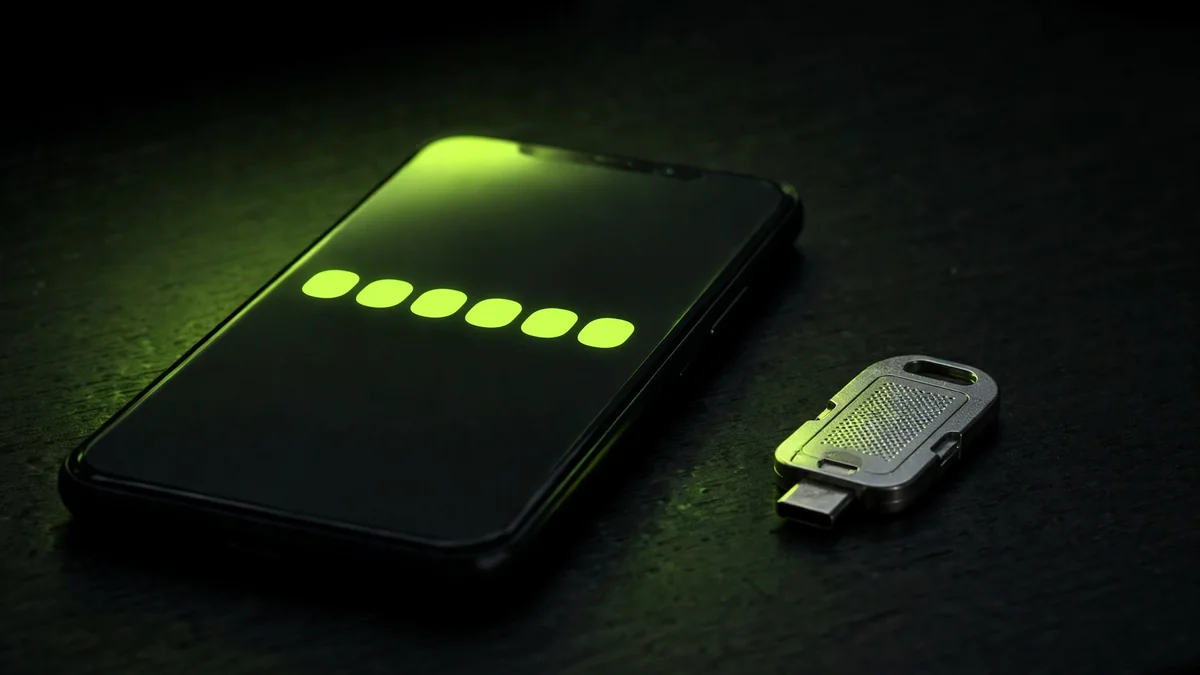
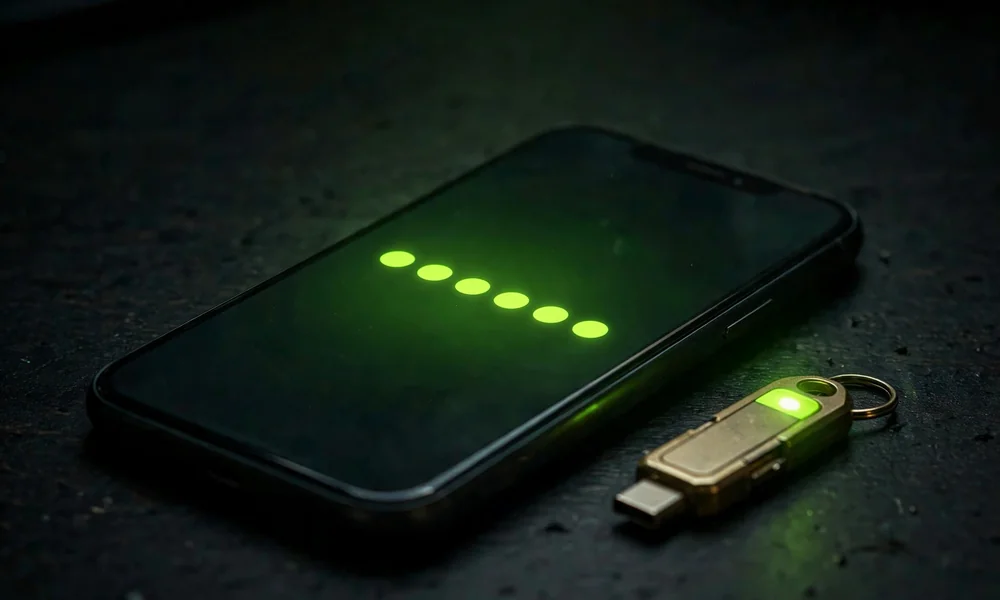
With an authenticator app, the app on your phone generates a six-digit code that changes every thirty seconds. You type the current code into the sign-in screen. The service knows the same secret that your app holds, so it can check that the code is correct without the code ever travelling across the internet.
With a text message, the service sends a code to your phone number, and you type it in. This is convenient, because it needs no app, but it is the weakest common method, since phone numbers can be hijacked and messages can be intercepted. It is still far better than no second factor at all.
With a security key, you plug in a small device or hold it near your phone, and tap it to confirm. The key uses cryptography to prove it is genuine, and it is tied to the specific website, so it cannot be tricked by a fake copy of that site. This is the strongest common method.
Some services also offer push approval, where a notification appears on your phone asking whether you are trying to sign in, and you tap yes or no. This is easy to use, though it can be abused if an attacker repeatedly triggers notifications in the hope that you tap yes by mistake. Never approve a sign-in you did not start.
The three kinds of factor
The first kind is something you know: a password, a PIN, or the answer to a security question. Knowledge factors are easy to use, but they can be guessed, observed, or stolen. That is why they work best as one factor among two, rather than as the only protection.
The second kind is something you have: a phone, a security key, a smart card, or an authenticator app. Possession factors are harder for a distant attacker to steal, because they require access to a physical object. Their weakness is that objects can be lost, damaged, or left at home.
The third kind is something you are: a fingerprint, a face scan, or a voice pattern. These are called inherence factors. They are convenient, because you always carry them, but they cannot be changed if they are copied, and their accuracy varies with lighting, injury, or age.
Good two factor authentication combines factors from different kinds. A password plus an authenticator code combines knowledge with possession. A password plus a fingerprint combines knowledge with inherence. Two factors of the same kind, such as a password plus a security question, are weaker, because both can be stolen in the same way.
Comparing the main methods
| Aspect | Authenticator app | Security key |
|---|---|---|
| What you need | A phone with an app | A small physical key |
| Strength | Strong | Strongest |
| Works offline | Yes | Yes |
| Main weakness | Phone loss | Key loss |
| Best for | Everyday accounts | Email and banking |
Setting it up safely
Start with your most important accounts: email first, then banking, then work systems, then social media and shopping. Email matters most, because it is used to reset passwords for almost everything else. If an attacker controls your email, they can often reset their way into your other accounts.
Choose the strongest method each service offers. If a security key is available, use it for your email and bank. If only an authenticator app or a text message is offered, choose the app. If only a text message is offered, use it anyway, because it still blocks the most common attacks.
When you set it up, the service will usually show recovery codes. These are one-time codes that let you back in if you lose your phone or key. Write them down on paper and store them somewhere safe, away from your phone. Do not save them as a screenshot on the same phone they are meant to rescue.
Add a backup method where the service allows it. That might be a second security key kept at home, a second authenticator device, or a trusted recovery contact. A single second factor with no backup is a lockout waiting to happen, and account recovery can take days.
Our guide to password managers explains how to store strong, unique passwords alongside your second factors, so that the two protections work together rather than against each other.
What it does not protect against
Two factor authentication does not stop phishing entirely. A fake website can ask for your password and your code, then use both immediately to sign in as you. Security keys resist this, because they check the real website address, but codes typed by hand do not. Always check the address of the site before signing in.
It does not protect a device that is already compromised. If malware on your computer can read what you type and see your screen, it may capture your session after you sign in, even with two factors. Keeping devices updated and being careful about downloads remains essential.
It does not help if the service itself is breached in a way that exposes your data directly. Two factor authentication guards the front door, the sign-in. It cannot guard data that the service stores poorly or shares carelessly. That is a matter for the service, not for your sign-in settings.
It also cannot protect you if you approve a sign-in you did not start. Push notifications and approval prompts rely on you paying attention. If a request arrives out of nowhere, decline it, change your password, and check your account for unfamiliar activity.
Two factor authentication checklist
- Switch on two factor authentication for email first, then banking and work accounts.
- Choose an authenticator app or security key over text messages where possible.
- Save recovery codes on paper and keep them somewhere safe, away from your phone.
- Add a backup second factor, such as a second key or device, where allowed.
- Never approve a sign-in request you did not start yourself.
- Check the website address before typing in a password or a code.
- Keep your authenticator app and phone software updated.
- Review which accounts have two factor authentication switched on every few months.
- Remove old devices and backup methods you no longer use.
Frequently asked questions
What is two factor authentication?
Two factor authentication is a security method that asks for two different kinds of proof before letting you into an account, usually your password plus a code from your phone, a security key, or your fingerprint. It makes a stolen password far less useful to an attacker.
Is two factor authentication safe?
Yes, it is one of the most effective protections available for ordinary accounts. It does not stop every attack, and some methods are stronger than others, but any second factor is a large improvement over a password alone.
What happens if I lose my phone?
Use your recovery codes, or a backup method you set up in advance, such as a second key. If you have neither, you will need to go through the service’s account recovery process, which can take time and may require proof of identity.
Are text message codes secure enough?
They are better than nothing, but they are the weakest common method, because phone numbers can be hijacked. If an authenticator app or a security key is available, use that instead, and keep text messages as a fallback.
Do I need two factor authentication on every account?
It is worth switching on for every account that offers it, starting with email, banking, and work. For low-value accounts, the effort is small once you are used to it, and the protection is real.
What is the difference between two factor authentication and passkeys?
Two factor authentication adds a second check to a password sign-in. Passkeys replace the password altogether with a cryptographic key stored on your device, usually unlocked by your fingerprint or face. Both are strong, and passkeys are increasingly seen as the next step beyond passwords.
The bottom line
Two factor authentication explained in one line is this: a password plus a second proof that only you hold, so that a stolen password alone no longer opens your account.
It takes a few minutes to set up on each important account, and it adds a few seconds to each sign-in. In return, it blocks the most common way accounts are taken over. That is a trade worth making.
This article is general information about how two factor authentication works, not advice about which method suits a particular account or situation.