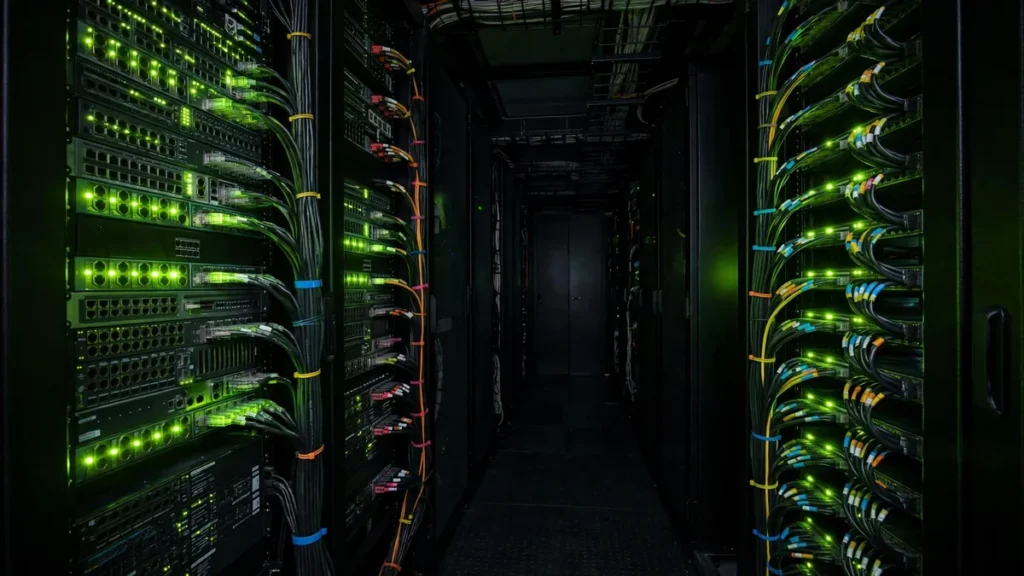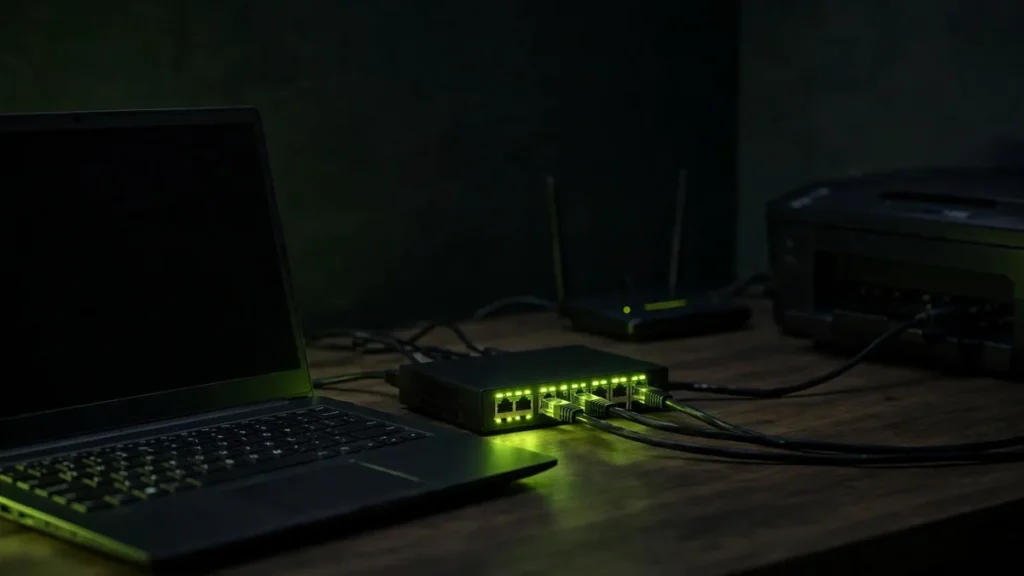
SNMP explained in plain terms means understanding the protocol that lets one management station watch thousands of network devices and ask each one how it is doing. The central question is how an administrator knows that a switch is overheating, a link is full, or a printer is out of paper, without walking to each device, and the answer is that every device keeps a small database of its own status, and SNMP is the language used to read it.
SNMP is one of the oldest management protocols still in daily use. It watches the routers, switches, servers, and printers of almost every organisation, and it is the reason a network operations centre can see the health of a whole network on a single screen.
The protocol is deliberately simple, which is both its strength and its weakness. It was designed in an era when networks were small and trust was assumed, and modern versions have added the security it originally lacked. This article explains what SNMP is, how it works, and how it compares with other ways of managing a network.
Key takeaways
- SNMP lets a management station read status and settings from network devices.
- Each device organises its data as a tree of variables called a MIB.
- A manager polls devices on a schedule, and devices send traps for urgent events.
- SNMP version 3 adds the authentication and encryption earlier versions lacked.
- It is the standard protocol for monitoring routers, switches, and printers.
What SNMP is
SNMP stands for Simple Network Management Protocol, and it is the standard protocol for monitoring and managing network devices, first defined in 1988. It lets a central management station collect information from devices, change their settings, and receive alerts when something goes wrong, all using a simple request and reply pattern.
The protocol has three versions. SNMPv1 was the original, with no security beyond a shared password called a community string. SNMPv2c improved performance but kept the same weak security. SNMPv3, published in 2002, added proper authentication and encryption, and it is the only version that should be used on a modern network.
SNMP is an application-layer protocol that runs over UDP, usually on port 161 for requests and port 162 for traps. Using UDP keeps it lightweight, since a monitoring system may poll hundreds of devices every few minutes, and a lost packet simply means the next poll will catch the change. Our guide to TCP/IP explains the layered system in which SNMP operates, and our guide to server monitoring explains the wider practice that SNMP supports.
How SNMP works
Every managed device keeps a Management Information Base, or MIB, which is a tree of variables describing its status and settings. Each variable has an Object Identifier, or OID, a dotted string of numbers that names its exact position in the tree, such as the number of bytes sent on an interface or the temperature of a processor. The MIB is the device’s own description of itself, and SNMP is the way to read it.
The manager asks questions with GET requests. A GET names one or more OIDs, and the device, called the agent, replies with their current values. A GETNEXT request walks the tree, asking for the next variable after a given one, which lets a manager discover everything a device can report without knowing the OIDs in advance. A SET request writes a value, which is how a manager changes a setting, such as rebooting a device or changing a port’s state.
Polling is the normal pattern. The management station asks each device for its key values on a regular schedule, often every few minutes, and stores the answers as a time series. From that history it can draw graphs of traffic, spot a link that is filling up, and predict when a disk will run out of space. Polling is predictable and easy to control, but it means a problem is only noticed at the next poll.
Traps cover the urgent cases. When something important happens, such as a link going down or a temperature crossing a threshold, the agent sends a trap message to the manager without being asked. Traps are fast, but they travel over UDP and can be lost, so a good monitoring system treats a trap as a hint and then polls the device to confirm the state.
Security in SNMPv3 is based on users, not community strings. Each user has a name, an authentication password, and an encryption password, and messages are checked and encrypted in transit. The protocol supports different security levels, from no authentication at all, which should never be used, to full authentication and privacy, which is the standard for production networks.

Comparing SNMP with other management methods
SNMP is one of several ways to manage a network. Command-line access gives full control of one device, APIs give structured access to modern systems, and agent-based monitoring gives deep detail on servers, and each suits a different need.
The table below sets out the main contrasts between the leading approaches.
| Aspect | SNMP | Command line | REST API |
|---|---|---|---|
| Best for | Network hardware at scale | One device in depth | Modern cloud systems |
| Effort to scale | Low, one manager polls all | High, one session per device | Low, standard web calls |
| Data model | MIB tree of variables | Free-form text output | Structured JSON |
| Security | Strong in version 3 only | SSH, strong | HTTPS and tokens, strong |
| Device support | Almost universal | Almost universal | Newer devices only |
The practical result is that SNMP remains the standard for network hardware, command-line access remains the tool for deep troubleshooting, and APIs are the future for modern, software-defined systems.
Where SNMP is used
Network operations centres are the heartland of SNMP. A monitoring system polls every router, switch, and firewall, draws graphs of traffic and errors, and raises alerts when a value crosses a threshold. The operators see the whole network at a glance, and they can find a failing device before users notice the problem.
Bandwidth management depends on SNMP. The counters that record how many bytes pass through each interface are read by SNMP, and the resulting graphs show which links are busy, which are idle, and where capacity needs to be added. Capacity planning without SNMP would be guesswork.
Printer and device management is a quieter use. Offices with many printers use SNMP to watch toner levels, paper trays, and error states, so a technician can be sent before a printer stops working, and a fleet of devices can be managed from one console.
Server rooms use SNMP to watch the environment. Temperature sensors, power supplies, and uninterruptible power supplies all expose their status through SNMP, and a rising temperature can trigger an alert long before hardware is damaged.
Internet providers use SNMP at enormous scale. A provider may poll tens of thousands of devices, and the resulting data drives billing, capacity planning, and service level reporting. The protocol’s simplicity is what makes that scale possible.
Strengths and limits
The greatest strength of SNMP is its universality. Almost every network device ever made speaks SNMP, from a thirty-year-old switch to a brand-new router, and the same management station can watch them all. No other management protocol comes close to that coverage.
It is also a strength that SNMP is light and simple. The protocol is easy to implement, cheap to run, and well understood, which is why it has survived for nearly forty years while more ambitious management systems have come and gone.
The limits are real, though. The MIB tree is awkward to work with, and finding the right OID for a value can be a chore. SNMPv1 and v2c have no real security, and they are still widely used, which leaves many networks exposed. Polling is inefficient for large networks, and the protocol has no way to stream data continuously, which is why modern systems are moving to streaming telemetry.
SNMP checklist
- Use SNMPv3 with authentication and encryption, never v1 or v2c in production.
- Change default community strings immediately on any device that still has them.
- Restrict SNMP access to the management station’s address only.
- Poll the key counters on a regular schedule and keep the history.
- Set thresholds and alerts for traffic, errors, temperature, and disk use.
- Use traps for urgent events, but confirm them by polling afterwards.
- Keep a record of which OIDs matter for each device type you manage.
- Disable SNMP on devices and interfaces that do not need it.
- Review SNMP users and passwords regularly, as you would any credential.
Frequently asked questions
What is SNMP in simple terms?
SNMP is the protocol that lets a management station ask network devices how they are doing. Each device keeps a database of its status, and SNMP is the language used to read it.
What is a MIB?
A MIB, or Management Information Base, is the tree of variables a device uses to describe itself. Each variable has an Object Identifier, a dotted number string, that names its exact place in the tree.
What is an SNMP trap?
A trap is a message a device sends to the management station without being asked, when something urgent happens, such as a link going down. It is fast, but it can be lost, so managers usually confirm by polling.
Is SNMP secure?
SNMPv3 is, when configured with authentication and encryption. SNMPv1 and v2c are not, since they use a plain-text community string that anyone on the network can read, and they should not be used in production.
What is the difference between polling and traps?
Polling is when the manager asks devices for their status on a schedule, while traps are when a device reports an urgent event by itself. Polling is reliable and predictable, while traps are fast but can be lost.
Is SNMP still used today?
Yes, widely. It remains the standard protocol for monitoring network hardware, and it is built into almost every router, switch, and printer, even as newer systems add APIs and streaming telemetry alongside it.
The bottom line
SNMP explained in one line is this: a simple, universal protocol that lets one management station watch the health of every device on a network.
It is old, and its data model is awkward, but nothing else covers as many devices, and nothing else is as cheap to run at scale. Use version 3, lock it down, and it will quietly watch your network for years.
This article is general information about how SNMP works, not advice about configuring or securing a network for a particular home or business.