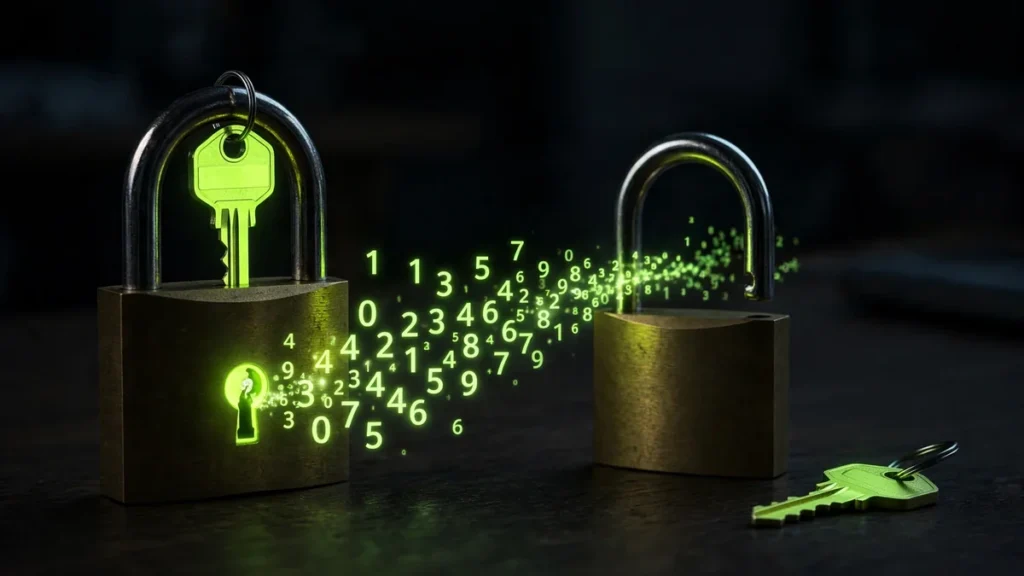
Hardware security modules explained in plain terms starts with a simple problem: a key that protects everything is worthless if it can be copied. The central question is how to keep a cryptographic key usable but unstealable, and the answer is a hardened box: a hardware security module, or HSM, is a physical device that generates keys, stores them, and uses them, without ever letting the key itself leave the box.
An HSM is a tamper-resistant piece of hardware, usually a rack-mounted appliance or a small card, built to do cryptography and nothing else. It creates keys inside itself, performs signing and encryption on request, and is designed to erase its secrets if someone tries to open it, probe it, or tamper with its environment.
That sounds like overkill until you consider what the keys protect: the root keys of a certificate authority, the master keys of a bank, or the signing keys of a software vendor. This article explains what HSMs do, how they compare with their cousins, and when they are worth the money.
Key takeaways
- An HSM generates, stores, and uses keys without ever exposing them outside the device.
- Tamper detection erases the keys if the box is opened, probed, or disturbed.
- TPMs protect a single machine, while HSMs protect an organisation’s shared keys.
- Cloud key services rent HSM security without buying the hardware.
- HSMs are worth the cost where key theft would be catastrophic, not everywhere.
What a hardware security module is
An HSM is a dedicated cryptographic processor in a hardened enclosure. It has its own random number generator, its own secure storage, and a small set of operations: generate a key, sign data, encrypt data, wrap one key with another, and nothing that would expose a key in plain text. Applications talk to it through a standard interface, and the keys never cross that interface.
The tamper resistance is physical as well as logical. The enclosure detects opening, drilling, extreme temperatures, and voltage changes, and its response is to zeroise, wiping the stored keys instantly. Some devices are built to standards such as FIPS 140-2 Level 3 or 4, which certify the strength of that protection, and regulated industries often require a certified device by law.
HSMs are also fast in a particular way. A general server can do cryptography, but an HSM is built to do a huge number of signing operations per second, which matters for a certificate authority signing thousands of certificates, or a payment network authorising transactions in real time.
How an HSM is used in practice
The most important keys in an organisation live in the HSM and nowhere else. A certificate authority keeps its root key in one, and uses it rarely, under strict ceremony, with several people present. A bank keeps its payment keys in one, and the HSM signs each transaction as it arrives. A software vendor keeps its code-signing key in one, so a breach of its build servers cannot produce signed malware.
Access to the HSM is governed by roles and quorum rules. No single administrator can use a key alone; the device requires several smart cards, or several authorisations, before it will perform a sensitive operation. That separation of duties means a rogue employee, or an attacker who compromises one account, cannot walk off with the keys.
Keys are also backed up, but safely. An HSM can export a key only in encrypted form, wrapped under another key held by a second HSM, so the backup is useless without the twin device. That is how organisations recover from a failed device without ever holding a plain-text copy of their most important secret.
The discipline extends to the whole lifecycle. Keys are generated inside the device, used inside the device, rotated on a schedule, and destroyed inside the device when they retire, so at no point does the key exist as a file on a disk, in a backup, or in an email.

HSMs vs TPMs vs cloud key services
A TPM, or trusted platform module, is a small chip on a computer’s motherboard that does a similar job for one machine. It stores disk-encryption keys and measures the boot process, so a stolen laptop cannot be read and a tampered system cannot boot silently. It is cheap, it is everywhere, and it protects one device rather than an organisation.
A cloud key management service rents you the same idea without the hardware. The provider runs HSMs in its data centres, and you use their keys through an API, paying per operation. It removes the cost and the ceremony of owning a device, but it means trusting the provider’s hardware, staff, and legal jurisdiction, which some organisations cannot accept.
The table below compares the three options.
| Aspect | Hardware security module | TPM chip | Cloud key service |
|---|---|---|---|
| Protects | An organisation’s shared keys | One machine’s keys | Keys you rent by the call |
| Tamper resistance | Certified, erases on attack | Basic, tied to the board | Certified, run by the provider |
| Cost | High, plus operations | Nearly free, built in | Low start, pay per use |
| Who holds the keys | You do, in your device | The machine does | The provider does, for you |
| Best for | Banks and authorities | Laptops and servers | Teams without hardware staff |
The practical rule is to match the tool to the stakes. A laptop needs a TPM, a small team can use a cloud key service, and only the keys whose theft would be catastrophic earn a dedicated HSM. Our guide to digital signatures explains the signing operations these devices exist to perform, and our guide to TLS explains where HSM-held keys appear in everyday web traffic.
Where HSMs are used
Payment networks are the largest users. The keys that protect card transactions live in HSMs at banks and processors, and the payment card industry’s standards require them, because a stolen payment key would let an attacker forge transactions at scale.
Certificate authorities are the second great user. The root keys that underpin the web’s trust live in HSMs, guarded by ceremonies in which several trusted people must be present, and the compromise of one would force the distrust of every certificate beneath it.
Governments use HSMs for identity documents, passports, and tax systems, where the keys sign documents that must be trusted for years. Blockchains use them too: exchanges keep their signing keys in HSMs, so a breach of their servers cannot drain customer funds.
Even ordinary software benefits indirectly. When you install an update, the signature was probably made with a key that lives in an HSM at the vendor, which is why a breached build server alone is not enough to ship you malicious code.
Costs, limits, and common mistakes
An HSM is expensive, and the price is not only the device. There is the cost of the ceremony, the trained staff, the second device for backup, and the audit trail that proves the keys were handled properly. A small team that buys one without the staff to run it has bought a locked box it cannot use safely.
Performance can also surprise people. An HSM is fast at signing, but slow at bulk encryption, and using it for the wrong job creates a bottleneck. The right pattern is to use the HSM for the few operations that need its protection, such as signing and key wrapping, and to do the bulk work with ordinary cryptography.
The most common mistake is treating the HSM as a vault and forgetting the keys around it. The HSM protects what is inside, but if the application that talks to it is compromised, the attacker can ask it to sign anything, and the device will comply, because it cannot judge the request. Our guide to zero trust explains why the system around the device matters as much as the device itself.
The second mistake is poor backup. An HSM that is the only copy of a key is a single point of failure, and a device failure becomes a disaster. The backup must exist, it must be tested, and it must be as secure as the original, which means a second HSM, not a file in a drawer.
Hardware security modules checklist
- Put only your most important keys in an HSM, not every key you own.
- Require several people to authorise sensitive operations, never one alone.
- Buy a certified device when regulation or your risk demands it.
- Back keys up to a second HSM and test the restore regularly.
- Use the HSM for signing and key wrapping, not bulk encryption.
- Log every operation and review the logs for unusual patterns.
- Protect the application that talks to the HSM as carefully as the device.
- Rotate keys on a schedule and destroy retired keys inside the device.
- Plan for device failure before it happens, not during it.
Frequently asked questions
What is a hardware security module?
It is a tamper-resistant device that generates, stores, and uses cryptographic keys without ever exposing them, erasing them if anyone tries to open or probe the box.
How is an HSM different from a TPM?
A TPM protects one machine’s keys and is built into its motherboard, while an HSM protects an organisation’s shared keys in a dedicated, certified device that many systems can use.
Do I need an HSM for my small business?
Probably not. A cloud key service gives you most of the protection without the cost and the ceremony, and an HSM earns its keep only where key theft would be catastrophic.
Can keys ever leave an HSM?
Only in encrypted form, wrapped under a key held by another HSM, so the exported backup is useless on its own. A plain-text key never leaves the device.
What happens if someone steals the HSM?
Tamper detection erases the keys, and the device is useless without the authorisation credentials. The thief gets an expensive box with nothing inside it.
What does FIPS 140-2 certification mean?
It is a standard that rates the tamper resistance and cryptographic quality of a module, with higher levels demanding stronger physical protection and stricter testing.
The bottom line
Hardware security modules explained in one line is this: a key that cannot be copied cannot be stolen, so keep the key in a box that does the work itself.
They are expensive and demanding, but for the keys that underpin banks, certificate authorities, and payment networks, there is no cheaper way to sleep at night.
This article is general information about how hardware security modules work, not advice about choosing key protection for a particular organisation.