
What do a hospital chain, a video game studio, and a global retailer have in common? All three run workloads in the cloud, and all three have had to answer the same awkward question: how does traffic actually get from one place to another? Cloud networking examples are the fastest way to understand that question, because each pattern exists to solve a specific, recognizable problem. (Cloud computing)
This article walks through the patterns that show up again and again in real cloud architectures. For each one, it explains what the pattern is, when teams reach for it, and where implementations tend to go wrong. The goal is practical understanding, not vendor trivia.
Start With the Building Block: The Virtual Private Cloud
Almost every other example builds on this one. A virtual private cloud (VPC) is a software-defined network with its own IP address range, subnets, route tables, and gateways. Instances inside it can talk to each other privately, and the operator decides exactly what is exposed to the internet.
Amazon Virtual Private Cloud launched in 2009 and set the template that competitors followed. Microsoft’s Azure Virtual Network and Google Cloud’s VPC offer the same core idea under different names. The concepts are portable even when the consoles are not.
One design detail separates the providers more than any marketing page admits. AWS and Azure VPCs are regional: a network lives in one region, and connecting regions requires extra plumbing. Google’s VPC is global by design, with a single network spanning regions and subnets scoped to individual regions. Teams migrating between providers discover this difference the hard way, usually during a subnet planning exercise.
A practical tip from teams that have done this: plan your IP ranges before you build anything. Overlapping CIDR blocks are the single most common cause of painful rework later. A cloud inventory checklist helps here, because you need to know every existing network before you carve out new address space.
Hub-and-Spoke Networks With a Central Transit Hub
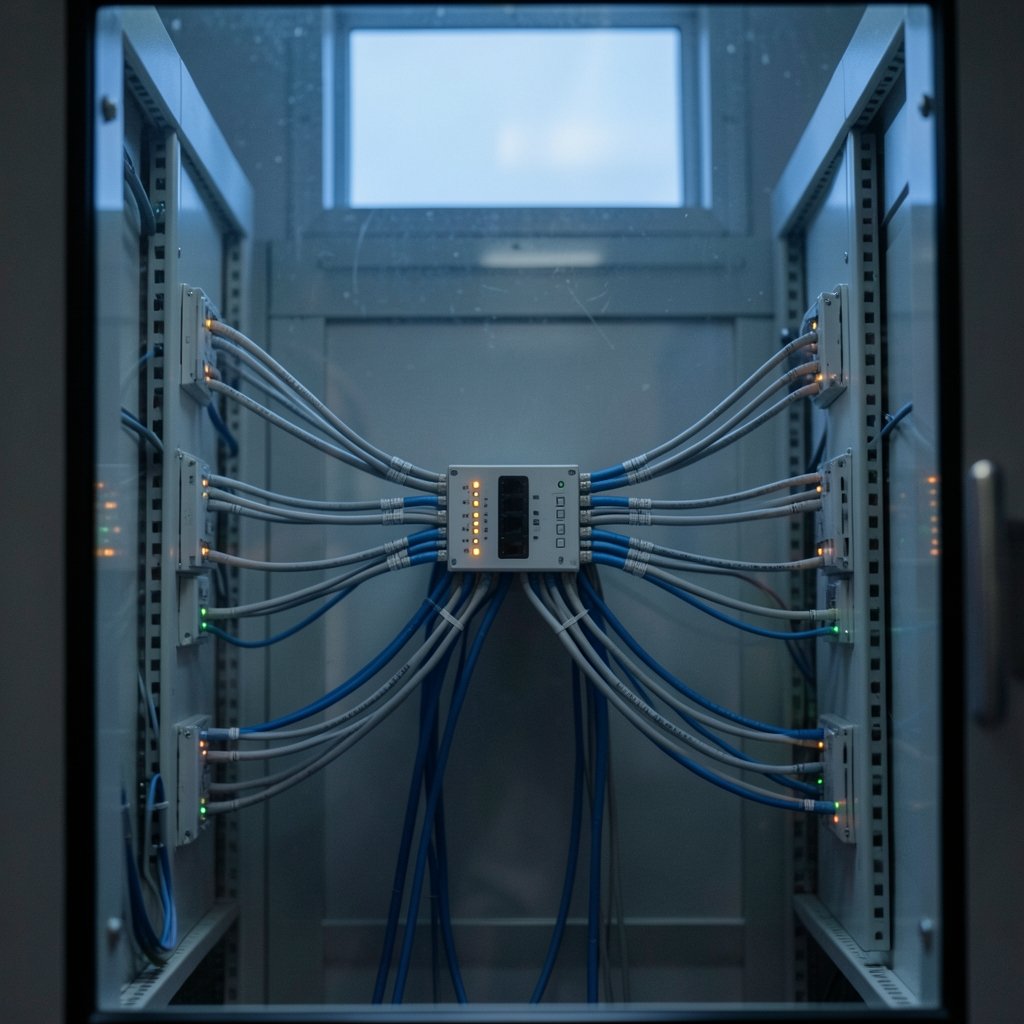
When an organization runs more than a handful of VPCs, connecting every pair directly produces a mesh of peering links that no one can diagram. The common fix is a central transit hub: one hub that each VPC and on-premises link connects to.
AWS’s transit hub service, announced in 2018, is the standard example. Instead of N×(N−1)/2 peering links, you get N attachments to one hub. Routing policy lives in one place. Adding a new VPC means one attachment, not a dozen peerings.
This pattern fits account strategy. Organizations that split workloads across cloud accounts for isolation or billing end up with many VPCs, which makes a hub worth considering. The trade-off is concrete: the hub is another component to monitor, it costs money per attachment and per gigabyte, and it can become a bottleneck or a single point of failure without redundancy. (9481.org)
Common mistakes with hub-and-spoke designs include:
- Attaching everything to one hub without segmenting production from development traffic.
- Forgetting that security inspection appliances need to sit in the traffic path, not beside it.
- Skipping route-table documentation, so the next engineer cannot tell which spoke reaches which.
Private Service Access With PrivateLink-Style Endpoints
A quieter but increasingly important pattern is private endpoint access. Instead of routing traffic to a service over the public internet, the consumer connects to a private IP address that the provider exposes inside the consumer’s own network.
AWS PrivateLink, generally available in 2018, is the best-known implementation. Azure Private Link and Google’s Private Service Connect solve the same problem. The pattern matters because it shrinks the attack surface: traffic never leaves the provider backbone, and the consumer does not need internet gateways, NAT devices, or public DNS entries for that service.
Where teams get this wrong is cost visibility. Private endpoints are cheap per hour but can add up across hundreds of services, and data processing charges apply per gigabyte. A clearer way to track cloud data transfer costs becomes essential once private endpoints are widespread, because the bill line items are easy to overlook until they are large.
Hybrid Connectivity: VPNs, Dedicated Circuits, and Interconnect
Most enterprises do not move everything to the cloud at once. They run a hybrid model, and hybrid connectivity is the thread that ties most cloud networking examples together.
There are three broad options, and they differ mainly in predictability and price:
| Option | How it works | Best for | Main drawback |
|---|---|---|---|
| Site-to-site VPN | Encrypted tunnel over the public internet | Fast setup, smaller sites, backup paths | Variable latency, bandwidth depends on internet |
| Dedicated circuit | Private physical link from a carrier to the provider | Steady latency, large sustained throughput | Long lead time, high monthly cost |
| Partner interconnect | Private link through a service provider’s network | Middle ground where a direct link is impractical | Depends on provider coverage and terms |
Azure ExpressRoute, announced in 2014, is a well-documented example of the dedicated-circuit category. Google Cloud’s Cloud Interconnect splits the same idea into Dedicated Interconnect for direct physical links and Partner Interconnect for connections through service providers. On the AWS side, Direct Connect plays the equivalent role.
The practical lesson from organizations running hybrid setups: always keep a VPN as a backup path to your dedicated circuit. Circuits get maintenance windows, and a failover path that has been tested at least once is worth more than a redundant circuit that has never been exercised.
Global Load Balancing and Anycast Front Doors
Another common example is the anycast front door. The provider announces the same IP address from many locations worldwide, and internet routing delivers each user to the nearest one. DDoS traffic gets absorbed across the whole network rather than concentrated on one data center.
Cloudflare Magic Transit is a clear illustration of this network-as-a-service model: a provider puts its anycast network in front of a customer’s entire IP range for attack mitigation and routing. The customer keeps their own addresses but gains the provider’s global footprint.
The pattern is not free of complexity. Teams must plan how traffic returns to origin, how health checks work, and how to avoid asymmetric routing. It also changes troubleshooting: traceroutes no longer tell a simple story, so observability has to improve alongside the architecture.
SD-WAN and the Branch-to-Cloud Path
SD-WAN is the enterprise networking pattern that steers traffic across broadband, MPLS, and cloud links based on policy rather than fixed routes. It became a mainstream category in the mid-2010s and remains the usual way large organizations connect many branch offices to cloud workloads without backhauling everything through a central data center.
In cloud terms, SD-WAN is the on-ramp. A branch office reaches the nearest cloud region through a local internet break, and the SD-WAN controller decides which link to use for which application. Voice traffic might take the low-latency path while bulk backups take the cheap one.
The failure mode to watch for is policy sprawl. Rules accumulate per site, per application, and per season until nobody can predict what a given flow will do. Periodic review, ideally tied to how you read a cloud region announcement when new regions open near your offices, keeps the policy set honest.
Segmentation and Security Groups in Practice
Every cloud network example eventually runs into the same question: who can talk to whom? The answer is usually a layered set of controls.
Security groups act as stateful instance-level firewalls. Network security groups in Azure work similarly at the subnet or interface level. Network ACLs add a stateless subnet-level layer. Route tables decide where packets can go at all.
A pattern that works well in practice is to combine segmentation with account boundaries. Putting production and development in separate accounts, with separate VPCs and no default routing between them, prevents a whole class of accidents. The trade-off is more overhead, which is why splitting workloads across cloud accounts deserves a deliberate decision rather than a default.
Network-as-a-Service and Managed Middleboxes
Beyond anycast, a growing category of examples involves handing off network functions entirely. Managed firewalls, managed NAT, and managed inspection services let a team consume networking as an API call instead of running appliances.
The appeal is operational: no patching, no capacity planning for peak traffic, no hardware refresh cycle. The cost is reduced control and, often, per-gigabyte pricing that scales with success. Teams should model the cost at their expected traffic volume before committing, not at their current volume. The same discipline applies to cost reviews, which work best when engineers can see the unit economics of each network component they own.
Putting the Examples Together
Real architectures combine several patterns. A typical mid-sized enterprise might run a global VPC or regional VPCs, connect them through a transit hub, attach on-premises data centers via a dedicated circuit with VPN backup, expose partner services through private endpoints, and front public-facing applications with an anycast network.
The order of decisions matters. Address planning comes first, then account and VPC boundaries, then connectivity, then security controls, then cost instrumentation. Teams that start with connectivity often end up rebuilding their address plan later.
For readers who want to go deeper on the surrounding disciplines, resources on cloud infrastructure and architecture cover the broader design context, while a guide to reading a cloud region announcement helps when new geography changes the plan.
Conclusion
Cloud networking examples are not abstract diagrams. Each pattern—a VPC, a central transit hub, a private endpoint, a dedicated circuit, an anycast front door, or an SD-WAN policy—exists because someone hit a real limit with the simpler option. Knowing why each one appeared is more useful than memorizing any single provider’s product names.
The practical path forward is to start with the smallest pattern that solves the problem, document the address plan and routing before building, keep a tested backup path for every critical link, and instrument costs early. Networks grow by accretion, and the teams that fare best are the ones that leave clear maps for whoever inherits the design.
Frequently Asked Questions
What is the simplest cloud networking example for a beginner?
A single virtual private cloud with two subnets: one public subnet holding a load balancer, and one private subnet holding application servers. Traffic enters through the load balancer, and the servers have no direct internet exposure. This pattern teaches address planning, routing, and security groups in one small design.
How Is a Central Transit Hub Different From VPC Peering?
VPC peering connects two networks directly, and the number of connections grows quickly as networks multiply. A central transit hub lets every network attach once, so routing policy lives in one place. Peering suits a few networks; a hub suits dozens.
Do private endpoints replace the need for a VPN?
No. Private endpoints give private access to specific services, usually within or across cloud networks. A VPN or dedicated circuit connects your own data centers and branch offices to the cloud. Most organizations need both, serving different traffic.
What is the difference between a security group and a network ACL?
A security group is stateful and attaches to individual resources, so return traffic is automatically allowed. A network ACL is stateless and applies at the subnet level, meaning both directions must be defined explicitly. Most designs rely mainly on security groups, with ACLs as an extra layer.
When should a company choose a dedicated circuit over a VPN?
When it needs predictable latency and sustained high throughput between a data center and the cloud, and when the workload justifies a long procurement cycle and a fixed monthly cost. A VPN is usually the better first step, and often remains as the backup path afterward.
Why do overlapping IP ranges cause so many cloud networking problems?
Because two networks with the same address range cannot be routed to each other without address translation or a rebuild. Overlaps usually appear when teams build VPCs independently, so the fix is a shared address plan agreed before any network is created.